I want to report my departure from the house to check if all windows and doors are closed, turn off all the lights…
@lmilcent uses the Presence publisher application which will allow you to check if you are connected to your wifi network. Thanks for the tip.
Warning this technique requires Gladys plus.
You can however use Bluetooth keychains if you don’t have Gladys plus yet.
I will be able to explain how to do this in another topic.
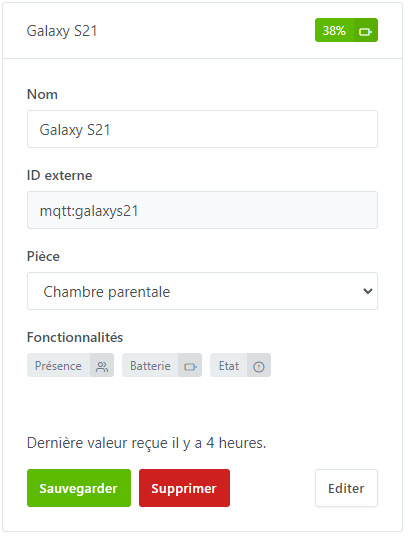
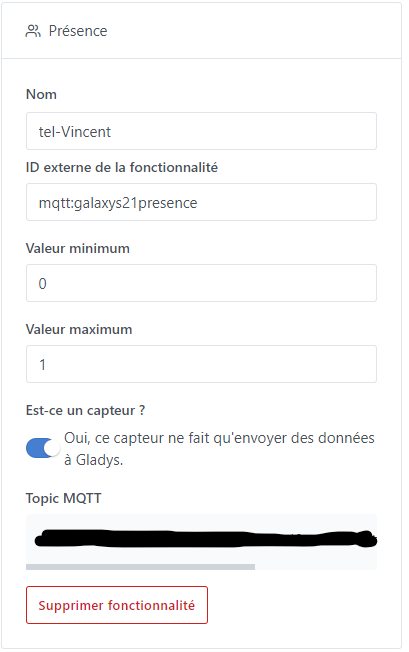
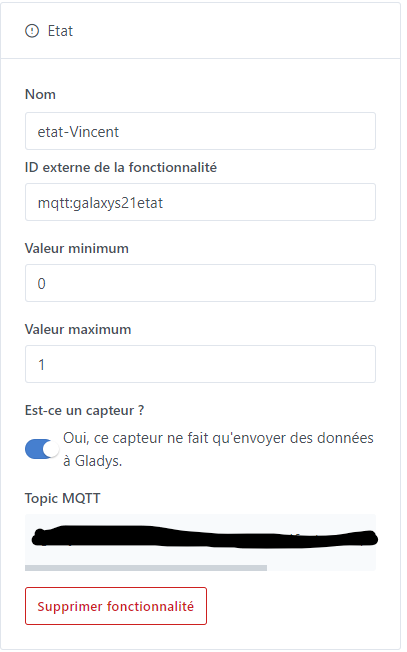
The first thing to do is to retrieve the login and password in the MQTT integration in Gladys and create a fake device with presence, battery and status.

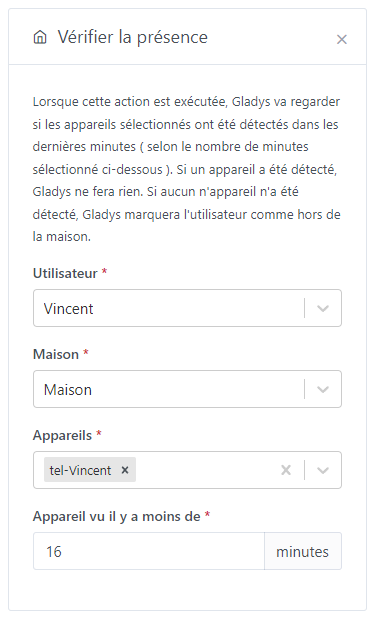
The second thing to set up is a « away from home » scene. We will create a scene for example « Vincent absent »
Trigger:
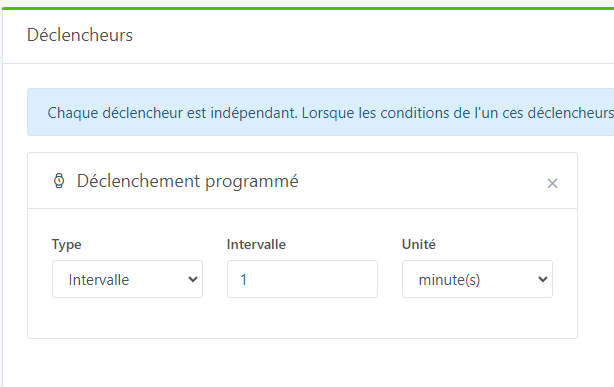
Action:
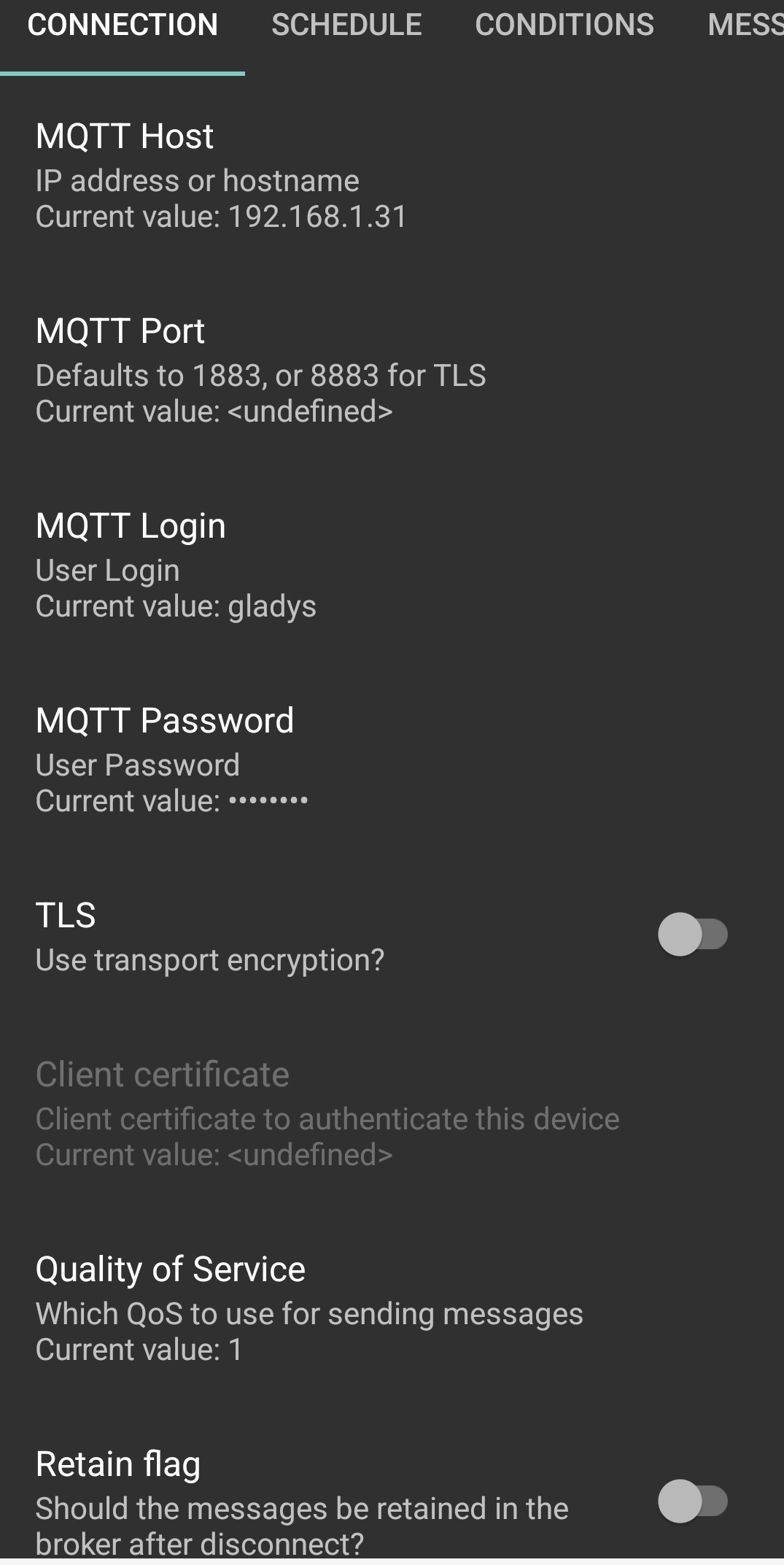
In the Presence publisher application
Connection tab fill in:
- the port of your instance
- the Mqtt login
- the Mqtt password
At the bottom of the page you will be able to test your connection.
Schedule tab:
see screenshot

Conditions tab:
You must fill in your wifi network under which you connect.
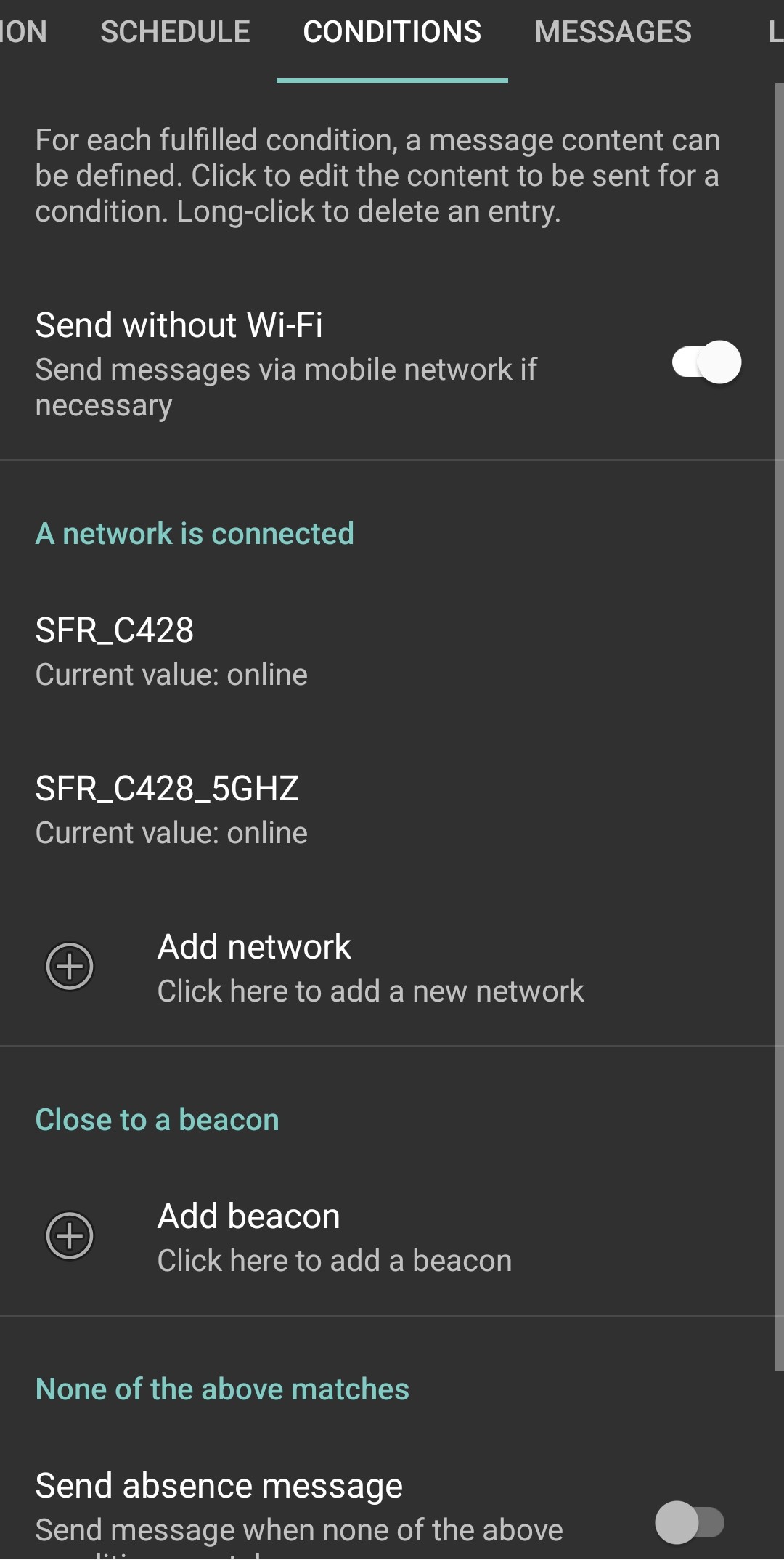
Enable “Send without wifi”
In the “None of the above matches” section, enable “Send absence message” and modify the “Absence message” value to “1”.
Messages tab:
click on Add message to fill in the Mqtt topic of your fake device in Gladys that you will find in the Mqtt integration:
- 1st message: battery click on batteryLevel
- 2nd message: phone click on ConditionContent
After a few moments in the Mqtt integration, you will see the battery level of your phone. This indicates that it works.
I will add information as needed.