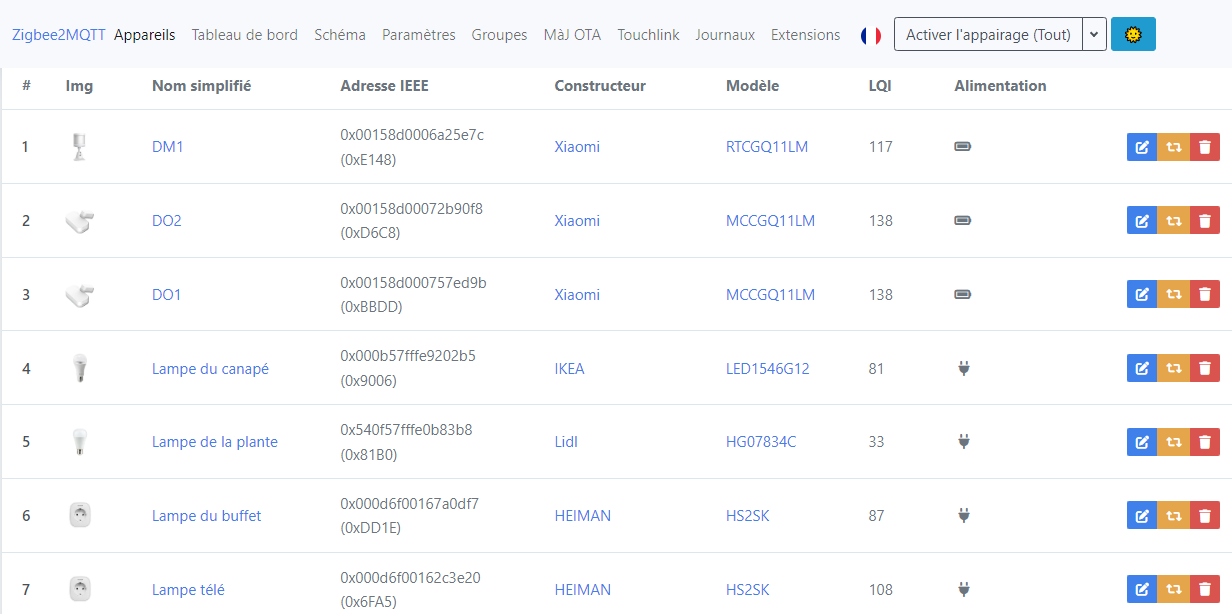
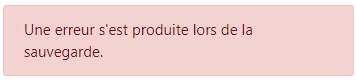
In « Zigbee Discovery » and « Devices » I tried to clean up to remove duplicates: it doesn’t work; I get the message « An error occurred while saving »
I also tried to save the devices I had just added: same message: « An error occurred while saving »
To be sure, to check if I was properly connected to the server, I attempted a backup, and nothing happens — it stays at 0%
Can you help me recover my Gladys Plus instance on microSD or, better, on a USB SSD?
This part is « normal », the Zigbee2mqtt integration doesn’t yet handle restoring to another instance, but it’s a development in progress
If you want to follow the development, it’s here:
In practice, currently after a restore you have to redo the entire Zigbee2mqtt configuration, because the Zigbee2mqtt security key does not exist on the new instance.
I would recommend deleting your Zigbee devices in Gladys and recreating them.
I know it’s not pleasant to do, but as long as the Zigbee2mqtt integration doesn’t handle it we have no choice; it doesn’t really have anything to do with Gladys Plus
I don’t understand anything anymore. I’ve been struggling for fifteen days!
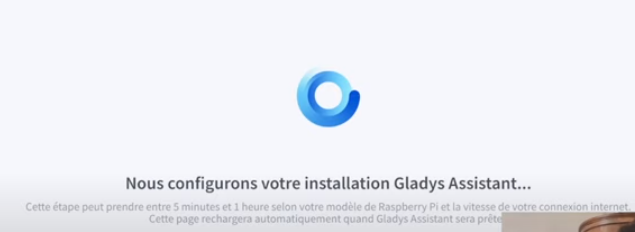
Isn’t there a problem accessing the Gladys server, which could perhaps explain why I get stuck on the web page « We are configuring your Gladys Assistant installation… » when I try to migrate to an SSD?
As Pierre-Gilles mentioned several times, that’s normal.
When deleting devices, Gladys removes all states from the database and this can be time-consuming and blocking.
You have to wait and be patient.
Pierre-Gillles made changes so that it no longer blocks.
I confirm what @Tlse-vins said, this is a current limitation of Gladys. When you delete a device, Gladys must delete all the states of that device.
However, if you have many states (probably your case), and your disk is not very fast (as is the case with a micro-SD), this deletion can be long, and is currently blocking, which makes Gladys unavailable during the deletion.
When you delete a device, in your case it’s better to wait, and it can be long on slow disks…
Sorry for the bad experience you’re having, you are unfortunately hitting several « known » limitations of Gladys in a row, I can imagine your frustration!
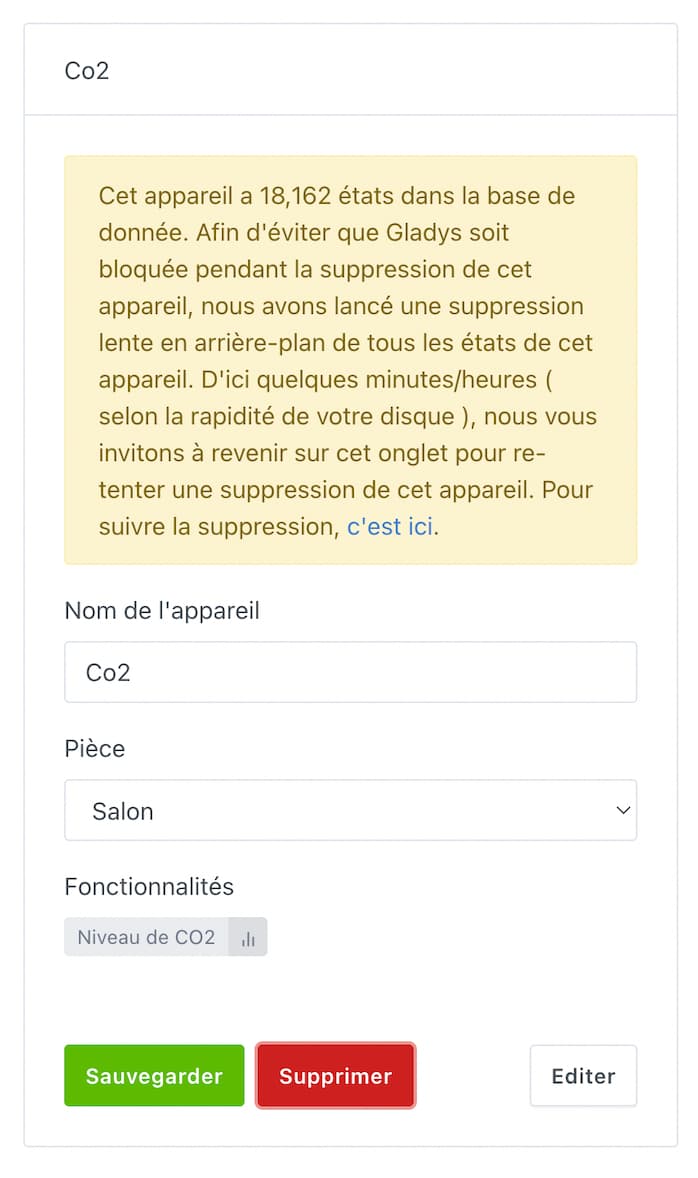
For your information @Isage, I worked all morning on the non-blocking deletion of states to avoid this kind of situation in the future where the user doesn’t really understand what’s happening
In the interface, instead of blocking Gladys, the user will see this:
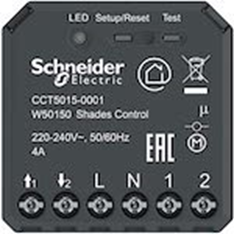
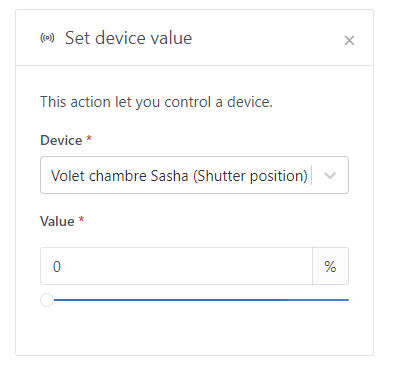
I started from scratch on my reformatted MicroSD card. Everything works, I even took the opportunity to integrate one of my VR Schneider modules; it works!
However, Alexa
The current state of this cover is in the state published under the state property (the value is OPEN or CLOSE). To control this cover, publish a message to the topic zigbee2mqtt/FRIENDLY_NAME/set with the payload {\"state\": \"OPEN\"}, {\"state\": \"CLOSE\"}, {\"state\": \"STOP\"}. It is not possible to read (/get) this value. To change the position, publish a message to the topic zigbee2mqtt/FRIENDLY_NAME/set with a payload {\"position\": VALUE} where VALUE is a number between 0 and 100.
Lift duration. The value can be found in the state published under the lift_duration property. It is not possible to read (/get) this value. To write (/set) a value, publish a message to the topic zigbee2mqtt/FRIENDLY_NAME/set with the payload {\"lift_duration\": NEW_VALUE}. The minimum value is 0 and the maximum value is 300. The unit of this value is seconds.
Link quality (signal strength). The value can be found in the state published under the linkquality property. It is not possible to read (/get) or write (/set) this value. The minimum value is 0 and the maximum value is 255. The unit of this value is lqi.
I just saw that you had the issue only on USB3. I had the same issue before I got a new case for the Pi 4 and another case for the SSD; I don’t know which of the two resolved the problem, but I recreated a second
I created a feature request so I wouldn’t forget (and to gauge the demand), and since it’s a Gladys Plus request I treat it a bit more of a priority than the rest in general (depending on urgencies ^^):
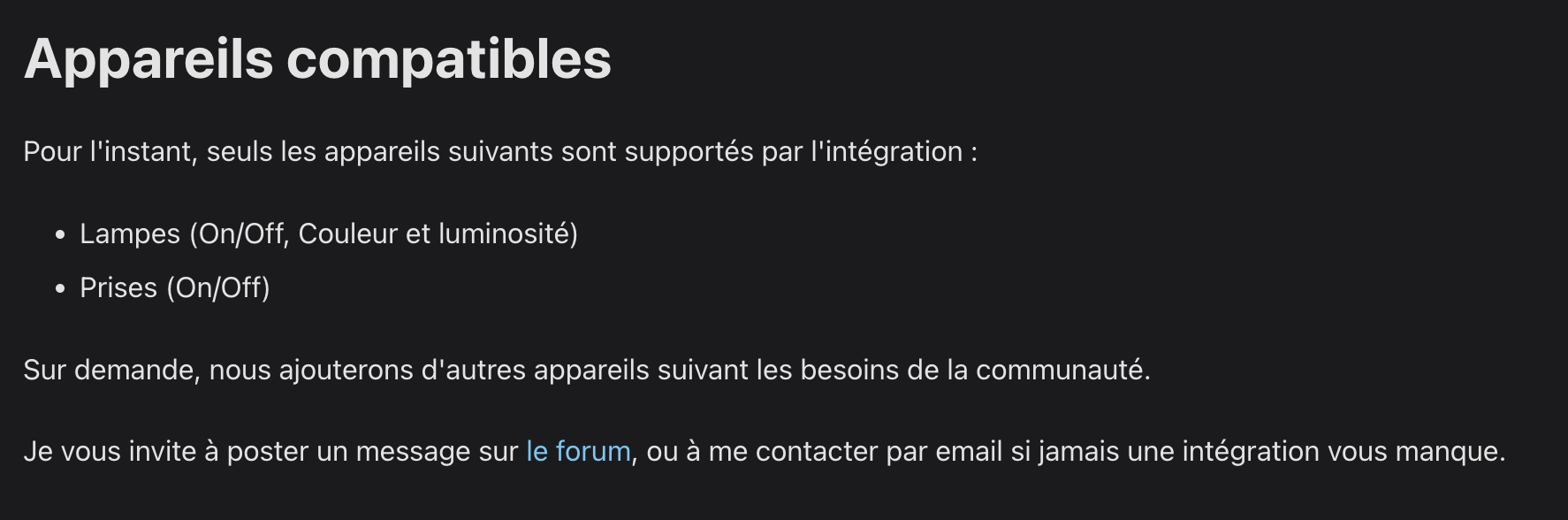
If there are any other devices missing (on Google Home as well), don’t hesitate to tell me — I think that if I ever do a pass on Alexa/Google Home, I can add several types of devices at the same time as long as they’re not too complex.
Hi @pierre-gilles, I performed some device deletions recently and I suggest another explanatory sentence.
This device has xxxxxx states in the database and cannot be deleted immediately.
Gladys has started a slow background deletion of all states for this device to prevent it from being blocked while deleting them.
This deletion can take a few minutes/hours (depending on