Hello,
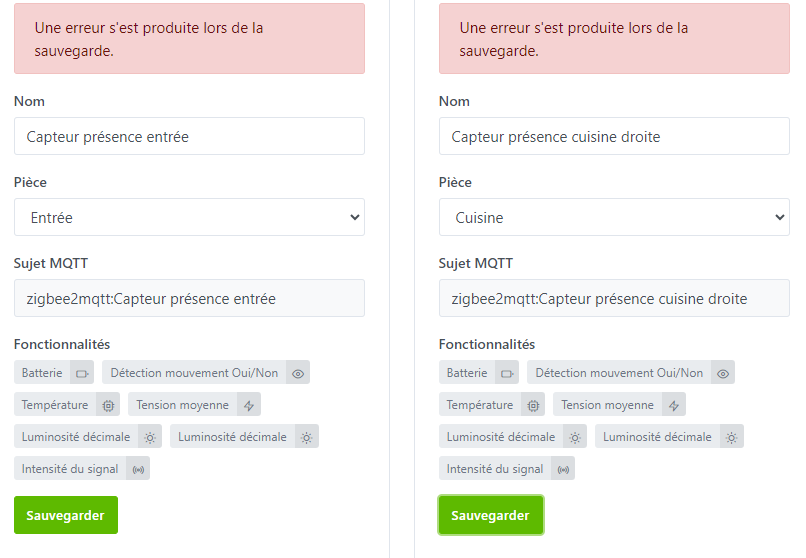
I can successfully integrate some devices but for the following two, it shows me an error message:
Do you have any idea what the problem is?
I checked the Gladys and z2m logs but I don’t have any more info 
Hi @prohand 
This is a known issue — basically Zigbee2mqtt sends us the same feature twice (we see the « decimal brightness » duplicated on these two sensors)
We had identified the issue here:
I think @cicoub13 contacted Zigbee2mqtt (tell me if I’m wrong)
If nothing moves on their side, we’ll have to code a small fix in Gladys to « de-duplicate these features »
Thanks for the quick reply.
Indeed, I hadn’t noticed that it was there twice
I suppose we don’t even have a small temporary tweak in the meantime?
Yes but it’s really very hacky I’m not sure if you have the skills 
I’ll try anyway.
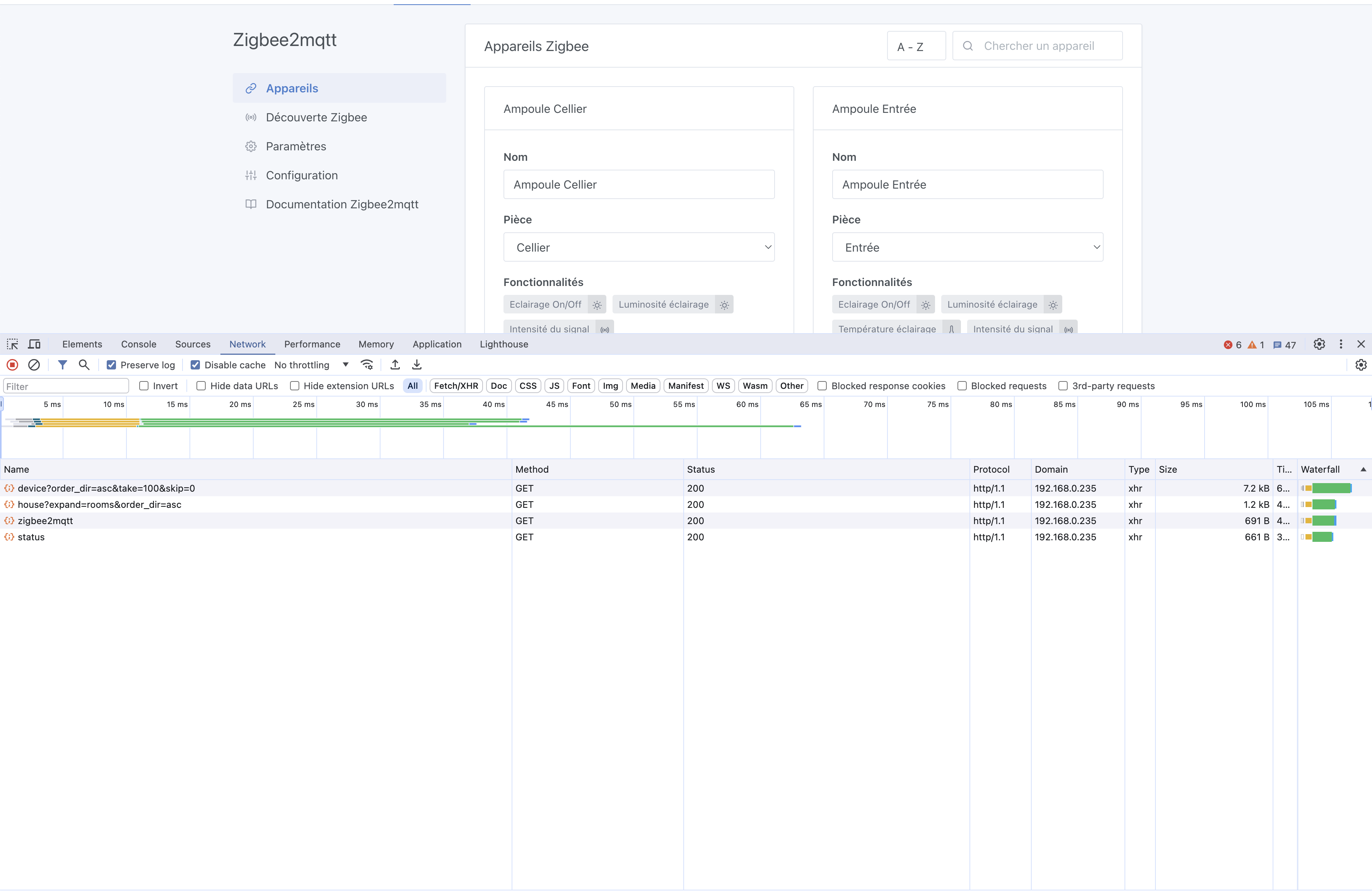
You open your browser console on the page, after clicking create the device and seeing the red error
(right-click → inspect element)
You find the request that fails (in red), it should be a POST for the device.
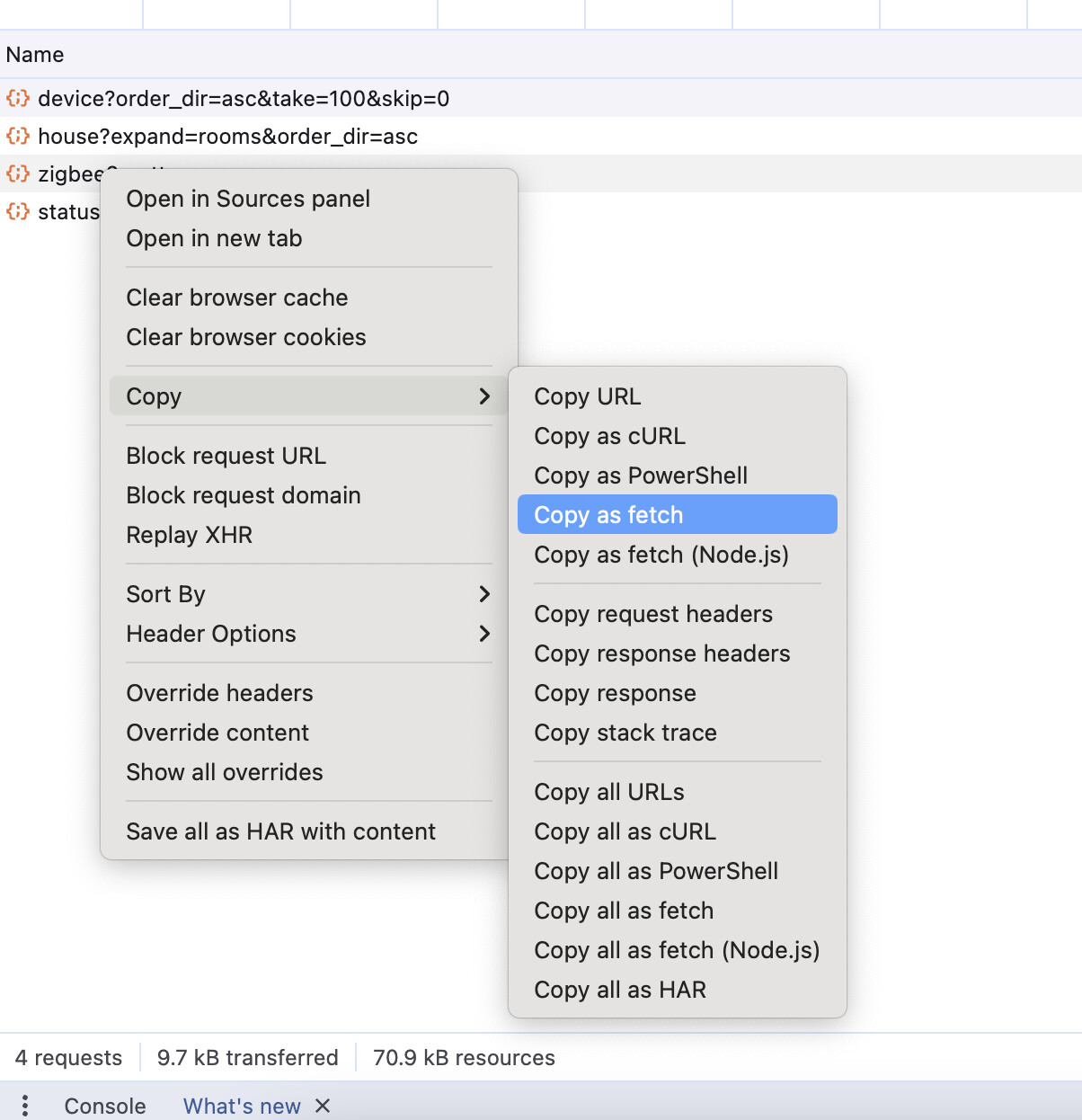
You right-click the request → copy as fetch
Then you paste what you get into a text editor, and remove the duplicated brightness feature from the JSON.
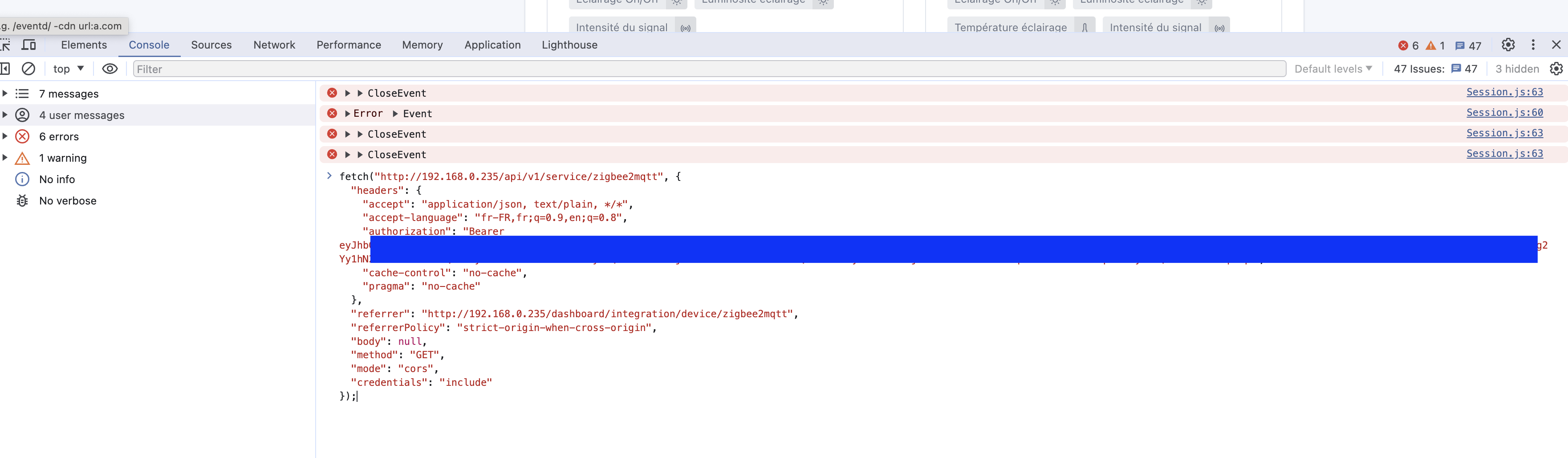
Then you re-paste the request into the console:
(non-contractual screenshot, I picked a request at random)
Then press enter to replay the request.
Sorry, this is really a hack and not at all in Gladys’s philosophy what I’m proposing, but right now I’m swamped and unfortunately we have very few active devs on the project at this time of year, I feel a bit alone 
Thanks, it’s good, I was able to do the procedure without any problems
The thread is progressing on the Gladys side: