Let’s start with a short introduction
We are two engineers (computer and mechanical) and we like new technologies. We regularly give ourselves small projects that sometimes involve a bit of code, sometimes electronics, sometimes DIY. Our setup is quite simple so far, but we wanted to present it because it highlights a use case less discussed on the forum: helping the elderly.
How we got into home automation
We started looking into home automation when Mathilde’s grandmother had mobility issues, limiting her ability to manually control the lighting in her home. In winter, she often found herself in the dark, disoriented, unable to turn on the light. We thought of home automation to help her. We did a lot of research and testing of different solutions before settling on Gladys.
What are our needs
Initially, we needed a solution to control the lighting in her home by voice. A particular feature of our need is that she does not have an internet connection, so we needed a solution that could run completely offline. We did not want to make major modifications to the electrical network and we wanted to keep the possibility of manually turning lights on/off. One of the living rooms is lit by a neon light and the other by a light bulb. We did not find a hardware solution to replace the neon with an affordable Bluetooth equivalent without work.
What materials did we choose
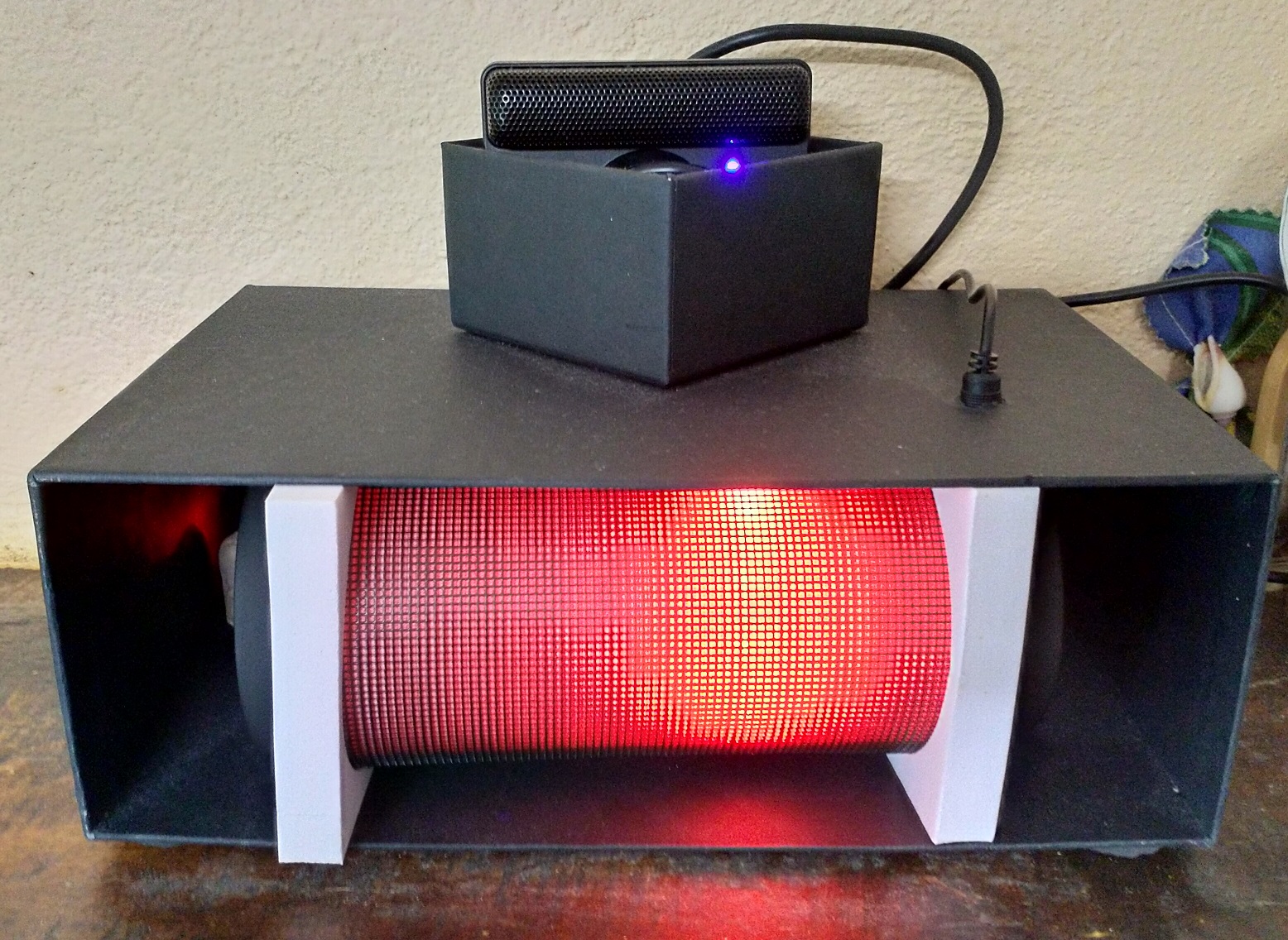
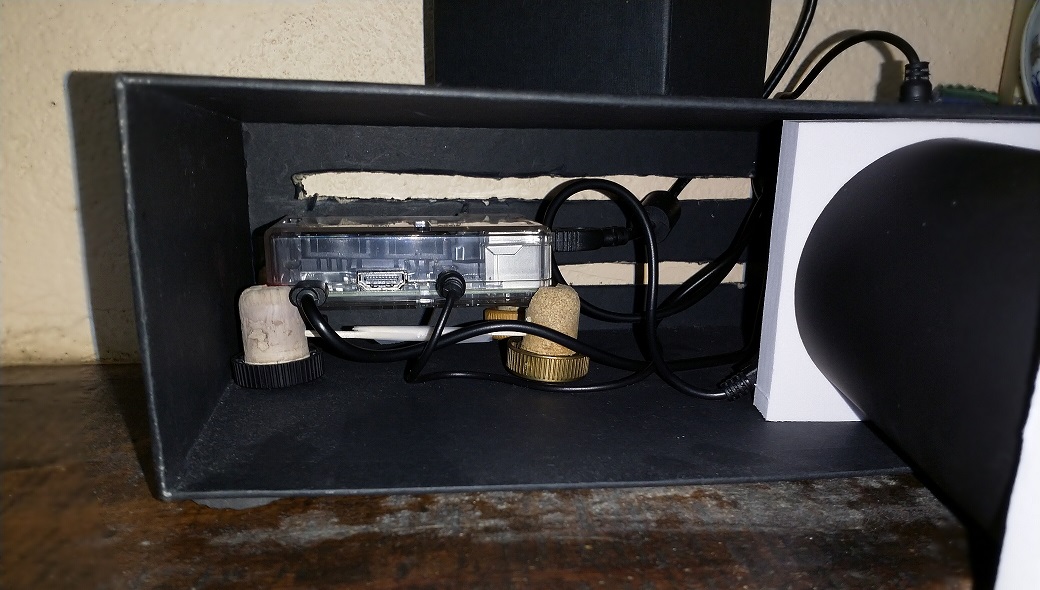
• A Raspberry Pi 3b+ to run Gladys V3 (V4 was not yet out)
• A USB webcam connected to it: a Playstation Eye (for PS3) for sound capture

• A JBL Flip type speaker connected via Jack-Jack for sound output (small bonus, it emits light when sound is played)

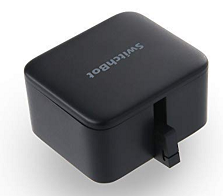
• A SwitchBot: mechanical finger for a Bluetooth-controlled switch (to control the neon)
• An Awox Mesh bulb controlled by Bluetooth

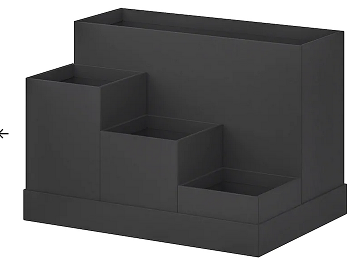
• A TJENA box from Ikea to make the Gladys case
Implementation
Features (Voice Commands)
• Offline voice recognition with Snips (Gladys-Snips module)
• Creating an alarm/reminder/timer
• Reminding birthdays of children/grandchildren/great-grandchildren
• Asking for the time
• Adjusting the speaker volume (Gladys-alsamixer module)
• Turning Gladys off/restarting (Gladys-shutdown module)
• Turning the Awox bulb on/off (Gladys-Awox module)
• Changing the brightness of the Awox bulb (Gladys-Awox module)
• Turning a neon light on/off with the SwitchBot (Gladys module that we created)
Future evolutions
• Home automating the heating (oil boiler and old radiators)
• Home automating the shutters (not sure as they are swinging)
If you have ideas to improve our setup, feel free to share!
Personal experience feedback
We spent a lot of time researching on the Internet and scouring stores to find materials that meet our constraints, but it was worth it because Mathilde’s grandmother is delighted! She loves talking to it and being able to turn the lights on/off without having to get up, which relieves her a lot on a daily basis. We also wanted to thank the members of the Gladys Community forum for your precious help!
PS: We are available to answer your questions regarding our issues, our installation, and our solutions, so feel free!
