I tried on my end and it works whether or not the port is specified.
Hmm, indeed, I hadn’t anticipated the case where the configuration had already been manually overridden. My bad.
Hi everyone!
It’s a public holiday in France, the perfect time to do some home automation around the house 
So, who managed to use the live camera streaming feature over the past week?
I’m keen to get feedback on your actual use of this feature to know if the different choices I’ve made make sense and if you find this feature useful!
@guim31 @Mastho @lmilcent @spenceur what’s it like in real-world use after a week? 
I’ve been able to use it several times; for me it’s perfect.
If I had to point out one downside, though I think it’s unsolvable: I’d like to click and get the « real » live, not one with a 15-second delay.
It’s just that I often use Gladys to open my gate when I arrive by car and to be able to check that it opens properly.
Usually either I do it well in advance and it’s fine, or I get the image of the gate opening when I’m already parked 
Thanks for the feedback! When you say « delay », do you mean the time it takes for the livestream to start, or the difference between real time and what you see in the livestream?
15 seconds seems excessive to me — we can definitely optimize that 

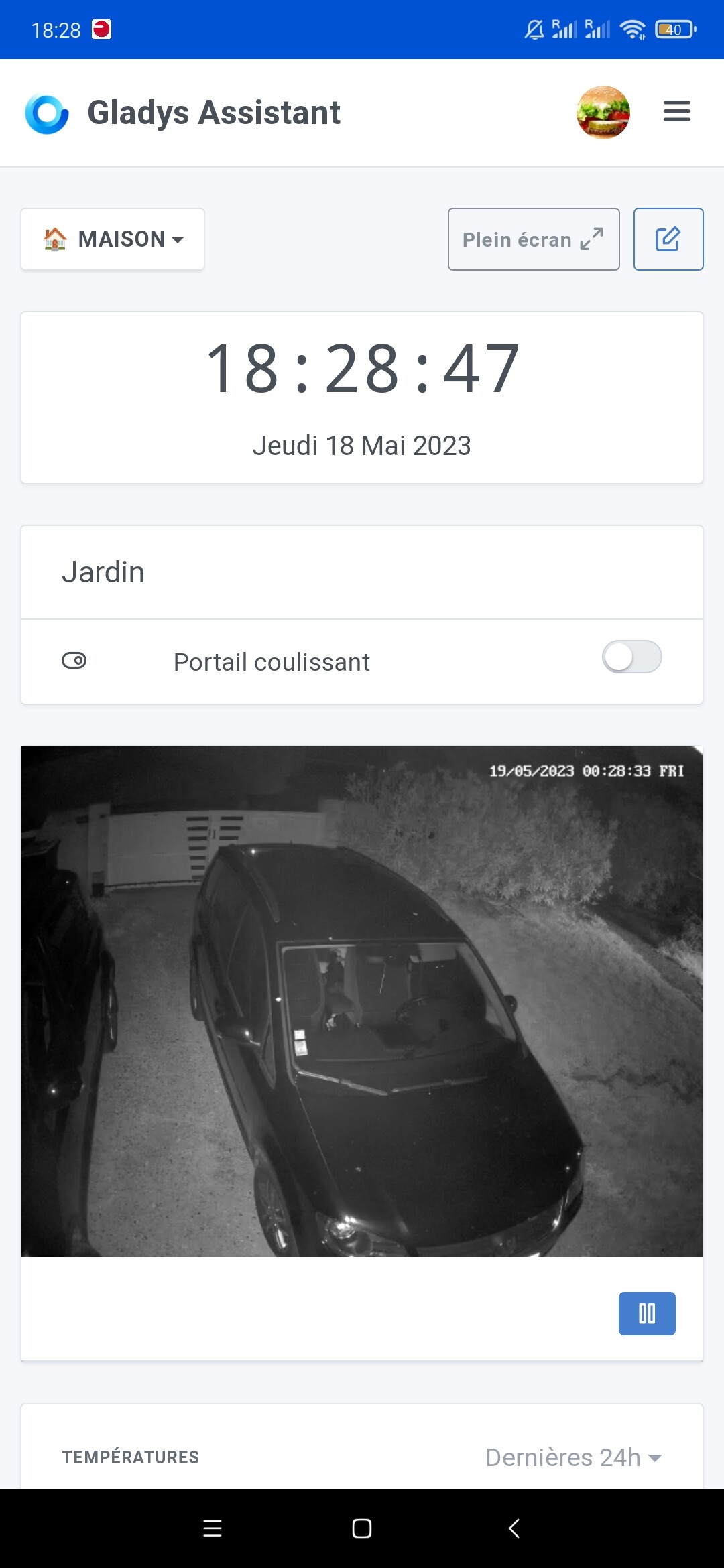
@guim31 Actually live streaming is a balancing act between setting an « extreme » configuration almost in sync with the live feed, or setting a « safe » configuration but being less live.
For example, if I set a configuration like « I want to have 2 seconds of delay », there’s a risk of frequent stalls at the slightest hitch anywhere in the chain (whether CPU or network)
By stall I mean this:
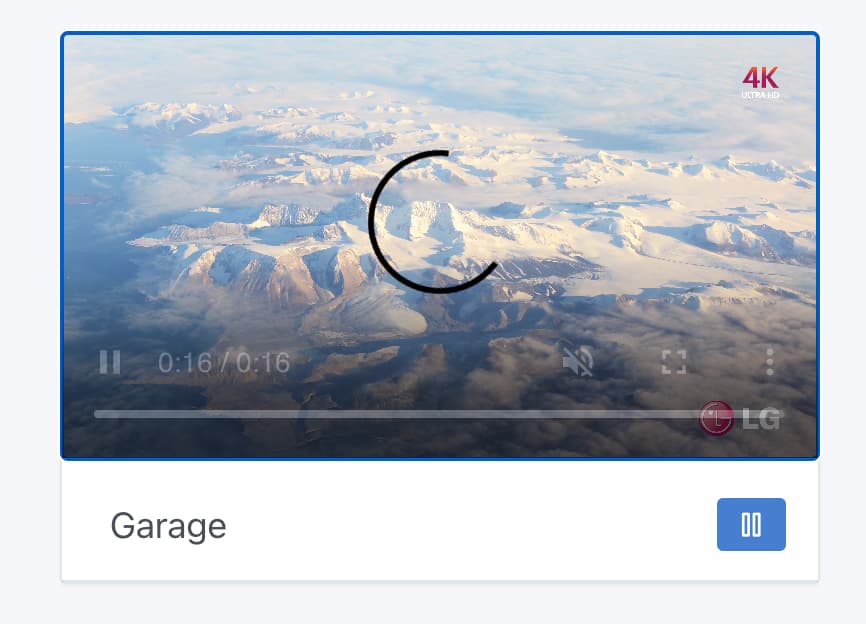
That is, having reached the end of the data present in the player and the next segment is not there yet.
For now, I put a rather safe configuration on the player side, I wasn’t very extreme.
I saw that the video player library I’m using for this development was recently updated with new options for the « low-latency streaming » part, I’ve been playing with it since this morning, and I think I’ll propose a modified Gladys Plus URL for you to test different configurations!
@guim31 (and everyone else too!), I’d like your feedback on this Gladys Plus URL:
https://hls-low-latency.gladys-plus.pages.dev/
Concretely, what this PR does:
- The video starts playing after 2 segments (instead of 3 segments currently)
- If the live is more than 3 segments behind, the live playback speed will increase up to x1.5 to « catch up ».
Also, one thing I’m interested in if you test from a computer on Gladys Plus is the latency you have with the Gladys Plus server for the video files.
You can do this by opening the inspector, « Network » tab, « Fetch/XHR », then start the streaming:
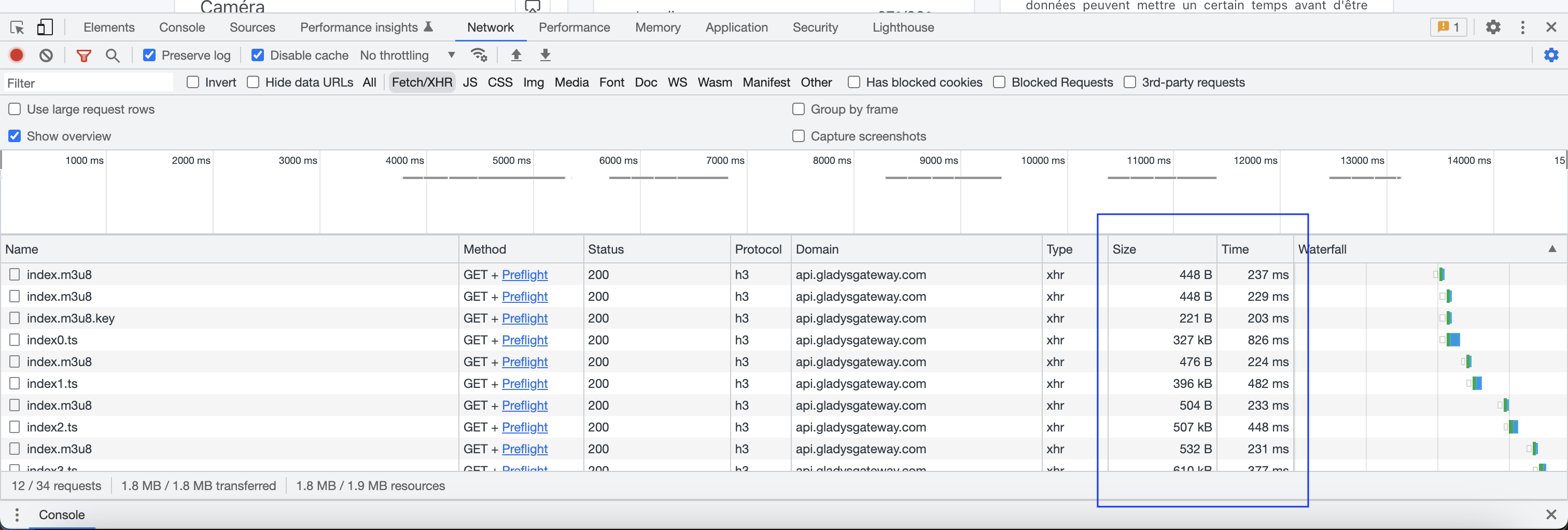
I need to see the size and response time of the index.m3u8/indexXX.ts files
(From Asia, I have quite a bit of latency since the server is in Europe, but for you it should be less!)
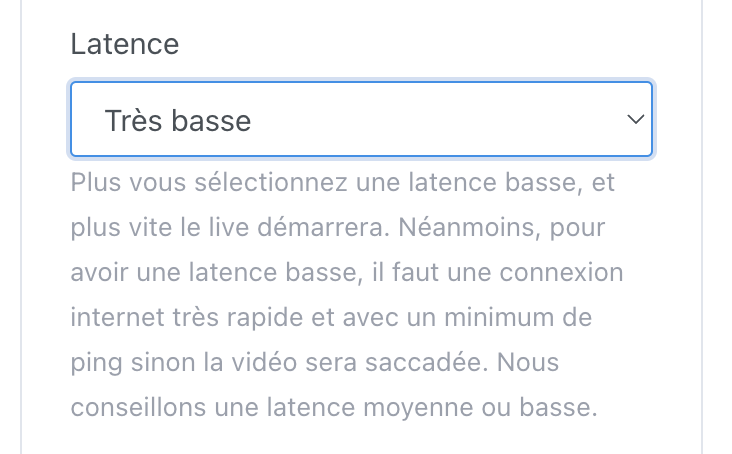
Edit: Also, don’t hesitate to test the different « latency » settings I’m keen to get your feedback on the difference between « Very Low » and « Low », for example!
The PR is here: Configure HLS streaming for low-latency by Pierre-Gilles · Pull Request #1794 · GladysAssistant/Gladys · GitHub
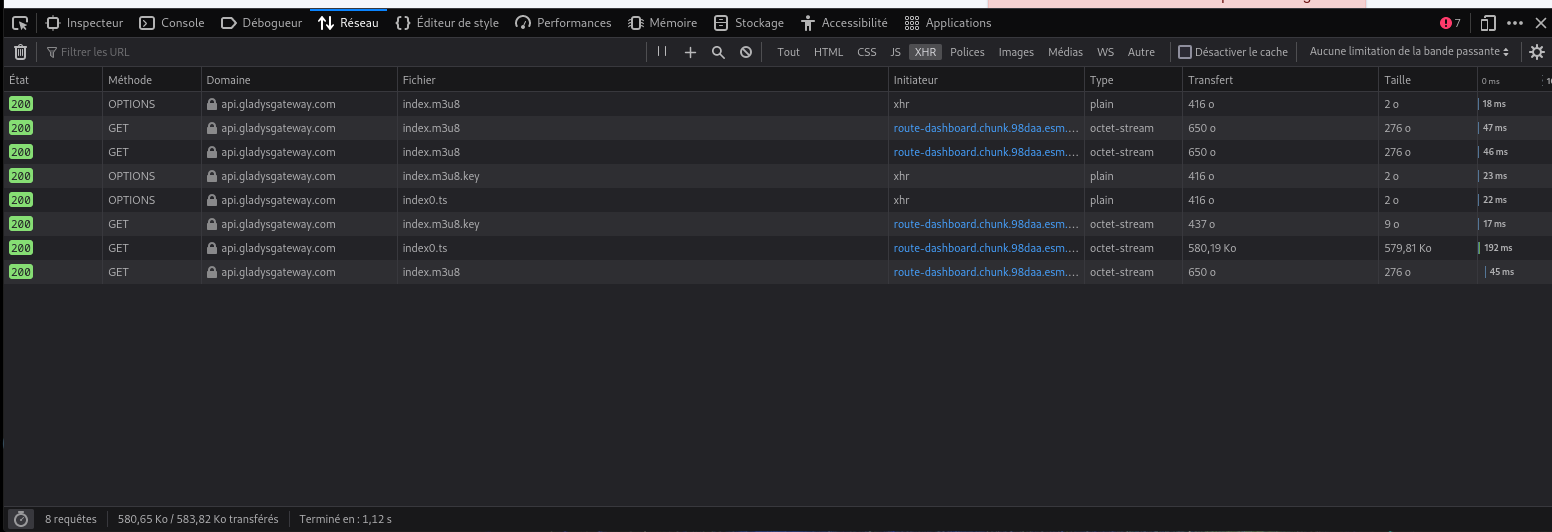
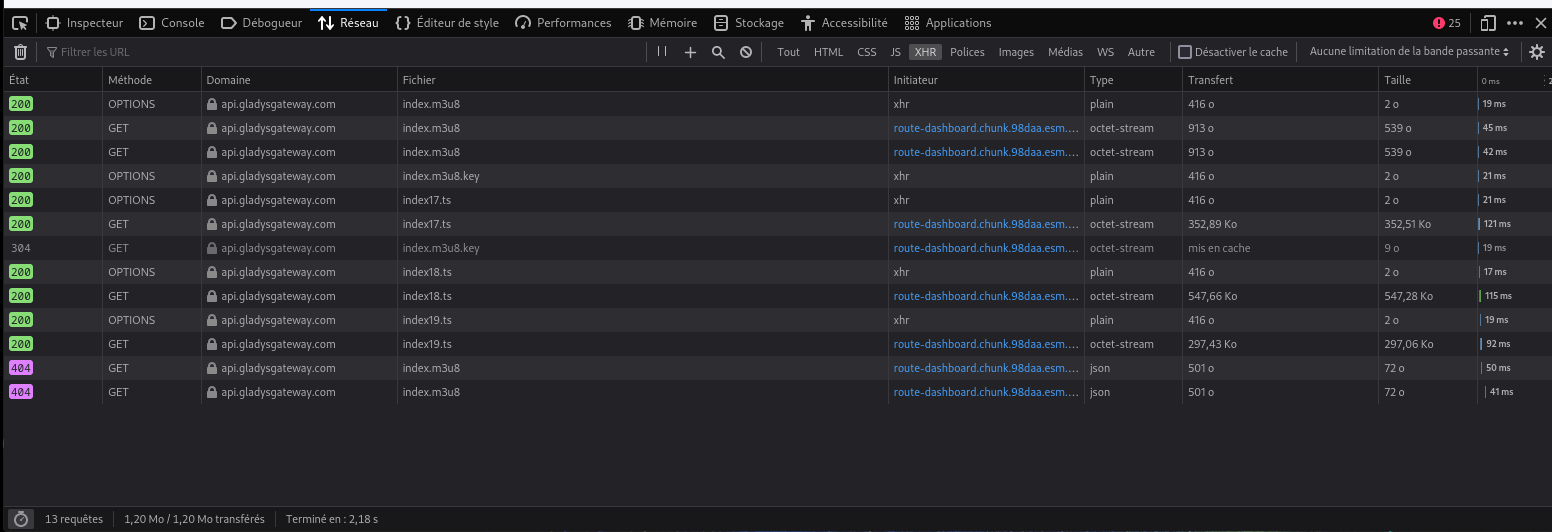
Oh, so it works for you in the end?  Cool! I had been stuck on the moment when it wasn’t working!
7 seconds isn’t bad yes I’m sure we can still shave off a little!
I have more good news, I spent a good while tweaking the settings and I realized that other things can be optimized on the ffmpeg side locally
I’ll continue my tests and I’ll push my improvements in this PR
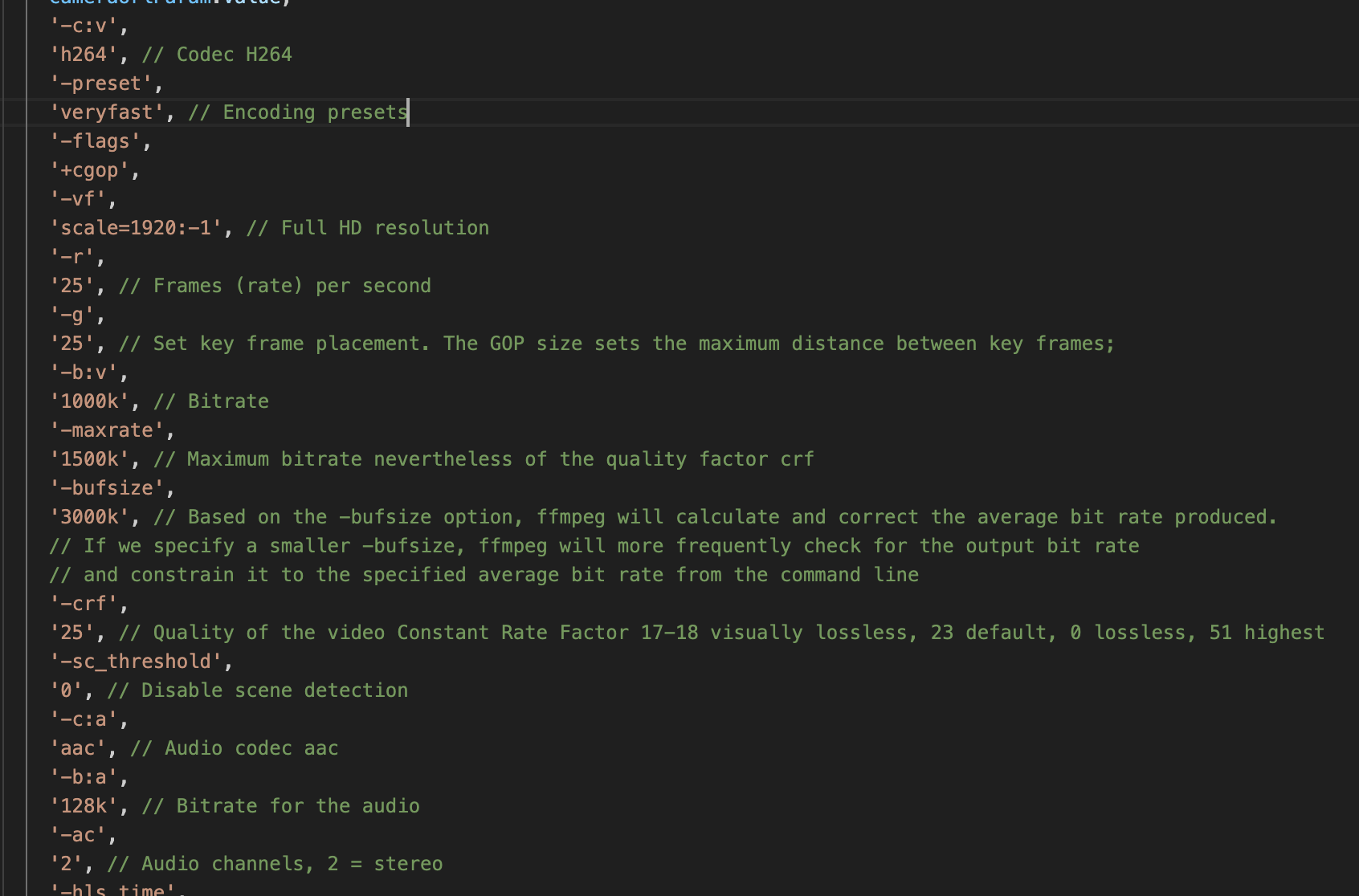
I’d really like to try all that, but I’m in New York right now! 
Oh yeah actually I prefer the numbers at your place!
I just tested. I have half the latency when starting the live and while live. So about 9sec on average for the live instead of about twenty.
I just ran a 10-second test to start the live stream, and there was between 9 and 10 seconds of delay.
Great
I’ve done quite a few tests on my side, and it’s noticeably better. I published Gladys Assistant v4.23.4 which includes these changes to improve camera live streaming latency.
I also published server-side improvements for Gladys Plus that should improve this.
Once your instance is up to date, I’d appreciate screenshots of the « Network » tab on Gladys Plus during a live stream:

10 seconds to start the live seems excessive! Could you try again with Gladys Assistant v4.23.4, with latency set to « Low » and « Very low »? Are you on fiber at home? Is your camera picking up the network properly?
I was in low latency.
I do have fiber, but I can’t tell if it picks up the Wi‑Fi well. I have a brick wall with a window between the nox and the camera.
In very low latency I have 7-8 seconds to display the live stream and a 6-7 second delay.
Ok, on Gladys Assistant v4.23.4? (I published the update 1 hour ago, so if you haven’t done anything manually it’s unlikely that you’re on that version)
No, I’m still on 4.23.3.