Hi @tiboys
A tutorial, a tutorial, a tutorial, a tutorial… 
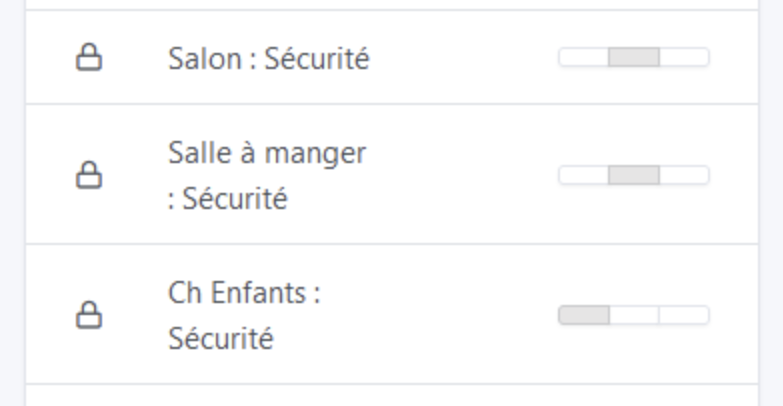
The debate had already taken place, and we can’t really propose a color.
Because there are also closed states that can be normal or abnormal and vice versa, the colors could be misleading.
I didn’t think it would interest anyone. The one by @GBoulvin was pretty good with Tasmota.
Be warned, the code isn’t necessarily very clean because I’m not very familiar with these topics.  And I have an issue where the code crashes after a while and I don’t understand why
I’ll get to it soon
It’s the « access control » on my connected thermostatic heads. Basically it’s the child lock 
@cce66 Thanks for the diagnosis!
No need to leave such a complicated message, I’ll disable autocomplete for those fields and that will solve the problem 
I’ve created a GitHub issue: In integrations, username & password field should not be auto-filled by browser · Issue #1879 · GladysAssistant/Gladys · GitHub
@lmilcent I proposed that camera images expire.
For the cameras, I set a fixed duration of 1 hour — no need for a variable duration in my opinion; after an hour without an image there’s a problem 

To maintain uniformity of the display, can we keep an empty frame the same size as when there is an image?
Hi @spenceur
Can you tell me how you manage your alarm system? 
Hello !
For now everything goes through Node-RED for the interface.
When no one is detected at home the alarm is activated; if a single motion, opening
I really like the idea!
I’m interested to know how you handle this part
That’s where it gets complicated!
With this feature in Gladys it would be simpler ^^
But basically on my tablets I have Fully Kiosk Browser.
With the API, I refresh the tablet display (Gladys if alarm is off, otherwise the Node-RED dashboard with the keypad).
On the Node-RED side, if the codes entered match the user’s code (a simple JSON in the Node-RED container with per-user config), we deactivate the alarm via MQTT and then my scene re-displays Gladys on the tablet and turns off the sirens.


