Gladys Assistant 4.38.3: Colors in charts!

Hi everyone :slight_smile:

New Gladys update, with some nice improvements :slight_smile:

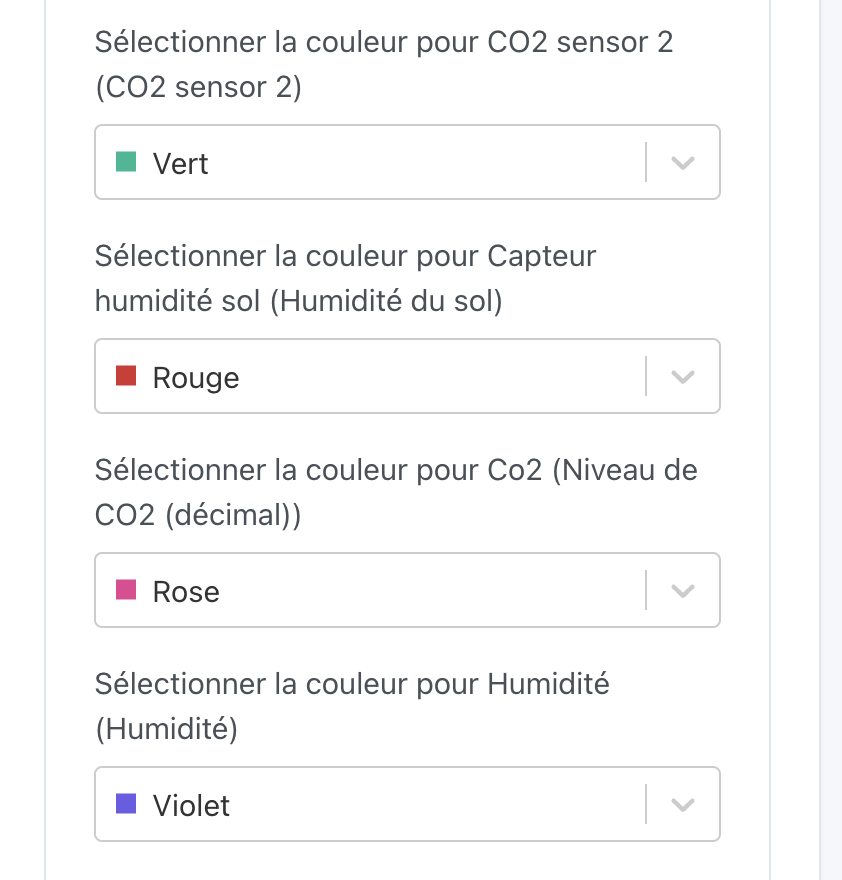
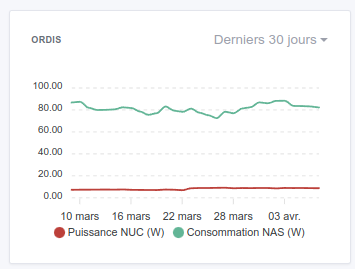
Chart colors

You can thank @GziAzman for this feature, it is now possible to choose the color of each line on a chart:

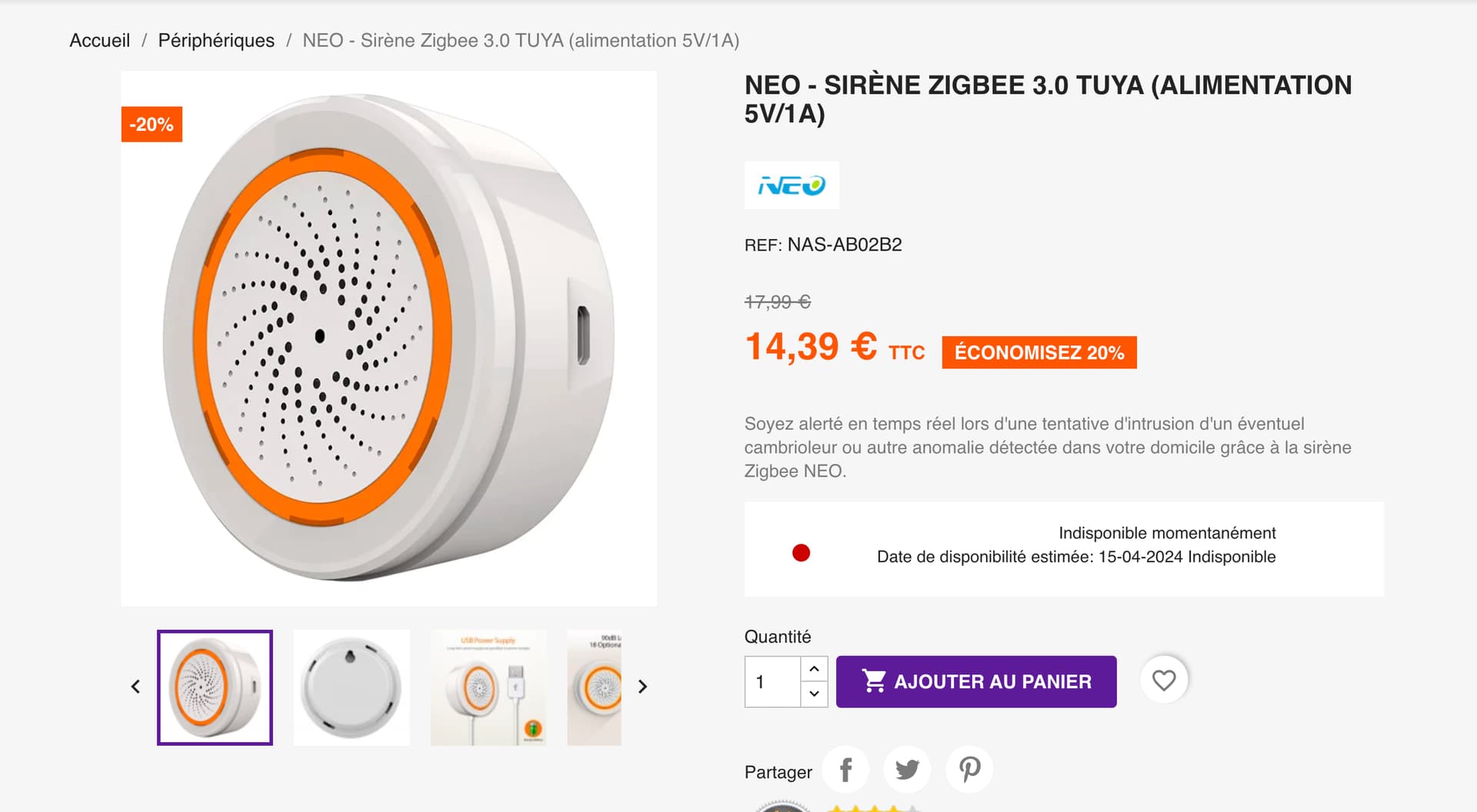
Zigbee2mqtt: Compatibility with NEO sirens

The NEO Zigbee siren is now compatible with Gladys :slight_smile:

Available on Domadoo : https://www.domadoo.fr/fr/peripheriques/6361-neo-sirene-zigbee-30-tuya-alimentation-5v1a-ou-2x-cr123a.html?domid=17

Thanks to @_Will_71 for the PR :folded_hands:

Investigation of alarm disconnection bug

I made a small fix to try to resolve a tablet disconnection bug in alarm mode reported by @spenceur and @philou

The full CHANGELOG is available here .

How to update ?

If you installed Gladys with the official Raspberry Pi OS image, your instances will update automatically within the next few hours. This can take up to 24 hours, so don’t panic.

If you installed Gladys with Docker, make sure you are using Watchtower ( See the documentation )

8 Likes

For your information, all existing graphs (multi-value) have new colors :rainbow:

1 Like

It’s working very well on Gladys (it’s really a nice improvement, I think). But I think, @pierre-gilles, that Gladys Plus has been forgotten :wink: I hope I’m not wrong in saying that… I restarted my browser to be sure it wasn’t a cache issue.

Indeed, I had missed this one, @StephaneB :smiley: It’s now deployed!

The colors are really an improvement, thank you!

2 Likes

oooohhh caught in the act :joy: you’re missing « again! Â» :rofl: well, given the busy schedule these past weeks it’s forgiven! :wink:
I really need to bring mine up, but I’m swamped too!

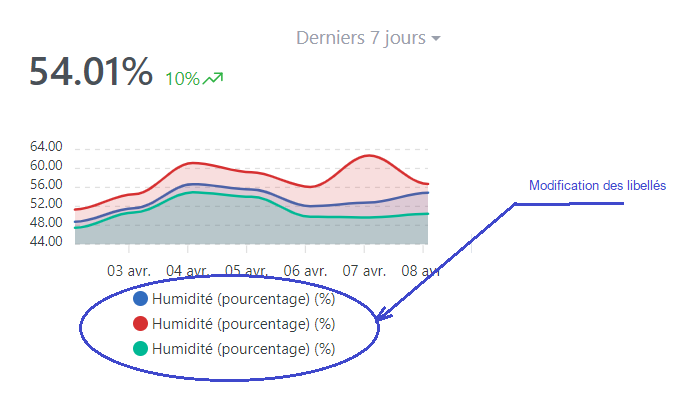
Bug for me in the color assignment:

The colors are reversed on the dashboard:

Thank you, Pierre-Gilles!

Same bug here

Ah indeed that’s unfortunate :smiley:

@GziAzman can you take a look? :slight_smile:

Thanks @GziAzman for this feature, it’s really nice now to see the charts displayed with all these colors.
I have a related question about the curve labels — where should I go to edit them?

This is done directly in your device’s configuration, within the integration.
You can edit a device and change the feature labels :+1:

Perfect, thanks @guim31 :+1:t3:

1 Like

I often repeat myself but thanks again for the updates.

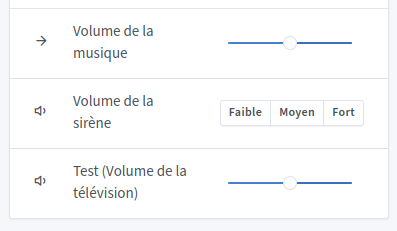
This time, I have a small issue with the volume sliders for my devices in MQTT.

2024-04-09 21.31.24 gladys.local cdce432c70bd

  • The first button sends me 0
  • The second sends 1
  • The third sends 2

That’s probably an issue with the siren I just added.
I’ll look into it as soon as possible

Edit: Can you tell me what type of features you chose when creating your MQTT device?

1 Like

The feature I’m using is in the Television section → Volume

I hope that suits you
thank you very much

Yes, that’s fine — I recreated an MQTT device with this feature and I’m having the issue.
I’ll look into it tonight to fix it.
Thanks for the feedback

3 Likes

Thank you @_Will_71 :folded_hands::folded_hands:

Thank you very much, always very responsive to the slightest issue

1 Like

For now I haven’t yet found out why, but the Music volume feature is in the same situation as the TV
So I found another bug: the feature’s icon is missing, but it’s much less annoying.
image
image

I can also confirm that if I disable the new component for the siren volume display the display returns to normal for the TV and music volumes

EDIT: I think I found it :smile:

4 Likes