I am happy to announce Gladys Assistant v4.8.1, a new version that does not bring major features, but brings many long-term changes to improve the distribution of the project
The three important things about this version:
Compatibility with Cgroup v2, which makes Gladys compatible with Debian 11 and Ubuntu > 20.04
Gladys now launches the containers of the services using Docker (MQTT & Zigbee2mqtt) in the same Docker volume as the Gladys container, making it easier for Gladys users on Synology NAS / Unraid.
A bugfix package, detailed in the article below.
I wrote an article on the blog with more complete explanations:
New Synology Docker Documentation
For those who want to launch Gladys on a Synology NAS, @VonOx offers a new tutorial, this time published on the official site with the right parameters to launch Gladys with Docker:
In the long term, we would like to have a Synology application for compatible NAS (so it’s even simpler, no CLI to do), but it’s already a first step that makes launching Gladys easier.
Thanks to everyone who contributed to this version!
I’m always impressed by the project’s responsiveness to new developments/requests!
Bravo to everyone!
One more question because I don’t remember… Should it work on an RPi x64 platform?
It’s a lot of work to integrate all this, but we’re managing it
Yes, it works on a 64-bit Rpi.
@VonOx has even built Raspberry Pi OS 64-bit Bullseye images with Gladys pre-installed. We’re soon going to move into the tester recruitment phase, and finally, we’ll offer an image.
In any case, if you install a « bare » 64-bit Raspberry Pi OS on your Pi, and you install Gladys with Docker, it will work.
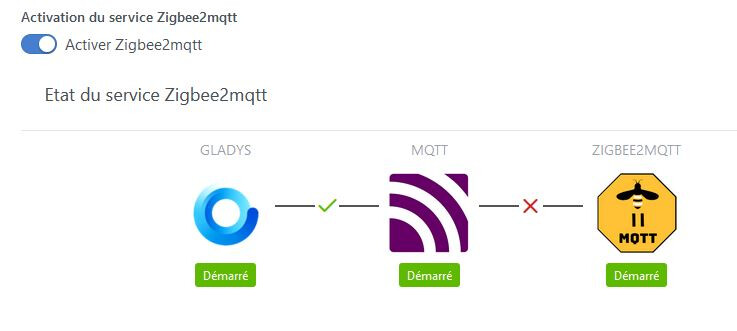
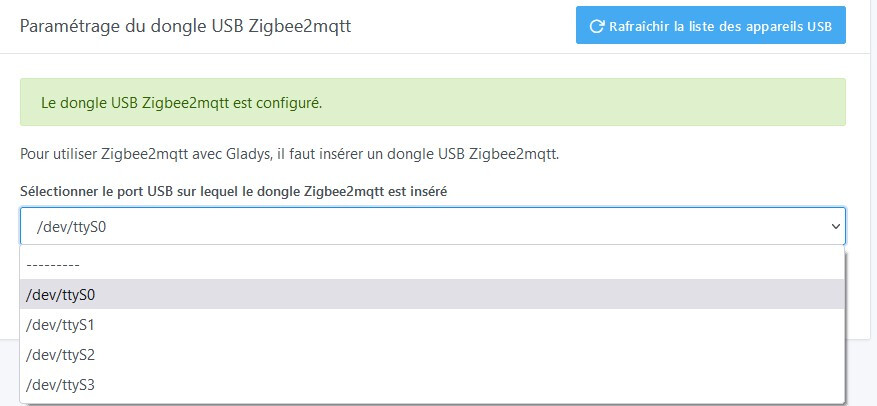
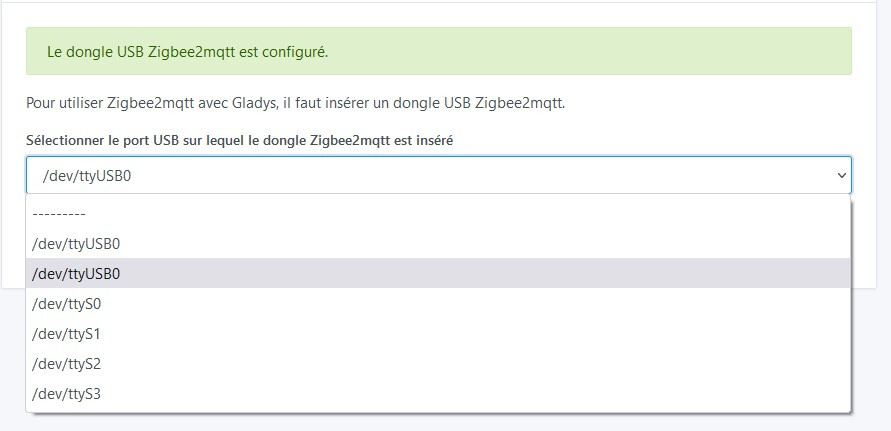
Oh that’s the same error I’m having.
More and more people are experiencing this error.
I haven’t been able to find a solution yet.
Perhaps it’s not enough power to supply the Pi, the SSD, and the Zigbee key in my case.
I ordered a powered USB hub to connect the SSD and the key, but it’s worse, nothing happens now.
This can’t be related to the power supply since you’re on a NAS and you have the same error.
Hello,
For information, I have an RPI3b+ with an SSD (without external power supply, because if I plug it in, it crashes the SSD) + a Zigbee Sonoff + an RFlink, and I have no voltage drop issues. The Rpi is powered by a 5v-3A power supply.
You confirm my suspicions, I wasn’t convinced by power supply issues.
But by running the command dmesg -s 1024 there is indeed an under voltage detected.
Yes, if you have an under voltage detected, I had that for a while, but I had a 2-amp power supply, that’s why I switched to a 3-amp power supply and since then I no longer have an under voltage detected.
Change the power supply, it may have weakened.