Hello, I recently decided to install a Gladys instance on my Synology NAS to stop the PC that is currently running everything.
I followed this tutorial for installing the Sonoff key:
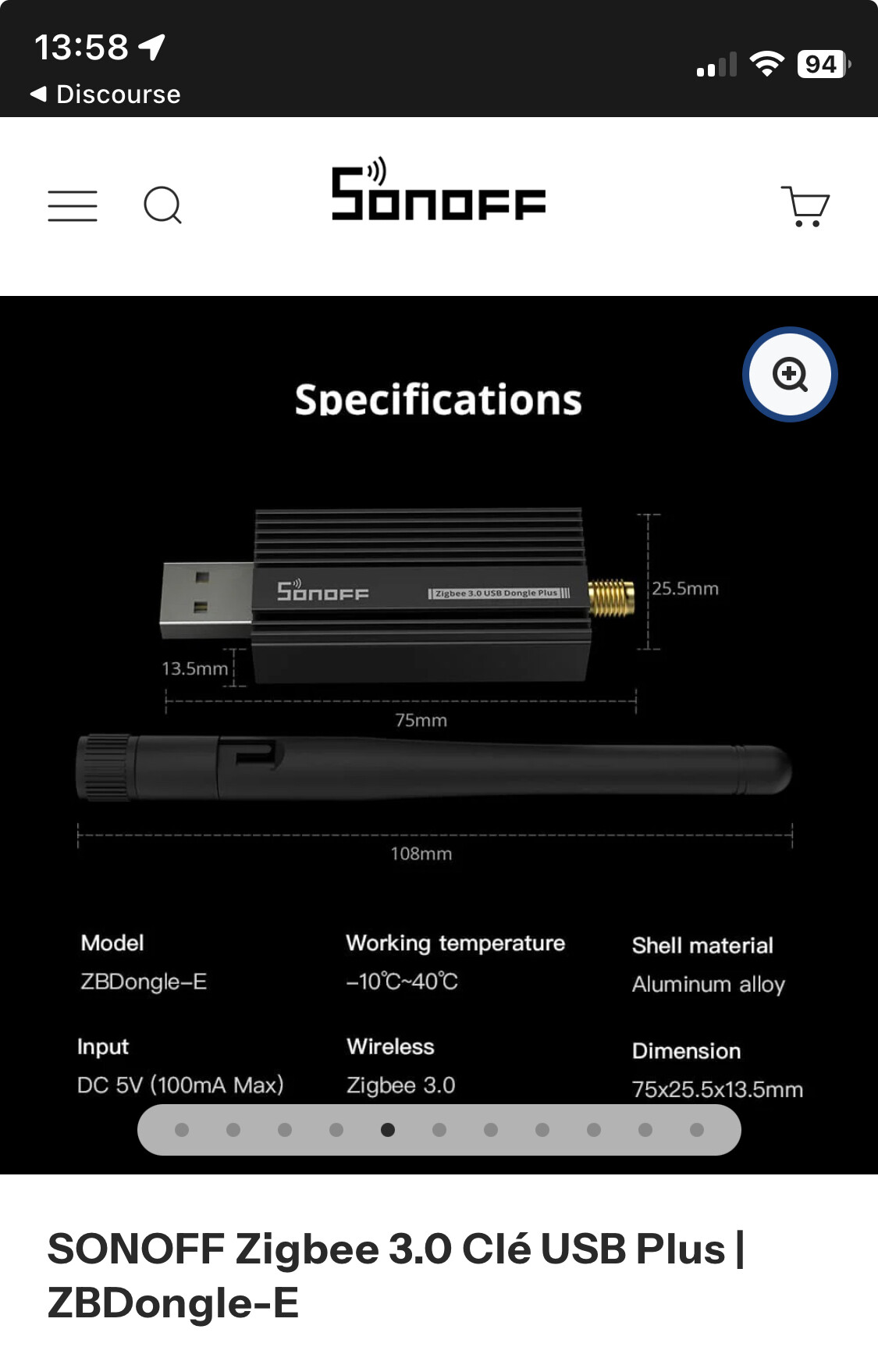
I should mention that my dongle is a Sonoff Zigbee 3.0 USB Dongle Plus which works wonderfully on the current PC.
I installed Gladys via Container Manager; and the instance is running on my port 8420.
Once I configured my Zigbee2mqtt integration, the services start but the connections remain offline.
Where can I look? What should I check first?
Thanks
Hi @thekassmachine ,
Have you seen this tutorial in the documentation?
Which parameters did you use to run a Gladys container?
If you want to see the Zigbee2mqtt logs, you can run:
sudo docker logs gladys-z2m-zigbee2mqtt
For the MQTT broker:
sudo docker logs gladys-z2m-mqtt
Yes, I installed it using this tutorial with the default settings.
I’ll check the logs tomorrow then.
mutmut
December 3, 2025, 9:35pm
4
I recommend choosing a Triggered Task and setting the event to Startup so the script runs again at every reboot of your Synology and not at a specific time or day.
Zigbee2mqtt can’t connect to the dongle !
I searched a bit on the internet, and it seems that USB ports on Synology DSM 7 are pretty complicated…
There was this thread that already discussed it in 2023 :
https://community.gladysassistant.com/t/zigbee2mqtt-et-synology-ds920-en-7-2-probleme-suite-upgrade-synology/8365
Which linked to this thread :
I’ll update the title when it’s working but for now, it you rely on USB devices… zwave, zigbee dongles, etc… hold off on upgrading Has anyone upgraded their Synology to 7.2 and have their USB working? My USB stopped working after the upgrade...
Reading time: 4 mins 🕑
Likes: 10 ❤
In my opinion you should keep exploring the forums; it must be a driver issue, or a configuration problem on your Synology…
But this isn’t an issue with Gladys or Zigbee2mqtt
mutmut
December 6, 2025, 11:05am
8
Wasn’t there a problem with the type of « protocol » in the z2m config: ember instead of zstack or something like that? (I may be mistaken).
Ah yes, I was assuming he had correctly selected the right Zigbee dongle model in Gladys
mutmut
December 6, 2025, 1:02pm
10
@thekassmachine @pierre-gilles says, there’s probably a variant issue.
mutmut:
Gladys
Thanks everyone, I’ll try to get ahead on the topic this week and will get back to you as soon as possible.
Hello, I suggest closing the
JPPUYB
June 22, 2026, 6:34pm
13
Regarding USB port issues on Synology, see this topic:
Synology NAS USB port activation for Sonoff Zigbee Dongle and Zigbee2MQTT - Giulio Menna
Everything is well explained.


 you need to check that the selected model is exactly the same (for Sonoff, for example, watch out for the P and E variants)