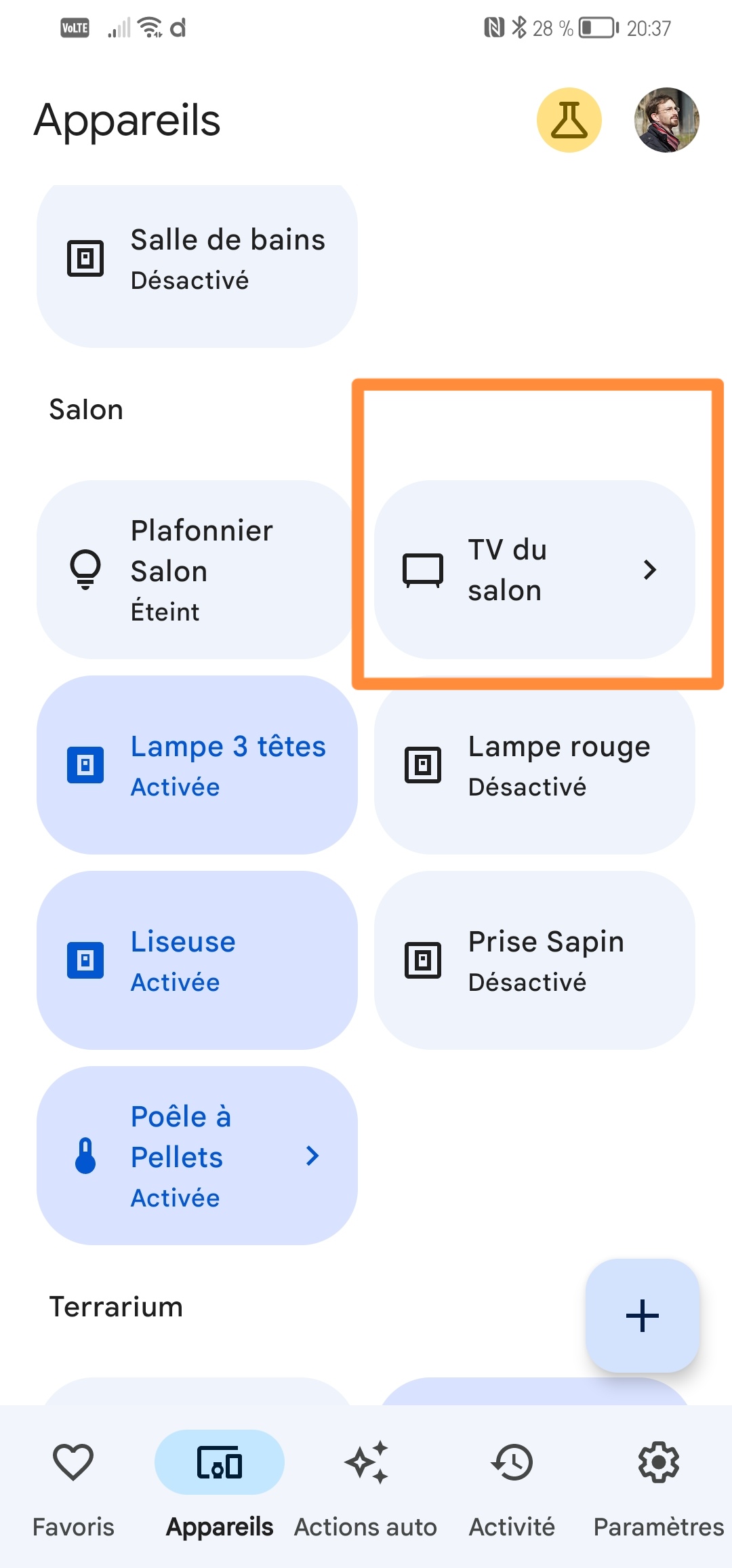
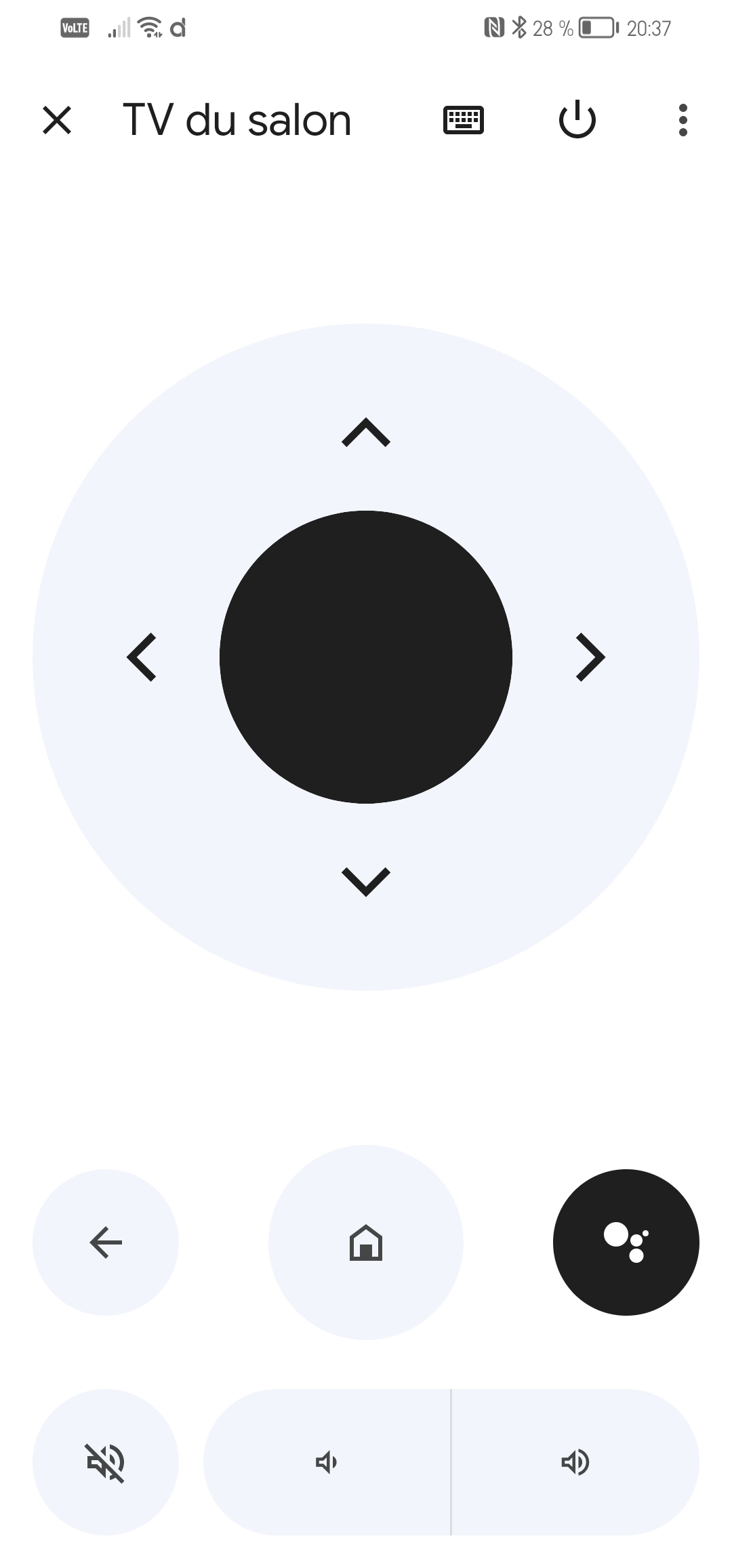
However, via the Chromecast HD:
Power on+off OK
Changing the volume is impossible but that’s a technical limitation because the volume is not controlled via the Chromecast but via IR (the supplied remote is universal)
Edit: wouldn’t there be a way to detect the Chromecasts present on the local network rather than entering the IP address manually?
It’s inconvenient because IPs are dynamic by default for me (and many people…)…
This is a PR on my repo, codecov is acting up on my account.
But yes, the PR is ready — I need to generate an up-to-date test image to have it approved by our seasoned testers
Unable to find image 'atrovato:google-home-tv' locally
docker: Error response from daemon: pull access denied for atrovato, repository does not exist or may require 'docker login': denied: requested access to the resource is denied.
See 'docker run --help'.
Is there an issue with the sharing? Or is it just me?
indeed, testing Google Home features isn’t the easiest.
First, you’ll have a problem because you won’t be able to test the Android TV integration and the TV functionality of Google Home at the same time, since each development is separate.
Regarding Google Home, today only Gladys Plus allows interacting with Google, and I advise against connecting a test instance to your main Gladys Plus account. You risk creating inconsistent backups.
It is possible to swap your production image for the test image, but I also discourage this procedure for the same risk of inconsistent backups.
(even if normally the risk of inconsistent backups is almost « impossible » with the Google Home test image, you can never be completely safe from a hidden bug)
One possibility would be to install a test Gladys Plus to which you would connect your test instance, but you would also need to configure the entire Google environment…
So it becomes complicated to test.
I think we still need to define a way to make testing with external services easier…
What I find annoying when using the production Gladys Plus is that you’ll still have to « interrupt » production via Google Home by disconnecting from the Gladys service on Google to sign in with your test account, and vice-versa once the test is finished.
The devices will be deleted, and if the user has created triggers from Google Home (or other custom configuration), I don’t know what will happen. The user might lose everything.
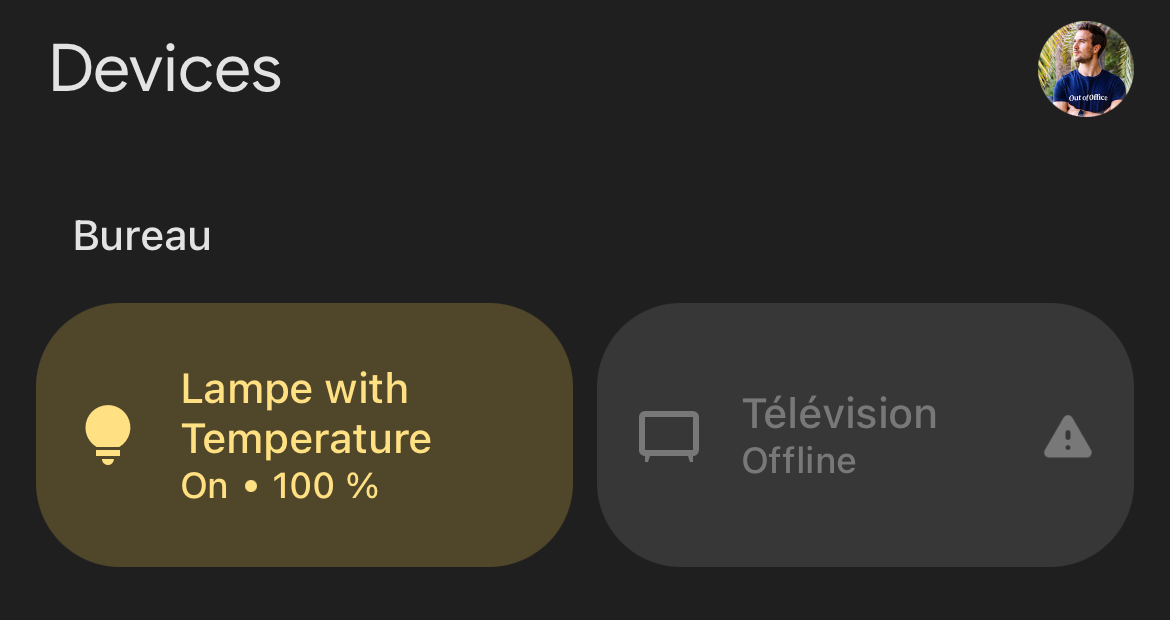
Uh no, that’s weird. Unless Gladys is unreachable. Or maybe because there are no values for the features.
Is the other « online » device from the same Gladys instance?
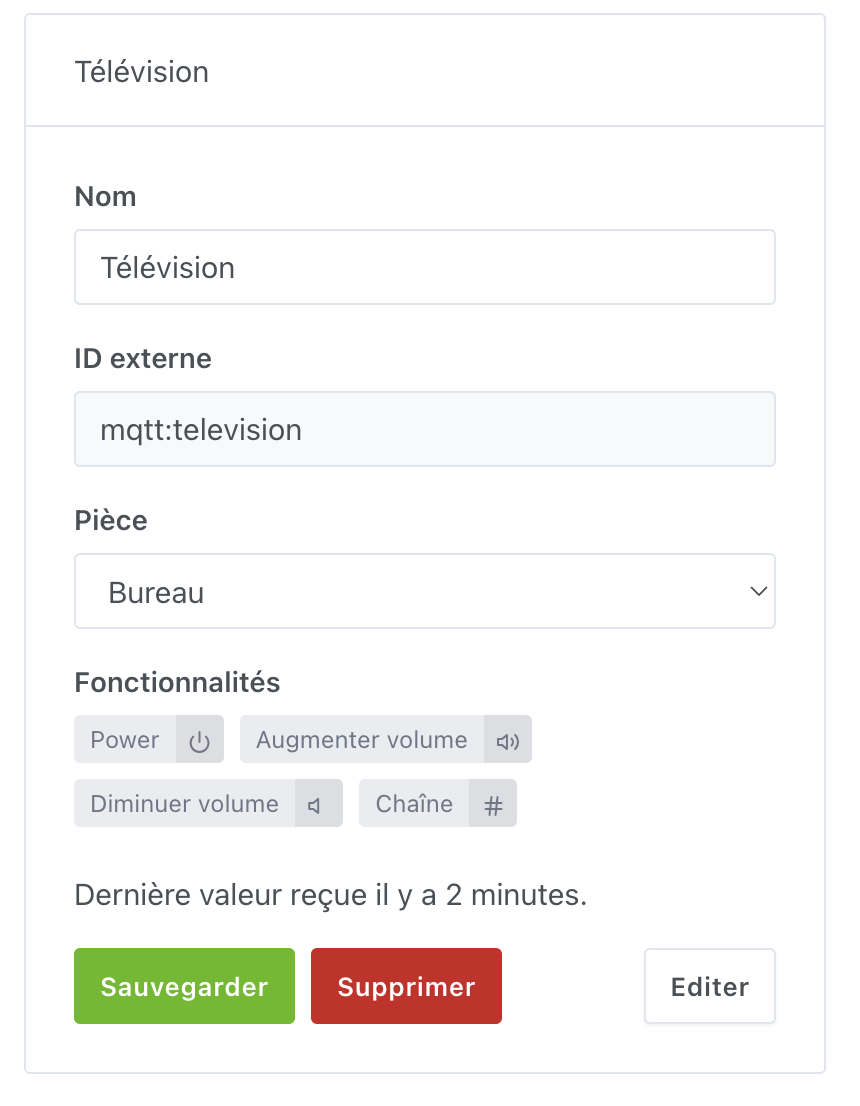
However, I’ve just re-run some tests, and indeed, it doesn’t work anymore… according to Google’s tests, some required configurations for the TV are missing.