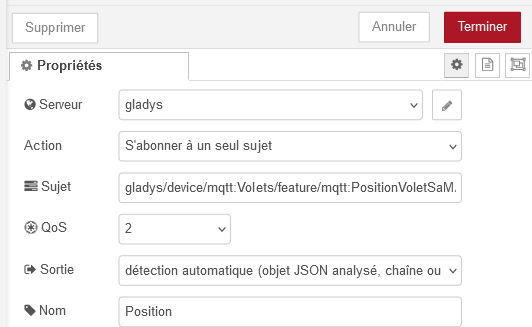
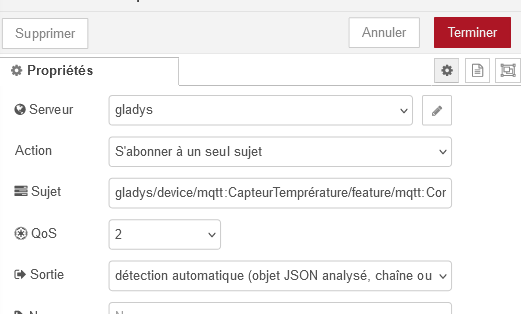
That’s what I understood, though, but no way to make the shutter move?? Did I miss something else?
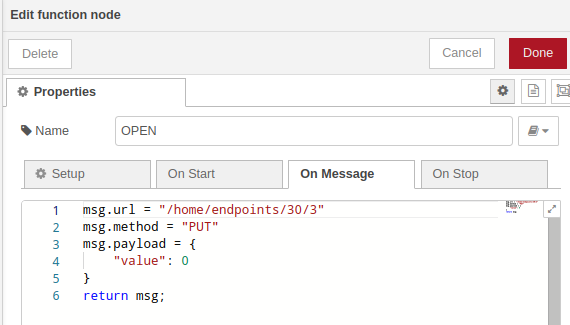
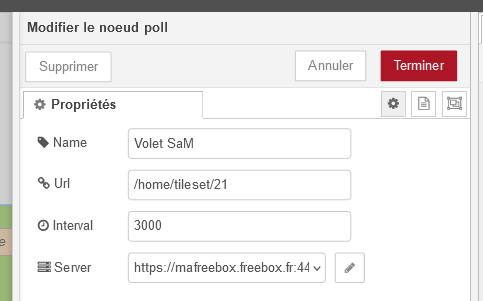
Otherwise for the tutorial maybe you should also add the URL change here I suppose:
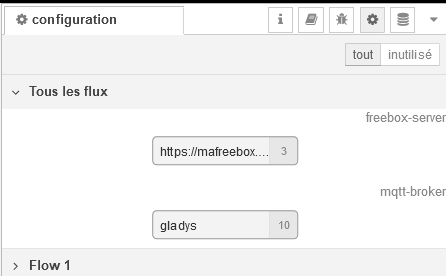
And also the MQTT topics:
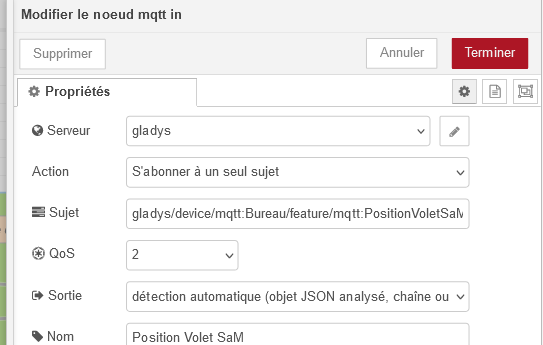
Thanks for the help
In the tutorial I’m writing, I’m adding the details of each node. It will be easier to understand.
Yes, it’s fine like that.
Did you properly authorize the management of the connected home in the Freebox settings?
Can you show me the complete flow (image)? I’ll tell you where to put a debug and how to read the command’s response.
Yes, that’s what I’m doing and I will split the panel’s complete flow into several parts (for example reading, control…) so that it’s clearer for everyone.
From Gladys, how did you try to control the shutter?
From the slider or from the Open / Stop / Close buttons?
When you press, for example, Open, what does the debug return?
I also see there was an API call to perform a read. In Gladys, did the slider move?
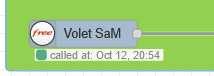
I tested both, but it’s the same and there’s nothing in the debugger.
When I try with the slider, it moves but returns to its previous position.
So we’ll first try on the Gladys side to see if the command is arriving properly in Node-RED.
For that, add a debug node after the MQTT IN Commande Volet SaM node and a second one just after OPEN.
Then press Open in Gladys and send me what you see in the debug.
Well, I have nothing in the debug, personally I’m going to stop there for tonight, I’ll try tomorrow to see why nothing is coming through from Gladys.
Thanks
Ok so it’s the MQTT part that’s causing the problem then. Keep me posted tomorrow.
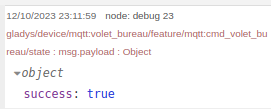
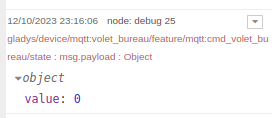
Here’s what I get on my side from the API and on the first debug when I try to open my shutter. (my wife won’t understand why I’m opening the shutter at this hour  )
)
You can see the time of the call (it’s not the actual time that’s displayed.
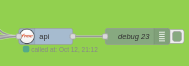
The debug value in case of a successful command
Then the debug value after the MQTT command and when I open the shutter
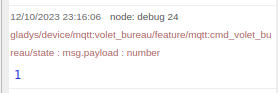
And the debug just after the OPEN function
Maybe check the MQTT topic you put in the MQTT nodes and verify on the Gladys side.

Hello @_Will_71 ,
Well, I re-ran the tests and still no improvement, the topics seem fine to me, I’m doing copy/paste!!
So I created a simple flow for testing with another fake device and it works