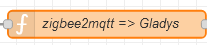
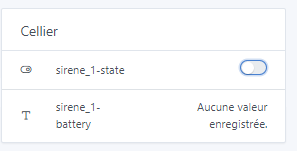
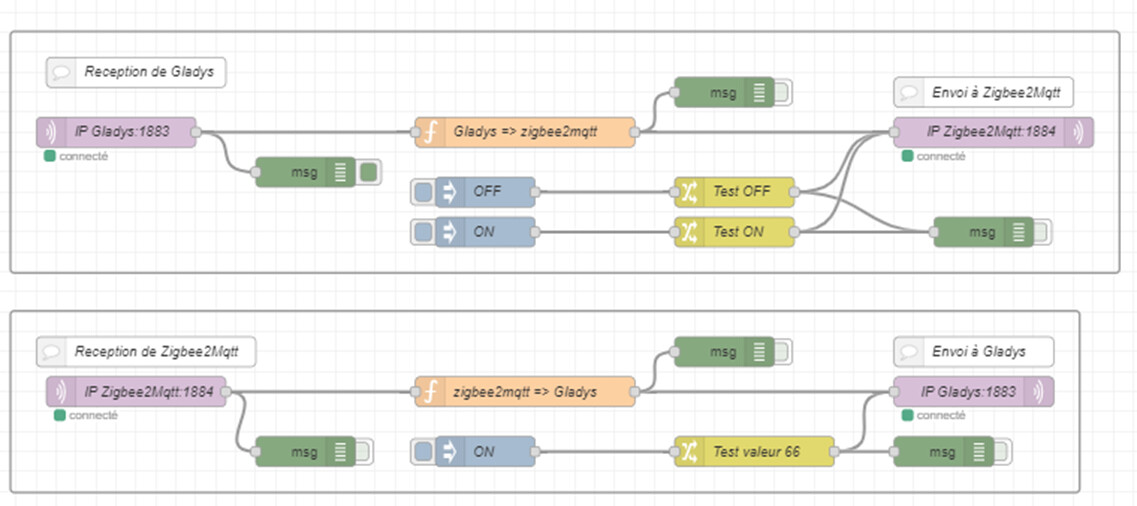
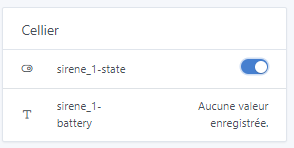
paste this code, it should report the battery level to you, tell me if it works
var inputTopic = msg.topic;
var inputPayload = JSON.parse(msg.payload);

// Names of devices given in Gladys and in Zigbee2Mqtt
var nomAppareilGladys = "Sirène_1";            // nom du device dans Gladys
var nomIdAppareilGladys = "Sirène_1-power";    // nom de l'ID externe de la fonctionnalité
var nomAppareilZ2M = "Sirène_1";                   // nom device dans Zigbee2Mqtt

// Logic to change the topic and the payload based both on the input topic and input payload
if (msg.topic === "zigbee2mqtt/" + nomAppareilZ2M) {

    // if there is the value "state" in the json sent in the payload of zigbee2mqtt
    if (inputPayload.hasOwnProperty('battery')) {
        // adaptation of the Gladys topic to zigbee2mqtt
        msg.topic = "gladys/device/mqtt:" + nomAppareilGladys + "/feature/mqtt:" + nomIdAppareilGladys + "/text";
        // adaptation of the zigbee2mqtt payload to Gladys
        var payloadValue = inputPayload.battery;             // to be adjusted
        msg.payload = payloadValue;
    } else {
        // If the 'power' key is not present, set the output to "defaut"
        msg.payload = "defaut";
    }
}

return msg;
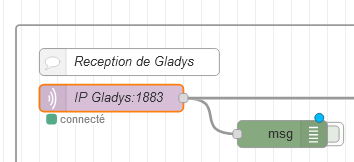
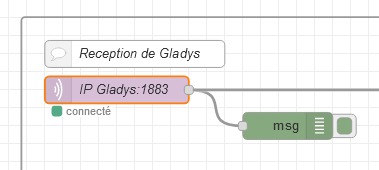
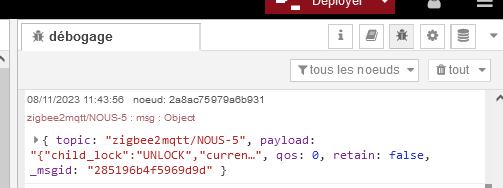
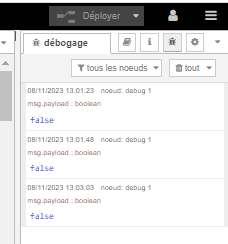
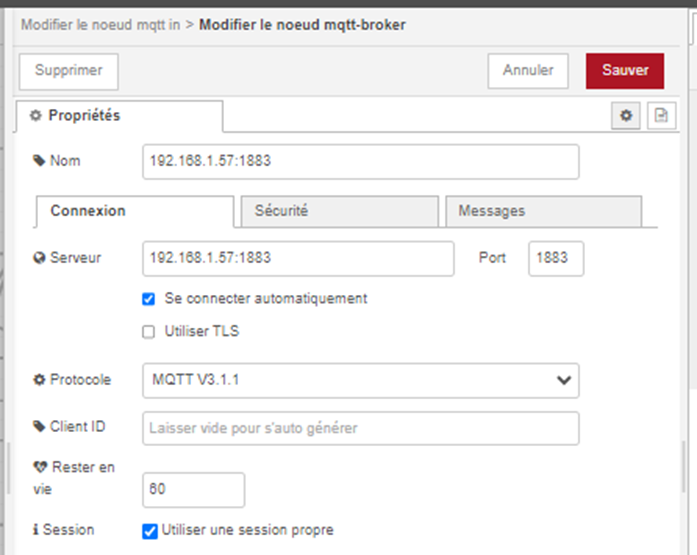
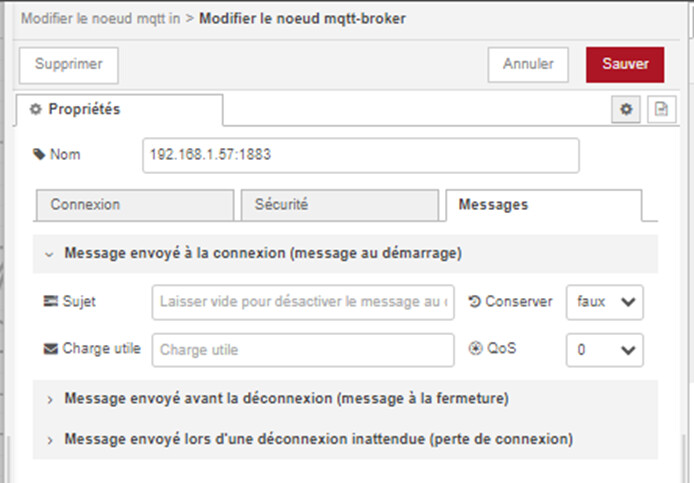
What’s the address to connect to Gladys? It looks properly connected — if you have another device, like a smart plug, in your MQTT integration you can toggle it once to see if it generates a message in the Node-RED debug.
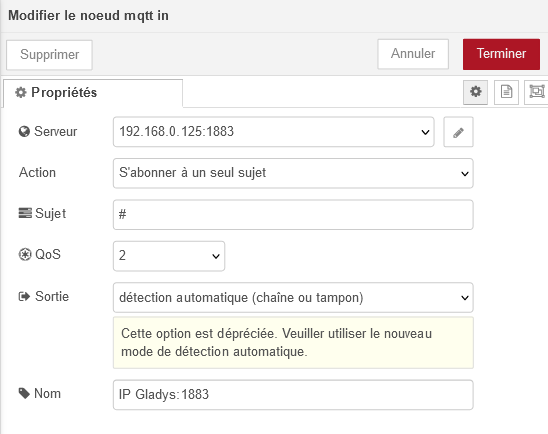
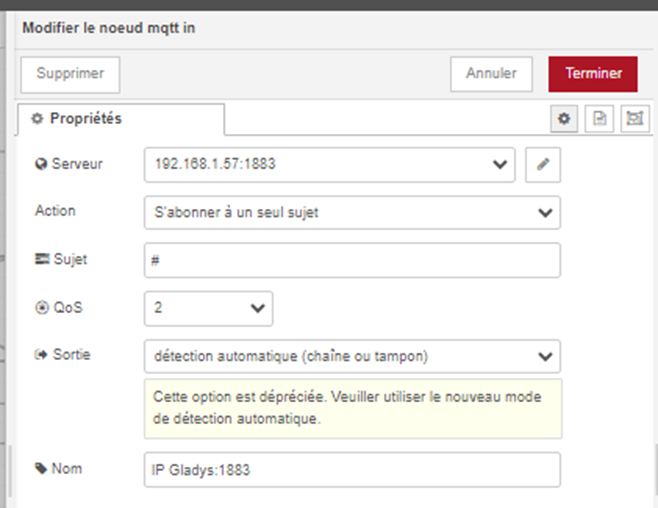
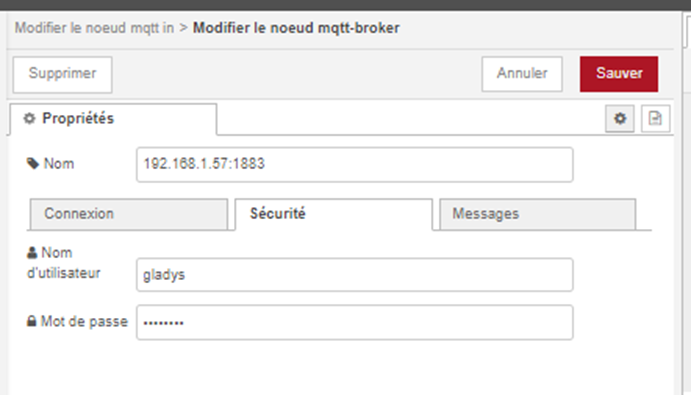
To be sure about the IP I didn’t want to miss it just in case, so the parameters on the « Mqtt In » node seem to be correct; you should see messages arriving in the debug when enabling MQTT devices.
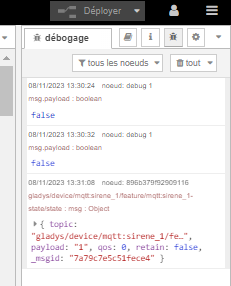
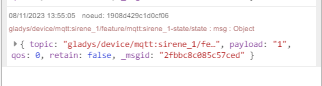
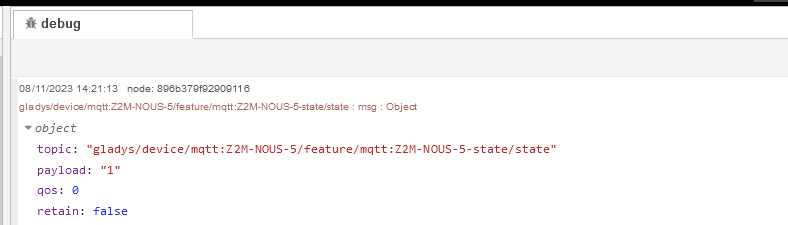
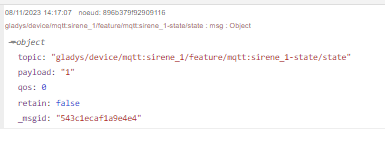
Good point — something is indeed coming out of the debug!
Can you click the arrow on the left to expand the message and take a screenshot to see the full thread, please?