New feature *Signal Strength* or connection status

Yes, the goal is the same, the LQI takes into account the RSSI and the packets sent/received and the route, the units are different but in both cases the user wants network bars in the UI.

A little bit of explanation => https://www.sciencedirect.com/topics/engineering/link-quality

The problem with 1 to 5 is that if we want to create scenes (message if weak signal) we lose precision. From my side, it’s acceptable. To be seen what others think.

We can split the difference and go for 0 to 10, for example. Not sure if more precision is that useful :slight_smile:

I understand well what you want, but you should not mix LQI and RSSI, these are two different units.

Link quality, unit = LQI specific to Zigbee → why manipulate the range? (0 - 255)
Here we are talking about quality

RSSI Signal strength → unit = dBm (Common to all radio protocols)
Here it’s a power unit

Factoring is fine, but I get the impression that it doesn’t make sense in this case

So I don’t really see the point of « converting » the Zigbee range from 0-255 to 0-10, it adds lines of code that serve no purpose.

The discussion is not clear because we are mixing two concepts there :sweat_smile:

Yes, but as a user, what’s the difference?

How do you display the LQI in the UI?

And how do you display the RSSI?

In the same way, even though they are 2 different features.

I had the impression that you only wanted one of them.

Thanks for your explanations @VonOx, it’s a bit clearer now.
Very naively, would this solution be more feasible?

  1. Generic gladys signal-strength feature
  2. For Zigbee, the value is calculated by mixing LQI and RSSI

Example:

  • LQI < 10/255 or RSSI < 1 / 5 → signal-strength = 1 / 5
  • LQI <128 and RSSI <= 3 / 5 → signal-strength = 3/5
  • etc

[EDIT] Otherwise, indeed, we can create 2 features, one of which will be specific to Zigbee.

Yes but then what is the point of having 2 different features?

The only benefit I see would be potentially displaying in the new « graphical » view a detailed display of the precise LQI evolution.

After that, is it really useful?

Actually, what I want to avoid is developing a specific Zigbee development that does not benefit other integrations, because each protocol does its own thing (it’s always the case), and then we are forced to develop a different UI per protocol, which is not the goal of Gladys!

After that, if there is a real difference, and a real need to differentiate the two, no problem we can keep the two separate, I just want to be sure of the exact usage for the end user :slight_smile:

No, the graph is not useful in this case :smiley:

The units are not the same, these two features are in some way very related but they do not carry the same information.

What I did not want to do is convert the Zigbee data and not have a « gladys » value for the link quality because it is already defined with its specs on the Zigbee side (for the server part). If I put myself in the place of a user who makes a scene and the Zigbee documentation indicates 0-255 and on the Gladys side it’s 0-5, it will generate frustration :slight_smile:

On the display/icon side of the « signal » in the UI, it will be classic bars in both cases.

For information, in Tasmota, you can also use the signal strength. You can find the RSSI and the signal there…

18:59:57.869 MQT: tele/tasmota_C5B00A/STATE = {"Time":"2021-10-04T18:59:57","Uptime":"25T06:33:06","UptimeSec":2183586,"Heap":30,"SleepMode":"Dynamic","Sleep":50,"LoadAvg":20,"MqttCount":354,"Wifi":{"AP":1,"SSId":"XXXXXXXX","BSSId":"XXXXXXXXXX","Channel":6,"RSSI":92,"Signal":-54,"LinkCount":61,"Downtime":"0T00:15:31"}}

Yet, you want to display exactly the same information in the UI! So I don’t understand!

What is the point of storing it in two different places if the end goal is to display the same thing?

How will it be used?

Exactly, for me that’s an argument for factorization!

In the UI, the user should not have to enter values, to read docs (we’re not in Home Assistant) if it’s generalized on the Gladys side, we are able to make a specific UI with pre-filled values.

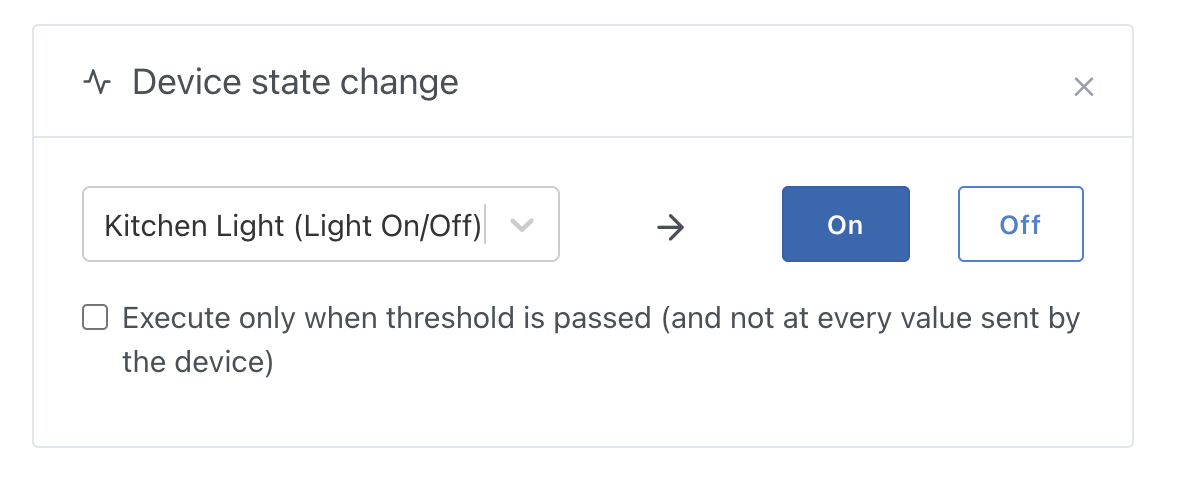
Example: The On/Off, I made a generic component (the user does not have to know that 0 is off and that 1 is on: the UI does it for him)

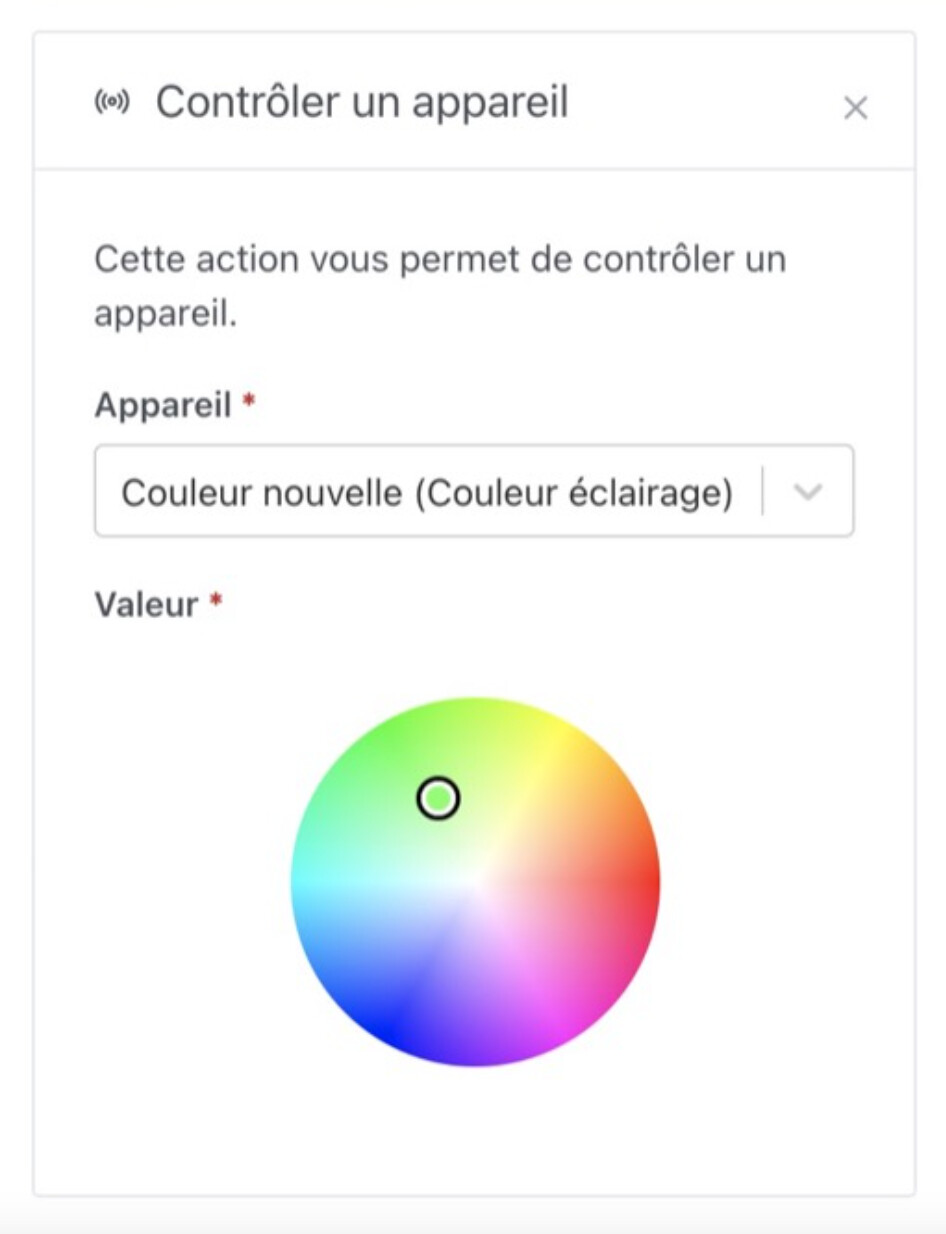
Another example: the color:

The user does not have to guess that the color is stored in RGB, in HEX, or whatever: he just wants to control the color, no matter the protocol used, and he has a color picker that does the job no matter the brand, and the color is sent converted to each brand: it’s the developer who did the job, not the user.

Hence my remark for the signal quality, if we generalize the behavior, we will be able to make a component in the UI that allows you to select from 0 to 5 « bars » (it’s up to us to imagine the format of the component), and the user will not even have to read the Zigbee doc

Another argument for factorization!

Here I can see that the signal is clearly negative :sweat_smile:

It’s up to us to put a bit of order otherwise it will be a mess, and we will have to code 5 different UIs for each type of device.

Well, those are dBm, always negative. Not LQI.

So I don’t understand the discussion, we want to manage m³ like meters in some way. Don’t feel like getting into that, it makes no sense.

I don’t know these units well, my bad if I’m talking nonsense!

So if these units are different, how does this manifest for the user in the UI?

Let’s set aside the technical aspects, I just want to know as a user how these data are displayed :slight_smile:

I want something concrete, what will it look like in the interface?

You can also call to discuss it, maybe it’s simpler :smiley: As you wish!

The idea is just to integrate this from a user perspective, rather than thinking about the backend first and ending up with a different implementation for each integration :slight_smile:

To see depending on availability

Otherwise, for the user it would look like this (it’s a mock-up, I haven’t adjusted the signal icon color)

image
Same for the RSSI


@lmilcent I saw that you gave your opinion on the lucide repo :wink: , do you like this icon!

Yes, I confirm it, I find it nice :slight_smile:

It’s clean :slight_smile:

Well, you know what I’m going to tell you, I don’t know if I should say it again :joy:

So, to continue, we agree that in both cases we have a number as input (the LQI or the RSSI), and as output we want an integer from 0 to 5 to display these 5 different icons.

And from what I understand from this debate, @VonOx you are in favor of doing the conversion work in the frontend (and storing the raw data in the DB), and I am more in favor of doing it in the backend (and storing the transformed data in the DB).

After that, both approaches have pros and cons:

  • If we do the conversion on the backend and only store 0 to 5 in the DB, we lose information that could be useful (or not)
  • If we do the conversion on the frontend, it means we have to handle each brand and each format for display, whereas so far in Gladys we have always done that in the backend service

Exactly

Exactly because for me we have two different units that do not have the same meaning. Even if the UI is identical in its representation.

So we need other opinions :grin: (I am not a developer by trade so my opinion counts less)

After that, nothing prevents changing the name of the feature, since this 0-5 is no longer either an LQI or an RSSI but a « deduced » value, we can create a feature specific to Gladys, « signal quality » ranging from 0 to 5.

Then we create conversion functions to go from one to the other.

Would that seem coherent to you?

Or would you really prefer to do all the conversion on the frontend side?

Because the problem with doing the conversion on the frontend side is that we have to do it everywhere: the Dashboard, the scene triggers, the scene actions, the messages, etc..

Whereas if we do it on the backend side, the processing is done only once.

I don’t see why there would be a conversion:

On the front end, what I would do:

if signal = 1 then such icon (generic gladys value)
or
if signal <= 10 then such icon (raw value)

Isn’t that the same? Maybe I missed something
On the scene side, I use the real value.

If in the future we add a box option that allows displaying the value (LQI or dBm) in addition to the icon, it’s even simpler

This is what I wanted to propose in my previous message:

This would mean:

  • Storing the raw value in the DB
  • Storing a calculated value corresponding to the feature signal-strength