Well, I finally managed to see my thermostat, phew! The first time I got an error when connecting to port 8080, and I was stubborn about the fact that it’s Gladys who manages everything. Anyway, thank you for your patience. I’m now very excited to be able to connect different sensors.
That’s exactly the problem with « simple »
It’s actually zigbee2mqtt that uses the dongle and manages communication with the devices. Mqtt acts as a communication gateway between zigbee2mqtt and gladys.
Hope that helps, have fun.
Ps: when pairing a new device, zigbee2mqtt queries the device to retrieve its features, depending on the model this can take 2 minutes.
OK, thanks. For now, I only have the displayed temperature.
@pascal_sapin Have you done something in the Zigbee2mqtt interface to solve the problem?
I’m also interested in your feedback after integration with Gladys
Has anyone already tried a 10m USB extension to move the Zigbee USB key away?
I can’t reach the mailbox from where my Raspberry is, which is difficult to move as it is connected to an uninterruptible power supply.
Knowing that it’s Zigbee, you can also add relays that will allow the signal to go further.
For example, all devices directly connected to 220V are usually also relays.
My Zigbee power outlets are relays by default and help increase the signal range.
In your case, I would advise you to install a 220V outlet (or something else not battery-powered) halfway to your BaL and re-pair your sensor so that it « attaches » to this relay.
I did exactly that for my presence sensor in the BaL and it works well 
@gaetanb76 For example, this Zigbee connected outlet acts as a relay:
Exactly, I believe all Philips bulbs do this.
I added a link in the zigbee2mqtt documentation to the project
Good idea @VonOx, thanks for the PR!

Have you kept the official Gladys image?
The error seems to be related to Docker, which doesn’t appear to have started the Zigbee service or can’t find it.
Bullseye is not working (identified bug)
Use the official gladys image
Or, I launched the official image in Docker.
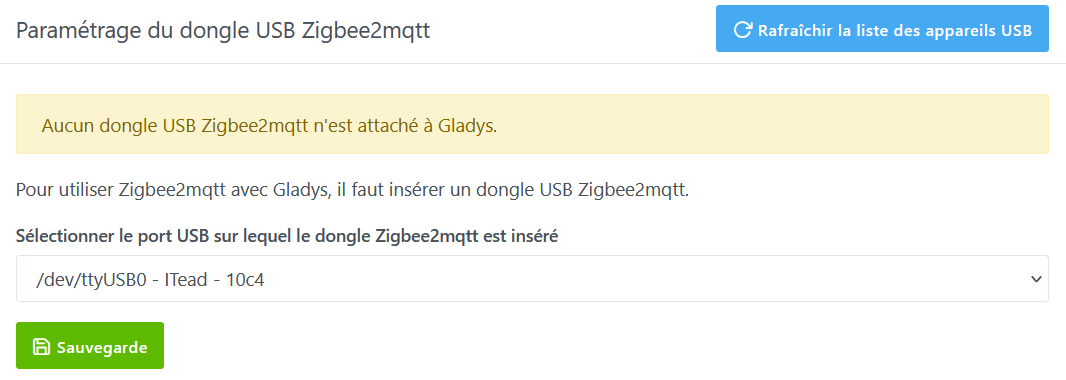
The Zigbee service refuses to start until I declare on which port the Zigbee key is plugged in, but even by choosing the correct port, it gives me an error message. I’ll try to reinstall in another container.
I was talking about the raspberry image, which one did you take?
Bullseye … Is that the problem? Should I use a Debian Buster instead?
Yes, services integrated with Bullseye have been updated, but some introduce major changes that disrupt the operation of Gladys. For now, you should stay on Buster.
Incredible, I don’t know if it’s you, but I’ve talked about this dongle so much that it’s now out of stock at Domadoo! (finally, a week’s wait)

Issue resolved on buster