We’ll see, because if we can move them.
If there’s a + it should be placed next to the arrow.
Request overlapping in whole or in part with the following feature request:
@VonOx, @GBoulvin, @Hizo and @dumoulin.jb, like me you might be able to pick up a vote, because apart from @Hizo we all voted for this one as well.
Hi everyone 
I worked this afternoon on this topic, and I’m taking the opportunity to generally improve the UX of the scene edit view!
The system will be the same as for the dashboards :
In video :
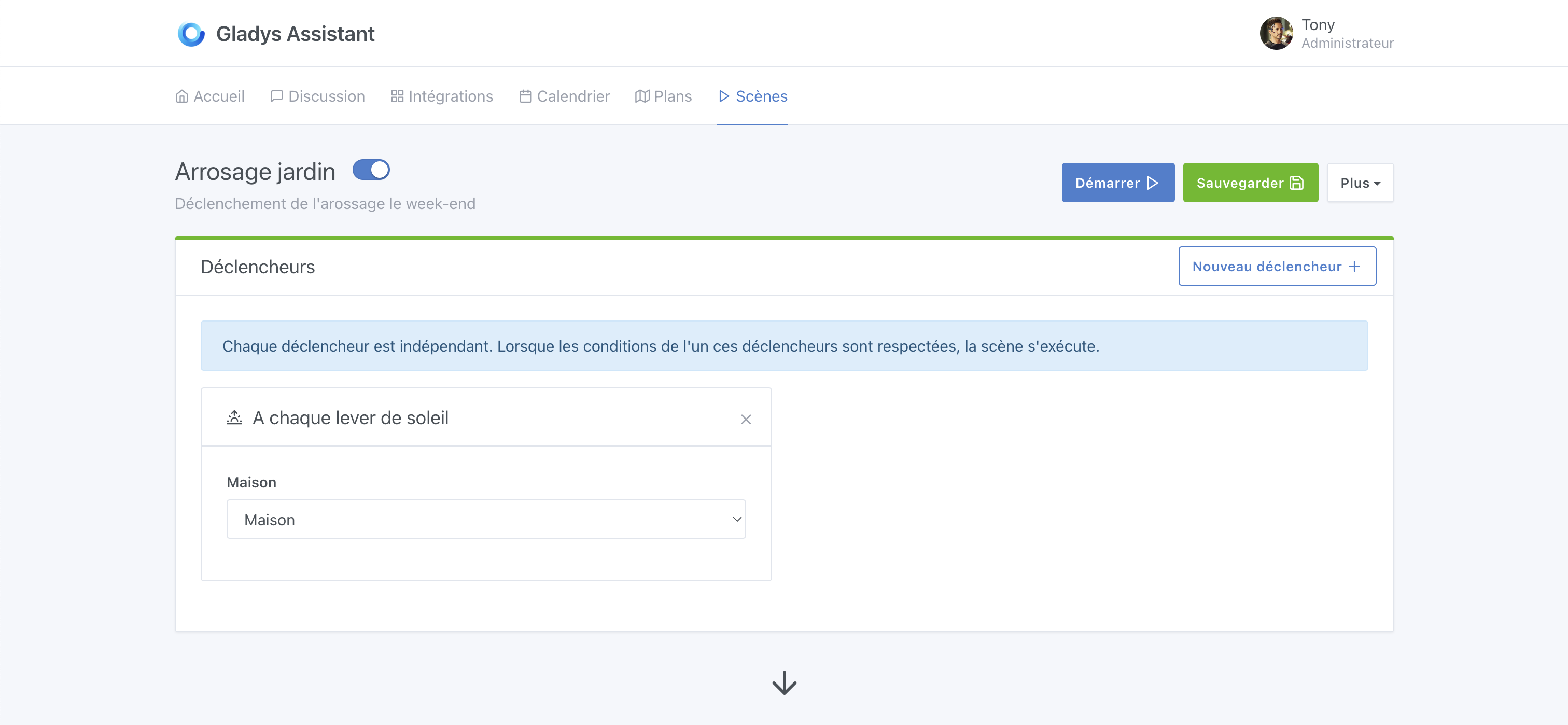
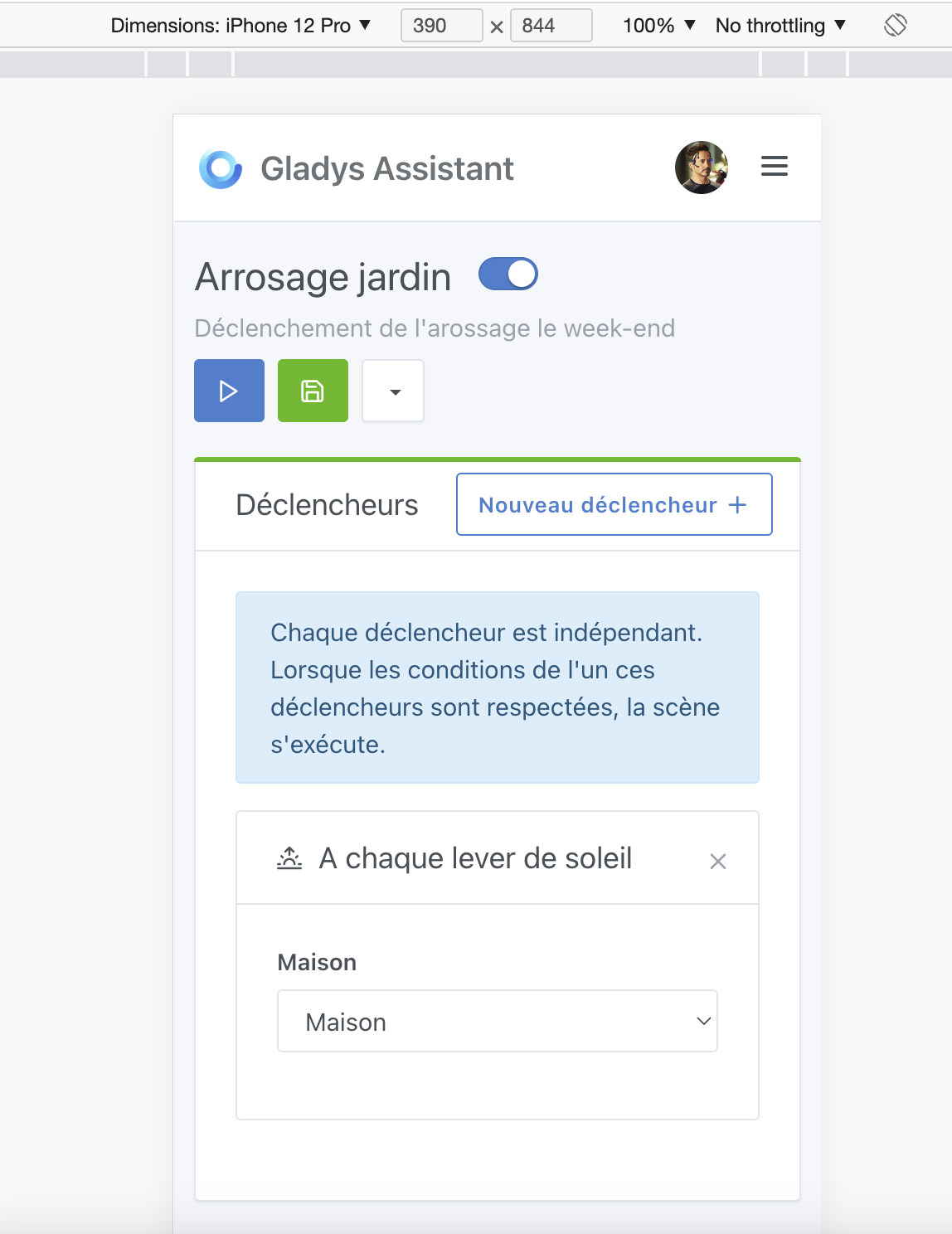
Some UX/Responsive improvements:
I’ll be able to clean up my scenes.
Are you thinking about that too? Or will that come later?
Ah yes, I had forgotten, I’ll add a button!
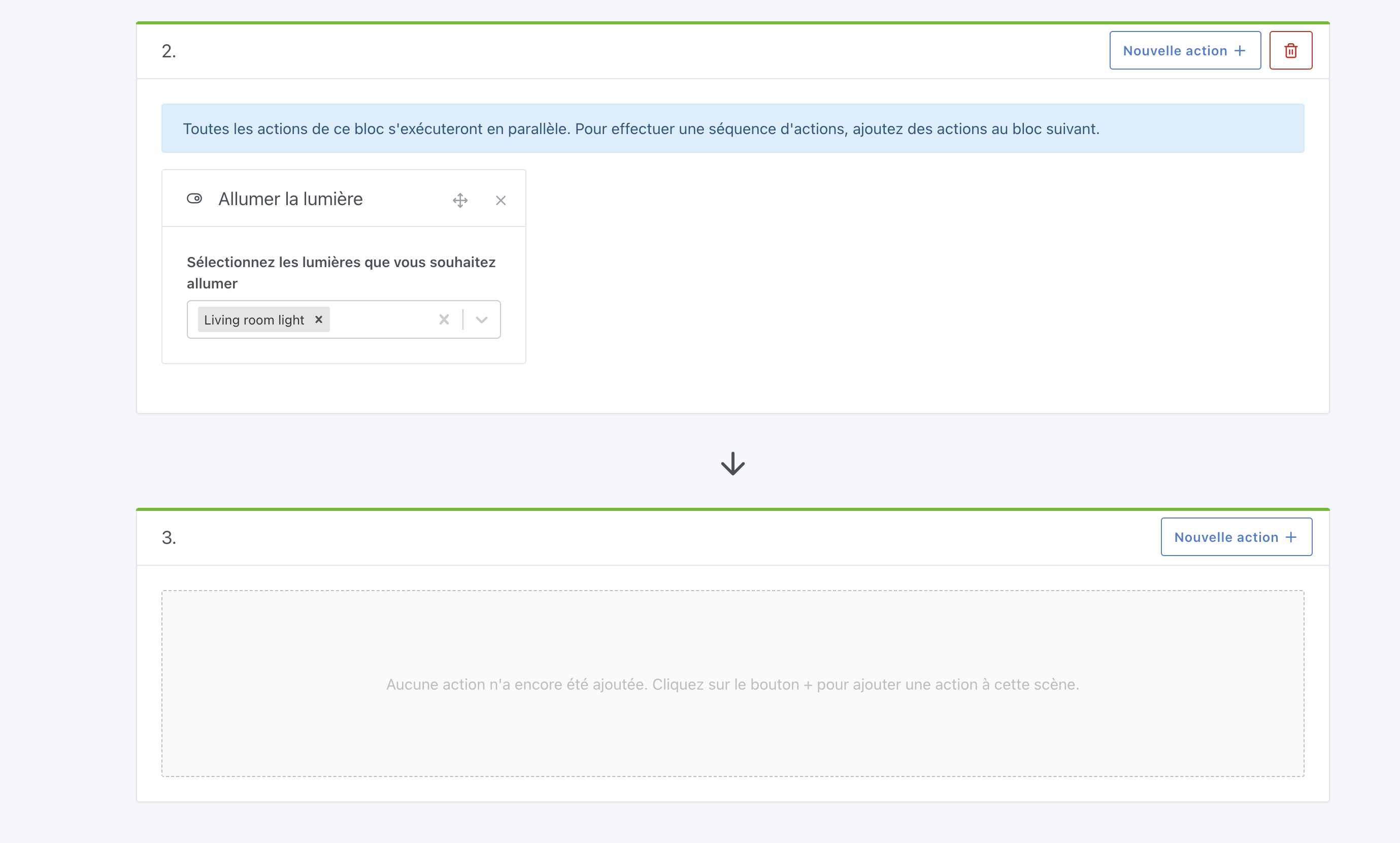
Great! This will greatly improve the experience of creating longer or more complex scenes.
Hello everyone! I made progress on this topic this morning, and I can already share a URL to test this new screen (via Gladys Plus): https://improve-scene-ui-ux.gladys-plus.pages.dev/
Do not try to modify the description, it won’t work (you’ll need to update your local Gladys instance for that), however I’d welcome your feedback on all the UX improvements (moving actions, removing blocks, etc.)
Responsiveness has notably been improved:
Nice improvement!! When you’re working out scenes, a bit by trial and error, this will really help 
Maybe an idea: it’s happened to me that I’ve needed to swap two whole blocks of actions. With what you’ve done, I can already do it by moving each action one by one. But could you add a way to move an entire block?
Not a bad idea, I hadn’t thought of that at all!
But I’m afraid it would bloat the UI too much (it would add buttons everywhere). Generally, how many actions do you have per action block? (to know if it’s worth it)
Often one or two actions per block, of course, but sometimes 3 or 4. And so 3 to move up a block and 3 others to move down, that’s a few fiddly moves… But nothing completely deal-breaking either, really… Just that it would seem handy to me 
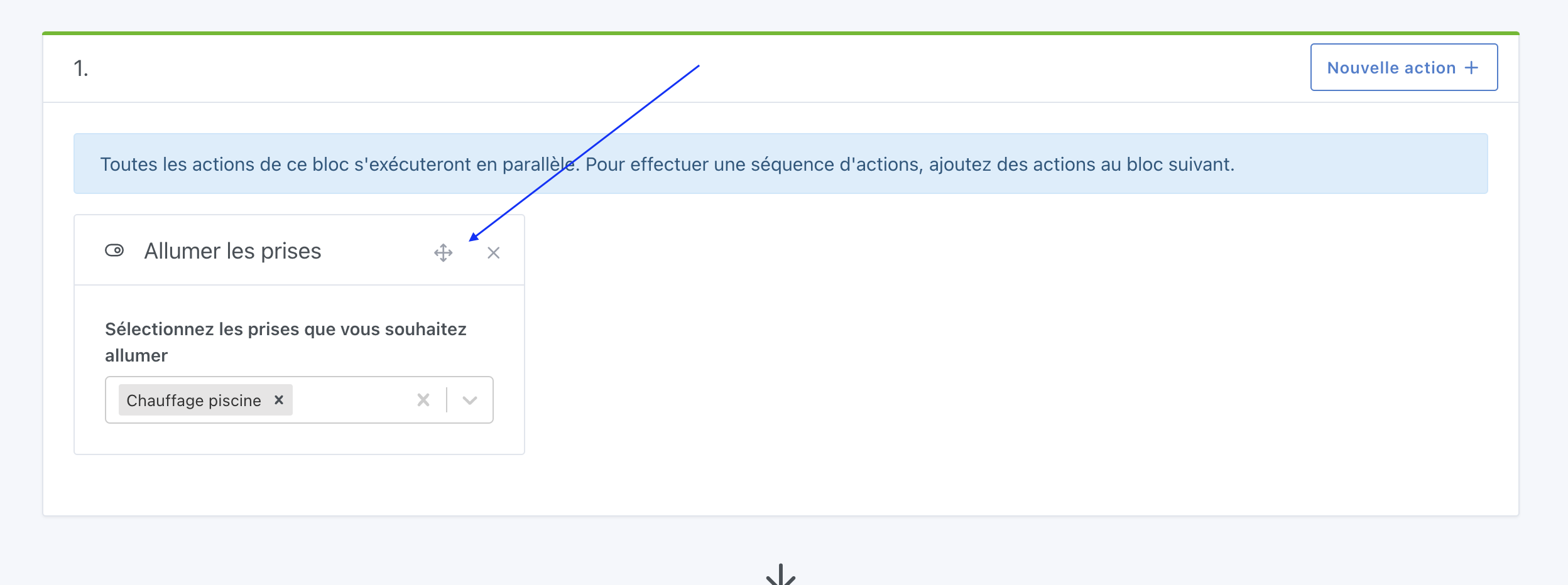
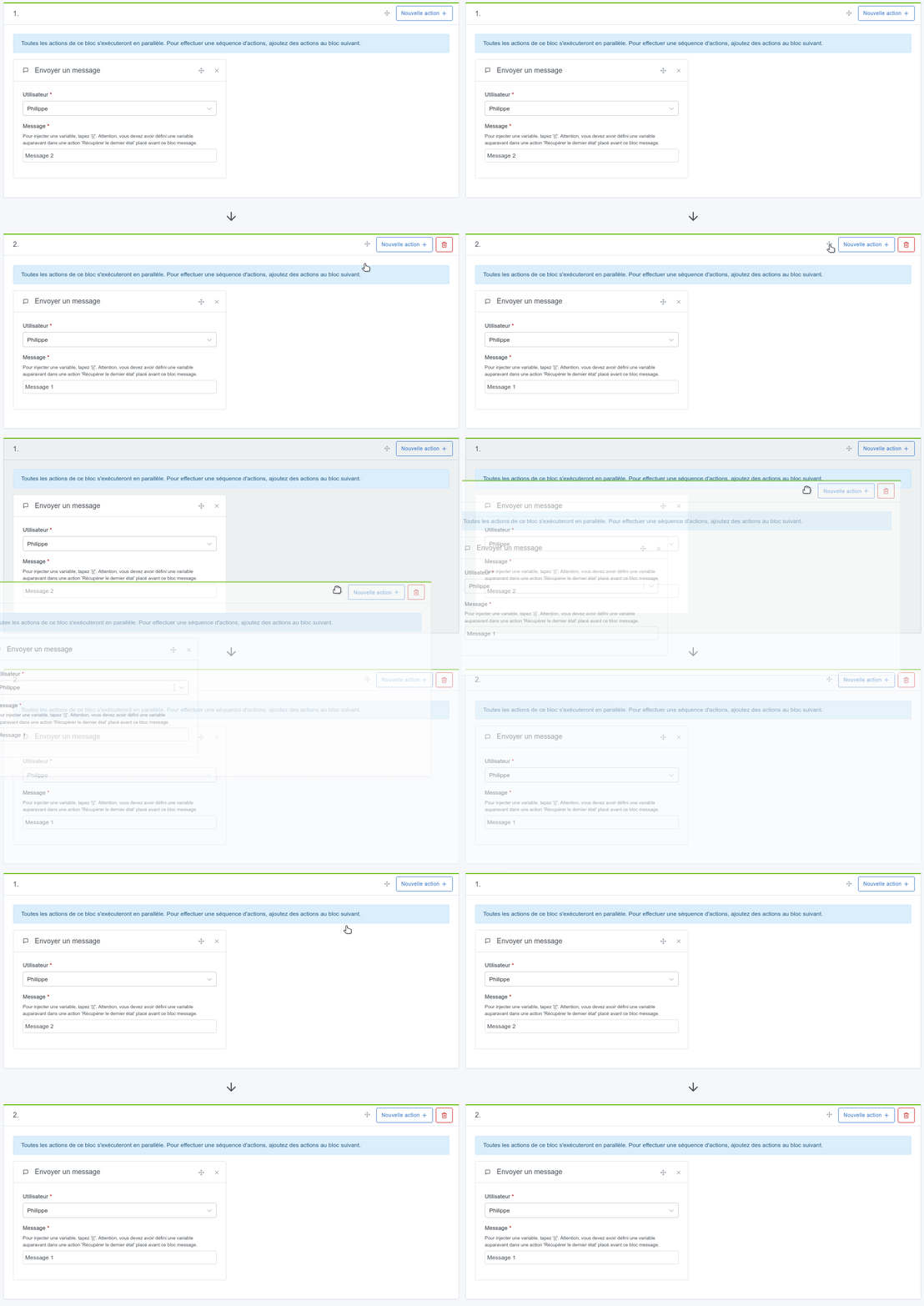
And just put a drag handle (cross icon) next to the « New action + » button
I think it’s more sensible to be able to move a box rather than an action afterwards, if we can do both.
Good idea!
It’s been added
Still looking for testers here:
https://improve-scene-ui-ux.gladys-plus.pages.dev
Hello @pierre-gilles, I just tested it but it doesn’t seem to work on my end.
Tested on Firefox 113.0.1 (64-bit) / Linux Fedora (same on Chrome)
Thanks for the test! Are you on a particular screen? (like a touchscreen but with a mouse anyway?)
Does drag and drop on the dashboard work for you?
I can’t reproduce it on my end, everything works… 
It’s on my laptop running Linux. I confirm that the same feature on the dashboard does work.
I’ll re-test on another machine and keep you posted.
Darn! Do you have a specific error in the browser console? (Inspect Element)?
Just to clear my doubt, on a smartphone it’s not possible, is it?
No problem on Chrome and Opera for me.
So it’s supposed to work on mobile too, that’s not the case?
No, I keep my finger on the cross to be able to select the box to move. The box grays out.
But when moving, it’s the screen that moves up or down and not the box.