How to rotate a camera image by 180°

Hello everyone

I’m having a problem with a camera and the dashboard. I have to suspend my camera upside down and therefore I invert the image to see it the right way up. But in the dashboard it is displayed upside down, is there a way to flip the image on the dashboard. Or is there another way?

Thanks for your answers

Thanks VoxOn,
For creating a new topic, as we were talking about cameras in that one, I wrote there, but it’s true that it was a bit old.
Have a good rest of the afternoon

You’re welcome, what camera do you use?

Good evening VonOx
I currently have a Foscam f18910w, (works in parallel with the smartphone app)
a Kerui Z05H-20, (does not work when managed by an app)
a camera recovered from an old SFR SFR RC8221W v2 system. (no app available)
I have a Konx2c video intercom, but like the Kerui, I can’t get the video stream when they are declared in my Yosee app. And I’m also trying an Esp32Cam, but I can’t get the video stream either. I read that the Esp32Cam video stream is encrypted and that this is the reason.
Good evening

This is a feature that could be added (like a camera parameter: rotation: 180°)!

I admit you’re the first to ask :smiley:

Maybe we could turn this post into a feature request?

Hello Pierre Gilles,

That would work for me
Thank you

I’ve turned this post into a feature request, now we need to vote :slight_smile:

Since there are hundreds of requests, we prioritize based on the number of votes!

No problem, that’s the rule.
Thanks :wink:

The server-side code is complete

My head is spinning :slight_smile:

I’m refining the interface

Super, I’ll be able to see my garden in person? :grinning: :grinning:
Thanks VonOx
Have a great weekend

I just have a small issue, if any confirmed devs can help me :sweat_smile:

https://github.com/GladysAssistant/Gladys/pull/1297#issuecomment-918134359

There must be a bug in your code, do you have errors in your browser’s console?

No doubt! :smiley:

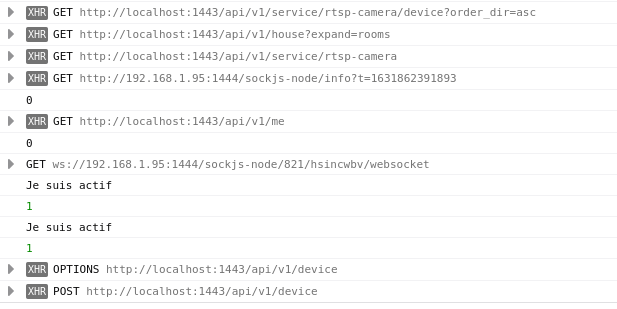
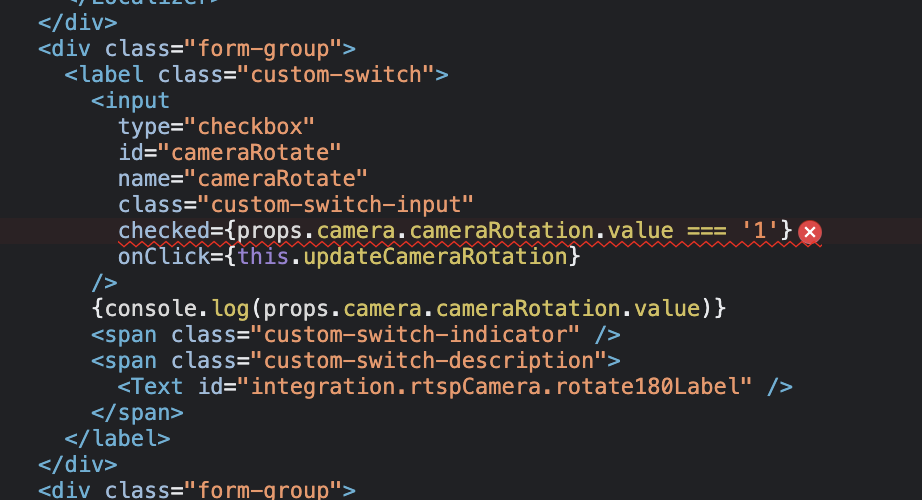
No, I’ve got nothing, I even put console.logs in cowboy mode to check the values.

By the way, I don’t understand why the log displays 2 lines, anyway I still have a bit of trouble with the front end.

Ok, I’ll deploy your PR locally to check

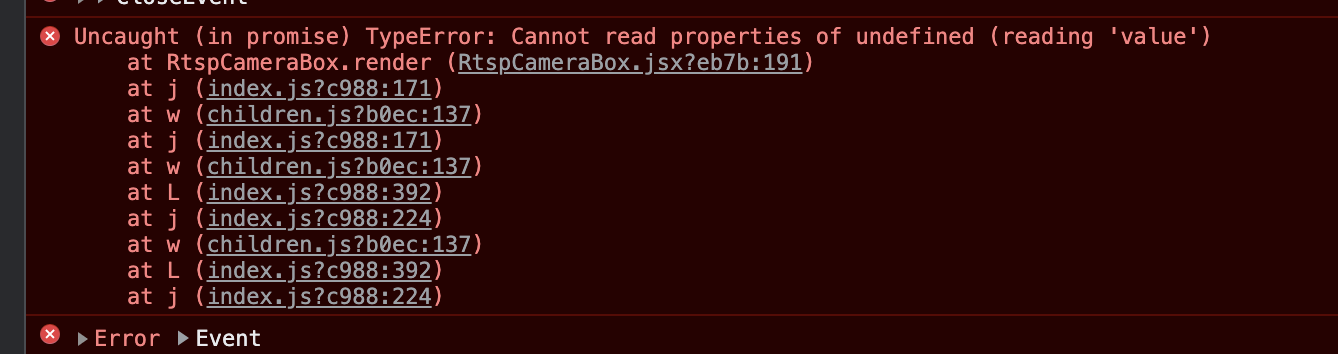
Just launching your PR with my existing DB crashes the UI:

What I understand from this is that the parameter does not exist in your DB and that I need to handle this case (you’re adding more problems ^^)

I don’t think the parameter should be specified for all cameras!

The parameter should only be there for cameras that require rotation, otherwise it should work even if the parameter doesn’t exist in the DB :slight_smile:

I just merged the PR from @VonOx, which will be included in the next release of Gladys!

Thanks for this great PR :folded_hands:

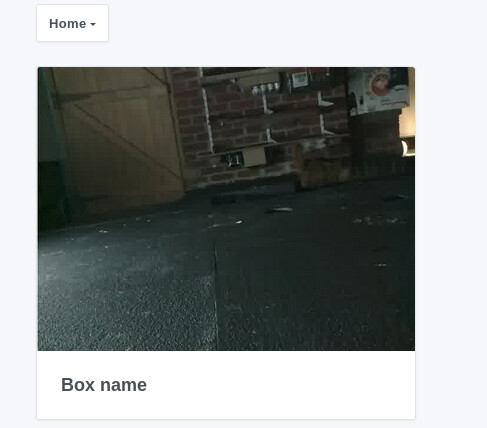
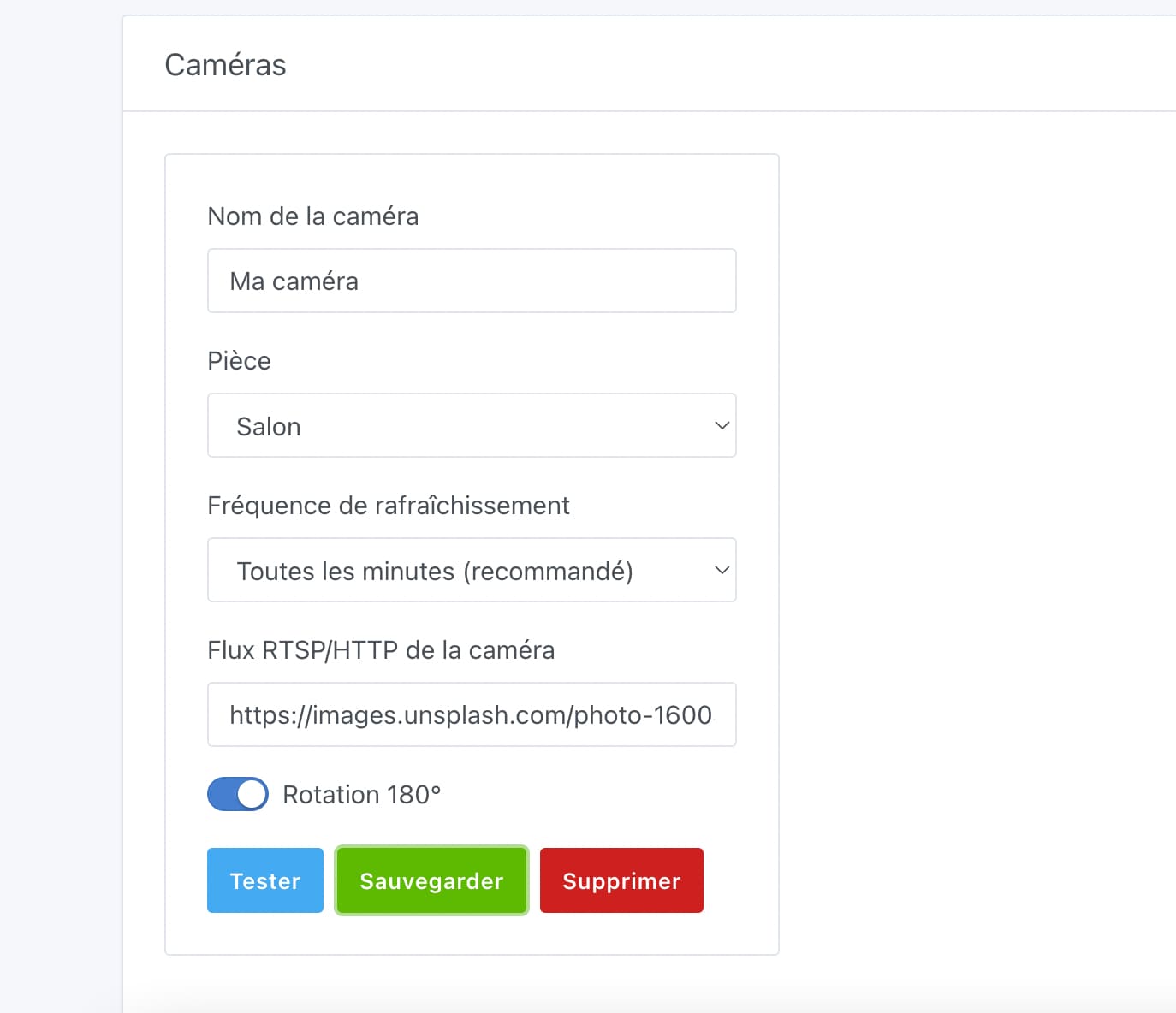
Here’s what it looks like in the interface:

The PR is available here:

https://github.com/GladysAssistant/Gladys/pull/1297

I confirm that this feature is available in Gladys Assistant 4.8!