Support for roller shutters in the Tuya integration

The Tuya integration allows me to see my solar roller shutters that are radio-controlled via a Tuya box.
They do show up as devices in the Tuya integration but are grayed out because they are not supported.
Would it be possible to make them compatible so that Gladys can control them?

Thanks in advance — I’m available if you need more information!

Hello @Mastho,

I think that’s possible. I would need, if possible, the name or a link to the devices.
Because in Tuya, it is possible to add virtual devices to do integrations and tests of devices we don’t own, but the list is very large (and the names are often in Chinese).

:slight_smile:

Hi @Lokkye !

Indeed, it’s Chinese :slight_smile:
The motor model: Roller shutter (卷帘)

I’m attaching a screenshot of the device that controls the shutters:
![Tuya Box|411x400](upload://xwQ8GKBS2CmzM6WtAReyJte

Thank you for the information.

I made a small PR accordingly

I am currently building a Docker image (I will provide the link soon).
@Mastho If you could test on your side

2 Likes

Here is the Docker image link: delogzway/gladys:curtain_tuya

2 Likes

I still haven’t created a test instance… :sweat_smile:
What’s the easiest way to create one?

Good evening @Lokkye
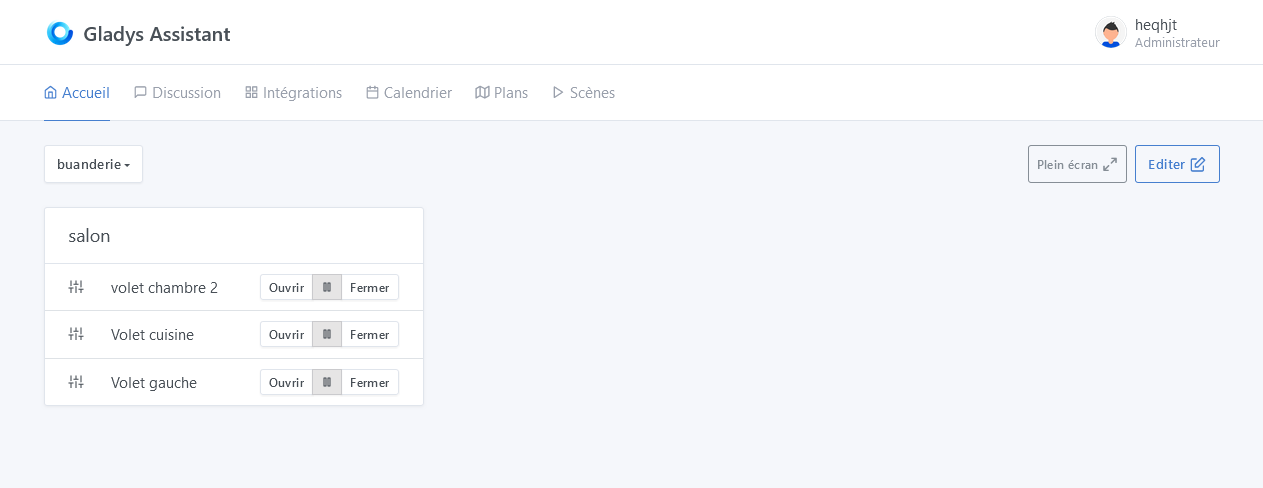
I’ve tested it, everything works fine for me.
I have 3 different switches :

  • the oldest is a 3rd-generation with the on command to open and off to close.
  • a second, more recent 3rd-generation with an open command to open and close to close.
  • the last one, which is a 4th-generation, has the same commands as the previous one and supports the opening percentage.
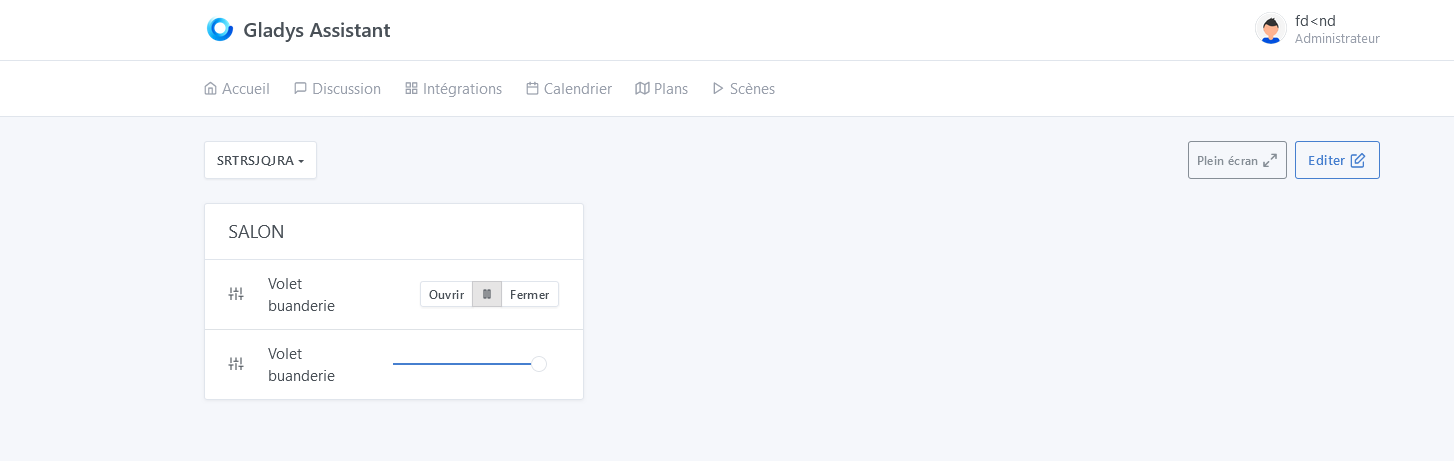
    However, in your dev, the percentage function does not appear in Gladys, but full open and full close work.
    Thanks for the work you do :pray:
2 Likes

Hello @Psoy,

Thank you for the test.
For the 4th-generation switch, I’ll see if I can find one among Tuya’s virtual devices.

I also don’t have a test instance. I create a backup with Gladys Plus and temporarily change the Docker image.
As in this tutorial: Tutoriel: Lancer une image Docker de test

1 Like

@Psoy : I think I’ve found the parameter to control the position. I’m rebuilding the Docker image with the changes. It will be ready in 10-15mins :slight_smile:

1 Like

Great, thanks
:+1:

Great, thanks! I’ll try that.

[quote="Lokkye, post:10, topic:8369

@Psoy : Did you remove and re-add your device in the Tuya integration?

And should I do a docker pull too?

If you haven’t done it, yes you need to do it.

Each time there’s a new image you have to pull again, otherwise Docker keeps the old image.

1 Like

thanks @_Will_71
I just did it and it’s much better

1 Like

Okay it’s all good, I’m trying out the pull. It works much better


thank you very much and sorry for the scare :face_exhaling:

Still very practical in winter! :wink:
Sorry, I couldn’t help myself :rofl:

8 Likes

@GBoulvin : :rofl: :rofl: :rofl: :rofl:

@Psoy: Thank you very much for the test

@pierre-gilles : Would you be able to review the PR? Thanks in advance :slight_smile:

1 Like