Hello,
I think I need to tell you this story.
As you know, after the update, Zigbee stopped working for many people. It was necessary to run a few SSH commands, provided in another post, to fix the bug.
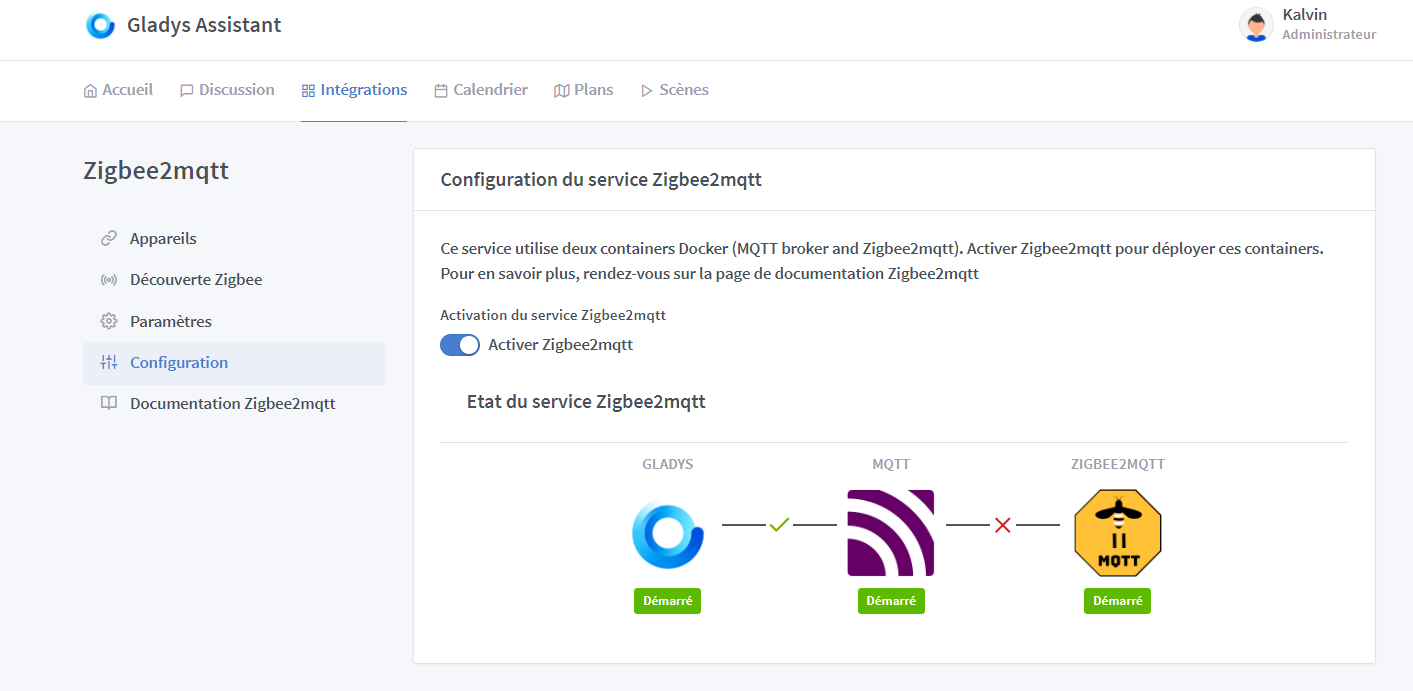
Okay, that’s fixed.
But my bug from last time, where only the window sensors were working and came back, is still there.
See post: Zigbee2mqtt disconnected from Gladys
I think I found the issue.
You’re going to laugh  and say, « What an idiot. »
While searching, I came across this: https://www.zigbee2mqtt.io/advanced/zigbee/02_improve_network_range_and_stability.html#usb-based-adapter
It explains how to improve network range and stability.
There is a note that says, « Also, make sure not to position the adapter too close to other radio transmission devices (e.g., a Wi-Fi router) or an SSD. »
Well, in terms of being stupid, I’m at my peak.
I already had my Zigbee module placed next to the SSD, but that’s not the most important part.
I had the module stuck to my Deco Wi-Fi access point, but like, stuck, and between the Deco access point and a Wi-Fi camera (by the way, if we could add the camera to Gladys, that would be cool.  )
)
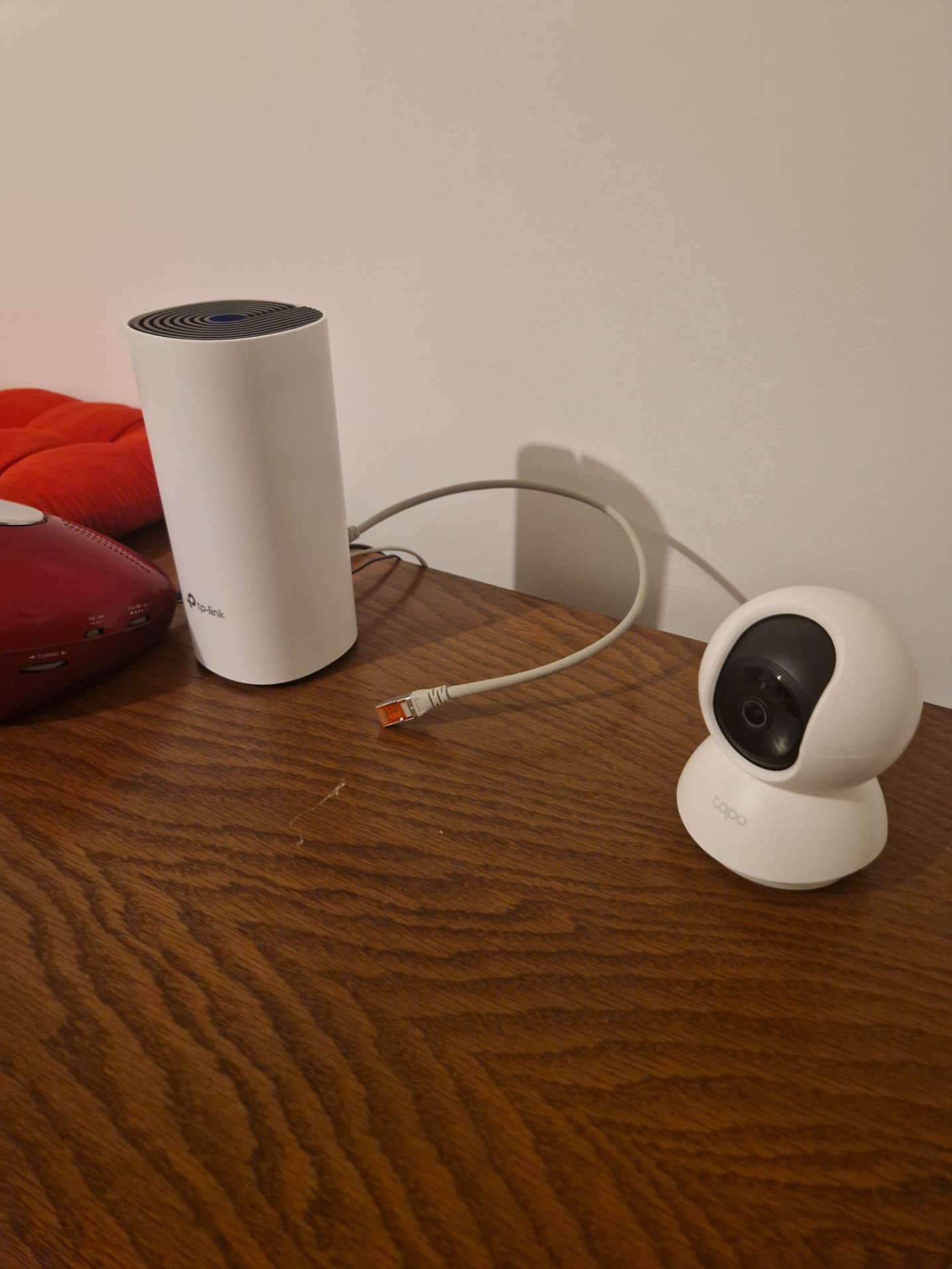
After reading the article, I immediately moved the Raspberry Pi, and it’s working again. Whether it’s luck or if this is really the solution, I don’t know. We’ll see over time.
If anyone ever has this problem, here’s the reason.
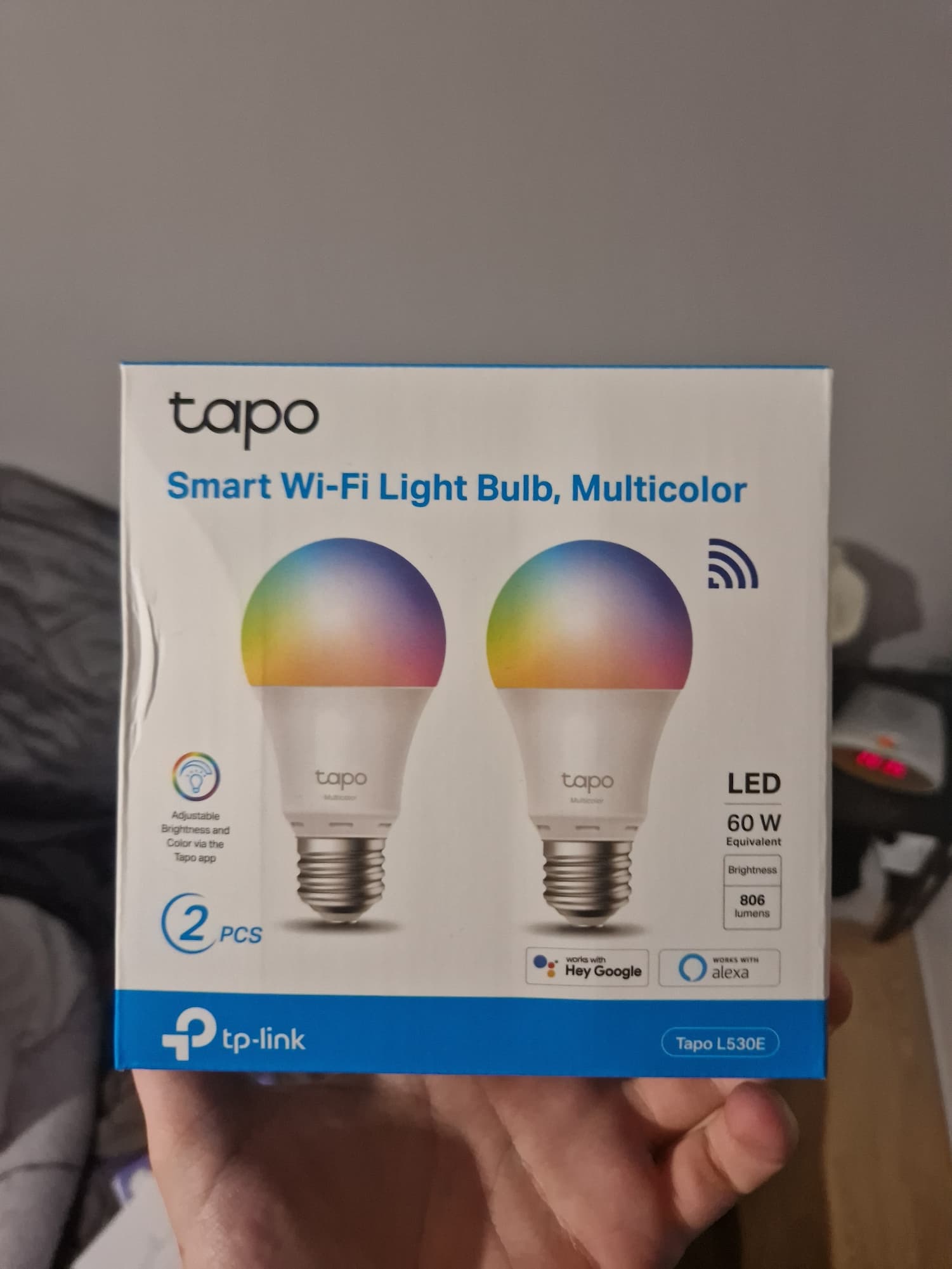
For the camera, here’s the model if you accept to add it, and I also have some bulbs.

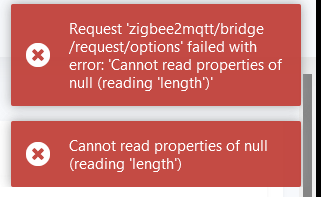
Error when the antenna is stuck to the Wi-Fi access point.

Thank you, I’m waiting if there are any other explanations or ideas. In the meantime, after moving it, it’s working again.