Hello/Good evening,
I have a small issue I’ve recently encountered that I’d like to submit to you.
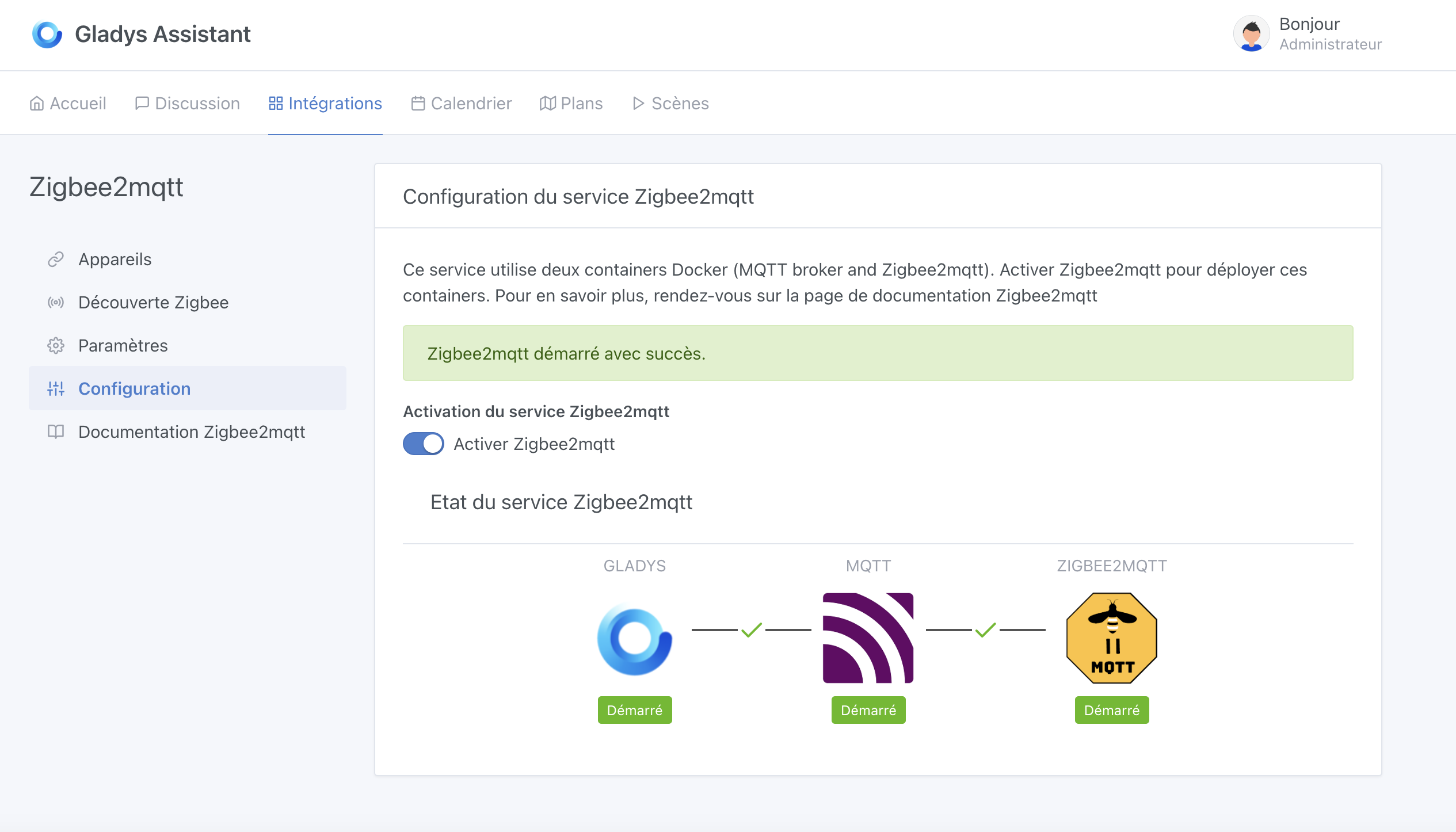
On startup of the Pi, the ZigBee module does not start. I have to activate it manually.
In the logs, I found this just after startup:
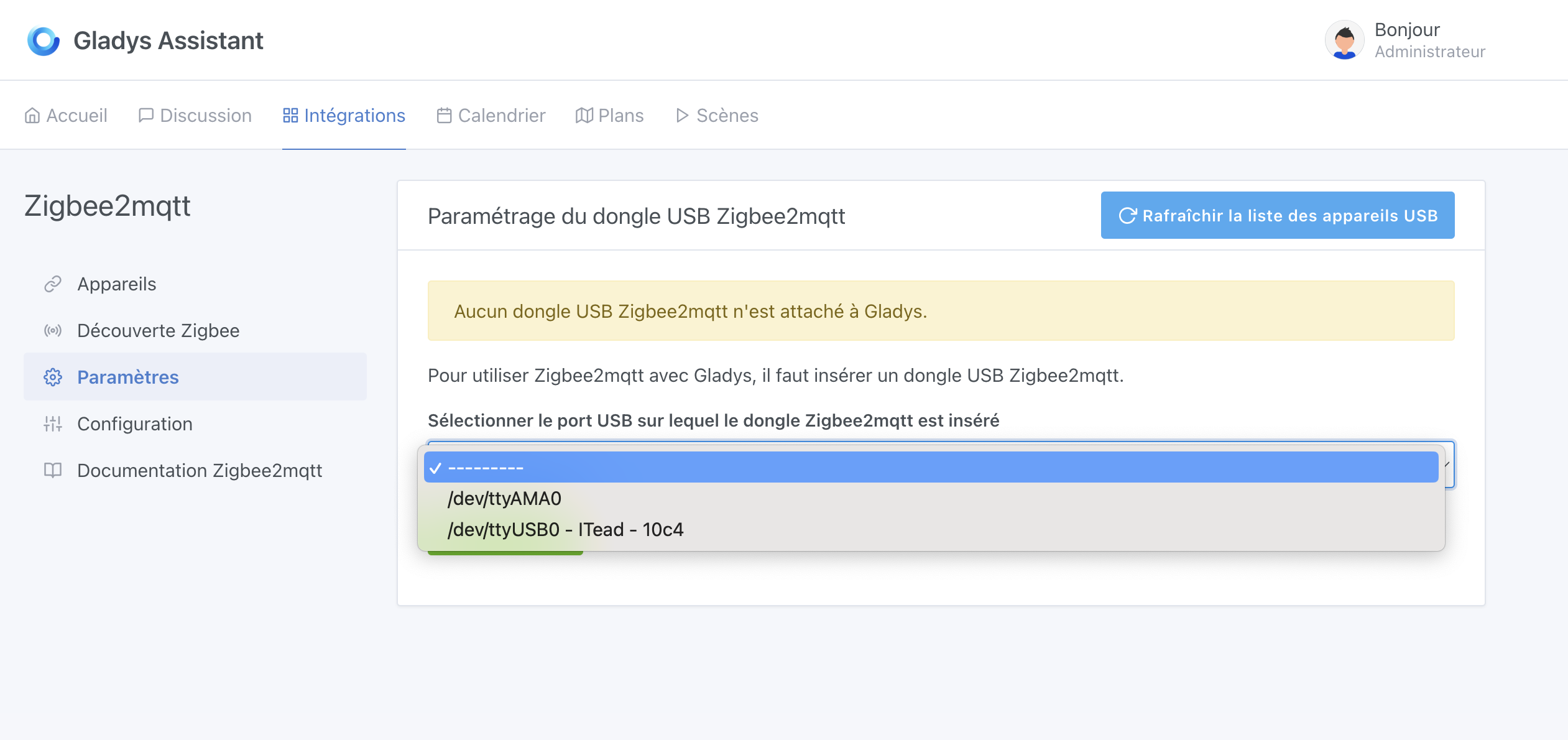
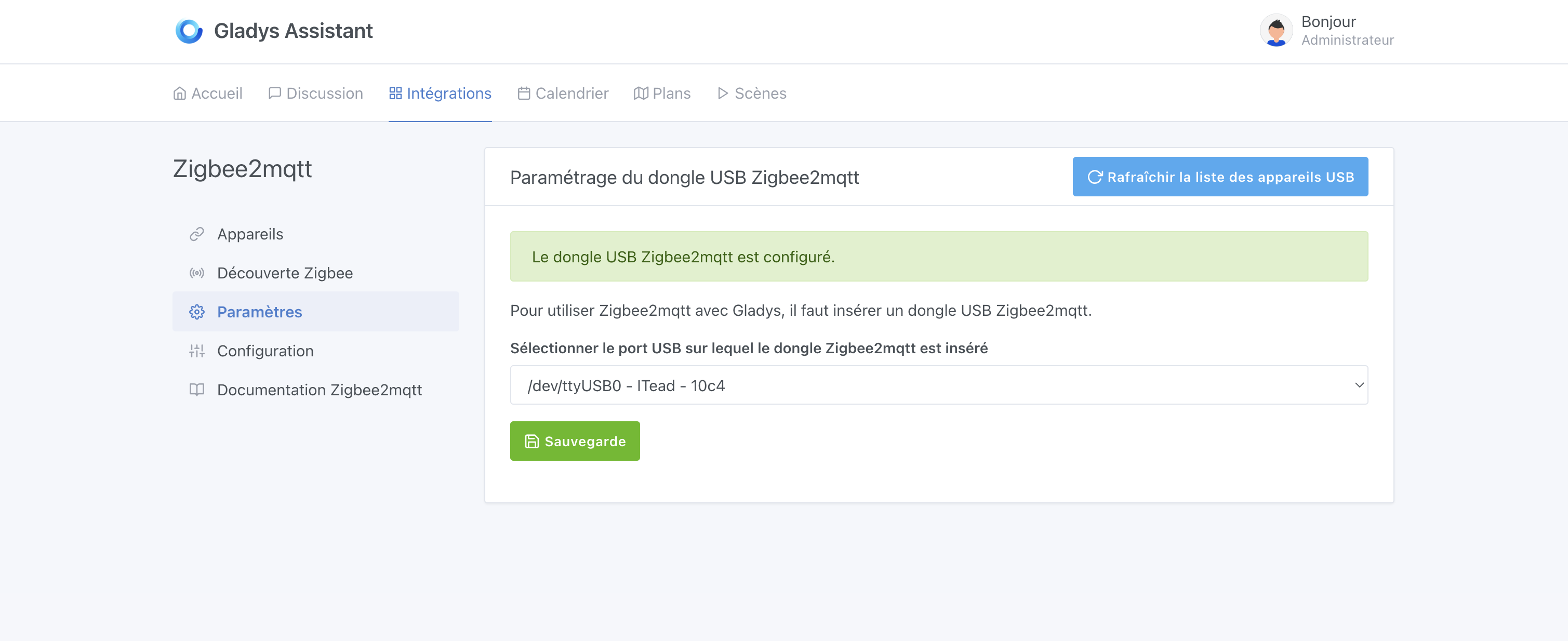
\u003cwarn\u003e init.js:41 (Zigbee2mqttManager.init) Zigbee2mqtt USB dongle detached to /dev/ttyUSB0
Why? How can this be resolved?
At the same time, I discovered this but I had already given up using my Bluetooth tag because it was too unstable…
2022-12-11T20:27:44+0100 \u003cinfo\u003e index.js:15 (Object.start) Starting Bluetooth service
2022-12-11T20:27:44+0100 \u003cwarn\u003e service.start.js:44 (Service.start) Unable to start service bluetooth Error: Cannot find module '@abandonware/bluetooth-hci-socket'
Require stack:
- /src/server/services/bluetooth/node_modules/@abandonware/noble/lib/hci-socket/hci.js
- /src/server/services/bluetooth/node_modules/@abandonware/noble/lib/hci-socket/bindings.js
- /src/server/services/bluetooth/node_modules/@abandonware/noble/lib/resolve-bindings.js
- /src/server/services/bluetooth/node_modules/@abandonware/noble/index.js
- /src/server/services/bluetooth/lib/commands/bluetooth.start.js
- /src/server/services/bluetooth/lib/index.js
- /src/server/services/bluetooth/index.js
- /src/server/services/index.js
- /src/server/lib/index.js
- /src/server/index.js
    at Function.Module._resolveFilename (node:internal/modules/cjs/loader:995:15)
    at Function.Module._load (node:internal/modules/cjs/loader:841:27)
    at Module.require (node:internal/modules/cjs/loader:1061:19)
    at require (node:internal/modules/cjs/helpers:103:18)
    at Object.\u003canonymous\u003e (/src/server/services/bluetooth/node_modules/@abandonware/noble/lib/hci-socket/hci.js:6:28)
    at Module._compile (node:internal/modules/cjs/loader:1159:14)
    at Object.Module._extensions..js (node:internal/modules/cjs/loader:1213:10)
    at Module.load (node:internal/modules/cjs/loader:1037:32)    at Function.Module._load (node:internal/modules/cjs/loader:878:12)
    at Module.require (node:internal/modules/cjs/loader:1061:19)
    at require (node:internal/modules/cjs/helpers:103:18)
    at Object.\u003canonymous\u003e (/src/server/services/bluetooth/node_modules/@abandonware/noble/lib/hci-socket/bindings.js:7:13)    at Module._compile (node:internal/modules/cjs/loader:1159:14)
    at Object.Module._extensions..js (node:internal/modules/cjs/loader:1213:10)
    at Module.load (node:internal/modules/cjs/loader:1037:32)    at Function.Module._load (node:internal/modules/cjs/loader:878:12)
    at Module.require (node:internal/modules/cjs/loader:1061:19)
    at require (node:internal/modules/cjs/helpers:103:18)
    at module.exports (/src/server/services/bluetooth/node_modules/@abandonware/noble/lib/resolve-bindings.js:13:12)
    at Object.\u003canonymous\u003e (/src/server/services/bluetooth/node_modules/@abandonware/noble/index.js:2:49)
    at Module._compile (node:internal/modules/cjs/loader:1159:14)
    at Object.Module._extensions..js (node:internal/modules/cjs/loader:1213:10)
    at Module.load (node:internal/modules/cjs/loader:1037:32)    at Function.Module._load (node:internal/modules/cjs/loader:878:12)
    at Module.require (node:internal/modules/cjs/loader:1061:19)
    at require (node:internal/modules/cjs/helpers:103:18)
    at BluetoothManager.start (/src/server/services/bluetooth/lib/commands/bluetooth.start.js:16:20)
    at Object.start (/src/server/services/bluetooth/index.js:16:28)
    at Service.start (/src/server/lib/service/service.start.js:33:21) {
  code: 'MODULE_NOT_FOUND',
  requireStack: [
    '/src/server/services/bluetooth/node_modules/@abandonware/noble/lib/hci-socket/hci.js',
    '/src/server/services/bluetooth/node_modules/@abandonware/noble/lib/hci-socket/bindings.js',
    '/src/server/services/bluetooth/node_modules/@abandonware/noble/lib/resolve-bindings.js',
    '/src/server/services/bluetooth/node_modules/@abandonware/noble/index.js',
    '/src/server/services/bluetooth/lib/commands/bluetooth.start.js',
    '/src/server/services/bluetooth/lib/index.js',
    '/src/server/services/bluetooth/index.js',
    '/src/server/services/index.js',
    '/src/server/lib/index.js',
    '/src/server/index.js'
  ]
}
The bluetooth service is therefore reported as ‹ in error ›
Thank you for your help
hello
I just reinstalled Gladys, everything seems to be working except Z2M, which started but has still been showing the red cross since 4 PM this afternoon — no change
So, I found it!
I moved the dongle to a different USB port. And I don’t have the problem anymore…
To be precise, I realized it had been happening since I changed my setup on the RPi. I replaced two USB drives with a single one…
I probably hadn’t plugged the dongle back into the same port, but why would that be a problem? Shouldn’t that be saved from one time to the next?
Thanks anyway @pierre-gilles for the thorough test and the time spent!
Yes but it’s annoying, the whole point of udev rules is to say « my Sonoff dongle will always be on /dev/tty-zigbee » no matter the USB port. But the usb-serial library doesn’t list them.
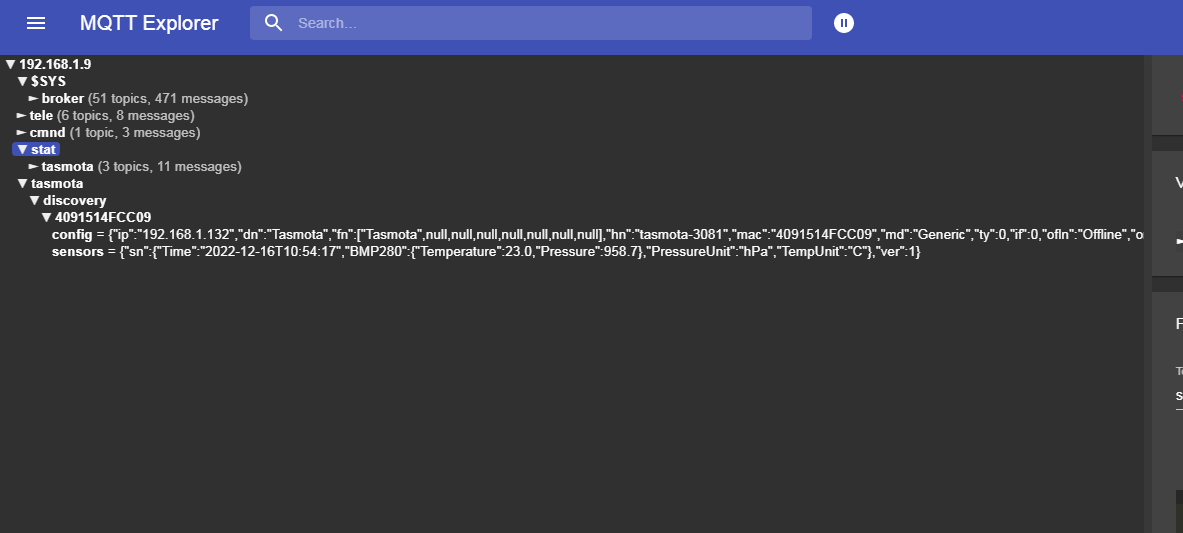
hello, I just tested with MQTT Explorer — apparently I can see the key and it’s communicating, so the problem is elsewhere on the Gladys side, but what
well I don’t know anymore, I did manage to flash the dongle, but that doesn’t mean it works, I tried all the other methods
I think I’m going to try a full reinstall which I’ve already done, but I hadn’t formatted the disk before — I was content to write the Gladys image and reconfigure everything. Is it possible that there are old config traces left?
otherwise my Zigbee dongle no longer heats up; before it warmed up a little as a sign that it was working, but now it stays cold
You can always try but I’d be surprised if that changes anything.
I don’t know how well you speak English, but if I were you I’d look quite a bit toward the Zigbee2mqtt community — it’s a fairly common bug with many different causes (sometimes power supply, sometimes a faulty dongle, sometimes a bug in the dongle’s firmware, sometimes an OS issue, etc…)
For example, searching for the bug on their forum there are a bunch of discussions: