Can you post the complete logs on a site like Pastebin and put the link here for us?
Edit PG: I removed the link
Ok
No worries
Thank you very much for your help @Jluc, I can reproduce it fine. DuckDB v1.1.1 indeed hasn’t fixed the issue.
I’ve created a ticket on the DuckDB side so they’re aware of the problem:
Nevertheless, to avoid having to wait for their response, I’ll try to see what I can do to try to « fix » your backups so you don’t have to wait too long.
Sorry again for the inconvenience 
These things happen, I understand the difficulties. Good luck!
@Jluc I tried a strategy  I managed to restore your Gladys instance on my machine.
Since I’m on DuckDB v1.1.1, when redoing a backup the bug doesn’t seem to be present in the backup, so I made a new backup from my machine with your data, and normally if you restore this backup, you shouldn’t have any issues.
Could you redo a:
sudo docker stop gladys
sudo docker rm gladys
sudo rm -rf /var/lib/gladysassistant
Then restart Gladys with the docker run from the website.
And redo the restoration based on the latest backup?
Normally, this time it should work!
We’ll get there!! 
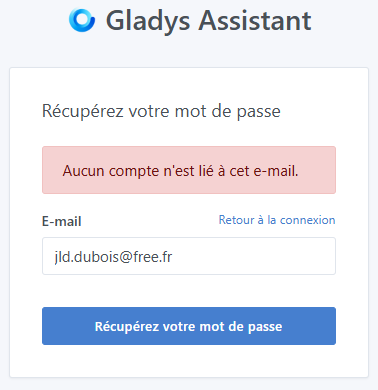
Are you sure you started from scratch?
You really need to do all the steps I mentioned earlier (remove the Gladys container, delete the Gladys folder on the disk, then restart Gladys)
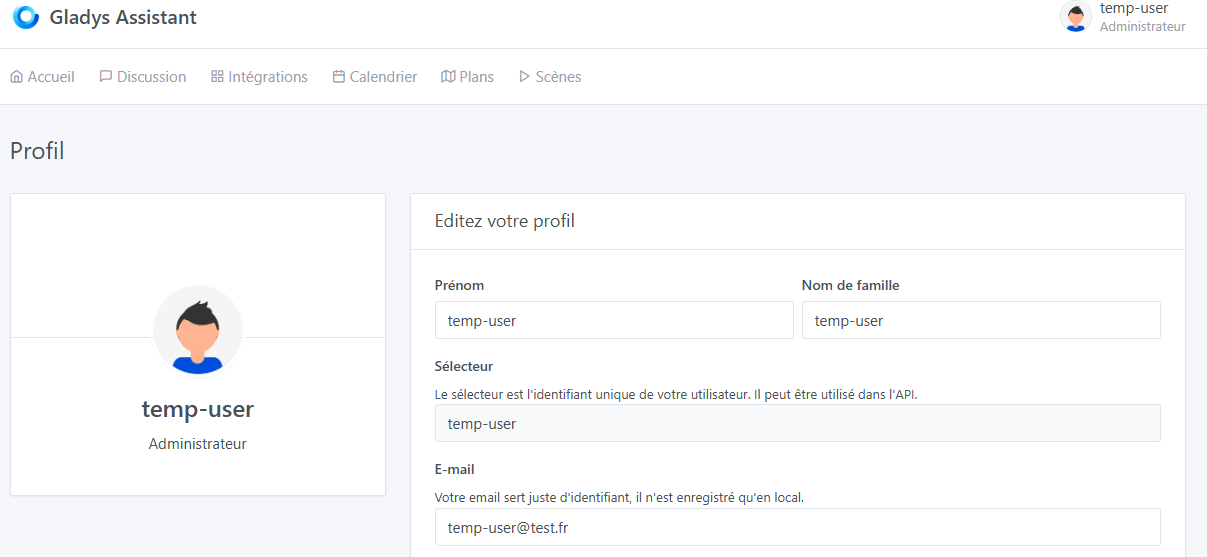
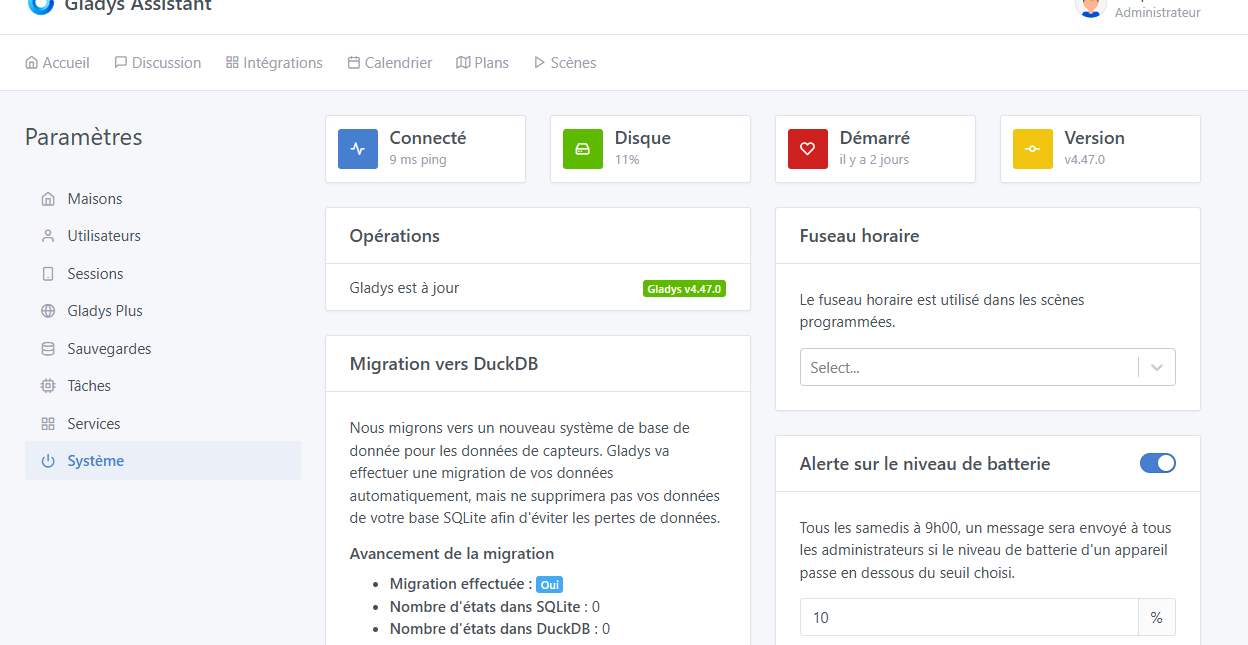
It then took me to a new Gladysplus account where everything is empty. I hope my key will still work to recover the backups, because I have a new one with this account « temp-user ».
Hi @Jluc
The « temp-user » is a temporary restoration account that is used during a local restore to perform the restoration, that’s normal.
I can’t access the privatebin you sent me, it’s marked as expired. Can you resend it?
Yes, don’t worry, all your data is there, nothing is lost.
Hello @pierre-gilles,
I finally recovered my data by installing duckdb on my PC.
For @Jluc, if you feel up to doing it, here is the procedure I used:
- I stopped gladys:
docker stop gladys - copied the files
gladys-production.duckdbandgladys-production.duckdb.walas well as the entire backup to restore onto my PC - From the command line on the PC I do a cd , I access duckdb with the command
duckdb - I open the gladys database with
.open gladys-production.duckdb - I copy the data in parquet format into the database with the command
COPY t_device_feature_state FROM '<chemin fichier à restaurer>\\gladys-db-backup_2024-XX-XX-X-XX-XX_parquet_folder\\t_device_feature_state.parquet' (FORMAT 'parquet', COMPRESSION 'GZIP'); - I exit duckdb with
.quit(the .wal file should normally have disappeared) - I then copy the updated
gladys-production.duckdbfile back to gladys - I delete the
gladys-production.duckdb.walfile from gladys - I restart gladys:
docker start gladys
That way, I was able to recover my data 

I had a call this morning with @Jluc, there was a bit of confusion about the « local » accounts vs « Gladys Plus », but we managed to restore his account without any problems!
Hello,
Thank you @Tolkyen for the information you provided me. Meanwhile @pierre-gilles restored the entire configuration for me and now everything is working perfectly.
Great hotline, thanks again @pierre-gilles 
I’m closing the thread then since you both managed to restore your accounts!