Hello everyone!
A lot of bugs reported here have been fixed in the 4.3 version that just came out:
Other fixes will arrive in the next version 
Hello everyone!
A lot of bugs reported here have been fixed in the 4.3 version that just came out:
Other fixes will arrive in the next version
Thanks for the feedback. We’ll need to test this. It’s odd because I recently tested it with the Pi Zero’s camera and it worked.
Which camera is it? It used to work fine, and it’s only stopped working since the last version?
It’s a camera that must be 10 years old in USB and yes it worked very well before.
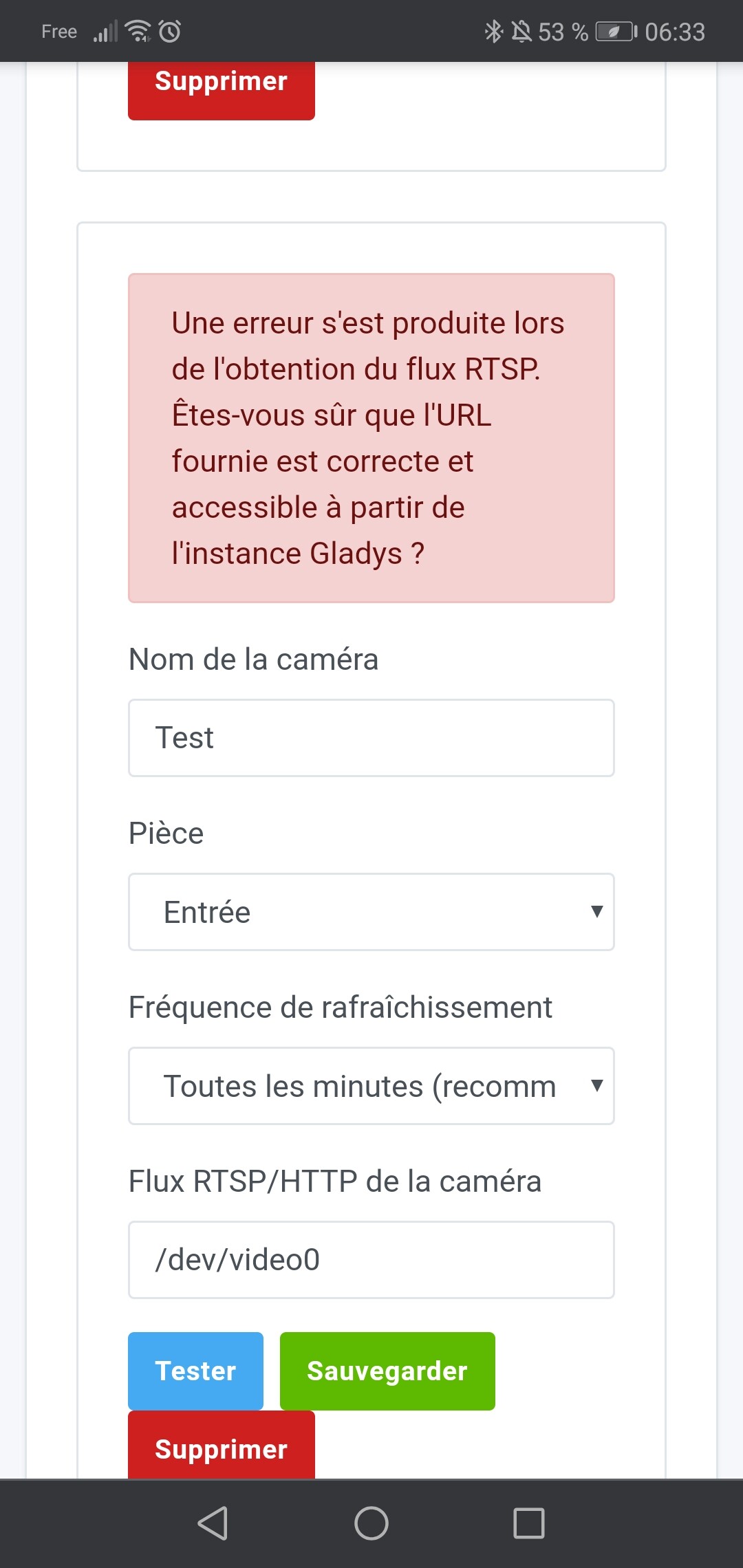
Are you sure about the path? video0?
Yes, it was like that before and the path works on motion, it detects it automatically
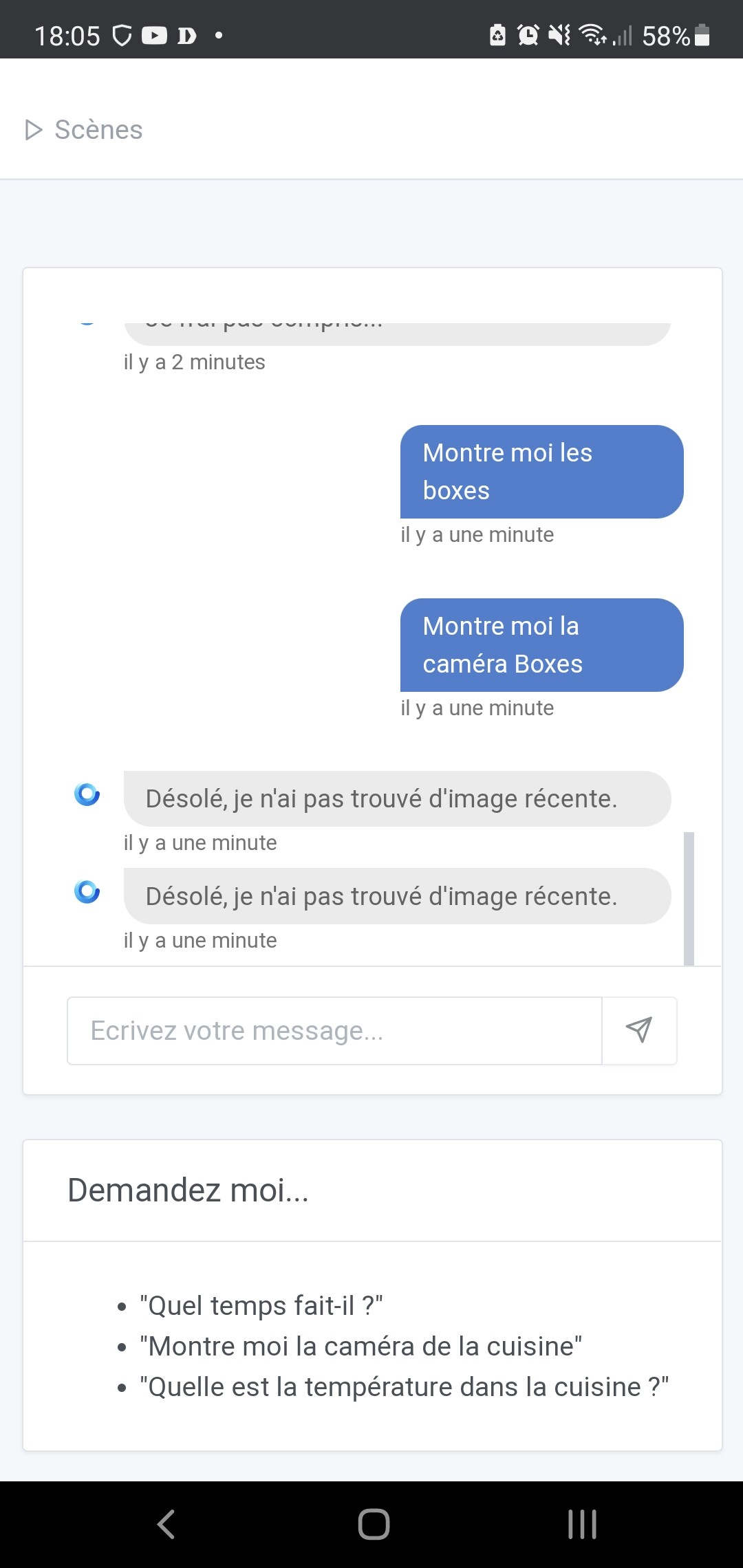
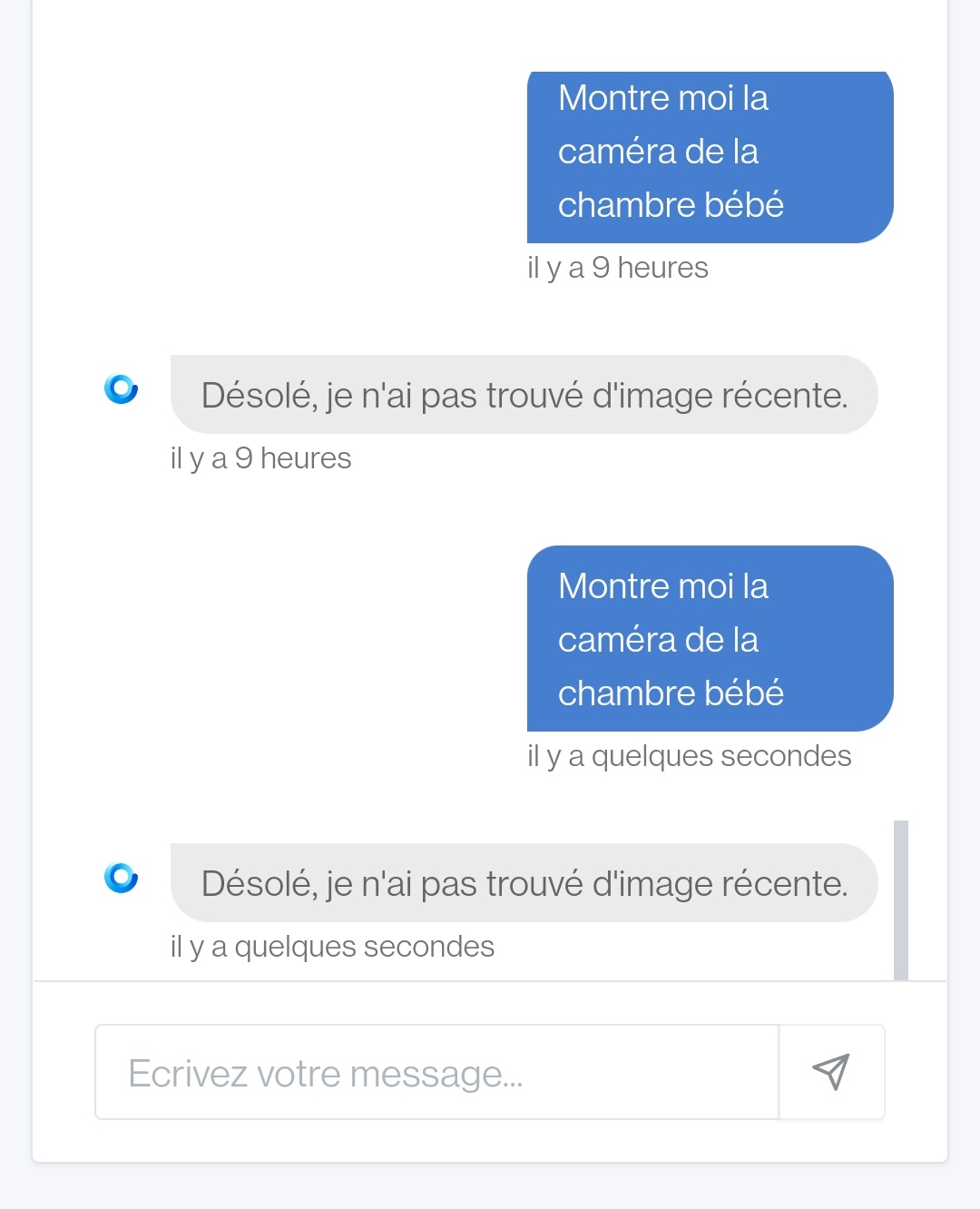
Personally, I can no longer request an image from my camera via Telegram or the IHM.
Gladys always responds to me:
Sorry, I didn't find a recent image
I’m waiting for my system to upgrade to 4.3 to retest…
It works on my end as well (picam on another Raspberry)
Same as @spenceur. I receive the same message when querying my IP cameras.
I noticed this while testing the automation of sending a message with the camera images, so I had already switched to 4.3 on my side.
docker container logs gladys 2>&1 | grep "camera"
2021-04-26T23:45:55+0200 <warn> poll.js:14 (RtspCameraHandler.poll) Unable to poll camera
2021-04-27T00:05:55+0200 <warn> poll.js:14 (RtspCameraHandler.poll) Unable to poll camera
2021-04-27T00:57:58+0200 <warn> poll.js:14 (RtspCameraHandler.poll) Unable to poll camera
2021-04-27T01:01:56+0200 <warn> poll.js:14 (RtspCameraHandler.poll) Unable to poll camera
2021-04-27T06:26:59+0200 <warn> poll.js:14 (RtspCameraHandler.poll) Unable to poll camera
2021-04-27T08:09:59+0200 <warn> poll.js:14 (RtspCameraHandler.poll) Unable to poll camera
pi@ra
Do you have a specific keyword? @pierre-gilles
Note that this was working very well before!
Same issue in 4.3
I just noticed that the camera error log is in « debug » log_level, so you won’t see it in the logs. (We only display logs with log_level >= info in production to avoid flooding the logs, especially for things like polling which are called every 10 seconds)
Without any changes on our side, you won’t be able to see what’s going wrong.
I think it would be interesting to display the exact error on the UI side to guide the user, I’ll look into how to add that
What’s your URL look like? (without giving away your credentials)
Ah, I have a lead for you while I add the error message to the UI!
On the camera integration page:
Well, this is really just a temporary solution. On my side, I will add the error in the UI, it will be simpler
Note: this does not work on Gladys Plus, only on your local instance.
PR in testing:
I’ll test it tonight with my old USB camera
Perhaps I didn’t express myself clearly,
But my camera displays fine (no issues on my end there).
However, my camera does not return an image when I request it via the chat
@spenceur you still have an « unable to poll camera » in the logs…
When you click on « test » in the camera view, it calls the same function as the poll, so it’s strange if it works in one and not the other
Are you sure it works?
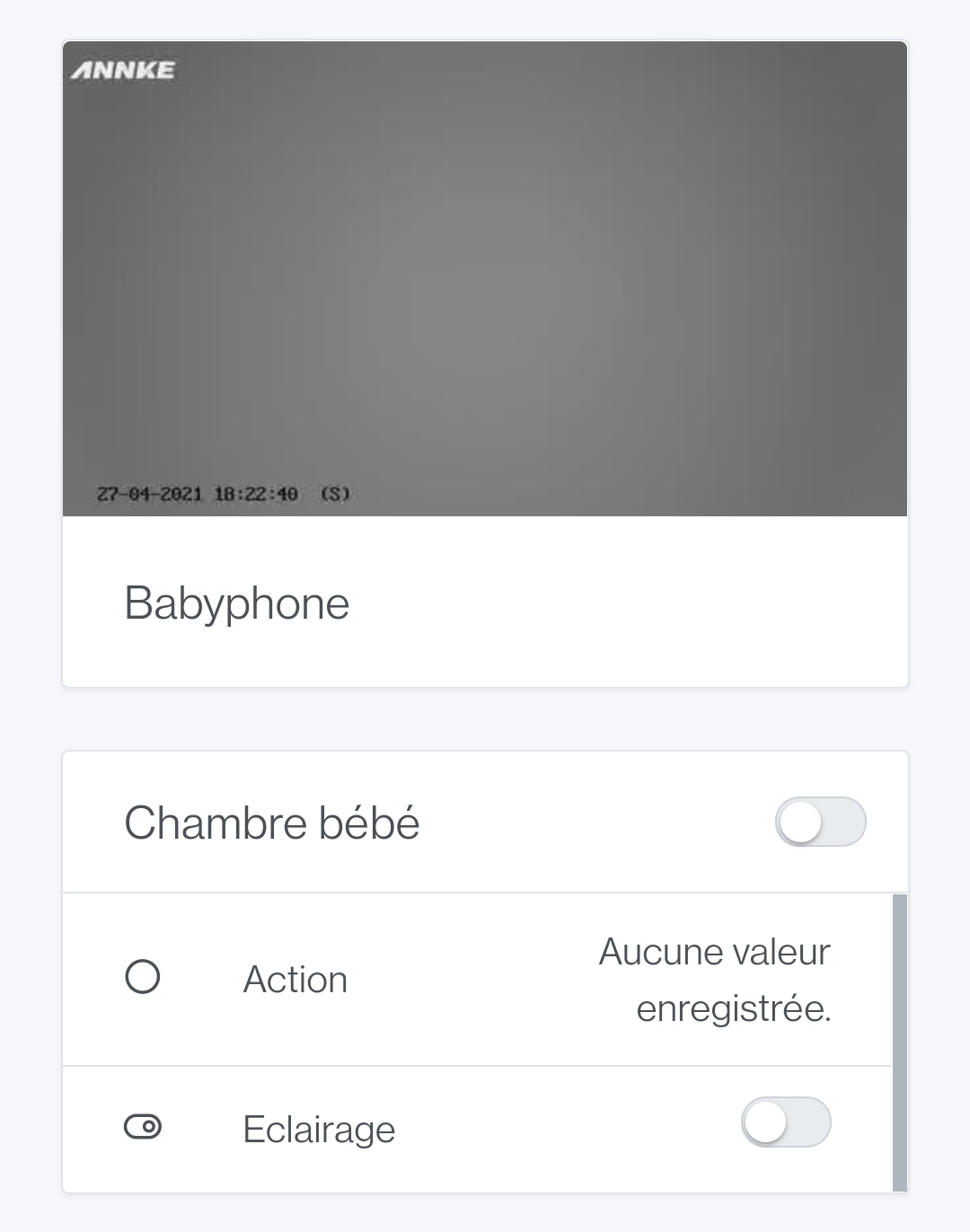
I just tested it on my side with the 5 cameras, same as @spenceur:
[/details]
For info, I had the same problem during the development of Netatmo with the Camera part, which caused the RTSP integration to malfunction. I was able to fix it by adding the dependency « @ffmpeg-installer/ffmpeg » v1.0.20 and updating the fs-extra dependency to 9.1.0. I don’t remember where I read that, but I didn’t have any more issues after that. After that, it may have nothing to do with it ^^