I also had a conflict like that, even after merging the two blocks but without saving, if I remember correctly on my phone.
I tried again on a PC (Chrome) and then it worked.
@Lokkye I don’t know if you’ve seen this bug. Apparently the new « Devices » widget doesn’t seem to support this behavior, we should check whether the « componentWillReceiveProps » function is present and working properly
@pierre-gilles: Yes, I’ve tried lots of things, putting one box on top of another, underneath, above, in another column. I don’t see any problem on my end
@pierre-gilles okay I just realized that locally (dev env) I don’t have the problem. But on my remote instance I do have the problem . I’m looking into where this could be coming from
@Lokkye your solution is a bit heavy-handed it triggers an API call for the slightest change in props, even if it’s just a simple character change in the title.
can you add a test to only refresh when necessary?
Do the test: add a console.log in componentWillReceiveProps, and change, for example, the widget’s name — you’ll see that the function is called for every character typed, which will call the « refreshSelectedOptions » function on every letter.
You should add an if in componentWillReceiveProps to only refresh the selection when the selection actually changes
Thanks! I’ve just left you a review, sorry it’s a bit late — I have a lot going on at the moment on my end
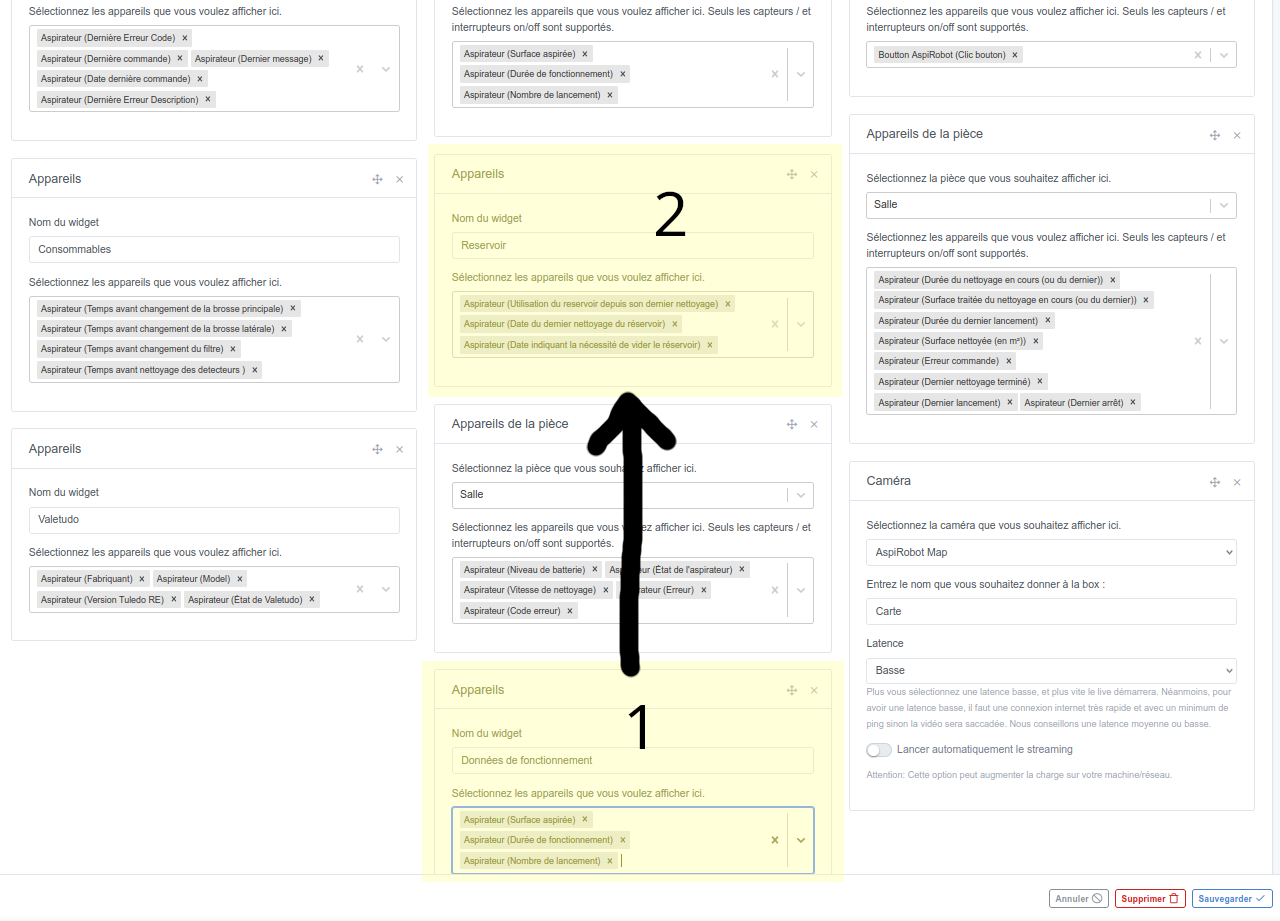
The check won’t work if you delete a widget and the adjacent widget has exactly the same number of deviceFeatures, it won’t refresh the list (we’re back to the original bug):


 it triggers an API call for the slightest change in props, even if it’s just a simple character change in the title.