Don’t bother with a reinstallation, it won’t change anything in my opinion.
The services also have no connection. I can add more logs in the front end so we can better diagnose the problem 
Don’t bother with a reinstallation, it won’t change anything in my opinion.
The services also have no connection. I can add more logs in the front end so we can better diagnose the problem
For information, I just launched a dev build with quite a few small fixes/new Zigbee2mqtt devices
@Jean34 for your issue, I’ll investigate on my side and see what we could test. I have a lead! Don’t reinstall, it won’t change anything. In my opinion, it’s an internal bug in Gladys.
Out of curiosity, what boxes do you have on your home screen? The full list
@Jean34 I found it! It’s a simple issue, not specific to Gladys Plus (it also appears in Gladys, but less easily as it’s a race condition)
I created a GitHub issue, I’ll keep you updated as soon as a fix is live:
If you want to check my theory, remove the « weather » box from the dashboard, save and refresh the page. You should see it works
That’s it  everything works now. I’m going to tell my boss
Ok top. It will be fixed in a future release
I just realized that the Philips Hue integration is no longer working.
I started from a new instance, with the new image. So I am on 4.3.0.
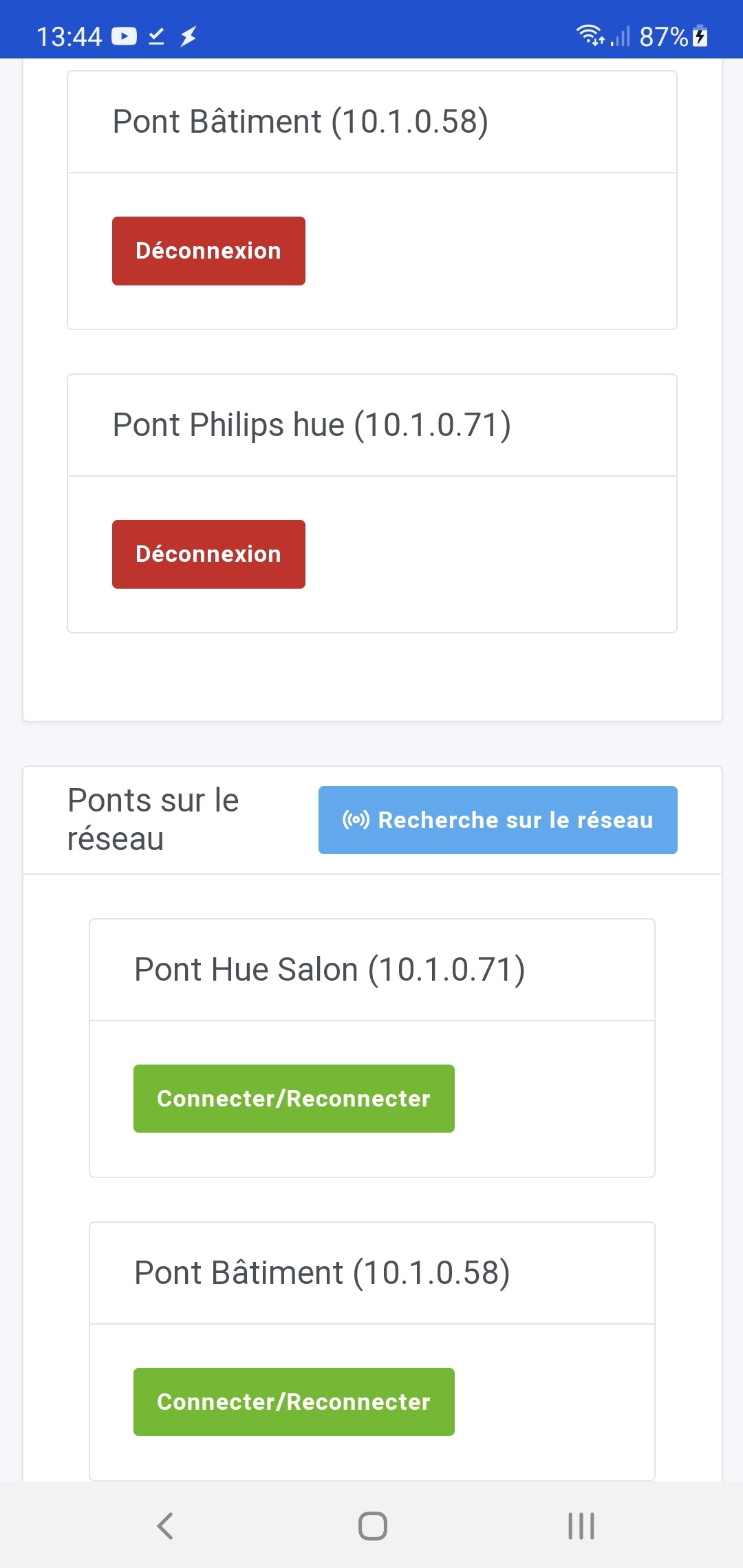
The integration cannot find the bridge. And I checked it is well in my network and accessible.
The way to detect the bridge has been changed recently, before we used to do an N-uPnP search and now we do a uPnP search. This was changed because for some people the integration wasn’t working before.
But normally it should work as well as before, if not better…
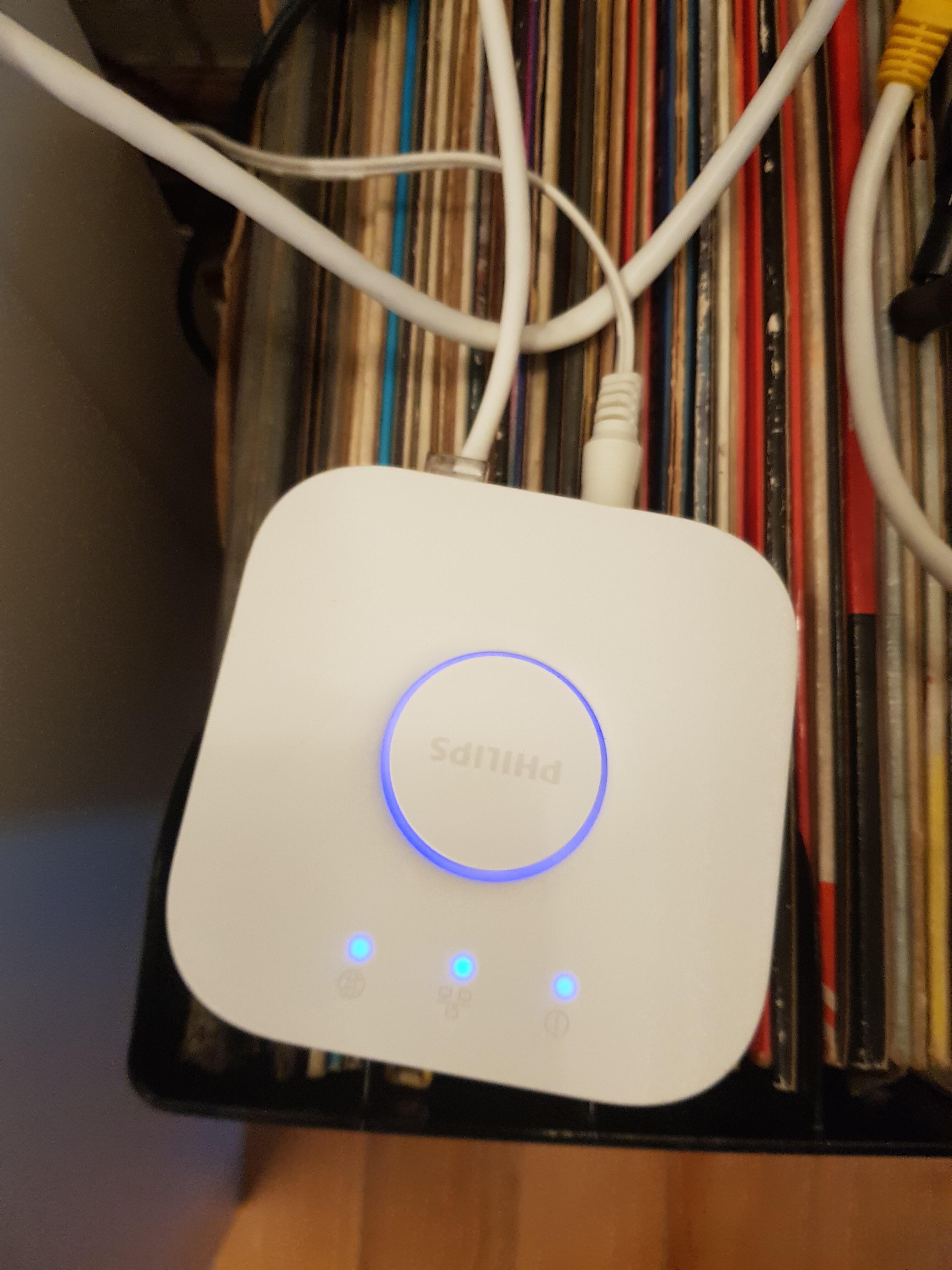
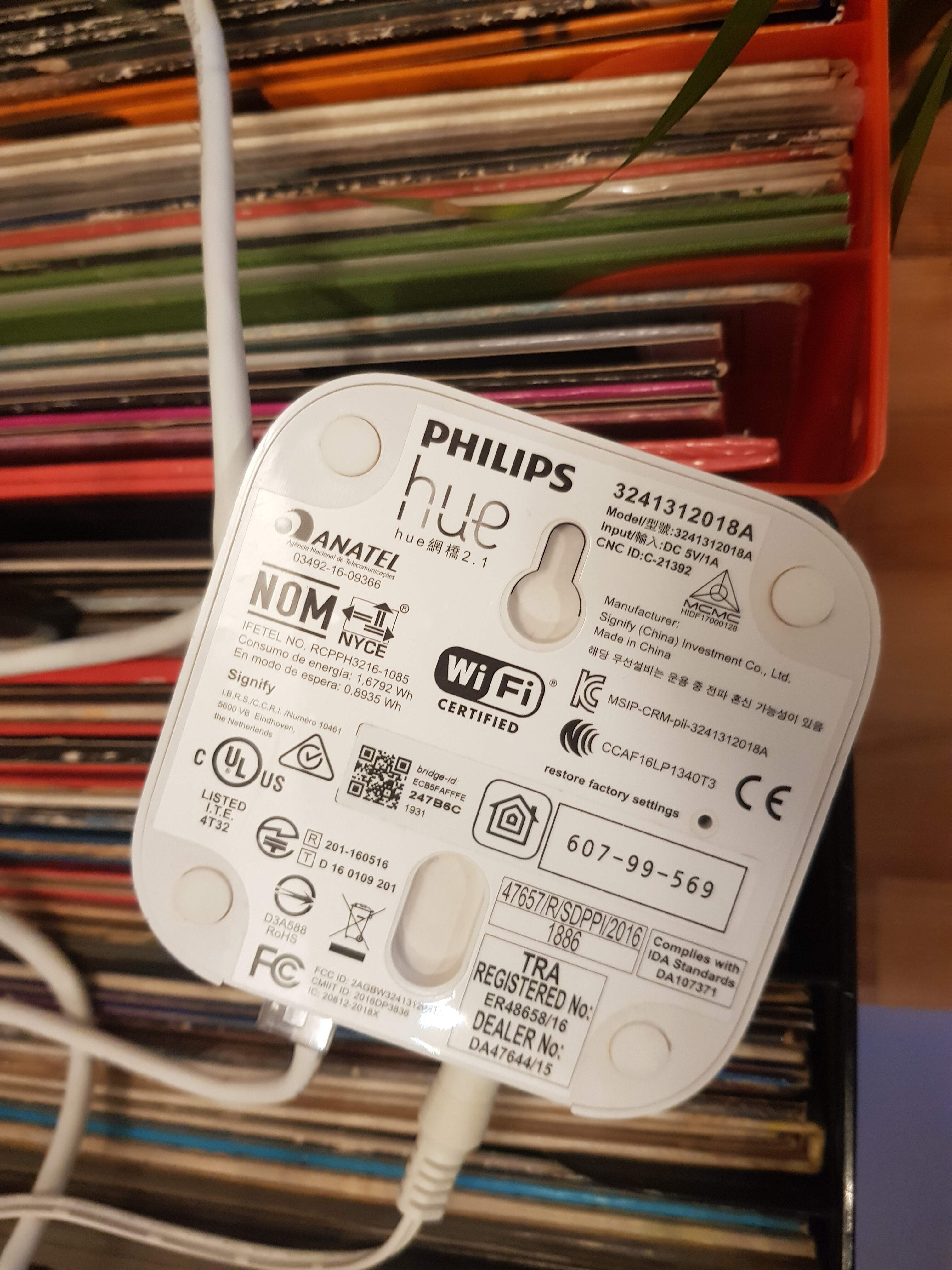
Which generation bridge do you have?
Are other people here having the problem or is Philips Hue working?
The « N-UpNp search » basically uses the Philips Hue cloud to fetch the list of available bridges on a specific network.
The « UpNp search » is basically a network scan. It’s purely local, not dependent on the cloud.
We decided to switch to UpnP search to no longer be dependent on Philips and to allow everyone to use Philips Hue. I didn’t think it wouldn’t work on some installations. There were tests with different users before the release and it worked for them. Do you have a network specificity that would prevent a network scan from being possible?
Not a bad idea! Why not add the old option back.
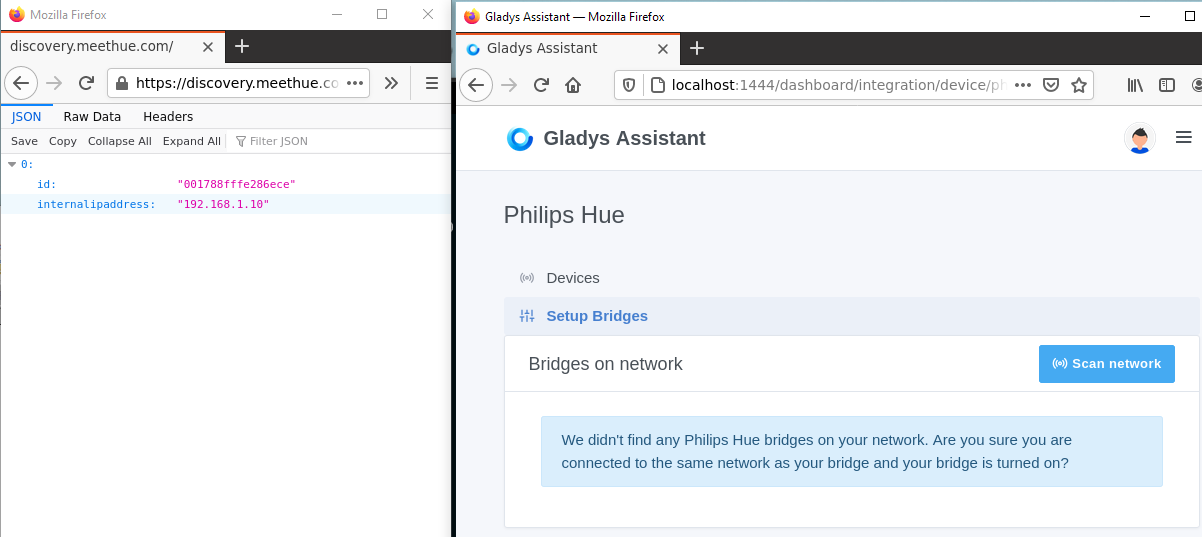
Just to confirm that N-UpNp works for you, you can open the following link in your browser, from your home Wi-Fi: https://discovery.meethue.com/
Based on your box’s IP, it will return the list of bridges seen on your network by the Philips Hue Cloud.
Nothing unusual on my network, normal configuration. One box, and the Pi.
I’ll check this out tonight and keep you updated.
Since which version has this change occurred?
I hadn’t encountered this problem before.
Detection isn’t working for me either
Since version 4.2.0, released on April 1st → Gladys/CHANGELOG.md at master · GladysAssistant/Gladys · GitHub
@VonOx Couldn’t this be due to the new Raspberry Pi OS image? (I don’t see why it would be, but still…)
Because if it works for @Terdious (who, in my opinion, is on an older Raspberry Pi OS image), while @Tlse-vins and you are on the new image?
I confirm that I am on the old image.
No I’m not on rpi, we need to find the common point 
By the way, I’ve never run Gladys on rpi in production
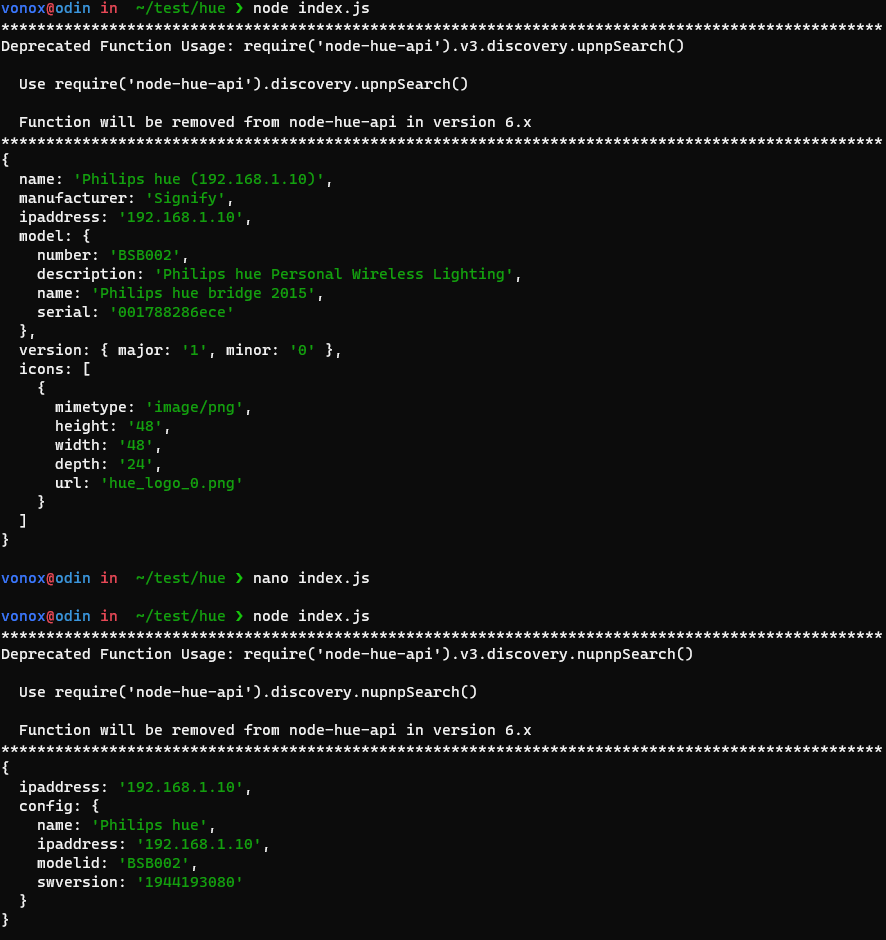
@Tlse-vins !! Hmm well if it is, it is supposed to be the ID and IP address of your bridge in the photo you sent in JSON format.
I thought I would see another interface.
This is indeed the IP address of my Hue bridge.
It’s not as bad, right?
@VonOx do you have a way to investigate at your end since you have the problem?
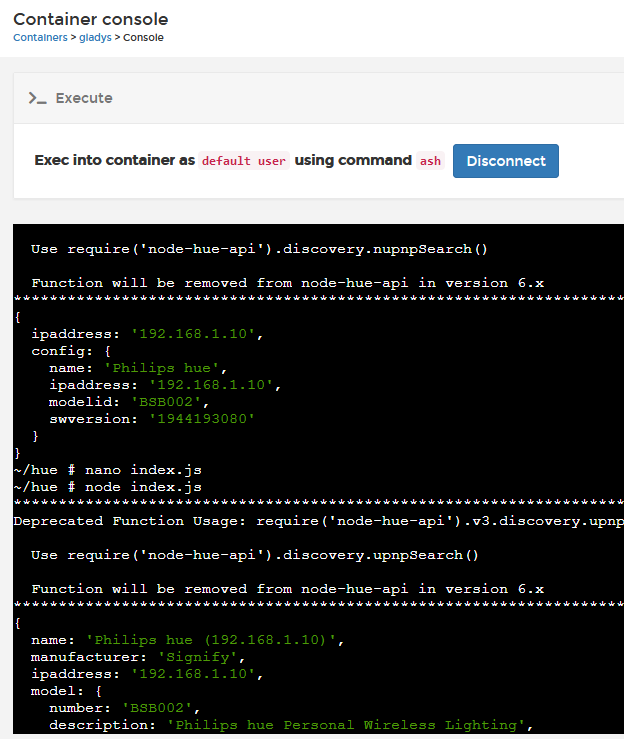
Check if Docker doesn’t prevent the network scan for example?
You test locally on your laptop to see if it works (outside of Docker)
On my side I created an issue to add the N-UpNp search in addition to the UPNP search so that we have both I would do it in smart mode, it must not fail if the user has no internet, the N-Upnp search must only be an addition: