@VonOx I don’t understand the meaning of « on avait prévenu… » but oh well
To avoid « disturbing » my Gladys setup under Docker/Portainer (which is on a Pi 4 8GB currently running Pi OS Bullseye 64-bit) I wanted to install this test image on a second Raspberry
I have on another table a PI 4 8GB running Debian 11 64-bit and on which I have Docker/Portainer
I followed the image atrovato/gladys:tasmota with a few adaptations :
–name gladys-tasmo \
-e SERVER_PORT=1033 \
and of course the path to the storage folder
I have an error message in the image logs (logs that I find from Portainer…)
Hence my message this evening …
After the evening break, I decided not to mix things and to allow progress I decided to put the image on the PI 4 with Pi OS already hosting my Gladys
This allows verifying the adaptations of this test image and avoiding doubts about interactions/variables like changing the OS, hardware and other issues
I connected the gladys-tasmo image’s server to the MQTT of the gladys v4 image
Apparently this works…
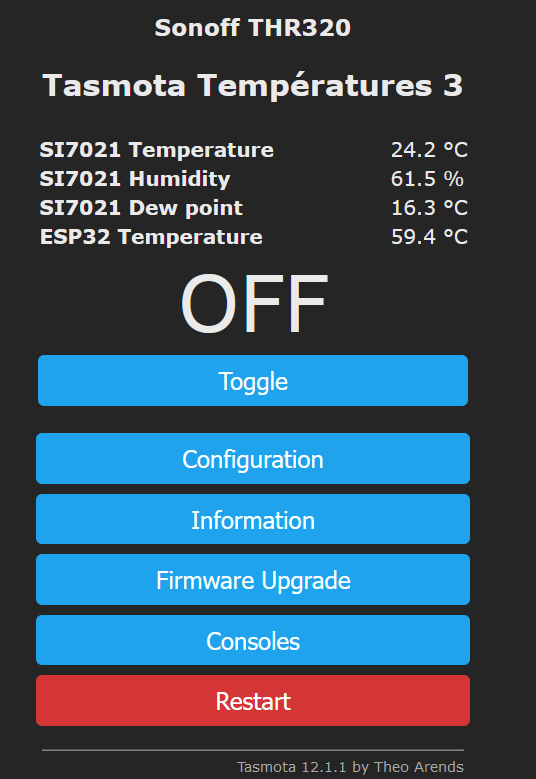
However, it’s impossible to find the Tasmota THR320 device via MQTT (when pressing MQTT discovery…)
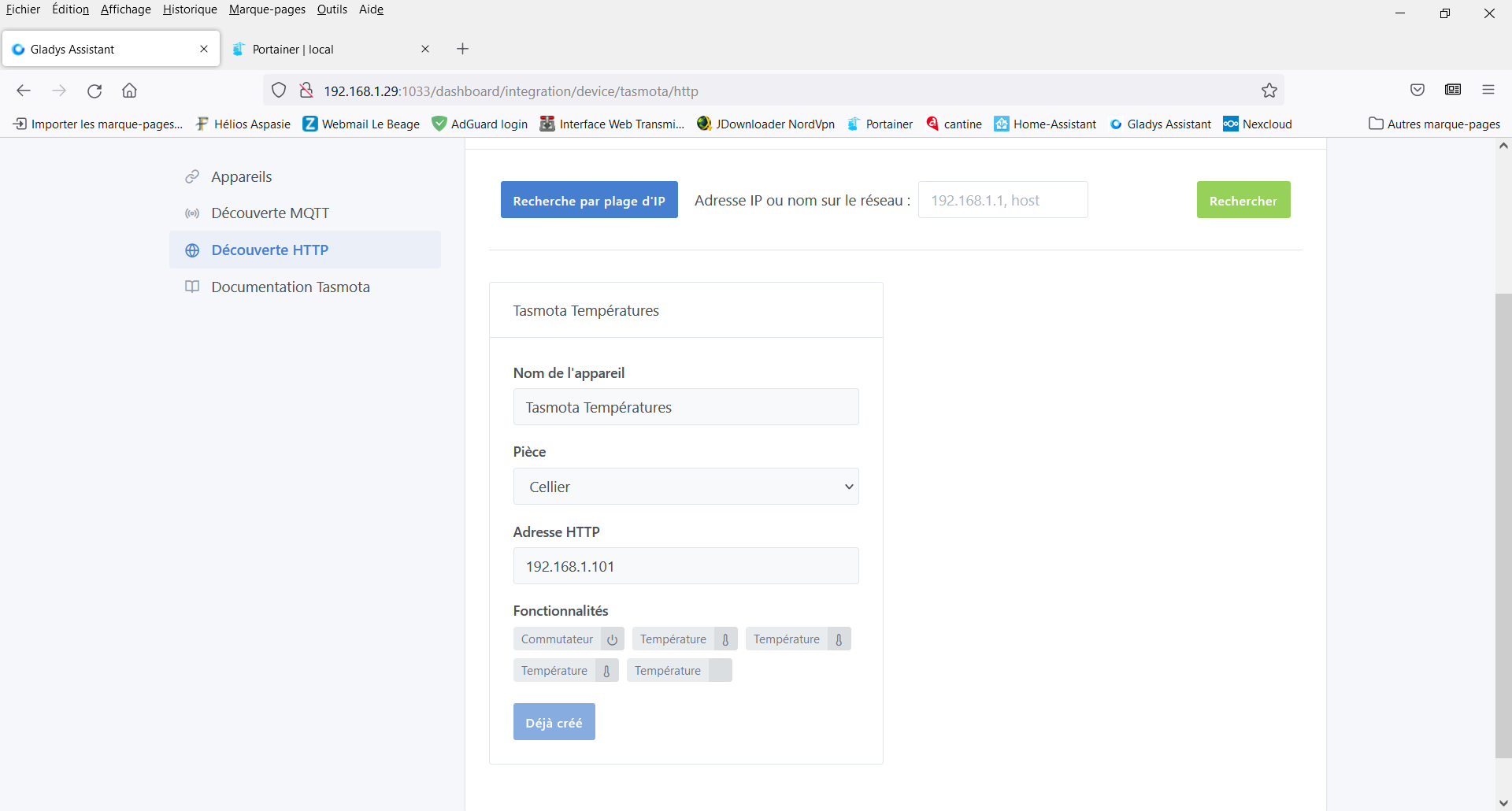
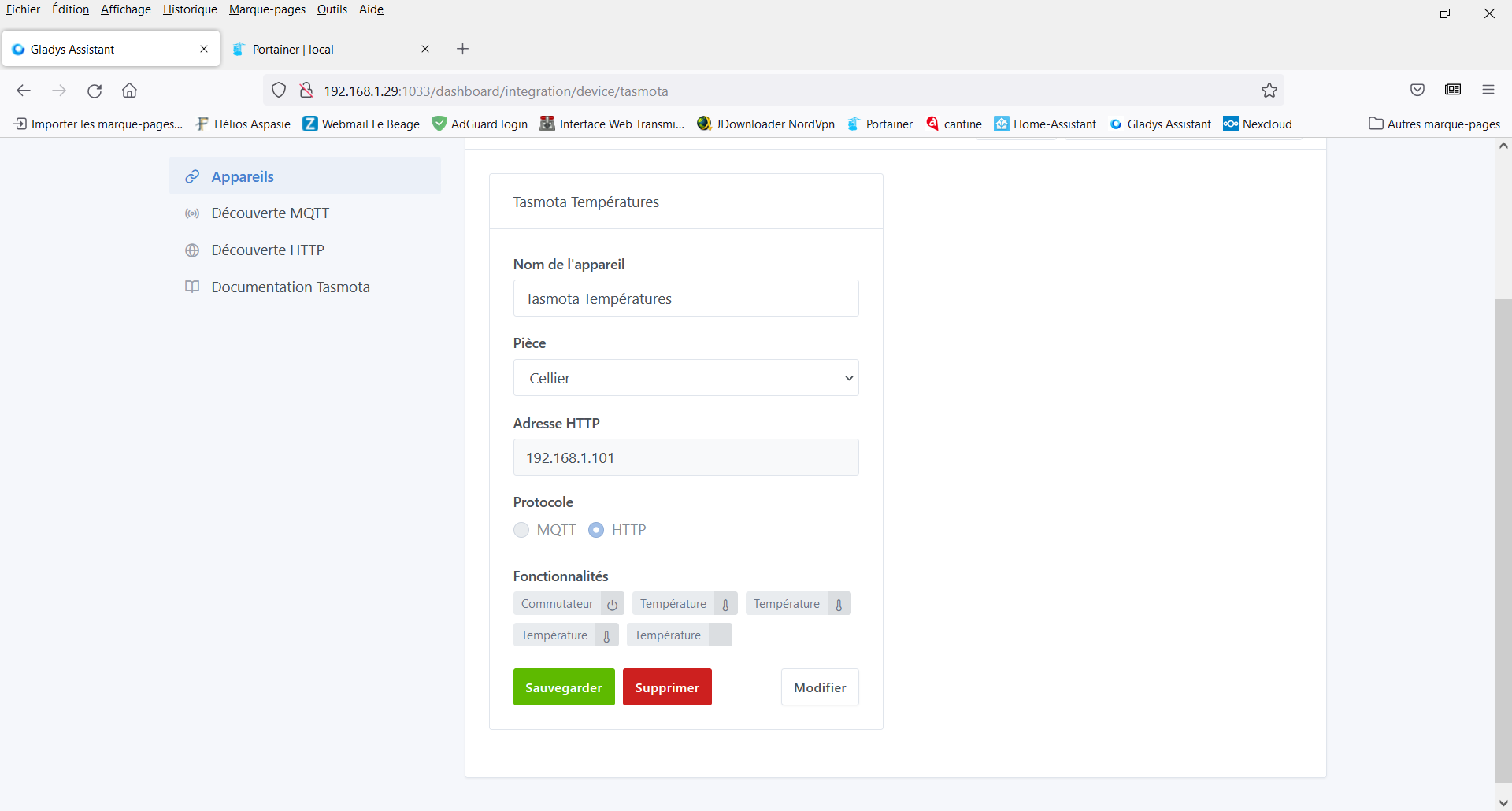
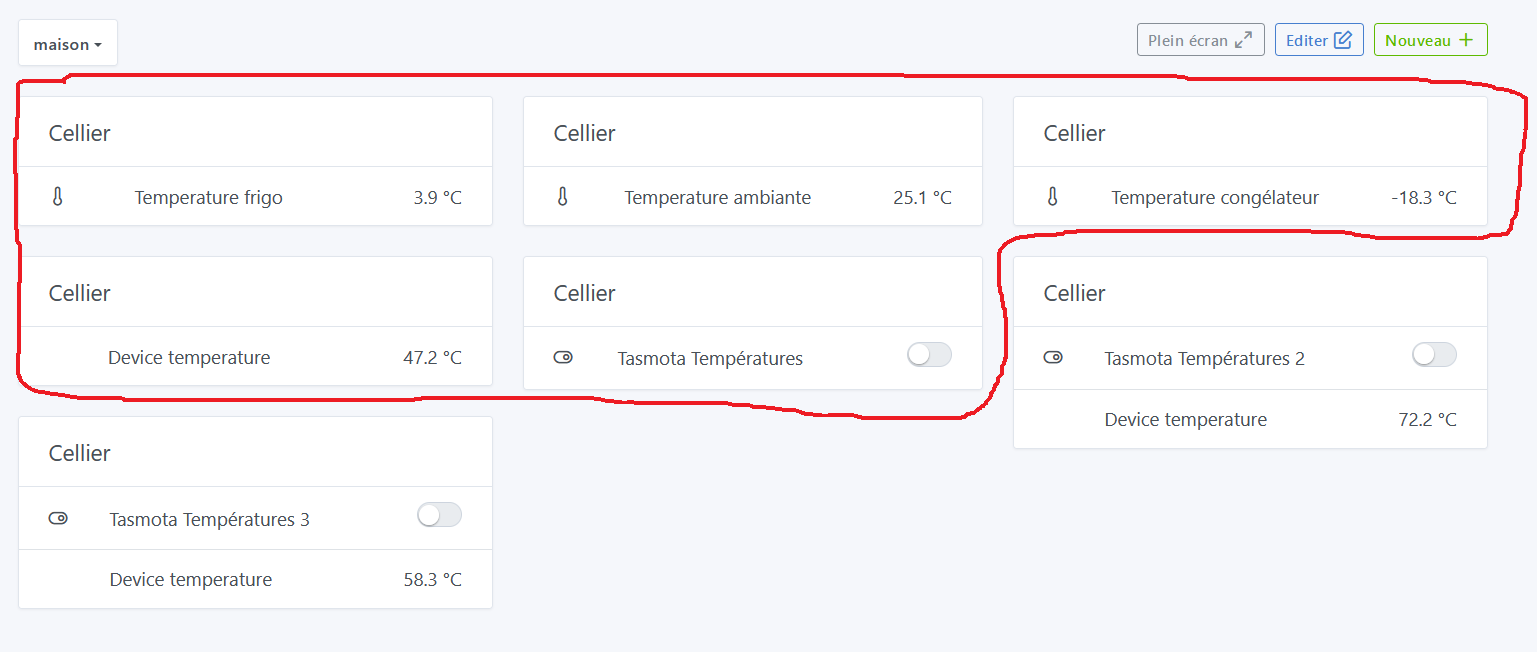
But I find it via HTTP discovery and it appears as follows :
Good evening
As mentioned above I’m starting again from the same Pi 4 base (the one that runs the production version…)
it’s not a problem if the prod version becomes buggy, I hadn’t done anything while waiting to see the temperatures from the Tasmota devices come back up…
I just tried again: MQTT discovery doesn’t seem to work but HTTP discovery is OK
@VonOx
On the test PI to create the Gladys docker atrovato/gladys:tasmota I used:
docker run -d \
SSH connection to the Test Pi
I’ll finish my tests this evening
I’m on my production PI (PI4 8GB running Pi OS 64-bit)
Docker/Portainer environment
I disabled/stopped all images related to my Gladys production including Eclipse Mosquitto
I stopped the first test image including deleting the image and the data folder on the PI 4
I restarted the image with Docker Run
I thought the new installation would create a new Eclipse MQTT container for me, but no, it restarted the stopped one; I just had to enter the login and password
And then MQTT discovery worked fine…
Maybe the two installs were conflicting…
I can run tests on request
On the other hand, a small additional request:
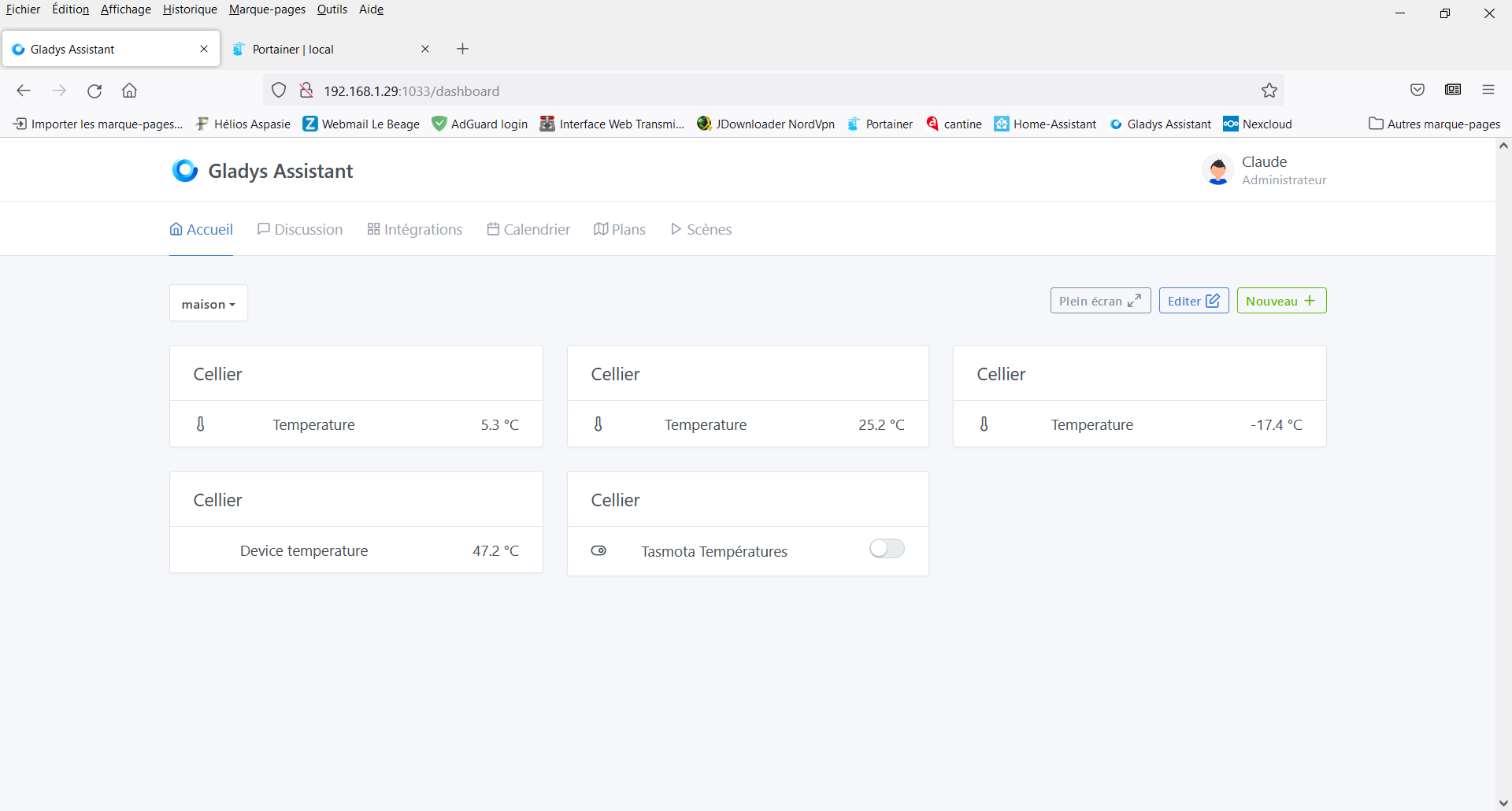
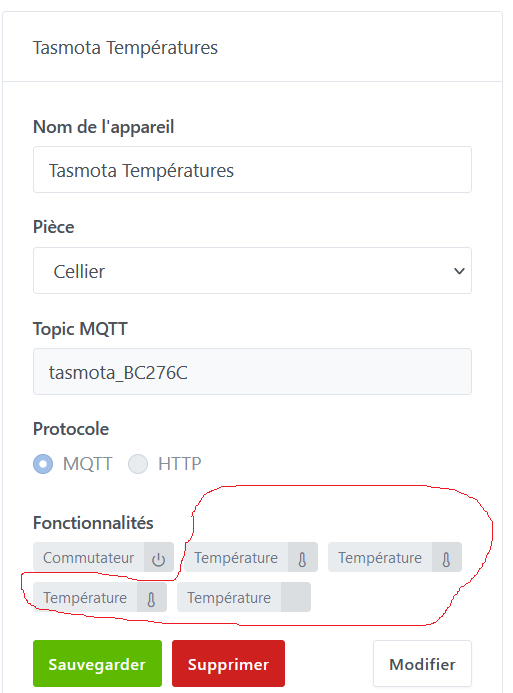
On my Tasmota THR320 I have 3 DS18B20 probes and there is also the internal one (temp device)