[Verified] [UPDATED 01-02-25]
Hello everyone!
I managed to obtain an RTSP stream allowing an LSC camera (store ‹ Action › - TUYA app), which is a priori not compatible, to be integrated into Gladys without going through an external server/application (although that remains available)!
I’m sharing the procedure with you; it might be useful!
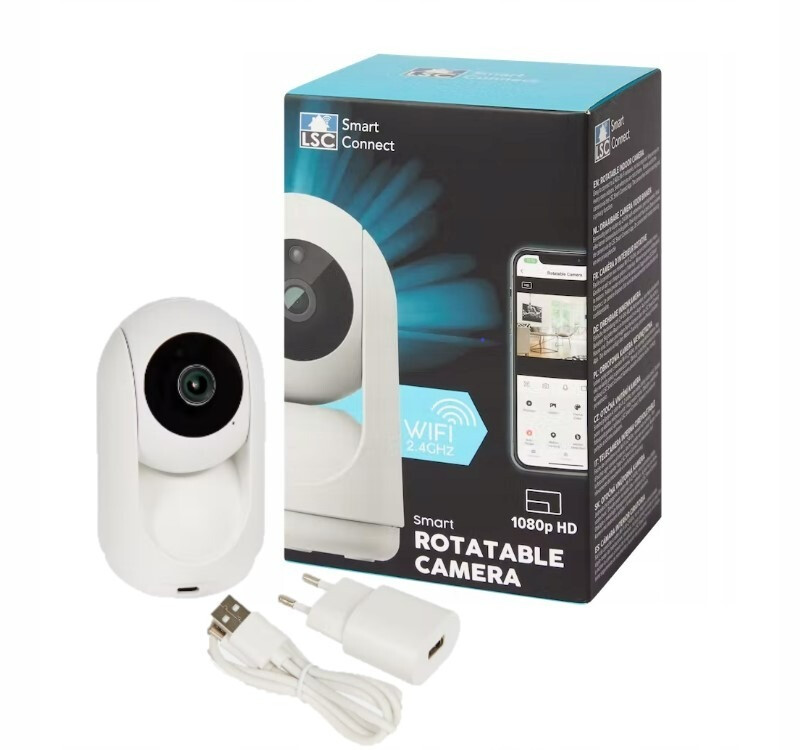
Tested with this one (360° rotating camera):
And its little sister:
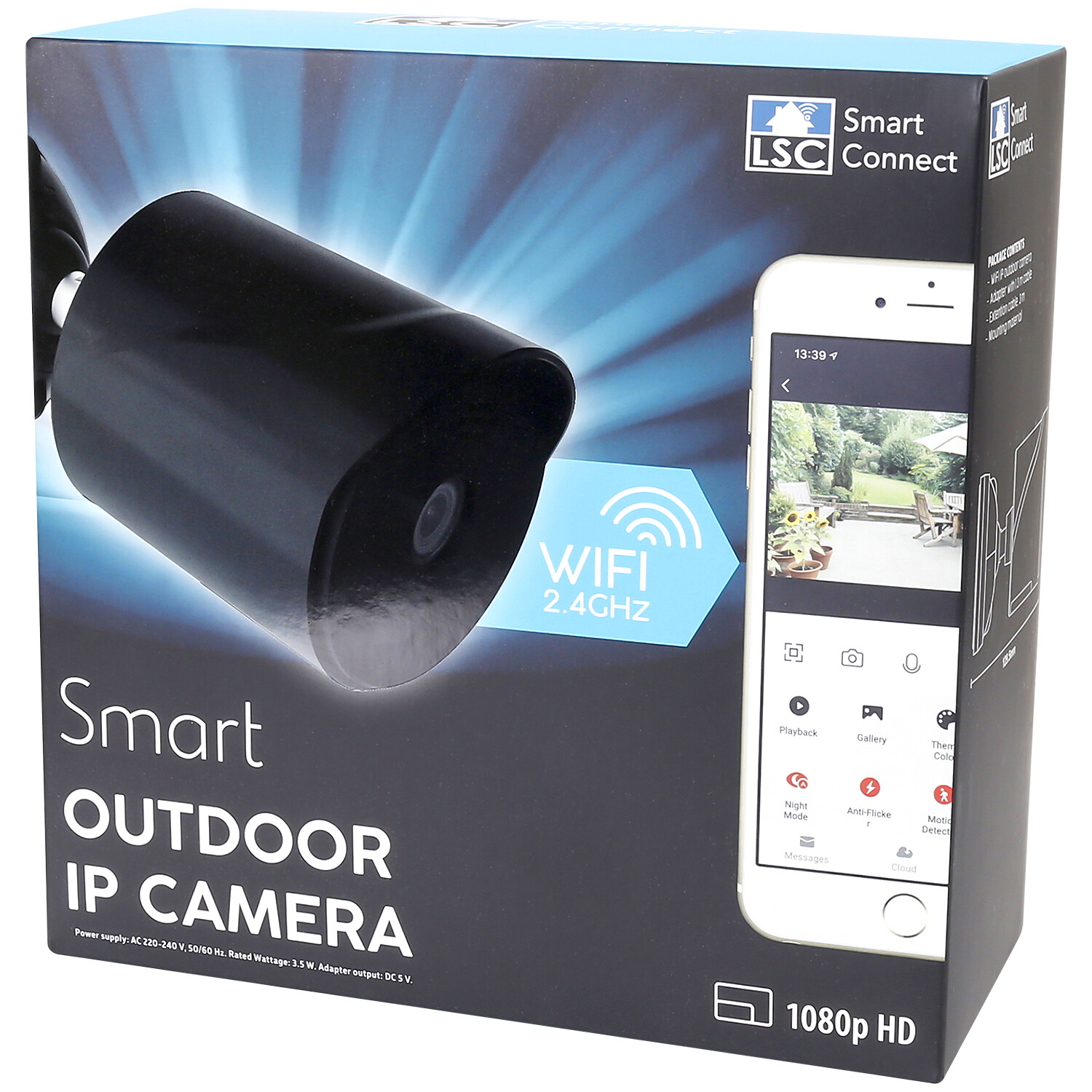
But it seems that it also works with this one (I’ll test soon - Actually, no, I didn’t find any…):
This is not my work but that of « Guino » (and « Ancientkingg »), whose repo you can find here: GitHub - guino/LSCOutdoor1080P: Root customization of the LSC Outdoor 1080P camera and LSC Rotating 1080P cameras
Precautions : You are modifying the camera’s internal system. A problem is never impossible. The worst case is that your camera becomes unusable…
Equipment :
A microSD card, a computer, the camera, a bit of time…
In the original version, the author insists on the camera firmware version. It seems in the end that this does not really cause a problem. I was on version 3.286.81.13 and the operation went smoothly.
I was because now the app says I’m on 2.10.36 (what difference???), but only for the older model.
FYI, when you remove the SD card, everything goes back to how it was before…
How to do it (short and simplified version):
- Download the repo contents and the original post from: https://github.com/guino/LSCOutdoor1080P/archive/refs/heads/main.zip
- Extract the CONTENTS of the « mmc » folder to the root of a microSD card;
- Copy the Busybox file from https://github.com/guino/LSC1080P/blob/main/mmc/busybox?raw=true and add it to the root of the microSD card as well;
- Put the microSD card into the camera, turn it on, wait 2-3 minutes (until the camera appears in the Tuya or LSC app), turn it off and remove the microSD card from the camera;
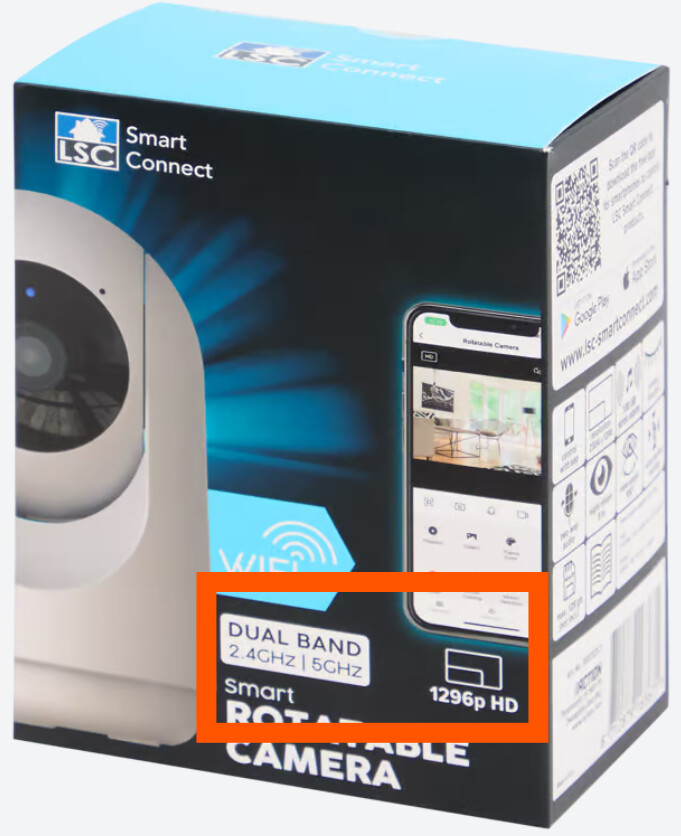
- If you have the first version of the camera (2.4GHz only), add the file anyka_ipc_rtsp from here to the root of the microSD card.
ATTENTION!! A new version of the camera has been sold at Action since the end of 2024. This version has the inscription « Dual Band » on the box. For this model, you must use the file anyka_ipc_v3_patched_test.zip (from here), rename it toanyka_ipc_rtspand replace themotor.cgifile found here (motor.zip) in thecgi-binfolder on the SD card. - Eject the µSD card and put it back into the camera;
- Wait another 2-3 minutes and you should have access to the RTSP stream via the address ‹ rtsp://IP-DE-LA-CAMERA/main_ch › which you can add in the Gladys « camera » integration!
It is also possible to control the camera movements via http://IP-DE-LA-CAMERA:8080/ptz.html (user: user and password: password) or directly via a command like http://user:password@ip-de-la-camera:8080/cgi-bin/motor.cgi?dir=right\u0026dist=10 (where dir is the direction (up, left, right, down) and dist is the distance).
Thanks to the original author’s work!


 and downloadable! Wonderful. I still have a few « noob » questions in case someone happens to have the answers, you never know! -1- Do I necessarily have to leave the SD card in my camera? -2- I’m looking for a way to access the camera’s administration, I mean to be able to modify the resolution and FPS of the output stream. Thanks in advance