Hi @StephaneB @zedyxer, I investigated this this morning — it’s actually not a regression, there was never any development on this subject. I looked at the code, it’s impossible that it worked, it was never coded  (or I missed something)
What has been developed is that it is possible to create a « text » type sensor in the MQTT integration:
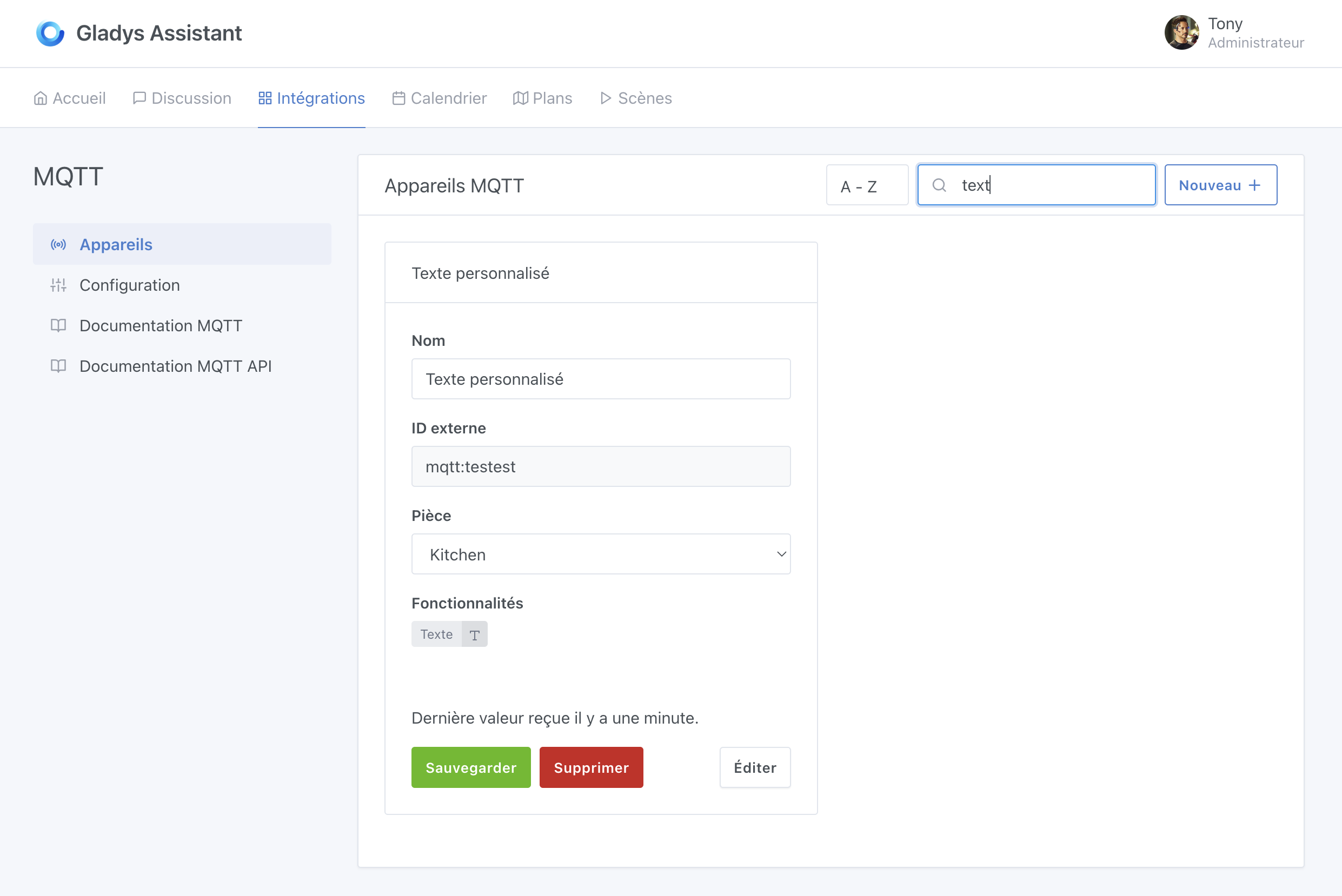
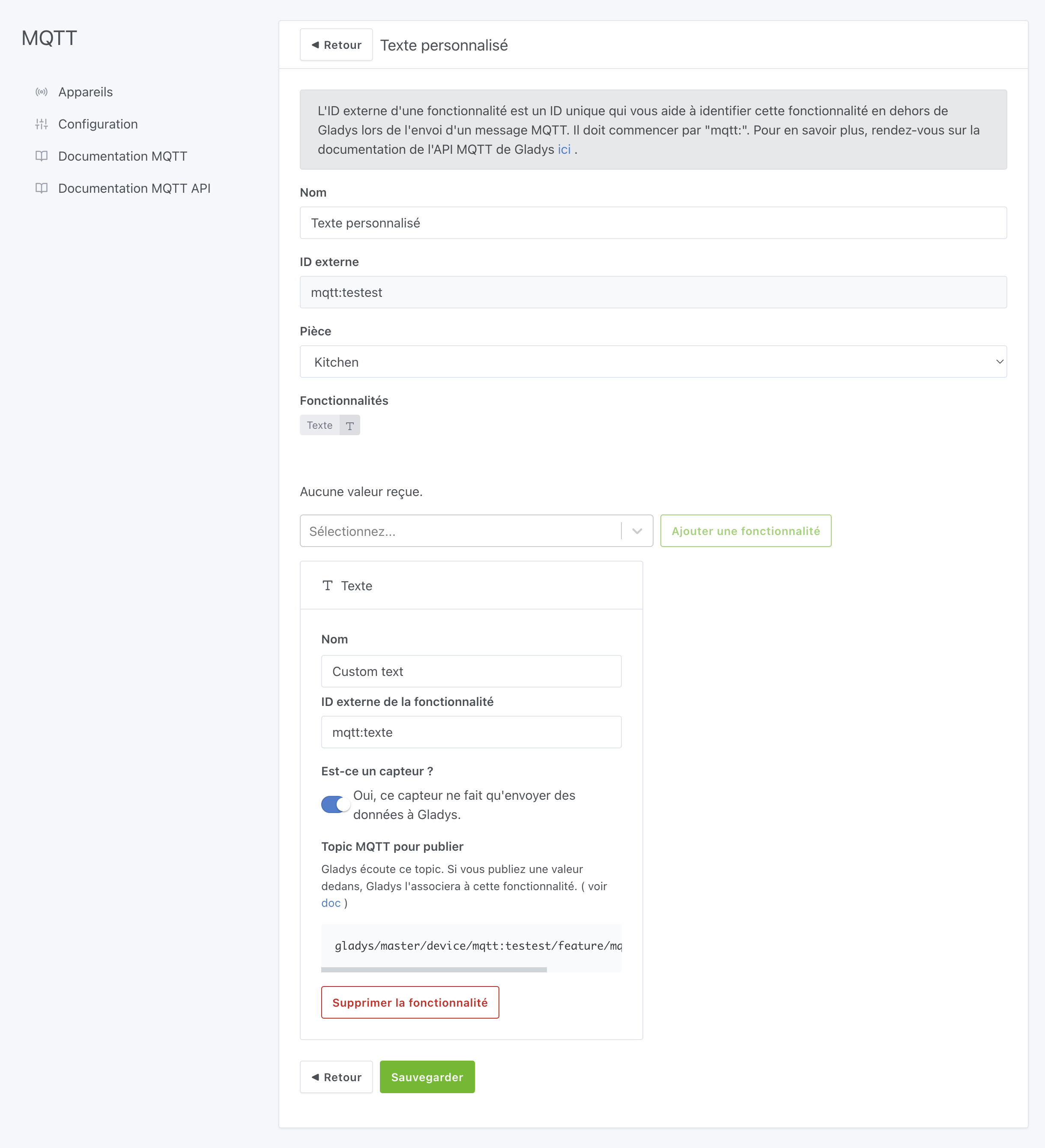
With the following functionality: (be careful, it must be a « sensor »):
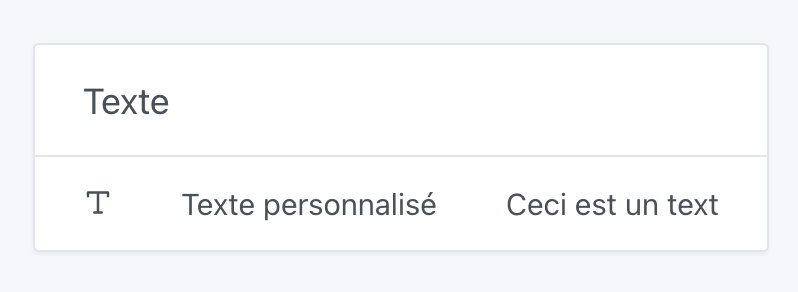
Then, on the dashboard, this « text » sensor can be displayed:
The value of this sensor can be modified via MQTT using our MQTT API:
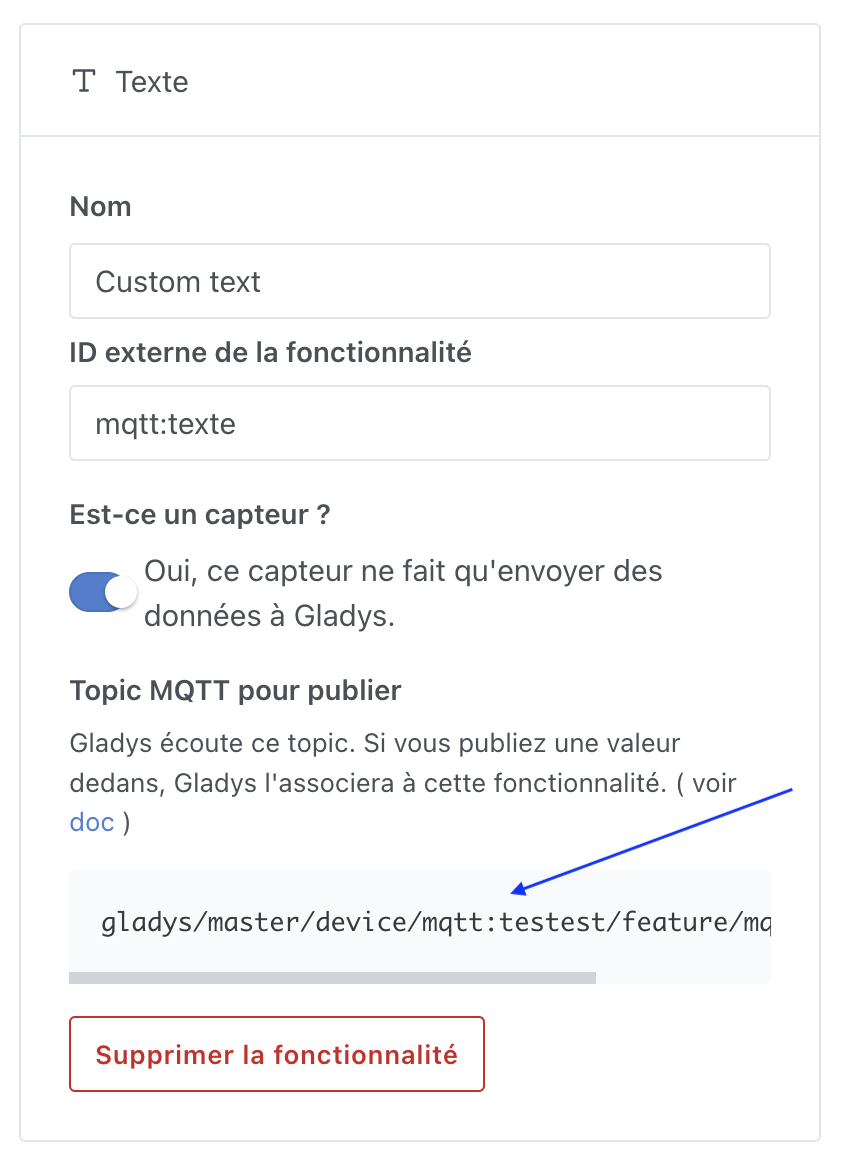
Topic: gladys/master/device/:device_external_id/feature/:device_feature_external_id/text
Body: Magnificent
Source: Documentation → MQTT API | Gladys Assistant
This can also be modified in Gladys via the scene action « send an MQTT message »:
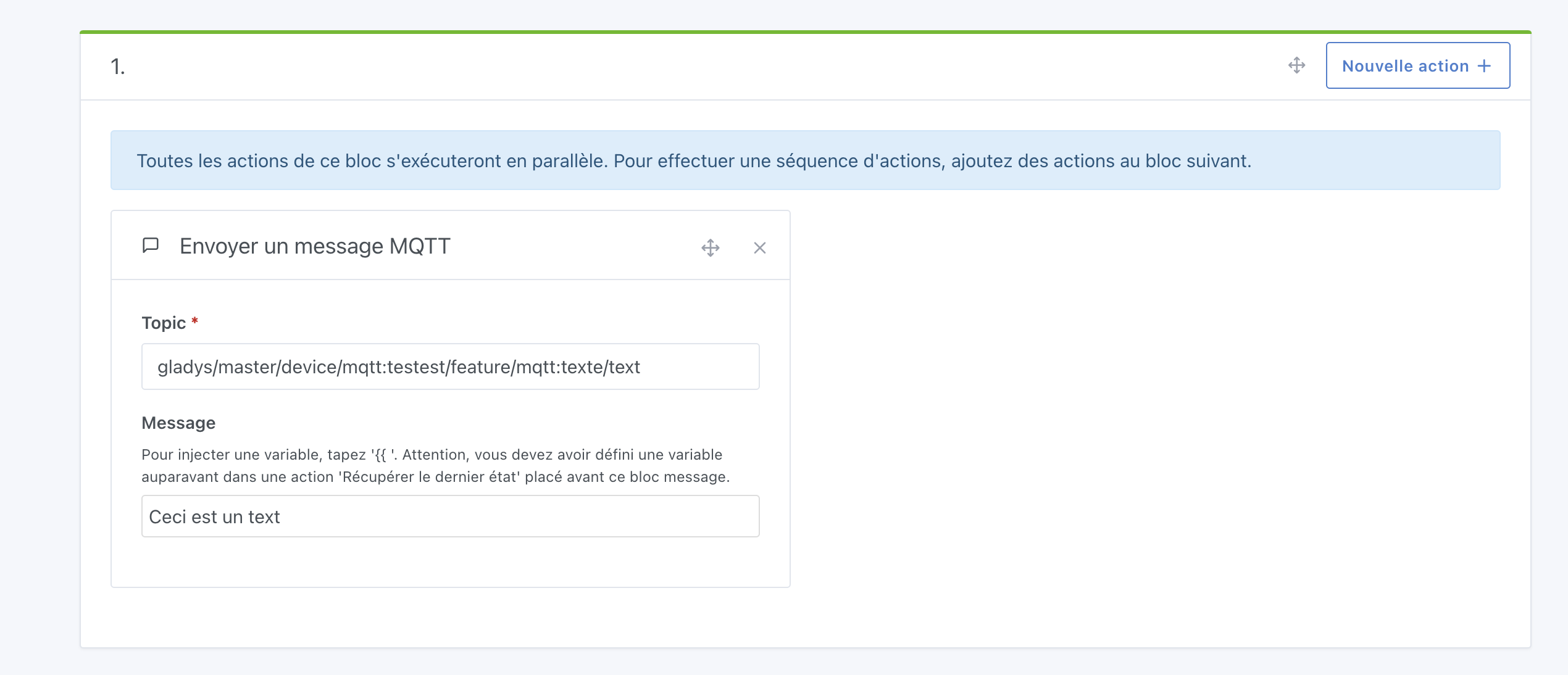
(Or externally via Node-RED or other)
The MQTT topic comes from the feature page in the MQTT integration:
Control via the « Control a device » action has not been developed. That can be changed, but it’s a development effort (not a simple fix).
If you ever want this feature, I invite you to create a feature request, with an explanation of the need so we can better understand what you’re trying to do 
Also, I feel that with what I’ve explained in this post you already have enough to work with 