Hello,
I have started developing the EweLink service (PR #719).
Not having any devices at my disposal (mine burned out, but is still available « offline » in the cloud).
If anyone with unflashed devices is willing to perform tests, I’m interested 
Hello,
I have started developing the EweLink service (PR #719).
Not having any devices at my disposal (mine burned out, but is still available « offline » in the cloud).
If anyone with unflashed devices is willing to perform tests, I’m interested
Hello @Pti_Nico I’m going to play with this weekend, I have a native Sonoff lying around at my place  I’ll give you my feedback
My feedback will be back before the weekend
First of all, thank you for your investment, this integration service will be very useful.
Overall, the « pairing » is rather fluid and fast, no need to wait 1 minute to know if you are connected or not 
I still have a few remarks on the UI side:
I find that the image is quite heavy compared to the others
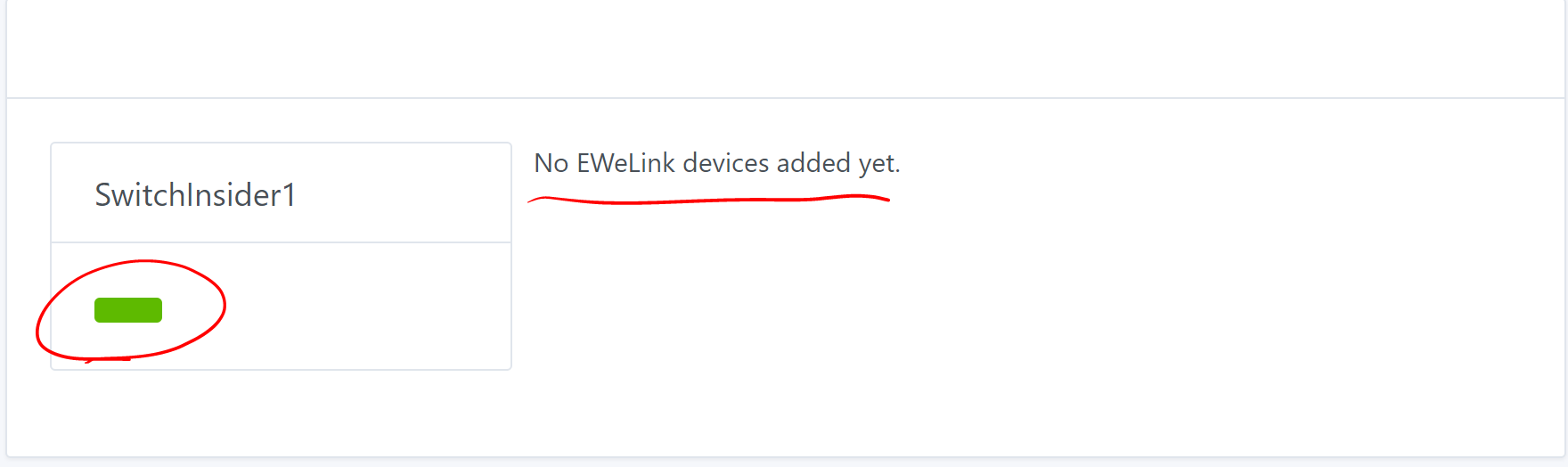
Some titles are missing, and perhaps increase the height and center the « no devices found ».
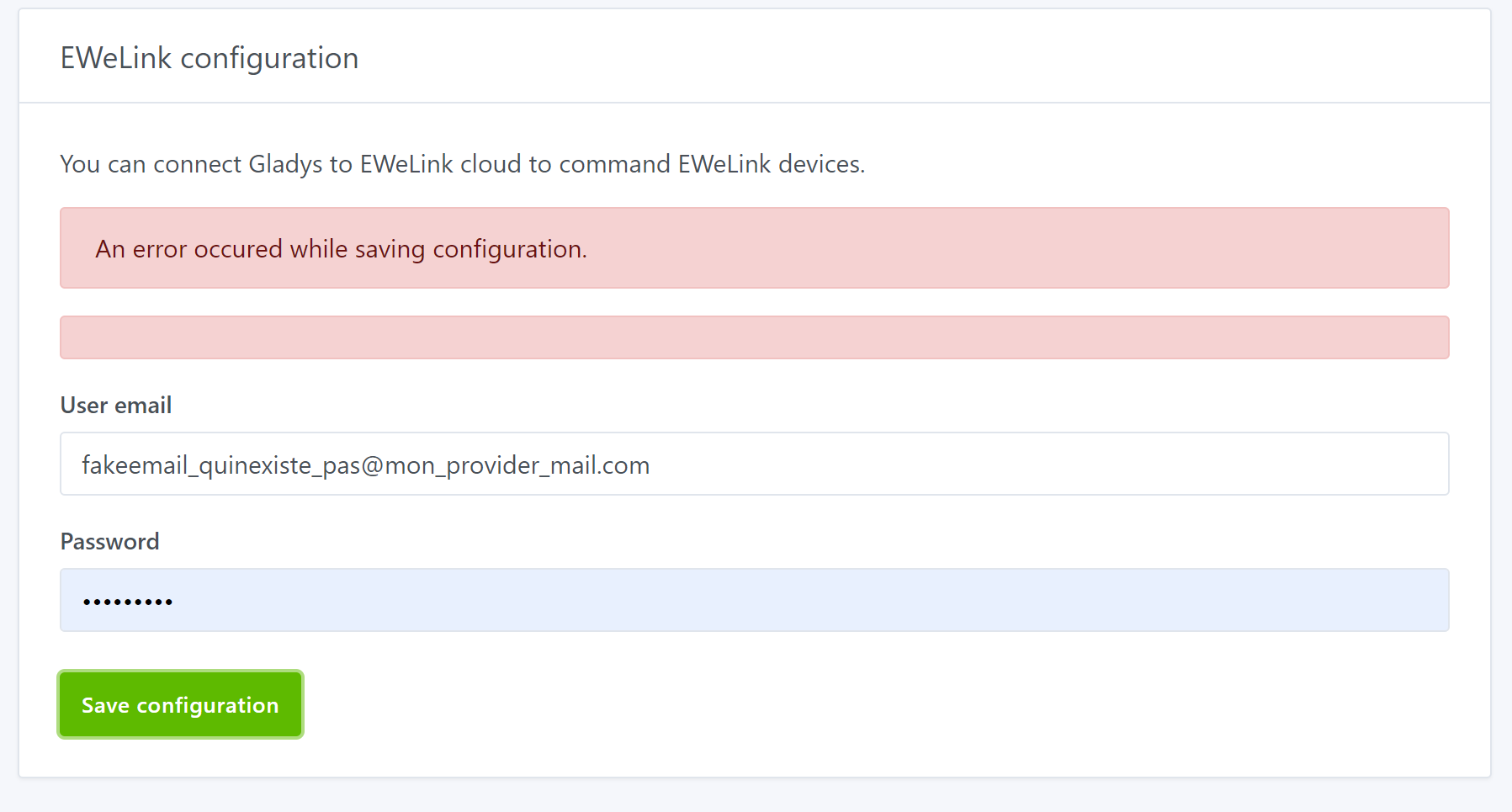
When you make a mistake on your login/password, you have display problems.
Once the account is linked, I don’t know at first glance where to find my devices, so I go back to the device tab, and there are some display problems.
Once my account information is saved, I don’t know how to do a scan again (I found it, you have to revalidate the connection).
Perhaps plan a « scan » button to refresh the list.
I also think that the detected devices should not be displayed in the devices tab, which in my opinion lists the devices already integrated in Gladys (to be confirmed with @pierre-gilles)
Once everything is configured, my devices added in Gladys, the « turn on/off » feature does not work
An error appears:
There was an error while polling device ewelink-1000b5e8ac-0
2020-04-03T11:56:01+0200 <error> device.poll.js:24 (DeviceManager.poll) { Error: EWeLink device is not currently online.
    at EweLinkHandler.poll (/home/alex/NickDub-Gladys/server/services/ewelink/lib/device/poll.js:24:11) message: 'EWeLink device is not currently online.' }
Yet my device is online, and brand new!! 
Other evolutions to consider:
I hope my remarks will be useful to you.
If needed, I am ready to share my EWeLink account with you temporarily so that you can play with it.
A +
For UI issues, do not hesitate to switch to DEMO mode by filling out the demo.json file to simulate server responses.
In demo mode? Can you tell me more, how do we launch in demo mode? (I’m struggling every time with account creation and devices, etc…)
You add a .env file to the root of the front end, you paste DEMO_MODE=true in it.
And you complete the demo.json file to have the responses to the server calls that you expect. You start the front end, no need for the server.
You’re welcome, so it’s really just for the UI
Yes, this allows you to refine the display, and it’s also what will be visible on https://demo.gladysassistant.com/
I agree with the idea, although I haven’t tested the service! The main thing is that the user experience is simple: you need to guide the user, that’s all that matters.
@AlexTrovato, thank you for your first feedback.
It’s normal to have so many errors, the service is at the very beginning of development 
What do you mean by « unavailability of the device »?
I haven’t gone through all the posts, is there a link that talks about it?
Managing multiple accounts would be quite complicated, as connecting to the account is done once to retrieve a token used to control the devices.
In addition to storing the credentials on the device, each command would require logging in again to retrieve this token (which is done at service startup or when entering the credentials)… It would be like managing multiple Telegram or DarkSky accounts…
Regarding the update, the library used only allows knowing if a new firmware is available. Maybe in a future evolution, it will be possible…
That would be great
Can you send that to me in a PM?
The ideal would be to also have access to several types of devices.
Well, I completely overhauled the service (both back and front), I think I’ve come up with something pretty good…
D’accord, c’est vraiment mieux !!!
I still have the double error message problem when I enter the wrong credentials.
The image is still there, but I see that you have launched a survey.
Why not:
Otherwise, a small thing (I’m pushing it to the max), I tested on Gladys, then I went to the official app, and since then, it no longer works with Gladys:
There was an error while polling device ewelink-1000b5e8ac-0
2020-04-04T21:32:04+0200 <error> device.poll.js:24 (DeviceManager.poll) { Error
    at EweLinkHandler.poll (/home/alex/NickDub-Gladys/server/services/ewelink/lib/device/poll.js:26:11)
  status: 500,
  code: 'SERVER_ERROR',
  error: 'EWeLink error: Authentication error' }
Congratulations, it’s almost done!!!
Hi,
@AlexTrovato, I’ve updated the service to fix the authentication issue.
For that, I’d like to run a test by sharing my device and using your account again.
Does that bother you?
@Pti_Nico do what you want with my account, I created it solely to test your service but I unplugged my device, if you want me to plug it back in, keep me posted.
Hello,
Thank you @Pti_Nico, I had my Amazon cart ready with the module that would have allowed me to flash my Sonoff Basic… No longer needed thanks to you
I just tested your service on my single Sonoff (with the correct credentials, module creation, deletion, re-add…). It works perfectly, the interface is clean, it’s super simple to use… The device works perfectly with Gladys.
Then, I modified my credentials to be incorrect. This causes Gladys to crash completely:
2020-04-17T21:26:07+0200 device.poll.js:23 (DeviceManager.poll) There was an error while polling device ewelink-100029cc19-0
2020-04-17T21:26:07+0200 device.poll.js:24 (DeviceManager.poll) Error401: EWeLink error: Authentication error
at EweLinkHandler.connect (/home/philippe/gladys-ewelink/server/services/ewelink/lib/device/connect.js:65:13)
at async EweLinkHandler.poll (/home/philippe/gladys-ewelink/server/services/ewelink/lib/device/poll.js:17:5)
at async DeviceManager.poll (/home/philippe/gladys-ewelink/server/lib/device/device.poll.js:21:5) {
status: 401,
code: ‹ UNAUTHORIZED ›,
message: ‹ EWeLink error: Authentication error ›
}
@PhilippeMA, thanks for your feedback on this issue.
I’ll look into fixing it as soon as possible.
@PhilippeMA, I took a look at the issue and as the error messages indicate:
If your credentials are incorrect, polling is impossible.
At this point, I don’t see how to fix this… 
@AlexTrovato, any advice on how to handle this type of error?
Given that this can happen, the day a user changes their password in the eWeLink app but does not update it in Gladys…
Hi @Pti_Nico, sorry for the delay.
The problem I mentioned occurs in the following scenario:
Perhaps we should consider retrying once (only once) to reconnect (regenerate the token) in case of a 401 error code. If we still receive a 401 on the second attempt, we can consider the credentials invalid.
In this case (invalid credentials), we should keep the information to display it on the module page (and in the future, send a notification to alert the user about the inability to connect to their account).
I just made a correction in that sense