Hello everyone. Since the zigbee2mqtt crash issues and the libseccomp2 solution, I notice that nothing is coming back up in Gladys. After checking the Zigbee2mqtt dashboard, I discovered that the sensors (aqara temp and humidity) seem to be deactivated. Have you ever had this kind of problem? Do you think this is related to the previous issue? Any ideas for reactivating them? If possible, without starting everything from scratch? Thanks in advance. Eric
What do you mean by disabled?
Personally, my aqara temperature sensor seems to work fine
Re-pair it if you no longer see it, that should fix it
Hello, thanks for the information.
Actually, in the Z2M dashboard, in the availability line, the sensor is listed as ‹ disabled ›
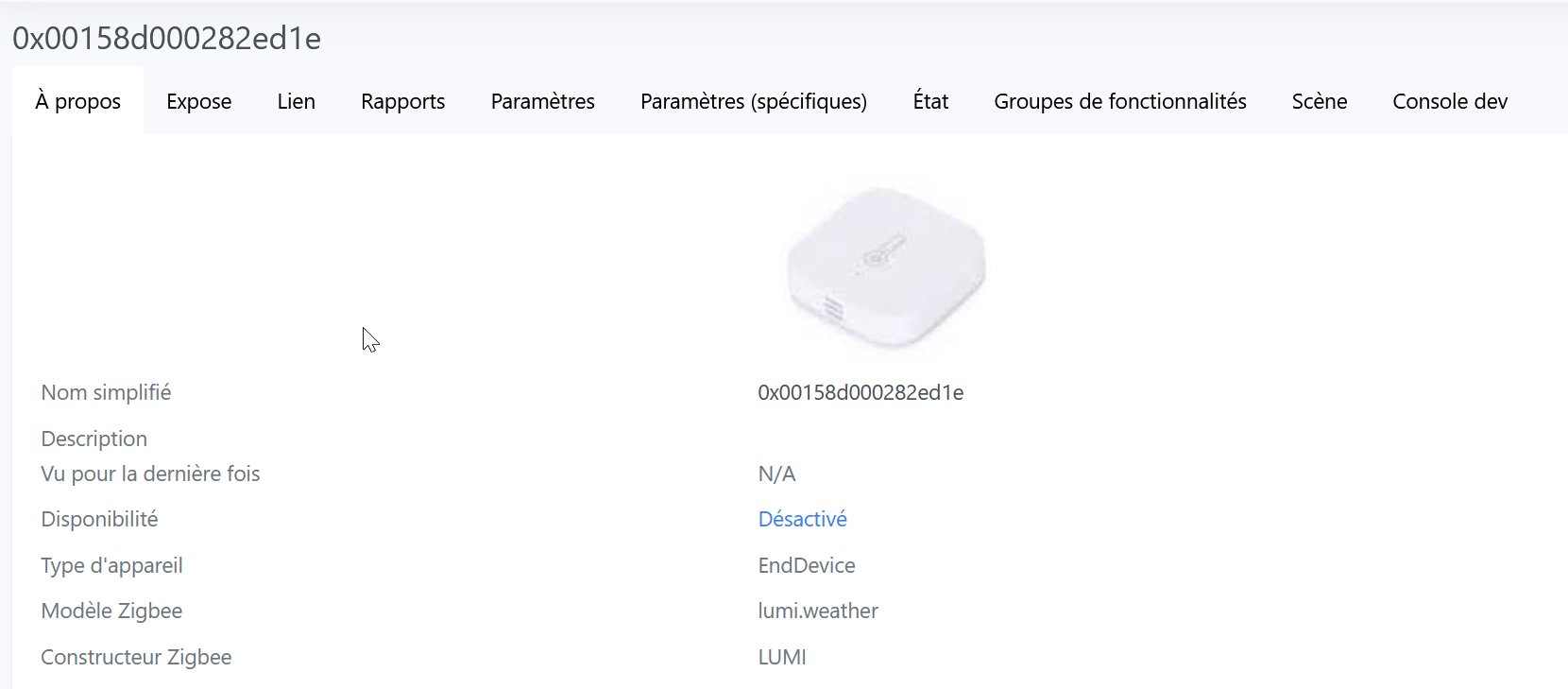
As Vincent suggested, a new pairing solved the problem. I allowed new devices on the integration and put the sensors back into pairing mode, and bingo, it’s working again. I was afraid I would have to uninstall and reinstall everything, but it was much simpler.
Thanks to both of you for the response and help.
Have a nice day
Eric
Hello @Riquet0077
Rest assured, all my sensors (13) are marked as unavailable, and they all work
However, it happens that one of them disconnects, for me it’s because it’s a bit far away, I repair it and everything returns to normal
Hello @Riquet0077
How can I access this dashboard, which seems much more convenient than accessing the Z2M docker logs?
Thanks in advance for your reply,
Jean
Are you talking about http://adresse_ip:8080?
yes that’s it http://adresse IP:8080/#/
@pierre-gilles
it would be good in terms of usability and user-friendliness to add the link http://adresse IP:8080/#/
as @Lokkye did for Node-Red access (there are more complete settings) because we don’t necessarily remember how to access it, especially during the summer 


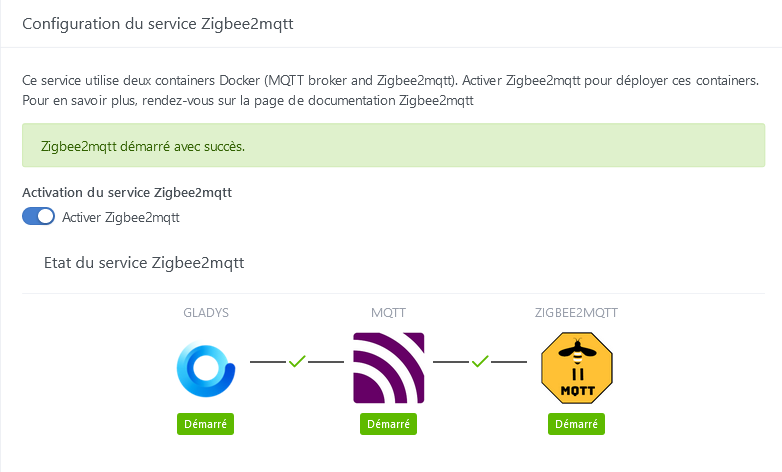
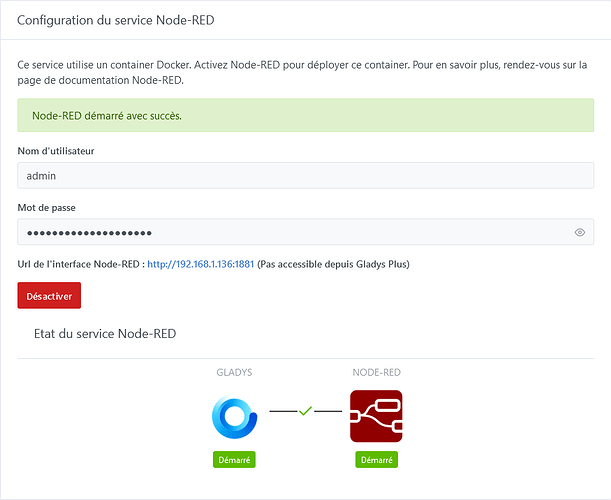
Yes, that would be great, I agree! Will you create a GitHub issue? 


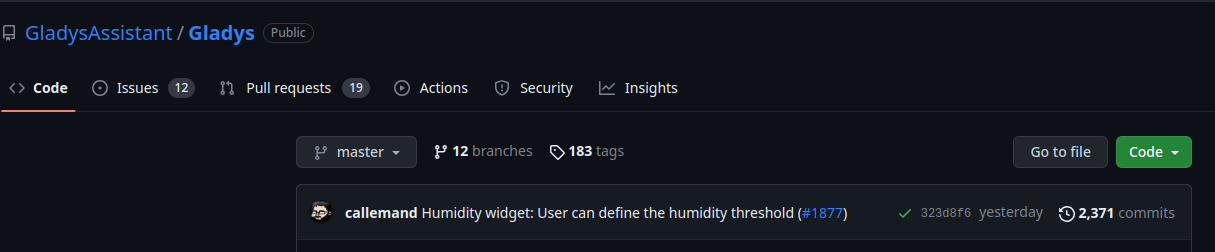


I think you’re not really in the repo and that you’re doing a search.
I clicked on your link and now it works, thanks, I was going to go to bed but I’ll create the issue first :wink
All set — issue created with the help of @_Will_71. Now off to bed 