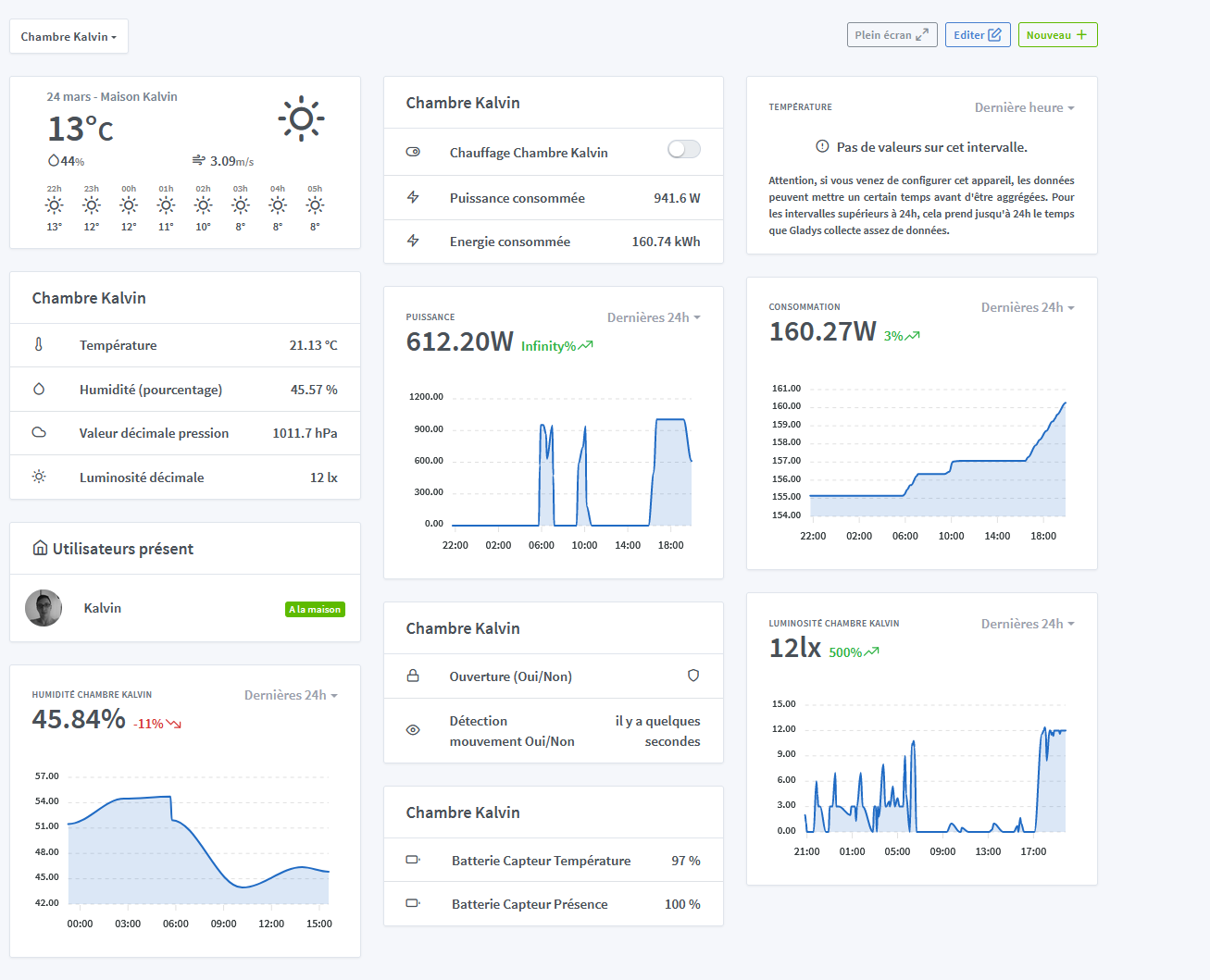
Tonight when I got back to my room, I realized it was very hot, so I went to my Gladys dashboard and noticed that the heating was on and that it was only 21°C for it in the room.
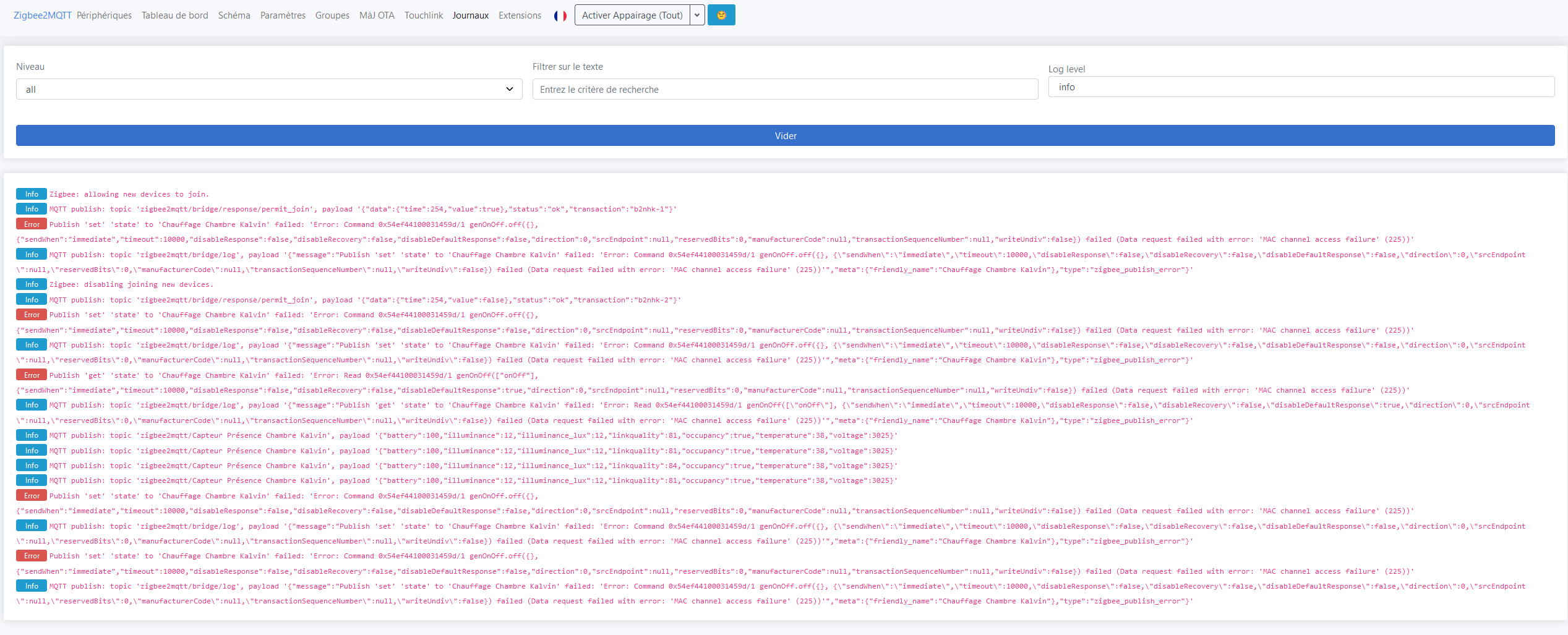
I therefore asked Gladys via the interface to turn off the heating, the button went to off but the heating remained on.
I also checked the temperature probe but nothing, it hasn’t updated all day.
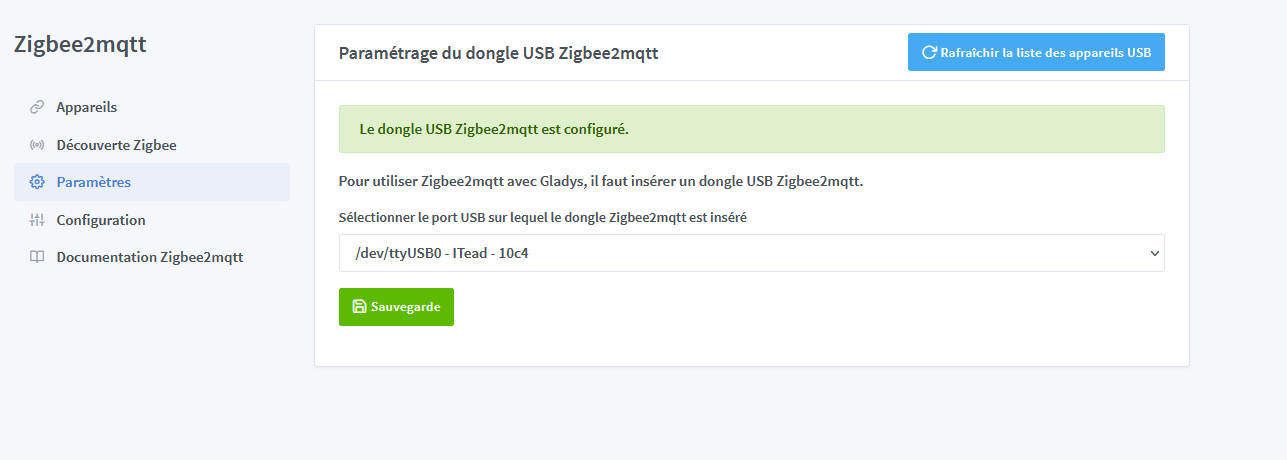
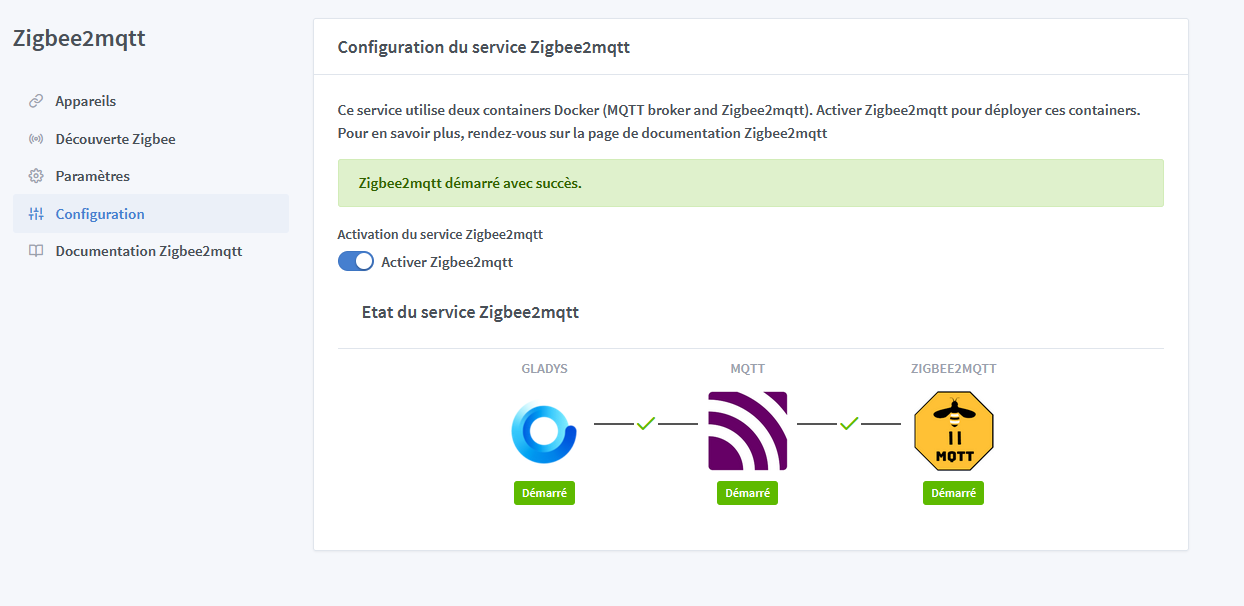
I then went to port 8080 to access the Zigbee2mqtt system.
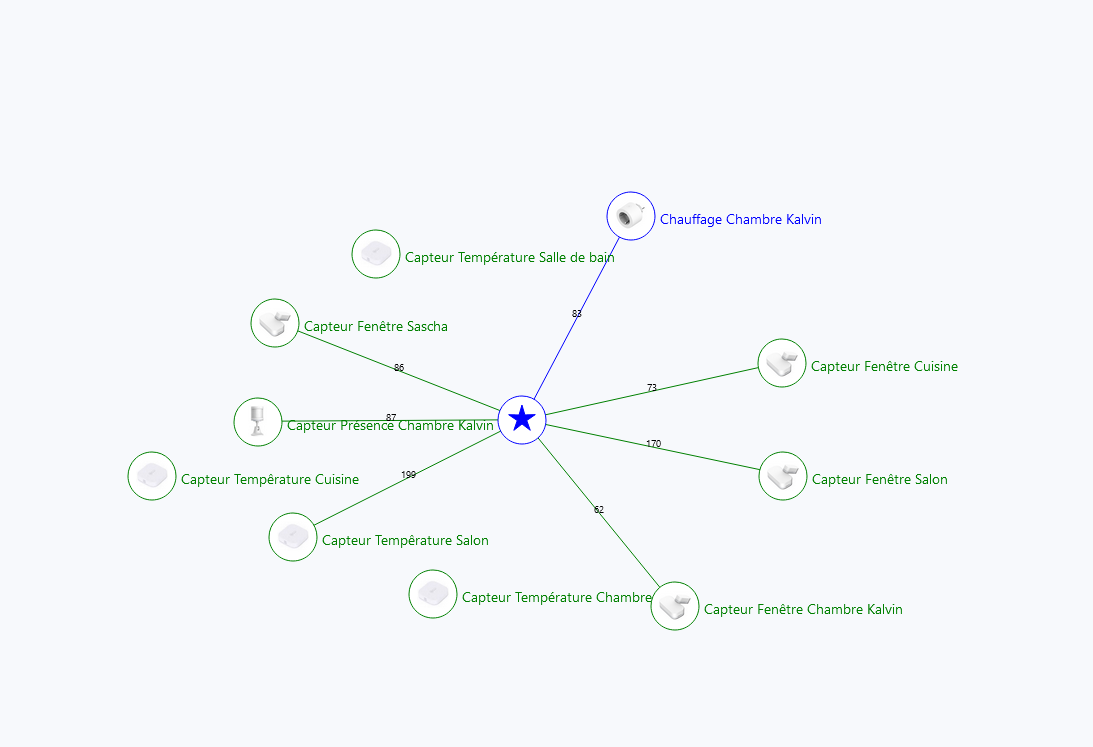
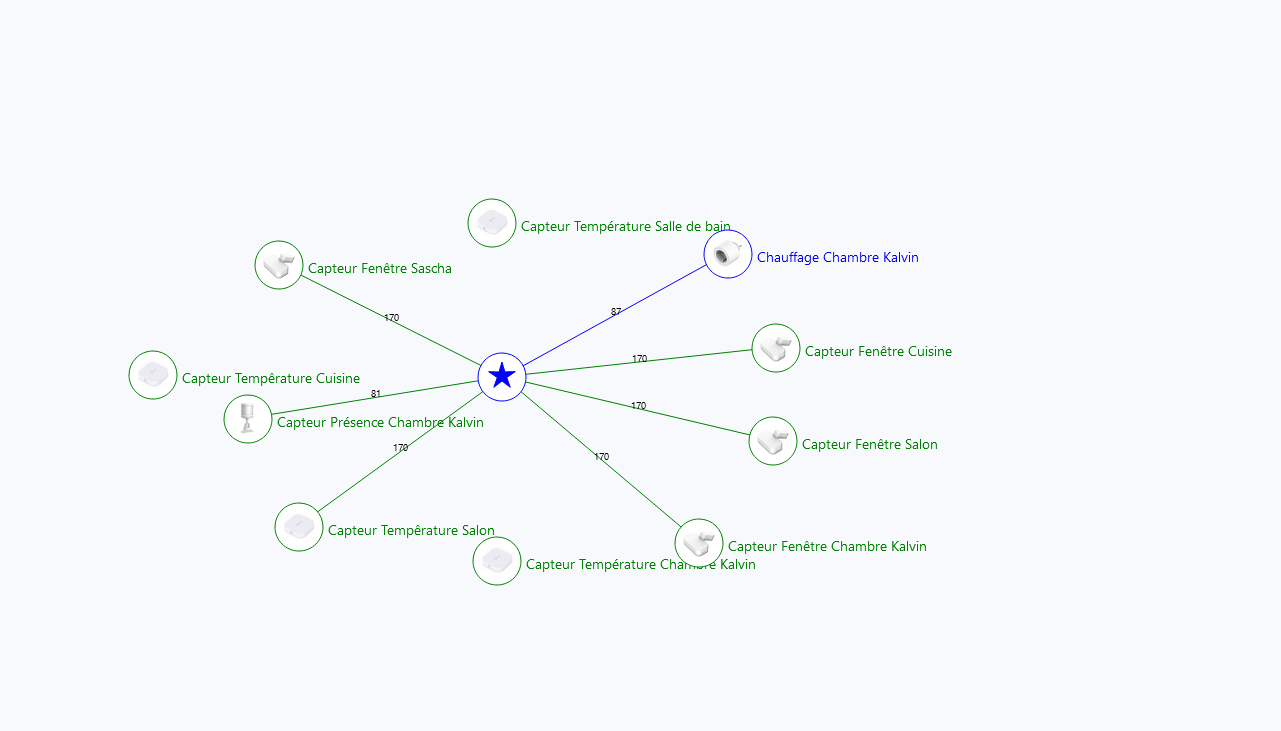
There I found that 80% of my devices were completely disconnected.
I did try to reconnect but the devices disappear and never come back.
This isn’t the first time this has happened to me and the last time was a month ago and I had to reset the entire Gladys instance for it to work again.
Your issue is with your device and zigbee2mqtt, so I don’t see how resetting Gladys will solve your problem. You’re giving yourself unnecessary work. (You’re clearing the forest for a weed )
Can you provide the model of the plug?
What is the GDrive link in your post?
This looks very much like another issue that was reported in another topic. When there is a Gladys update, apparently the Zigbee2mqtt integration can disconnect.
Can you restart Gladys, the MQTT container, and Zigbee2mqtt? (This is via SSH, I don’t know if you are familiar with that?)
If yes, you can do:
docker restart gladys
Wait a bit for Gladys to restart, then:
docker restart gladys-z2m-mqtt
Finally, wait a bit, then:
docker restart gladys-z2m-zigbee2mqtt
(This is just a lead, I can’t guarantee anything)
On the other hand, reinstalling everything seems to me a really extreme solution!
Yes, everything is working again, thank you
And thank you for the clean shutdown command because this problem of devices not reconnecting also happens after a « Pi » shutdown, to know that I turn it off by unplugging it. And when it turns back on, nothing works. So I’ve been leaving it running without touching it for a month. But I’ll have to turn it off to integrate it into its 3D printed box.



 )
)
 Did you reboot the Pi entirely? The first command (