Thanks, I’ll look tomorrow.
Hi @Zebulon,
Just a quick dumb question: after launching the test image, did you configure the zigbee2mqtt integration and then pair your device again?
On my side I changed one thing and a new image is available.
Can you run a test again?
Here are the commands to run if your Gladys is still using the test image:
docker stop gladys-test-develco

docker rm gladys-test-develco

docker pull willde71/gladys-test:develco-IOMZB-110
Then run again the docker run command… that you used to install the test image.
Once the new image is in place, in the zigbee2mqtt integration you’ll probably need to press the Update button for your device so that Gladys adds the entries if they are detected.
Hello, yes to the first question and since I didn’t keep the test I’m starting over from scratch this afternoon; that doesn’t cause me any problem because now I know how to do it.
I’ll let you know the result of this attempt this afternoon.
Alain
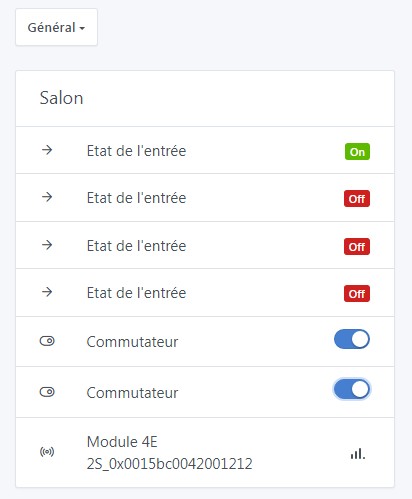
Thank you for taking the time to test.
@pierre-gilles, can you take a look at the PR?

This feature is available in Gladys Assistant 4.49 :
I am closing this thread to free up votes 