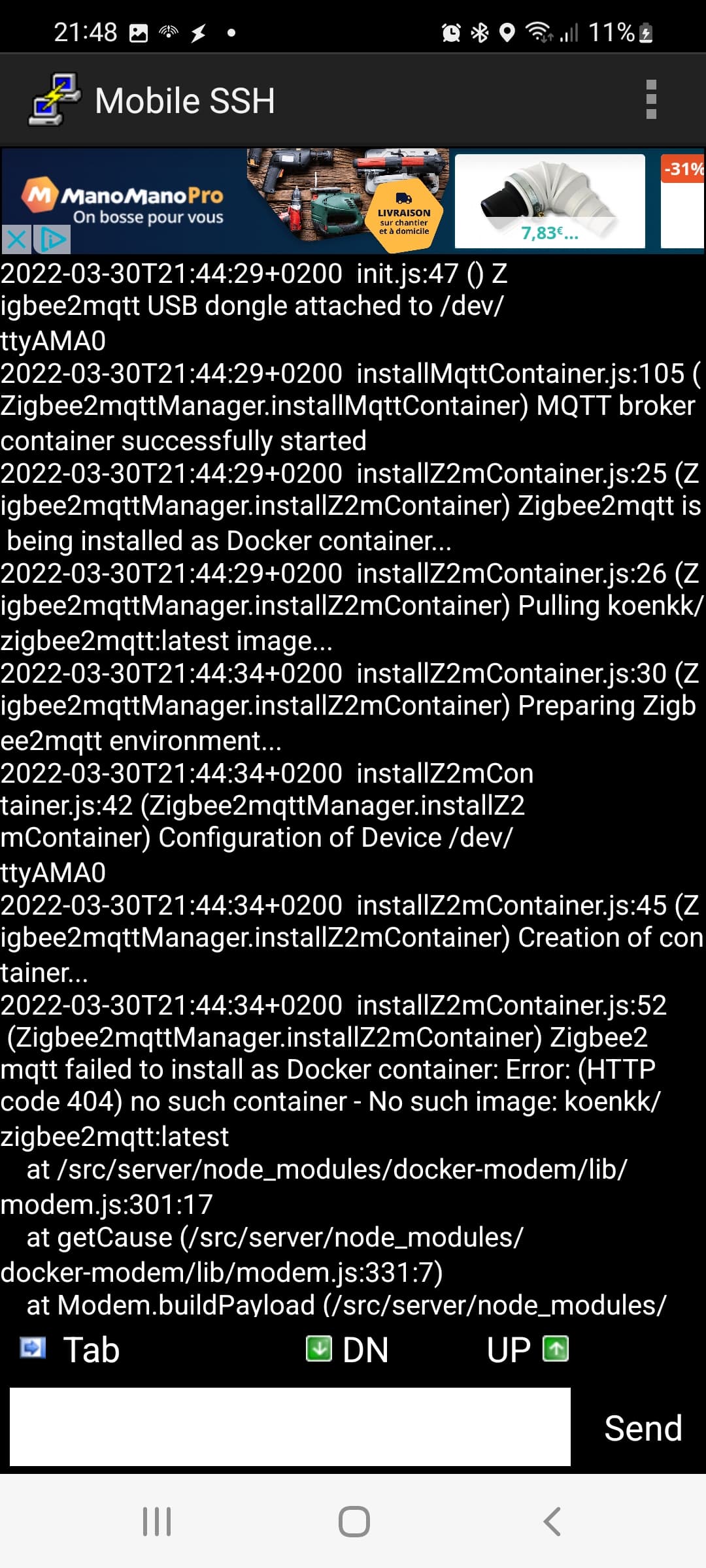
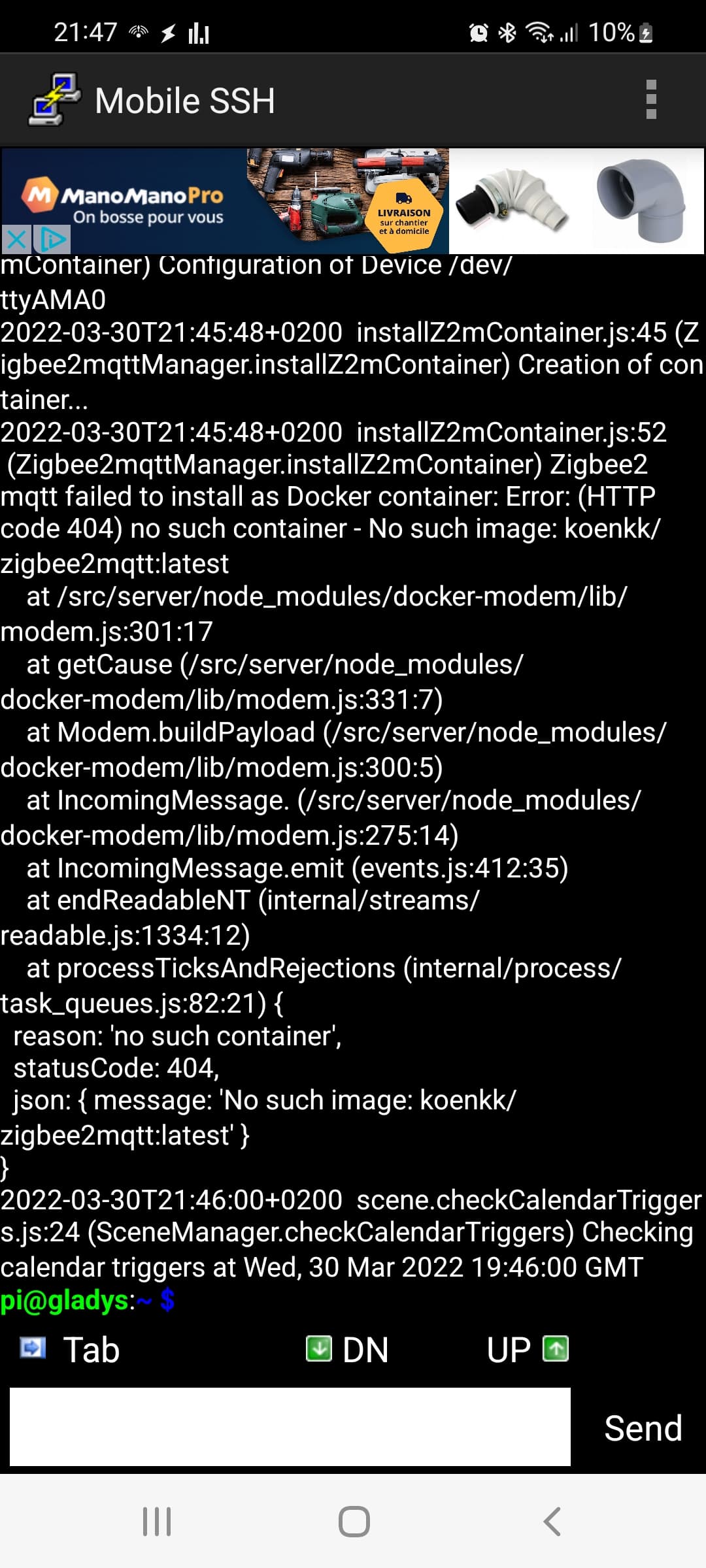
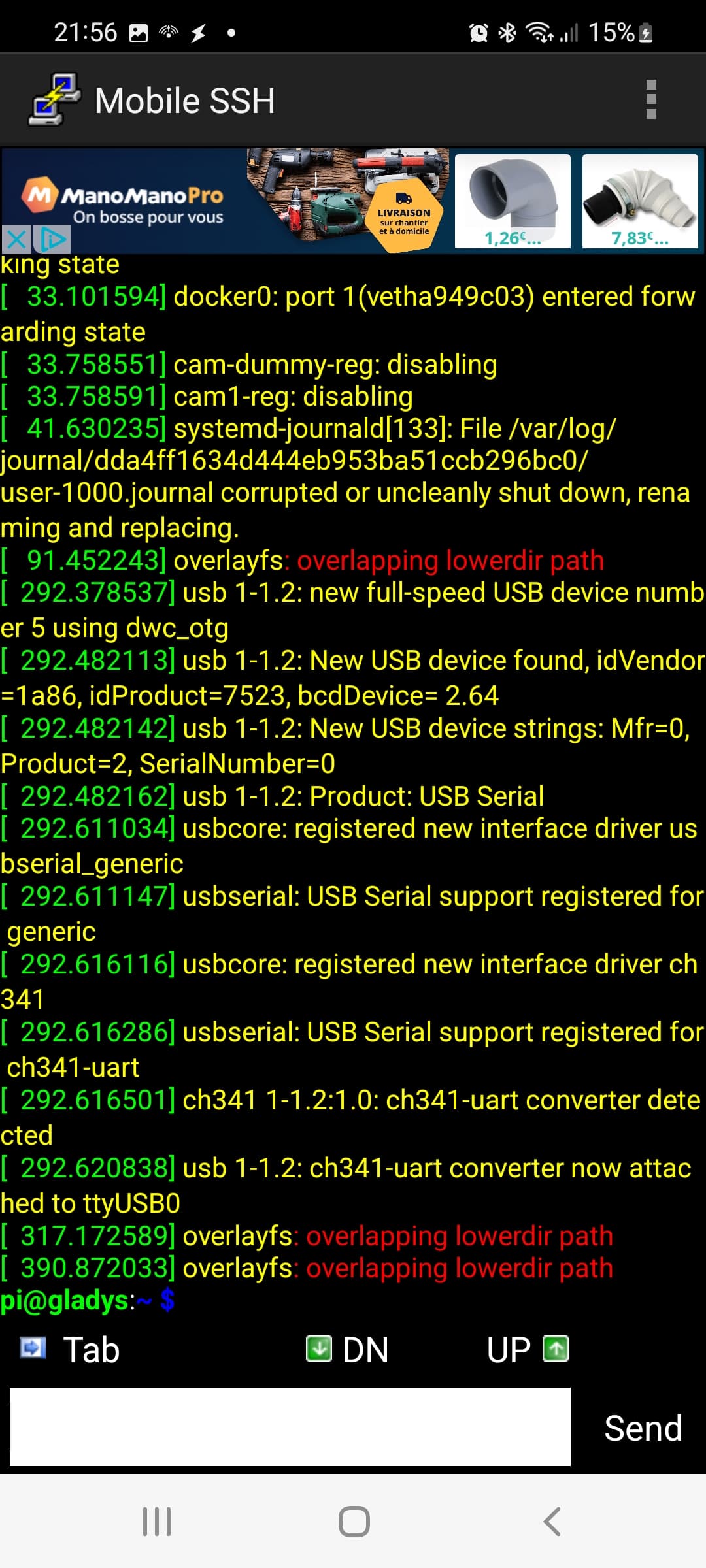
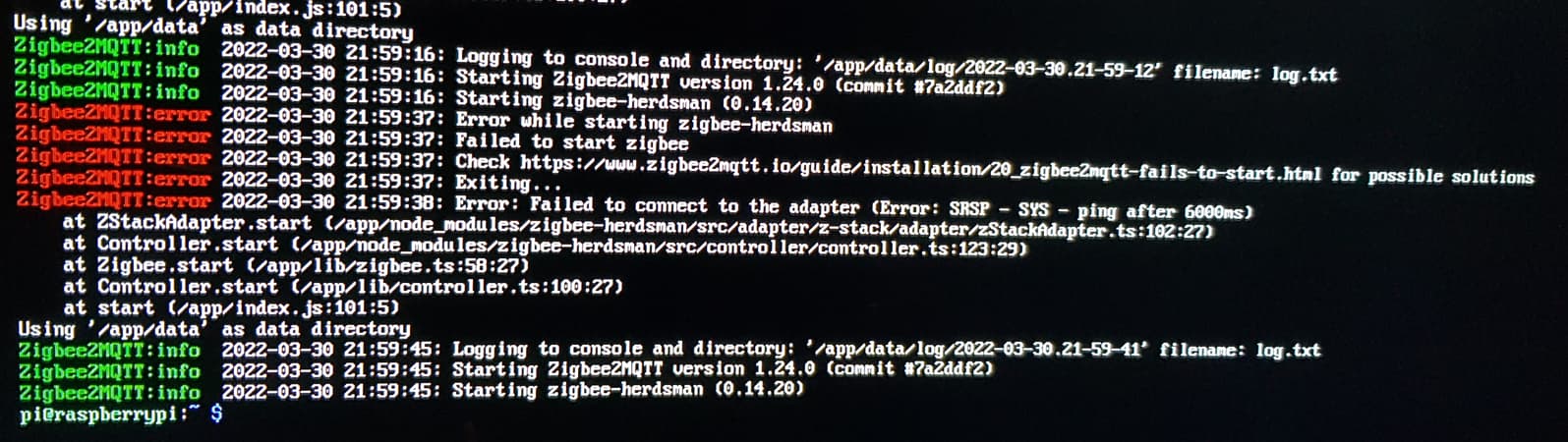
I will follow your advice and the link you provided. Do I also need to restart the entire procedure, from the SD card to flashing the SSD?
I noted that this is a separate issue from Gladys. As I mentioned at the beginning, I only have Zigbee devices, so my dashboard is empty; I cannot test the system’s features.
What I still see from your 3 responses is that you all have an SSD connected directly to the Pi in addition to the Zigbee USB key.
The Zigbee2mqtt documentation clearly states about the « Ping after 6000ms » error:
If using a Raspberry Pi; this problem can occur if you are using a bad power supply or when other USB devices are connected directly to the Pi (especially occurs with external SSD), try connecting other USB devices through a powered USB hub.
If you want to be sure, several options:
Try reinstalling without an SSD (with a micro-SD) just to test and verify that your Zigbee USB key is working properly.
Try an SSD installation, but connect the Zigbee dongle to a powered external USB hub.
PS: No need to call me « leader », Pierre-Gilles is fine
I will opt for connecting the dongle to a powered hub and will test it on Wednesday.
For Domadoo’s response, you were right, pierre-gilles:
"If the issue comes from the MQTT library and not the product, we cannot guarantee its proper functioning as only the developers of this library will be able to implement a fix.
I thought I had it,
I connected the Sonoff key to the powered hub and swapped the other USB connections (keyboard-mouse, SSD) on the pi but to no avail.
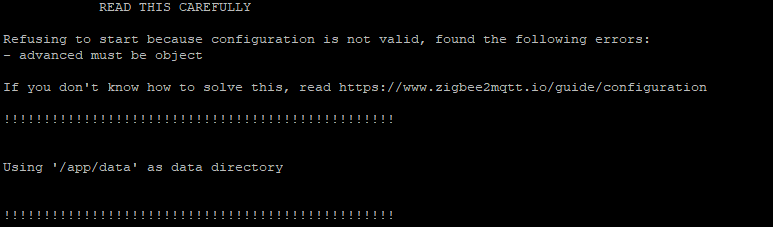
Here’s what I get when I run docker logs gladys … :
Good evening,
Regarding the hardware, I use:
Atolla Hub USB 3.0 powered, 4-Port USB Hub power strip with individual on/off switches - Power adapter included
SanDisk SSD Plus 240GB SATA III Internal 2.5" SSD up to 530MB/s
WAVLINK External Hard Drive Enclosure 2.5" for 2.5" SATA SSD hard drive 9.5 or 7 mm, tool-free mounting, UASP acceleration
A raspberry 3 with power supply model DSM-0530 5V 3A
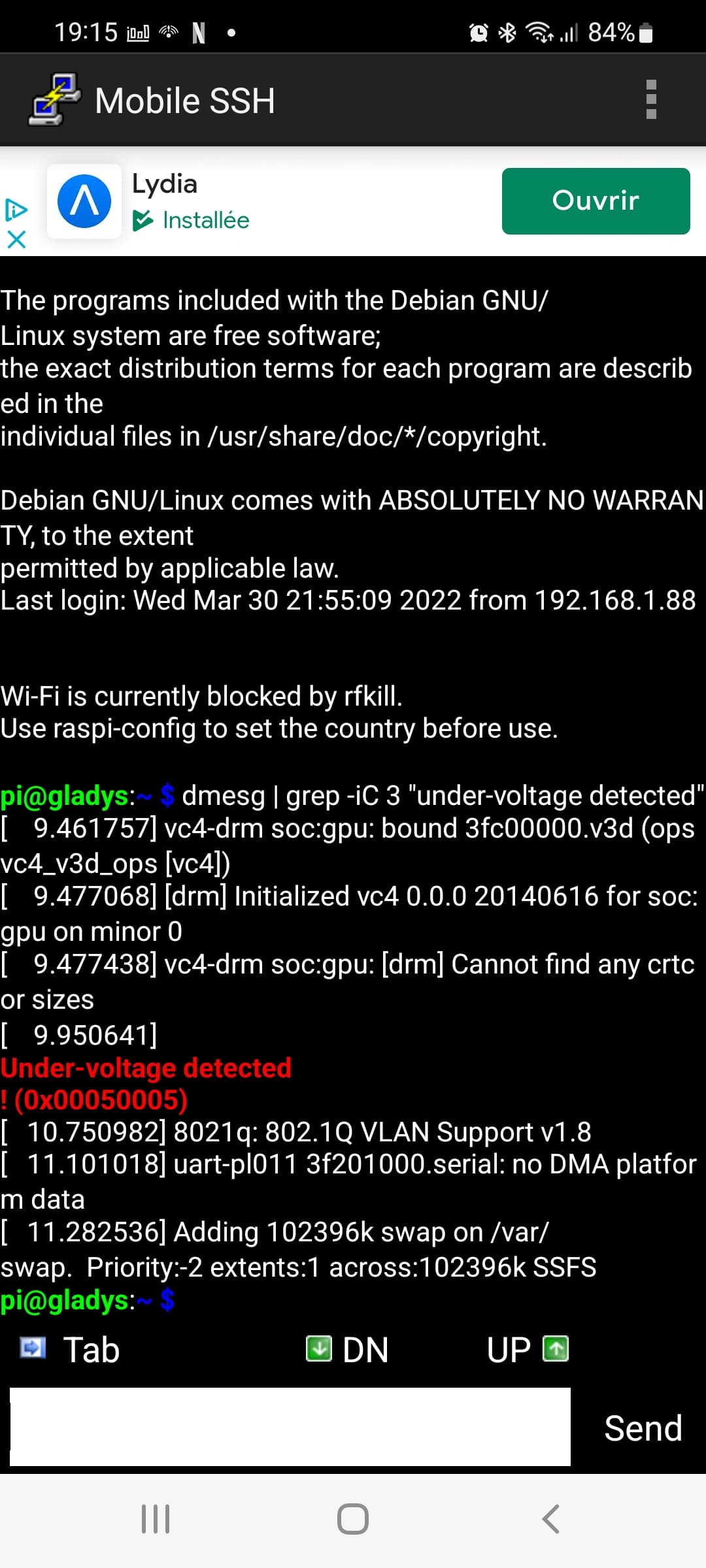
I notice the same error as TIse-vins for the voltage:
Same as @Psoy, I don’t know what to do anymore.
I put everything back to its original state in the configuration file, and the logs are identical.
I just added a USB extension, it’s the same.
I changed the USB port on the Pi, it’s the same.
I changed the USB port in the configuration file, it’s the same.
I read all the Zigbee documentation and checked everything (well, I think so)
Will changing the Zigbee key make a difference? I don’t think so because it’s the same with Sonoff devices.