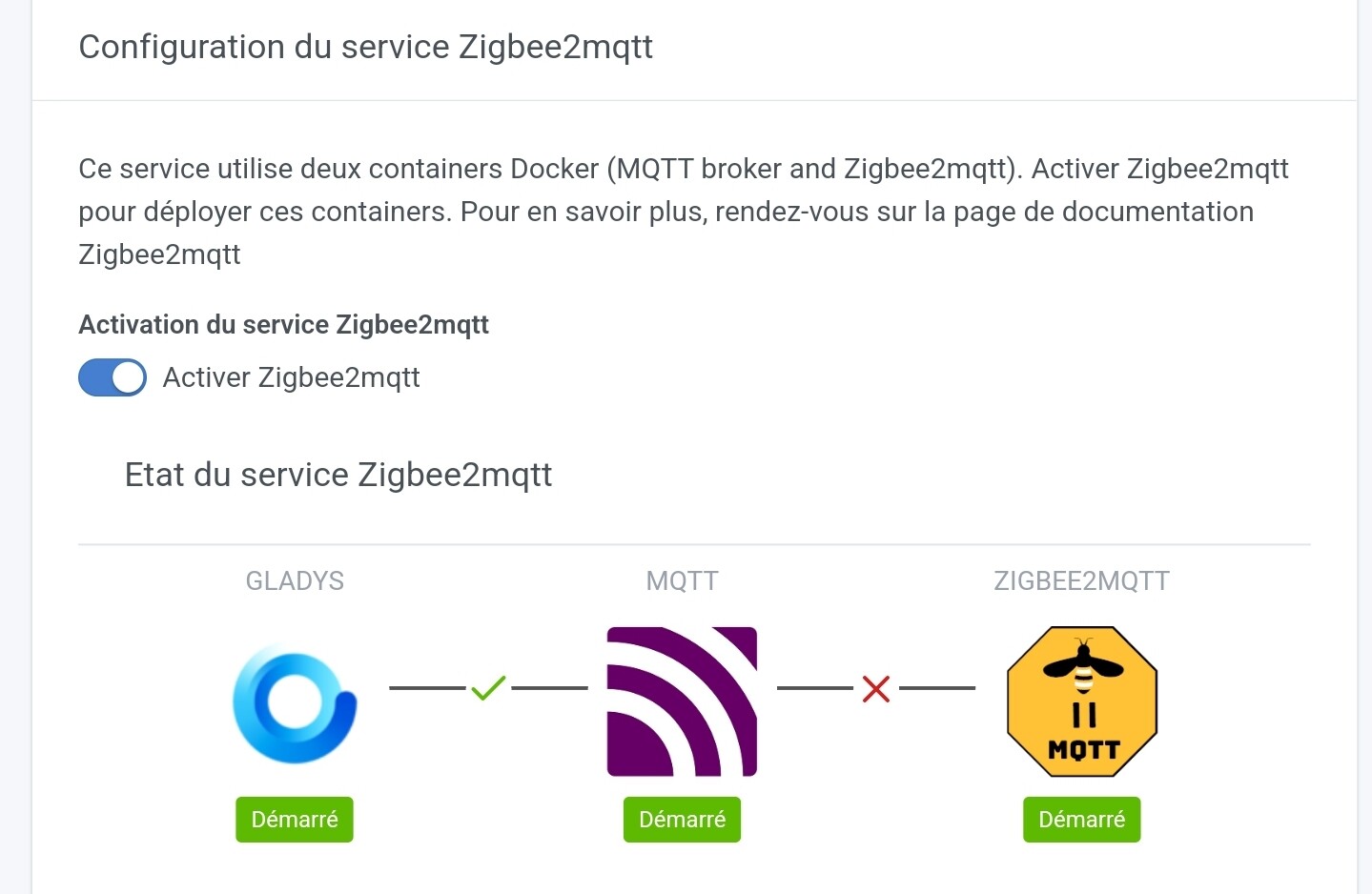
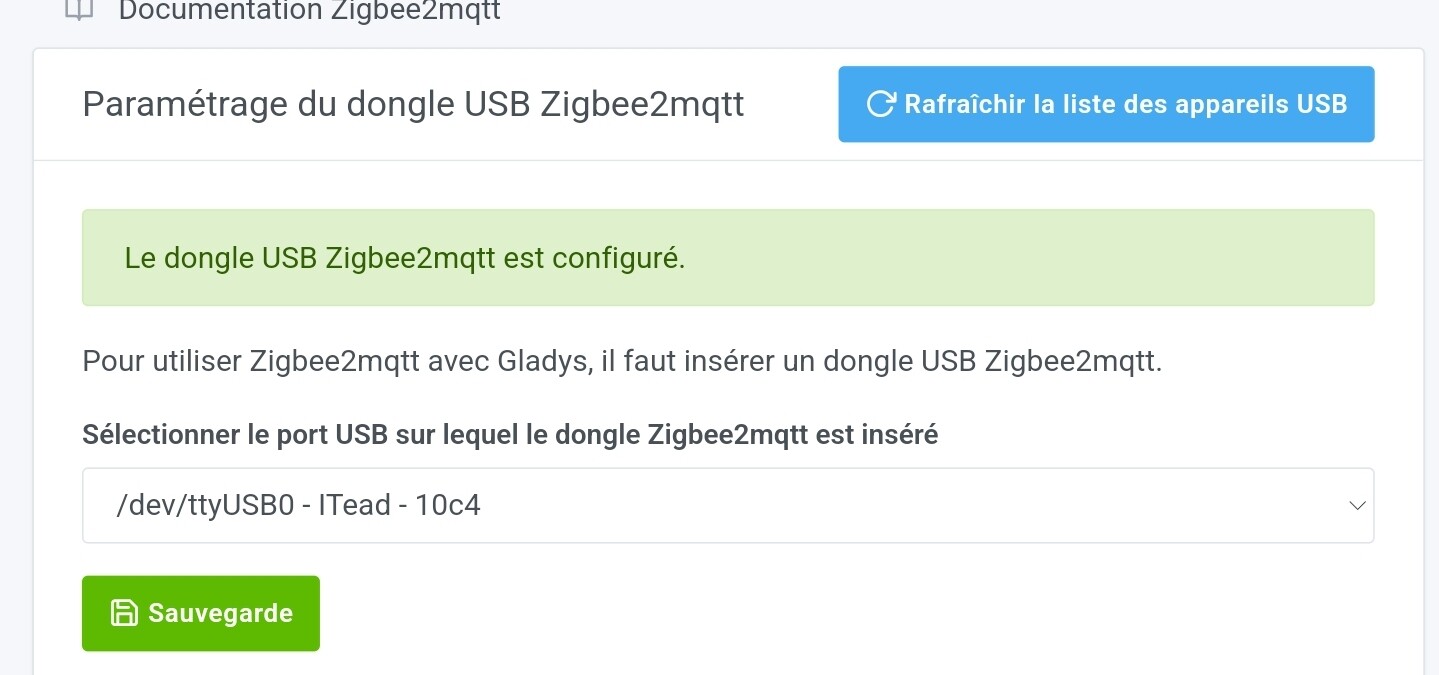
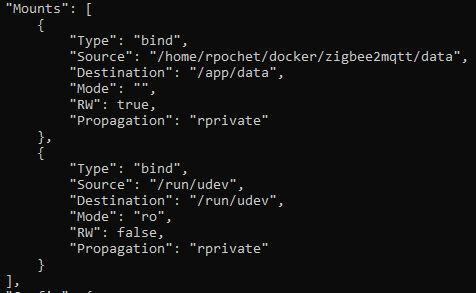
Same « error ping after »: I just migrated my zigbee2mqtt to Gladys but zigbee2mqtt was not working. By comparing the 2 instances, I noticed that I had an additional volume « /run/udev » → « /run/udev ». By adding it manually in docker, the problem was solved.
ok I understand better.
« For automatic detection of the port and certain adapters like ConBee » according to the documentation.
We don’t have a key detection problem but a connection issue with the ZIgbee2mqtt container that restarts every 30 seconds.
From what I’ve read, it is less powerful than the CC2652R ZZH.
But the problem doesn’t come from that.
I still have 2 tests to do with this key but I haven’t had time to do them yet.
I ordered a Sonoff that solved part of the problem because no more reboots of the zigbee2mqtt container, but I can’t pair the devices even after resetting them.
Then I try to start the container again and then I get the error (not every time, sometimes it restarts without issues)
Zigbee2MQTT:error 2022-04-22 05:57:51: Error while starting zigbee-herdsman
Zigbee2MQTT:error 2022-04-22 05:57:51: Failed to start zigbee
Zigbee2MQTT:error 2022-04-22 05:57:51: Check https://www.zigbee2mqtt.io/guide/installation/20_zigbee2mqtt-fails-to-start.html for possible solutions
Zigbee2MQTT:error 2022-04-22 05:57:51: Exiting...
Zigbee2MQTT:error 2022-04-22 05:57:51: Error: Failed to connect to the adapter (Error: SRSP - SYS - ping after 6000ms)
    at ZStackAdapter.start (/app/node_modules/zigbee-herdsman/src/adapter/z-stack/adapter/zStackAdapter.ts:102:27)
    at Controller.start (/app/node_modules/zigbee-herdsman/src/controller/controller.ts:123:29)
    at Zigbee.start (/app/lib/zigbee.ts:58:27)
    at Controller.start (/app/lib/controller.ts:100:27)
    at start (/app/index.js:101:5)
So when I get the disconnection error I pull the key then restart and voila it’s a mess
When I look at the doc I have this:
If you are using a CC2530 or CC2531; it is a common issue for this adapter to crash (due to its outdated hardware). Reflashing the firmware should fix the problem. If it happens often consider flashing the source routing firmware or upgrade to a more powerful adapter.
Except that I can’t reflash my key.. I bought it specifically to avoid having to do it…
For me, the firmware crashes, so zigbee2mqtt is in a weird state. The key no longer accepts connections, and the only way is to unplug and replug (unless your key has a reset button).
And it has been working since the beginning and from one day to the next without reason boom .
I am a bit surprised if it’s the firmware :-/
This means that any brand can implement planned obsolescence on Zigbee dongles ^^’
Have you tried disabling the service directly in Gladys with the button in the integration?
I didn’t need to do it on my side. The connection was made right away. But I still can’t pair my devices because nothing is coming up either in the Zigbee interface.
It’s good what you did but I don’t know why, it didn’t want to know anything I had to delete my z2m container and restart the service on the gladys side now it’s ok

 .
.