It seems so, I’ll tell you about it tomorrow evening
Good, I have a lot of my catches going up! So it seems okay.
But I have a problem pairing new devices, I try to activate pairing whether it’s gladys or on port 8080 of z2m.
Nothing happens, it doesn’t find any new device..
I DID IT!!!
So I did several things:
I stopped the Zigbee2mqtt container:
docker stop gladys-z2m-zigbee2mqtt
I deleted the container
docker rm gladys-z2m-zigbee2mqtt
I restarted Gladys
docker restart gladys
After that, none of my devices came back online:
I went to the zigbee2mqtt interface and clicked the « enable pairing » button

I was able to re-pair my old devices and also my new devices that I didn’t have time to test.
All that’s left is to test with the CC2652R key and put Gladys back on an SSD.

There you just connected your raspberry to a screen, right?
In Gladys, you haven’t detected any ports?
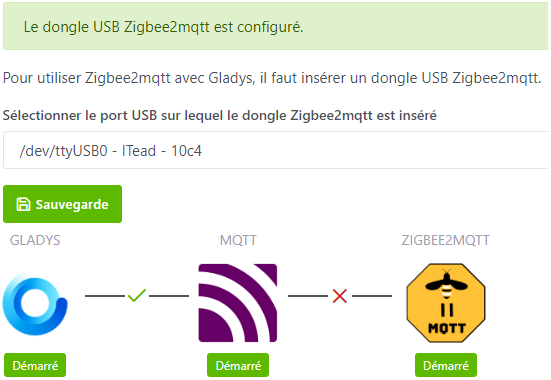
I just reflashed a 16 GB card because I noticed that the pi 3 was running in 32 bits. I downloaded the corresponding version and, when I returned to the computer interface, a window opens for email and password identification. I try the one that is registered, refused, I click on forgotten password and a message tells me that it’s okay, the password is in gladys’s logs. As I am really bad, I don’t know how to retrieve it, where are the logs.
You need to access your Pi via SSH and then type the command docker logs gladys
But if it’s a new installation, you need to recreate everything
If you have Gladys Plus, you create a user, then go to the Gladys Plus tab and enter your information to restore the data
Hello, do you also have your Sonoff key? After several manipulations, can you re-pair new devices?
When you say I did several, what exactly did you do several of?
Edit: I did your manipulations (all my data is coming back up but I can’t add new devices so the issue is unchanged for me  )
)
Yes, I’m now using a Sonoff.
For new devices, no problems.
Did you click on « enable pairing » in the Zigbee interface?
Yes I did the same manipulation 
I deleted a device on the z2m side and it does not reappear
What kind of device is this?
Was it present in Gladys? If so, it should be removed (well, that’s what I do, I don’t know if it’s mandatory).
He wasn’t present in Gladys ^^
That was it
I don’t see it in the Airtable list of devices compatible with Gladys.
But you should see it in the z2m interface.
In any case, an unmanaged device in gladys still appears.
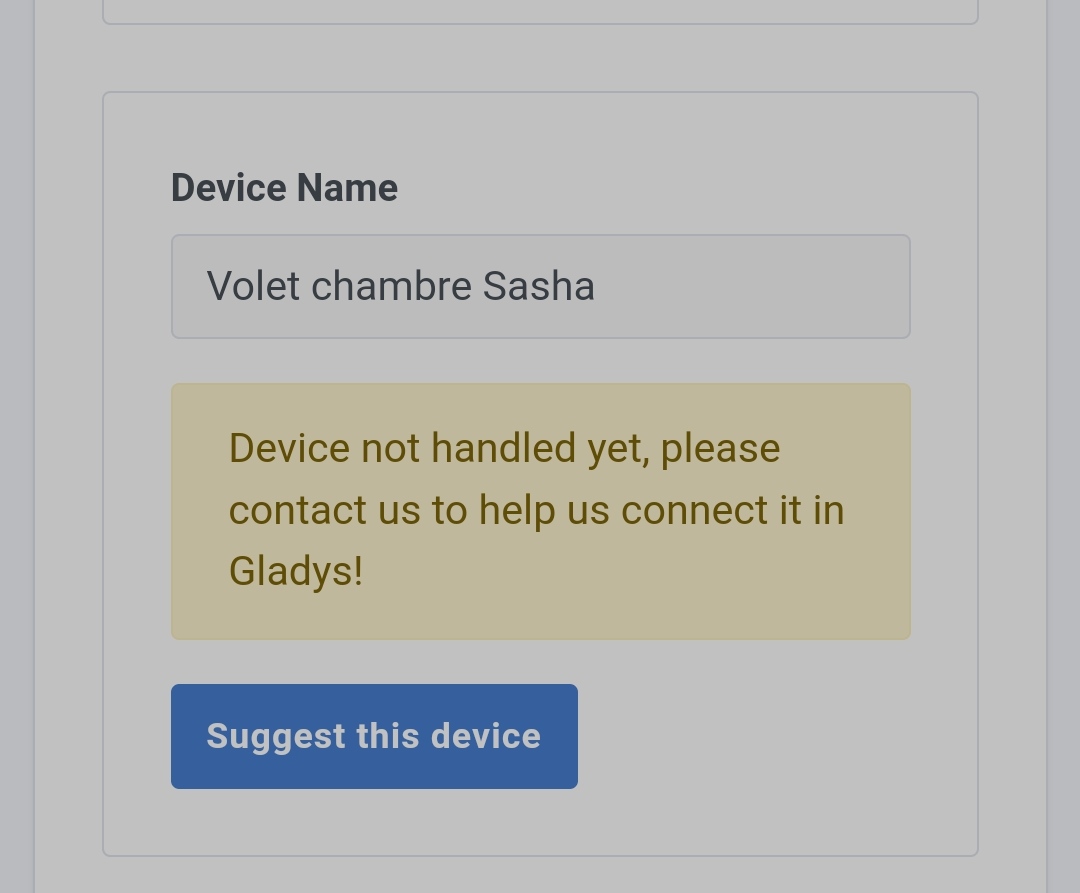
Do you have any logs when you try to pair with @spenceur?
I have no trace except z2m which tells me it’s in listening mode, none of my new devices show up
I will try to make logs tomorrow.
In parallel, I installed gladys on the NAS and I will try z2m on it (the dongle is recognized, thanks again @VonOx)
When I changed my key, I had a bit of trouble with some Aqara sensors (no pairing) so I left them without their battery for 2/3 days. Then re-paired them successfully afterwards.
If this can help
Three good ideas I will try
I have the same issue on the NAS.
The Sonoff is powered on, but it doesn’t sniff the network .
I don’t know if it’s an issue related to my product or the configuration .
I made a request to domadoo.
I was very surprised when I told them that I was using the dongle with the gladys assistant solution.
They flat out replied:
Unfortunately, we cannot guarantee compatibility with Gladys.
Therefore, we cannot guarantee that a replacement will make any difference.

We can, however, offer you a refund as part of the withdrawal.