Oh well, it’s reverted, I tested the issue is no longer present, and Gladys v4.2.3 is being built
It’s also my fault, I should have put this version through the normal testing cycle via the docker dev tag, wait for feedback, then release. I wanted to share the Zigbee2mqtt changes with as many people as possible, my bad
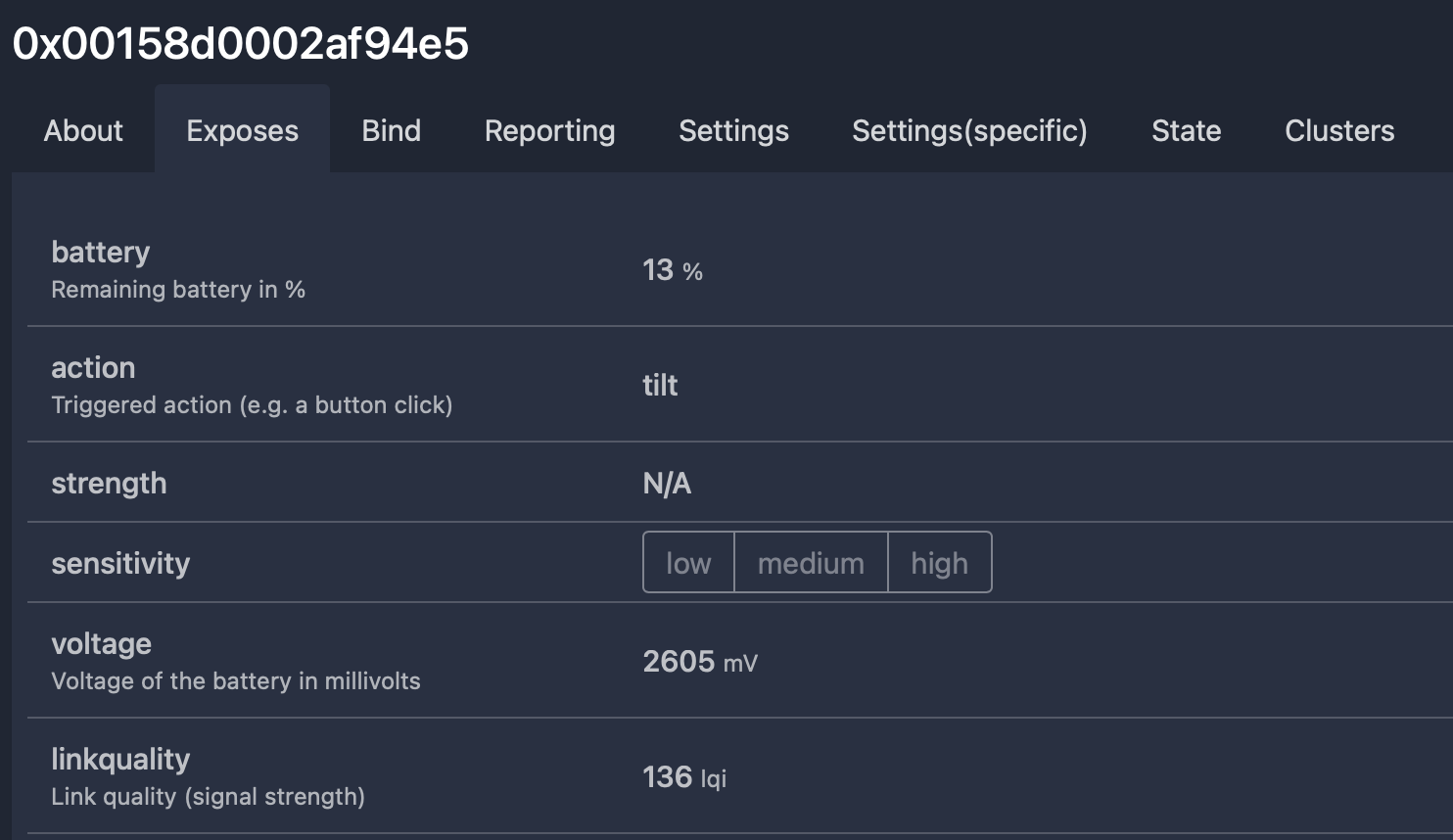
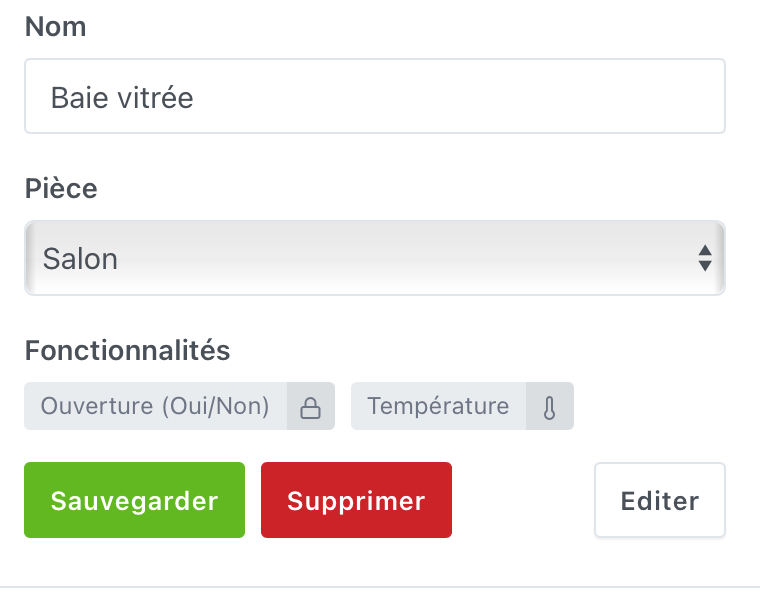
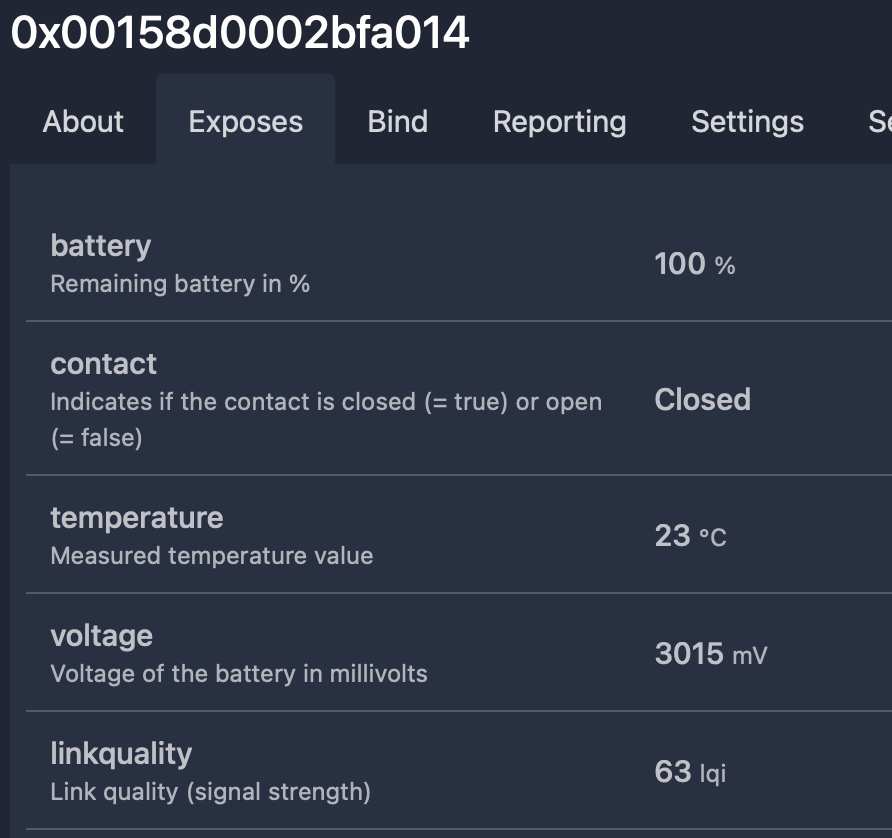
I noticed yesterday that I had no temperature history… For example, my opening detectors also display the temperature and if I ask gladys what the temperature is in the living room, she tells me she hasn’t recorded anything in the last 12 hours? Any ideas @cicoub13?
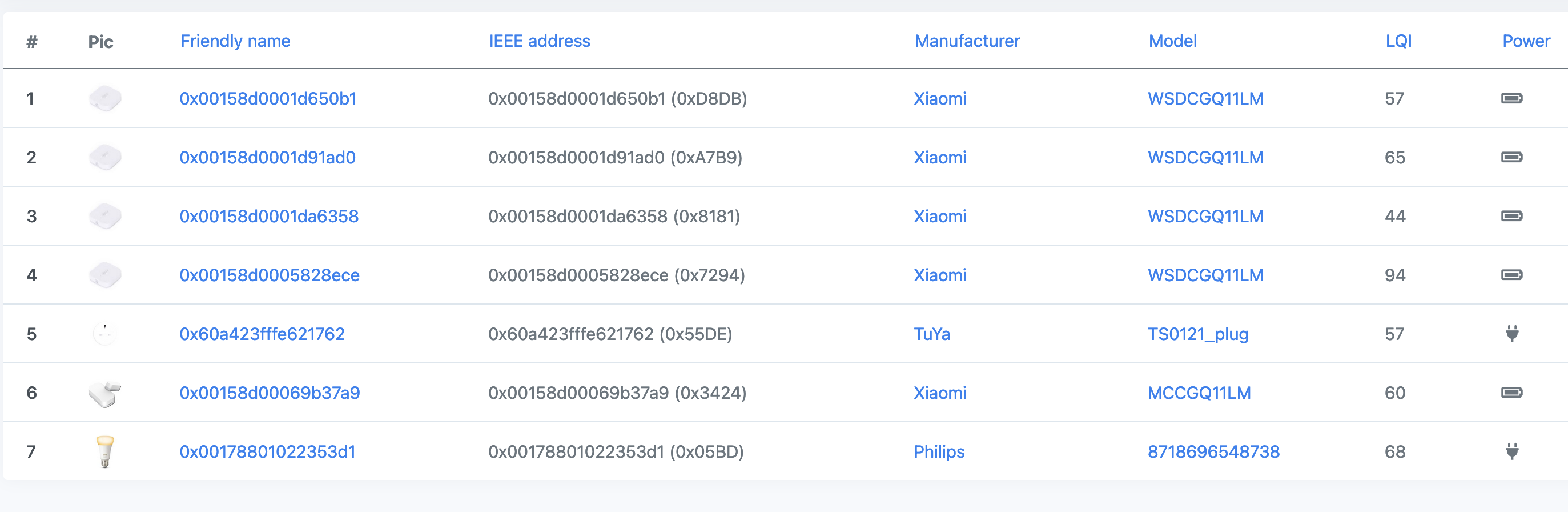
The service is active and it has found my IKEA bulbs
Yes, every time I want to start a new inclusion, I reactivate it
Yes, I unpaired them from the gateway (I heard ashishatong) and nothing on the z2m side.
I tried to do it again after removing the battery and it was the same.
Yes, I even tried on :8080 to click on touchlink => scan
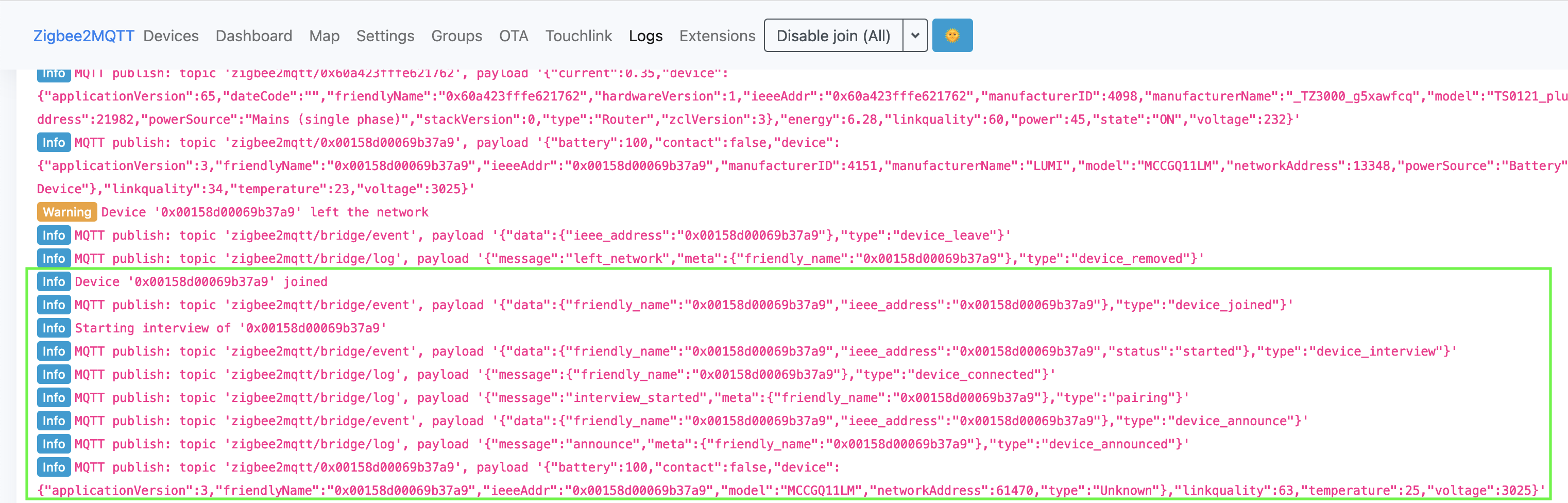
Regarding the logs, I have this on :8080
Info Start Touchlink scan
Info Finished Touchlink scan
Info MQTT publish: topic 'zigbee2mqtt/bridge/response/touchlink/scan', payload '{"data":{"found":[]},"status":"ok","transaction":"rt2xv-6"}'
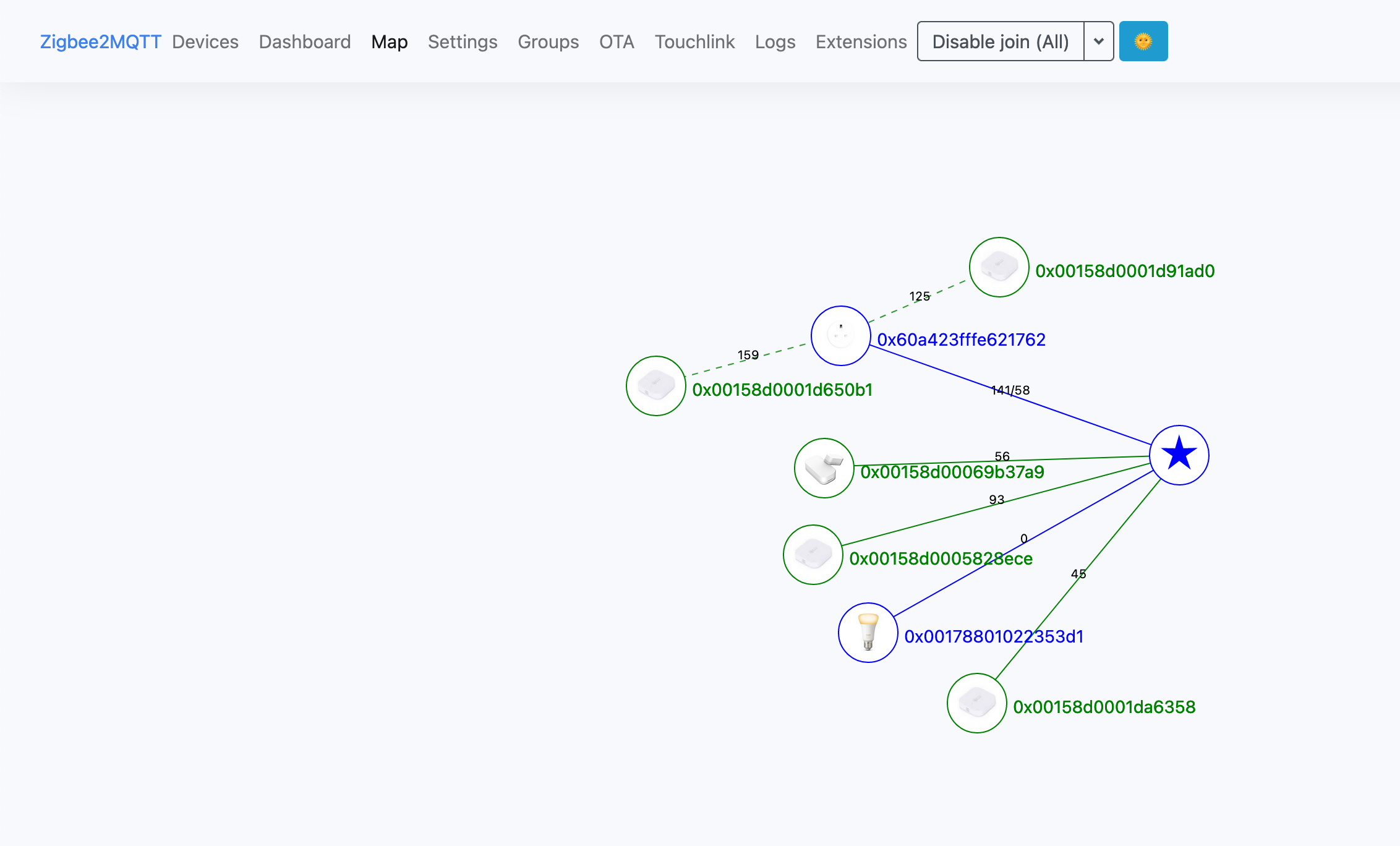
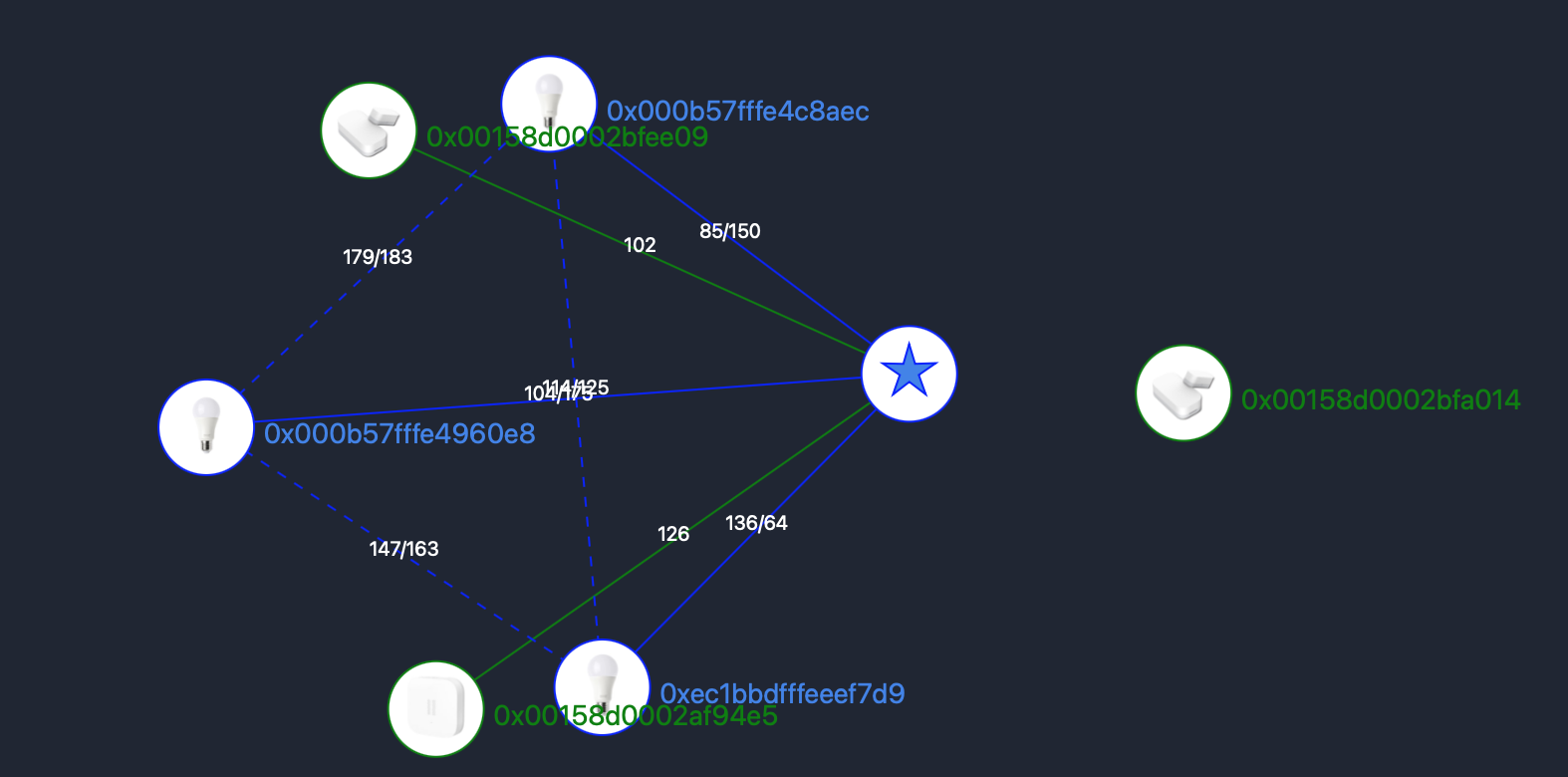
Is proximity necessary? One of my bulbs is in the same stone as two of my sensors and my vibration sensor is next to the antenna x)
This is a bug with Gladys, not the service. I invite you to create an issue on GitHub (I think there is a bug in temperature-sensor.command.js), I will complete it with my analysis.
No, but it prevents errors caused by interference from waves.
I invite you to read the Zigbee2Mqtt FAQ here Zigbee2MQTT, specifically this section
Make sure that any other Zigbee networks/hubs are powered down. When you e.g. want to pair an IKEA bulb which was first paired to the IKEA gateway make sure to power down the IKEA gateway. If that doesn’t help also try powering down all devices that are connected to the IKEA hub.
However, being very close for pairing really helps a lot, I had to re-pair everything at my place (switch to zzh! ) well, total horror, the interview didn’t work, etc. However, being just next to the dongle, no problem.
I have the same d’ongle as Spencer, without the antenna. I have 2 aqara opening sensors, one 5 meters and the other 3 meters from gladys. The pi with the d’ongle is even in a closet and I didn’t need to move them close for the d’ongle to find them
As long as your device is not associated with the Zigbee network, no log will appear in Gladys or in MQTT.
I give you some advice and links to try to solve your problem:
bringing your device closer can help. It is not mandatory, but experience shows that it can help.
the Zigbee documentation says that you need to turn off other devices paired with your Xiaomi network as they can act as intermediate gateways in your Xiaomi network. Having two Zigbee networks in the same house can lead to this kind of problem.
the interface available on port 8080 allows you to better understand your network


 )
)