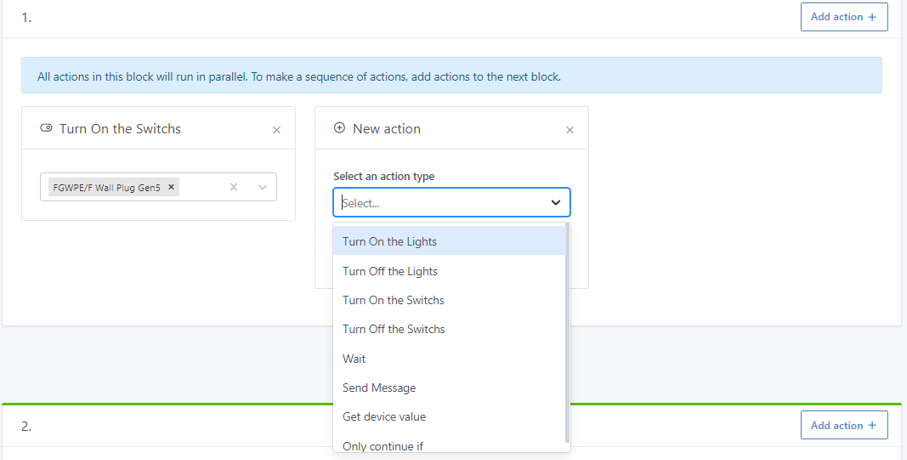
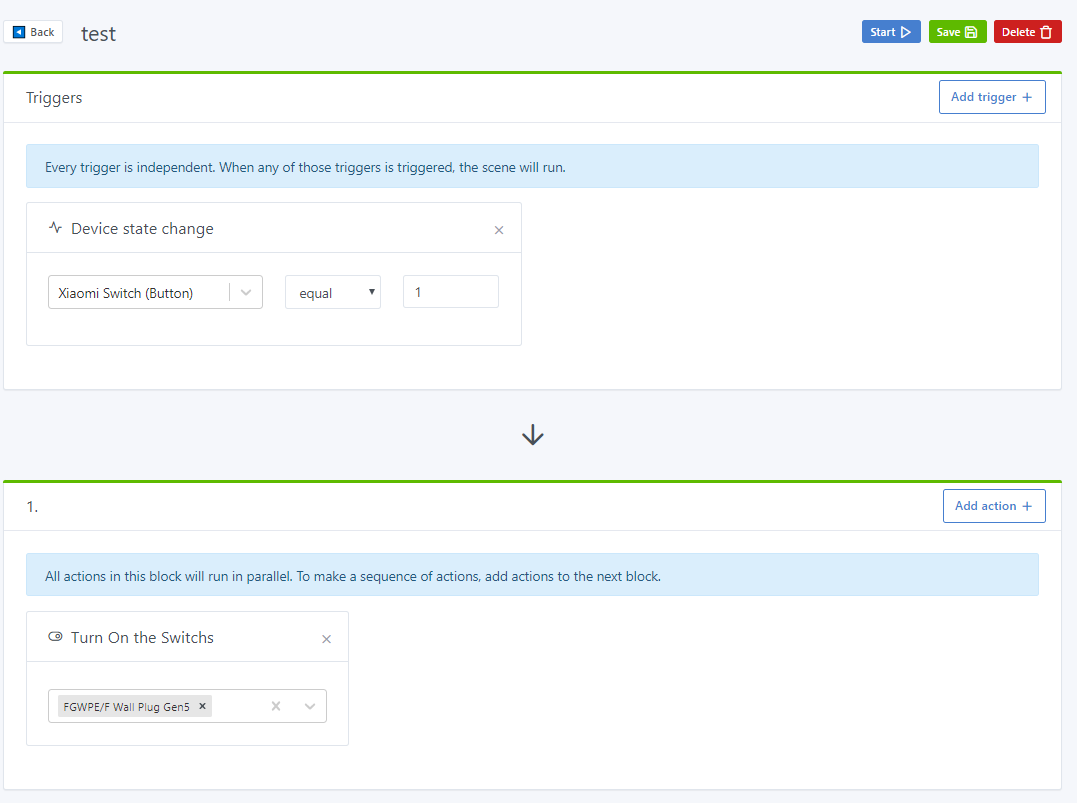
It’s functional, I can now turn on a connected socket via the Xiaomi button! However, it slows down the dropdown menu. I was thinking of combining it with the turn on and turn off actions for lights, as it’s essentially the same action behind the scenes.
This is where I’m stuck; I don’t know how to retrieve both types of devices (light and switch) at the same time via the get request:
Hi @link39! I’ve made the topic public so everyone can follow the progress (let’s avoid PMs please!)
Did you manage to get the Xiaomi switches working? Awesome! I actually have a user right now who wanted this compatibility
Does it work outside of scenes as well?
What exactly are these devices? Connected plugs coupled with a wall switch?
Because in your case, yes, they are light bulbs, but for someone else, it could be a toaster, a coffee maker, or a pool…
If that’s the case, I think we can factor the code but keep a separate card.
Yes, it does exactly the same thing, but for the user, it needs to be clear and logical.
You can put the device category in the props of the « TurnOnOffLight » component, and thus create a card « Turn On the Switch » and « Turn Off the Switch » which are just based on the same Preact component.
I haven’t changed anything, it’s already compatible → Amazon.fr
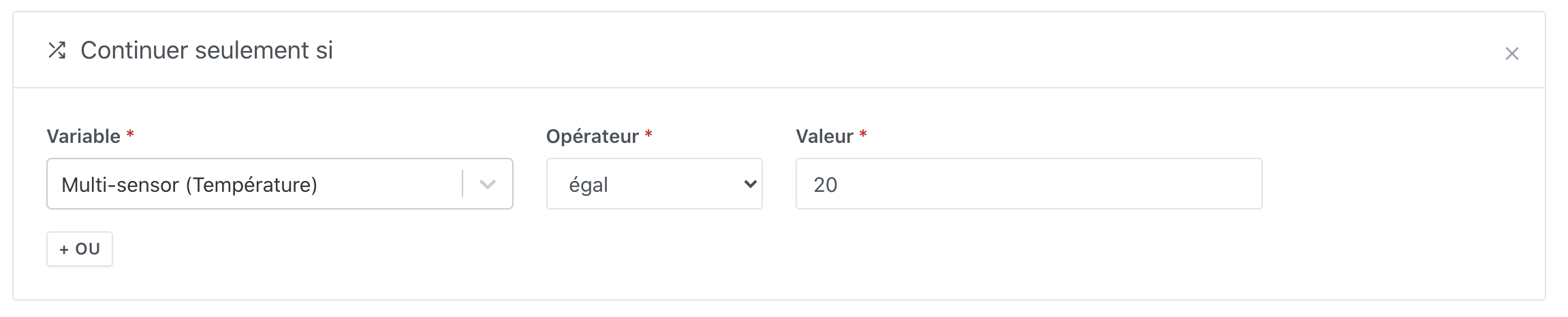
In my example, it serves as a trigger. On a « single press », the value is 1.
Yes, I agree, I might have expressed myself poorly. Of course, a connected outlet or a wall switch (like a Fibaro switch / Xiaomi switch and co) is not just for turning on lamps What I suggested was having an action (card) named: « Turn on light or switch ». In this, both « light » and « device » types would appear.
If we don’t want to combine these two types of devices in the same card, I think my code is quite clean and I can make a PR as is.
The Sonoff devices can also be seen as switches, I think. The « Turn on the switches » card should therefore control them and thus the lights (or other objects) connected to them.
Here is the branch where I made the modifications if you want to test and confirm that it meets the needs for the Sonoff devices:
Later, for easier user experience and to lessen the interface overload, I think having a single card « Turn on light or switch » would be better. Because later there will surely be other actions:
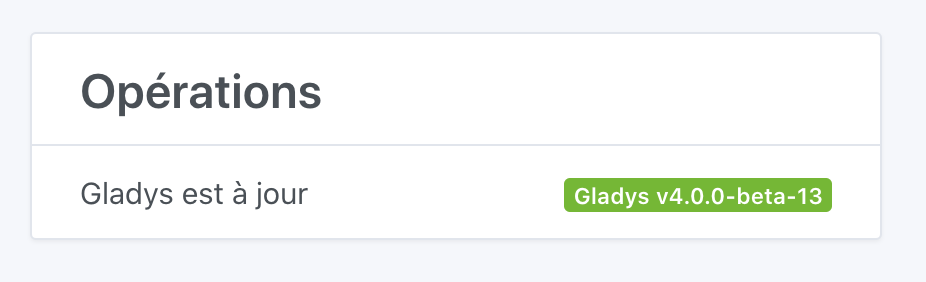
@atrixe144 The latest version of Gladys 4 now allows you to manage switches in scenarios. Your instance will update automatically. To check that you are on the latest version, you can verify in your Gladys dashboard under « /dashboard/settings/system » that you are on version:
 (let’s avoid PMs please!)
 What I suggested was having an action (card) named: « Turn on light or switch ». In this, both « light » and « device » types would appear.