I don’t think so, I run Gladys on my system natively, without isolation (not even Docker), and I have the same problem as you
I think there is still this problem in the service.
I don’t think so, I run Gladys on my system natively, without isolation (not even Docker), and I have the same problem as you
I think there is still this problem in the service.
I have the same problem with the pro PC when I test with WSL2.
However, with WSL1, no issues…
It seems there are problems when using the UDP protocol with WSL2 for device discovery.
@Pti_Nico I’m not sure it’s related to WSL, I’m on Mac, natively on the machine and I have the same issue
@pierre-gilles there is an issue with WSL2 and UDP anyway.
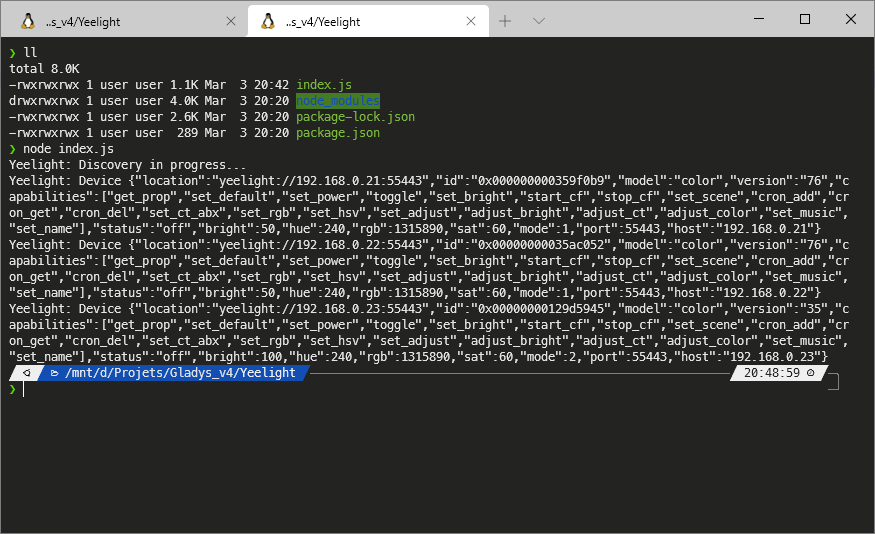
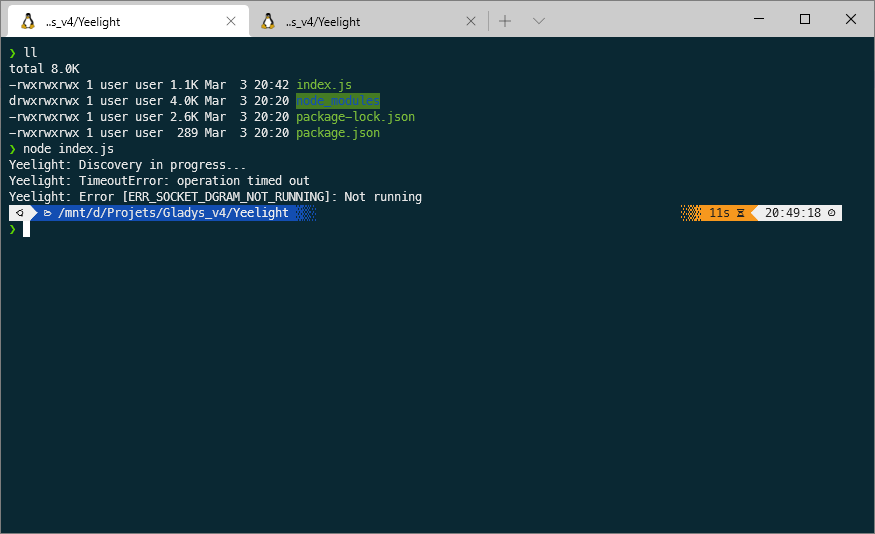
I coded a small test (available in this repo) to highlight it:
WSL1 => OK:
WSL2 => KO:
But if I disconnect the bulbs, I have the same problem as above (the one you have on Mac).
Your problem is related to the fact that you should not have any Yeelight bulbs connected.
Do you have any idea how to solve this problem?
No indeed, I’m testing blindly without bulbs, but even without bulbs it shouldn’t do that 
You need to see if the problem comes from the lib or the service side code Gladys. You need to investigate..
I think it’s just an error handling issue, you can even cut your bulbs at home (or just test in WSL2^^) and see in the code if you can properly handle the error?
A quick visit here, I have the following bulbs:
I can do tests if it can help the development of compatibility
Hello @Pti_Nico 
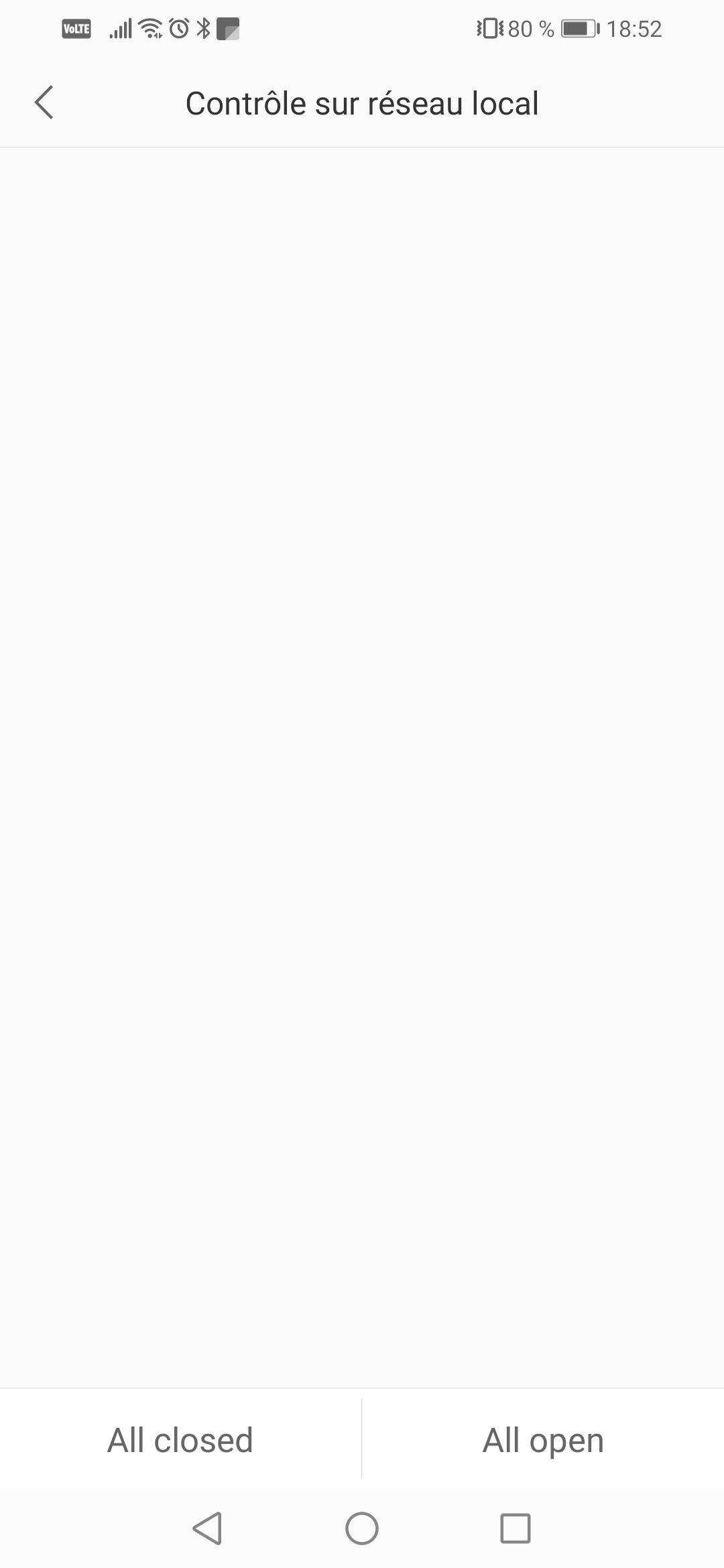
I downloaded your branch and wanted to test, but I can’t enable Lan Control on my bulbs (model yeelight color bulb 3).
I’ve tried other ways, but nothing works.
And I found a forum where I read that support for this feature is gradually being disabled on some bulbs. If that’s the case, it will complicate the integration of Yeelights 
https://www.reddit.com/r/yeelight/comments/ldxqnz/lan_control_disappeared_for_led_bulbs_color/
It appears, according to this discussion, that this only affects Xiaomi devices and not Yeelight (to be verified…).
Because I have 2 Yeelight bulbs and 2 Xiaomi devices and only the Xiaomi devices no longer have LAN control…
So, we would need to find another way to control them.
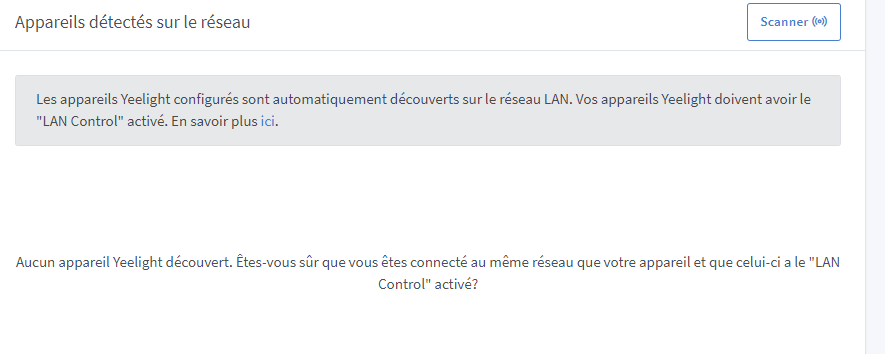
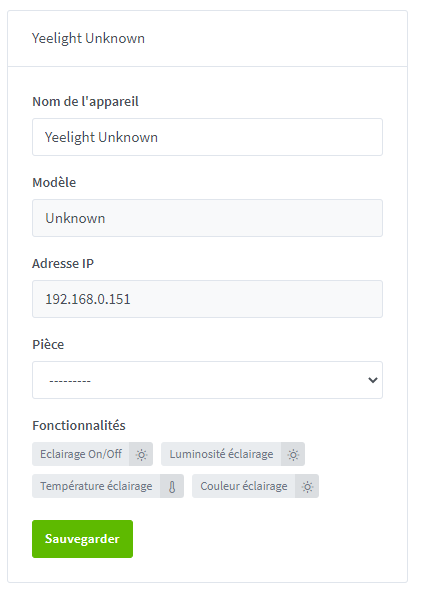
Hello! @Pti_Nico I just performed the test and I still have the same problem, my lights are coming back but they are not supported.
I tried scanning when they were off, on, and after a reset but nothing works.
Here are the logs I get:
2021-11-10T15:16:03+0100 <debug> discover.js:15 () Yeelight: Discovery in progress...
2021-11-10T15:16:03+0100 <debug> discover.js:33 (Discover.<anonymous>) Yeelight: Device "undefined" found, model: "undefined"
2021-11-10T15:16:03+0100 <debug> discover.js:33 (Discover.<anonymous>) Yeelight: Device "undefined" found, model: "undefined"
2021-11-10T15:16:03+0100 <debug> discover.js:33 (Discover.<anonymous>) Yeelight: Device "undefined" found, model: "undefined"
Hello, if you need someone to test Yeelight bulbs, let me know, as I can’t move forward with my home automation. Thank you!
@Pti_Nico is the Yeelight Lightstrip integrated into your Yeelight service?
Personally, I don’t have one so I couldn’t test it, but it should be detectable…
You can test it and give me feedback 
I’ll test it by tomorrow and let you know if it works.
Maybe it’s related to the fact that I launched it under WSL and so we’re not on the same network.
Do you have a Docker image?
Yes, under WSL, detection doesn’t work (network protocol issue) 
[Edit]: I’ve just created a Docker image
Oh cool. Thanks for the image, I’ll retest and let you know.
Ok it’s much better, my Yeelight LED strip is recognized right away.
But after some time I can no longer control the light. I have errors in the logs;

If I open the Yeelight app there’s no problem — I can control my LED strip however I want.
The only way to restore the connection is to unplug the LED strip and plug it back in.
Let me know if you need more info.