Good evening,
I am a new user of Gladys 4. First, congratulations to everyone for the work accomplished.
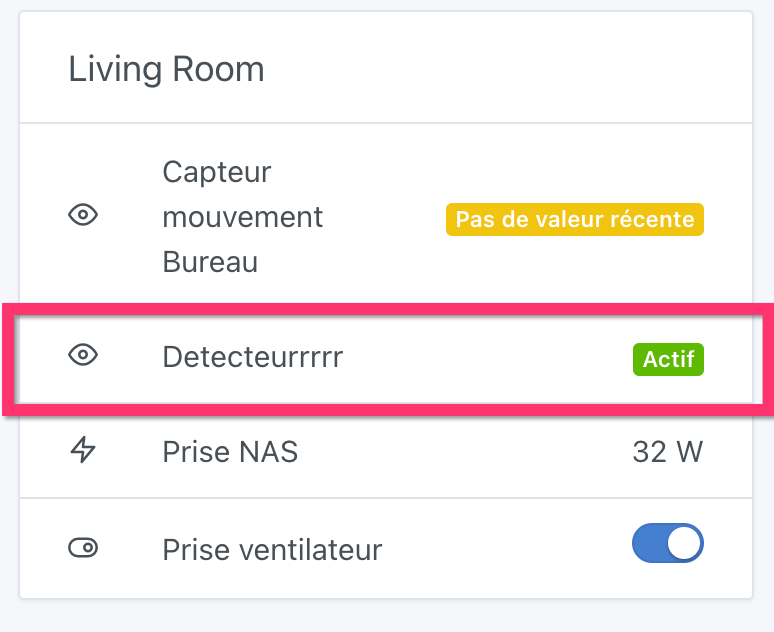
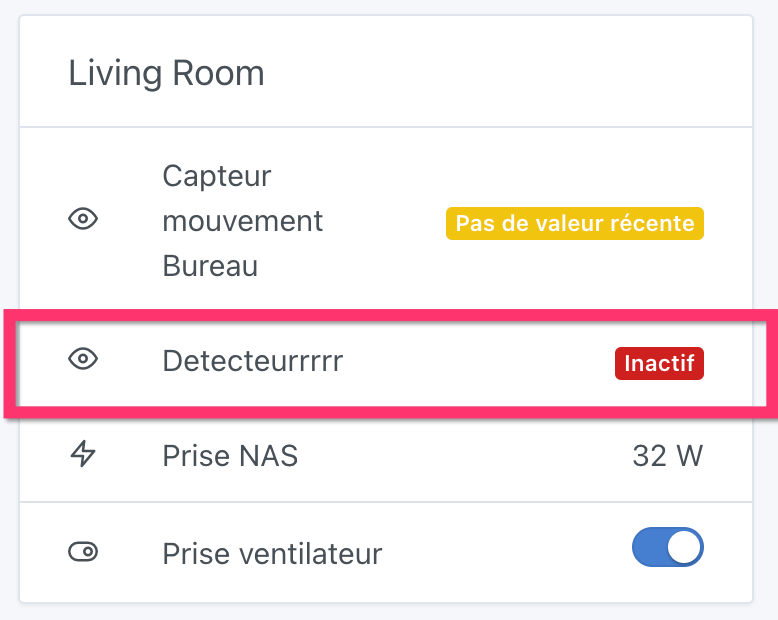
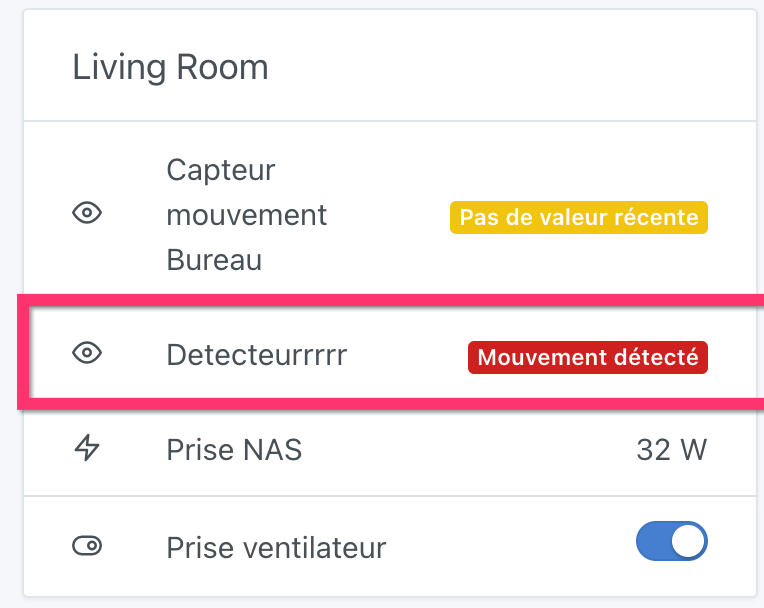
I’m taking it step by step. I installed a Sonoff Zigbee motion sensor (SNZB-03) and I’m displaying the parameter values on the dashboard. But for the parameter « détection mouvement oui/non » it shows me the time elapsed since the last state change (whether that change was from true to false or false to true).
Is this a bug on my end? Is it intentional?
For my part I would have liked it to return the occupied or not value (which is correctly provided on the z2b interface), because as it stands I don’t know whether the room is occupied, I only know that something happened x time ago.
Hello and welcome!
Motion detectors do indeed send a state change to Gladys, which can then tell you how much time has passed since the last information was received.
It’s up to you to tell Gladys what to do with that information (turn on a lamp? Send a message? Trigger the alarm? Mark a user as present? Etc.) via scenes by setting the device’s state change as the trigger…
Hello,
and @GBoulvin thank you for your reply. I did indeed test using the detector in a scene and it works very well (I turn on a lamp when the state becomes true and turn it off when it goes back to false). But it’s in the dashboard that I’m surprised by the information displayed for the parameter « motion detection ». For the other parameters, it correctly returns the value and not the date when it was modified.
In fact, a motion detection is an event and not a state.
If we displayed the state, you would see Presence for half a second then back to No Presence.
It was chosen to show when the last event occurred.
Good evening to you
I’m taking advantage of this thread, which is about the motion detector
I also have these sensors (Aqara and MI), but I’m having trouble managing scenes with the wait function.
I trigger a scene when the Aqara detector switches to « true », I turn on a ceiling light and wait 10 minutes to turn it off.
If I walk past the sensor several times, it disrupts the timeout duration
and the ceiling light turns off before the 10 minutes.
I think it’s due to multiple consecutive passes in front of the sensor, which trigger multiple starts of the timer and therefore multiple ends of the timer, and the ceiling light would turn on at the start of one timer and turn off at the end of another (I hope I’m being clear).
Do you encounter this problem or am I managing my scene incorrectly?
thanks for your help