Hi everyone!
I’m offering this tutorial to be alerted when your Gladys is no longer online, for example in case of hardware issues or a crash.
On my side I use a (free) service called https://healthchecks.io/ which allows you to create a « dead man’s switch ».
Concretely, Gladys will contact this site at regular intervals, and if Gladys does not check in, the site will know that Gladys is no longer available and will notify you.
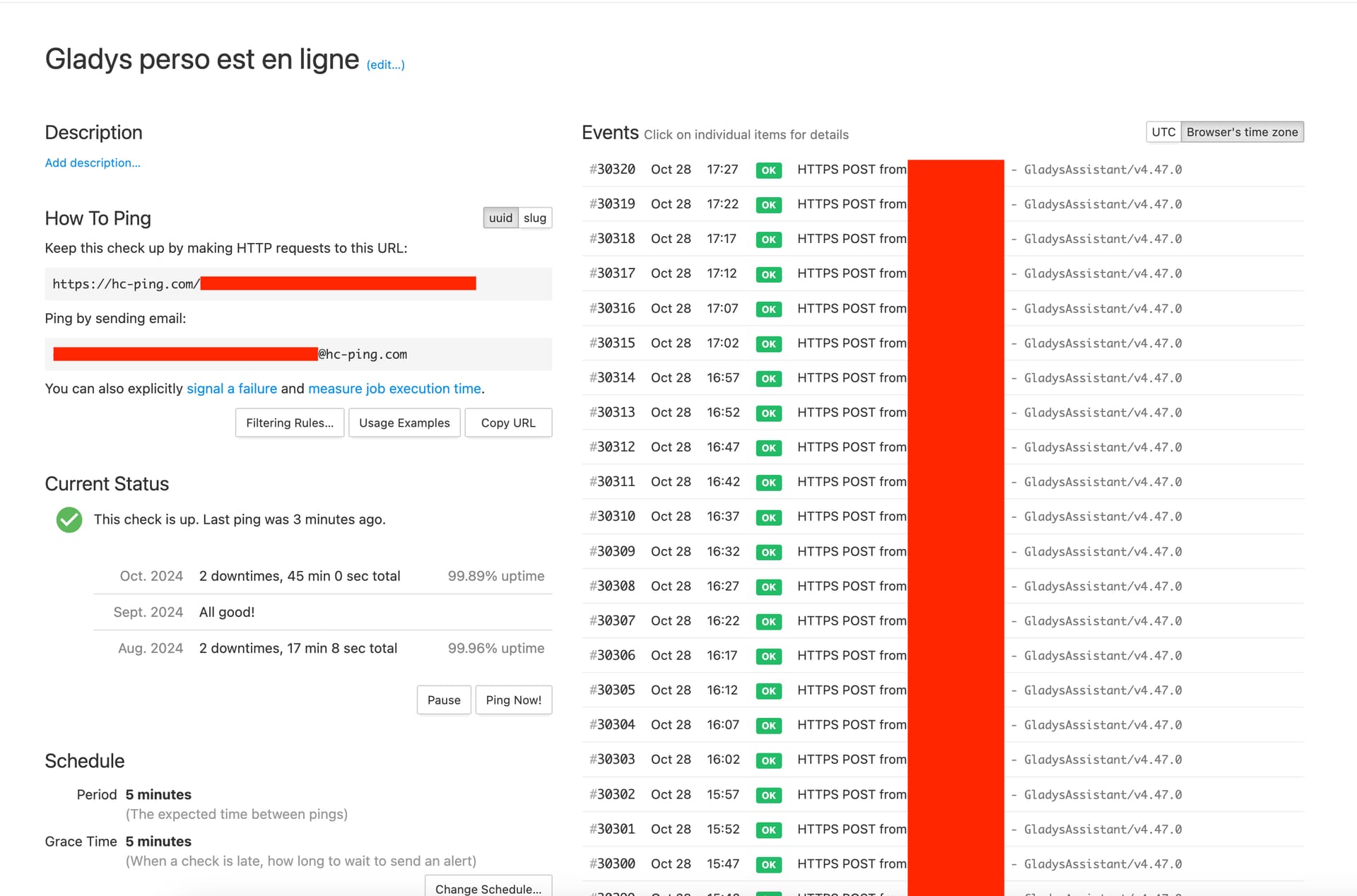
I created a healthcheck on their site :
I retrieved the URL.
Then I have a scene in Gladys that pings the healthcheck every 5 minutes :
If one day Gladys or my internet is down, I see it immediately — I receive an email; it’s possible to get notifications on lots of services (WhatsApp, Telegram, ntfy, etc.).
I sometimes see disconnections when my internet box updates (usually around 2–3 AM).
Very handy!
Hello, the request from Firefox works but not from HealthCheck with the message below. What should I do? Thanks in advance
Thierry
403 Forbidden
html * { padding:0; margin:0; }
body * { padding:10px 20px; }
body * * { padding:0; }
body { font-family: sans-serif; background:#eee; color:#000; }
body>div { border-bottom:1px solid #ddd; }
h1 { font-weight:normal; margin-bottom:.4em; }
h1 span { font-size:60%; color:#666; font-weight:normal; }
#info { background:#f6f6f6; }
#info ul { margin: 0.5em 4em; }
#info p, #summary p { padding-top:10px; }
#summary { background: #ffc; }
#explanation { background:#eee; border-bottom: 0px none; }
Forbidden (403)
CSRF verification failed. Request aborted.
You are seeing this message because this HTTPS site requires a “Referer header” to be sent by your web browser, but none was sent. This header is required for security reasons, to ensure that your browser is not being hijacked by third parties.
If you have configured your browser to disable “Referer” headers, please re-enable them, at least for this site, or for HTTPS connections, or for “same-origin” requests.
If you are using the tag or including the “Referrer-Policy: no-referrer” header, please remove them. The CSRF protection requires the “Referer” header to do strict referer checking. If you’re concerned about privacy, use alternatives like for links to third-party sites.
More information is available with DEBUG=True.
@thierry06 are you sure about the URL?
I just tested it on my end, and it still works perfectly:
URL copied correctly: it works, thank you Pierre-Gilles