Perfect! 
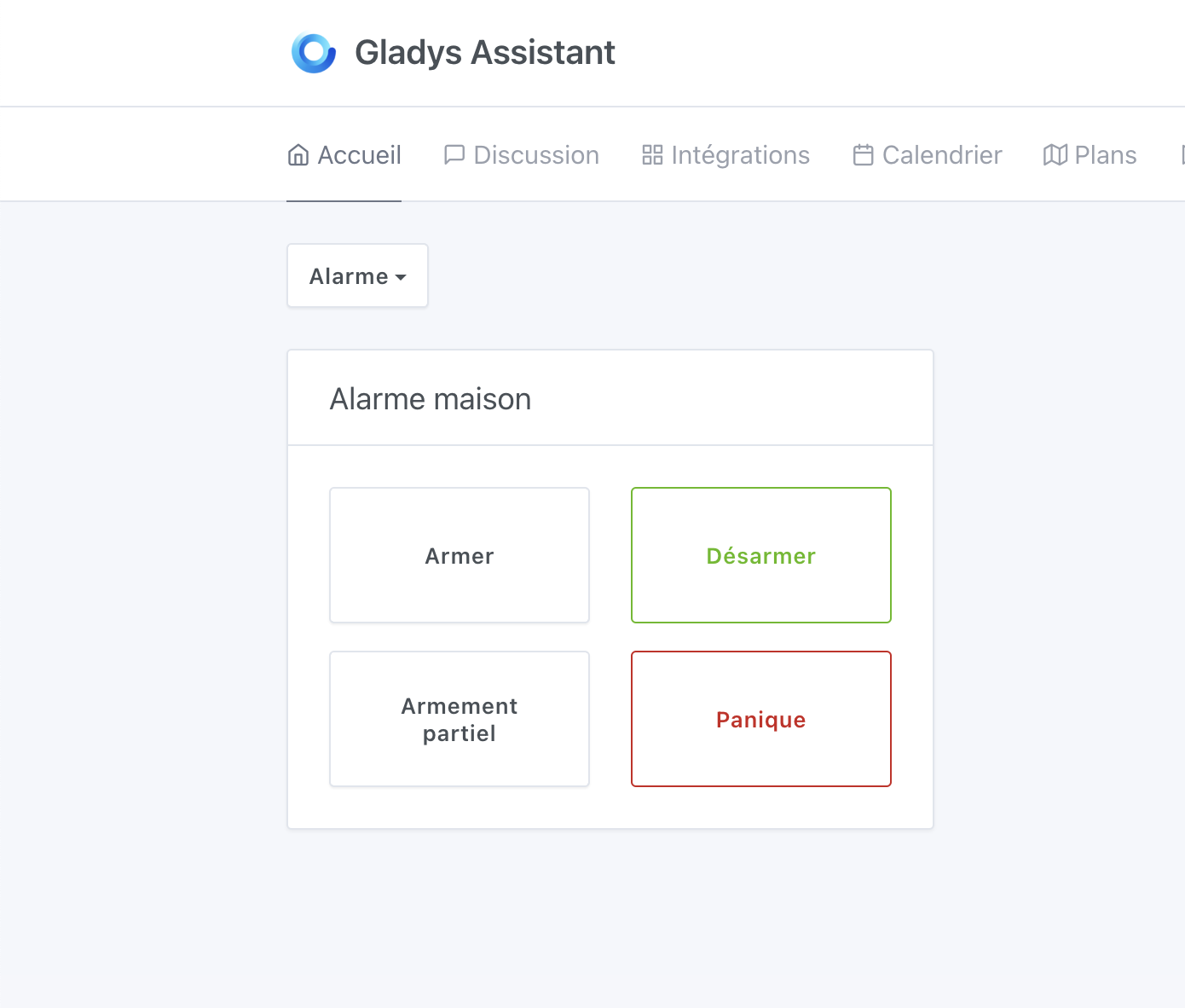
Development continues today!
Added the 4 triggers to scenes:
, their token is no longer valid and it ONLY allows disarming the alarm with the 6-digit code!
I made good progress today, I’m happy with myself 
I still have a few things left to do, notably the whole « alarm disarming by code » part, and the remote deactivation of the lock screens if the alarm is disarmed.
Wow, it’s moving fast, that’s insane!
If I may, it’s true that the widget isn’t very pretty ^^
I was thinking more of a visual thing like:
https://dribbble.com/shots/3117352-Galaxy-GX-Remote-Control
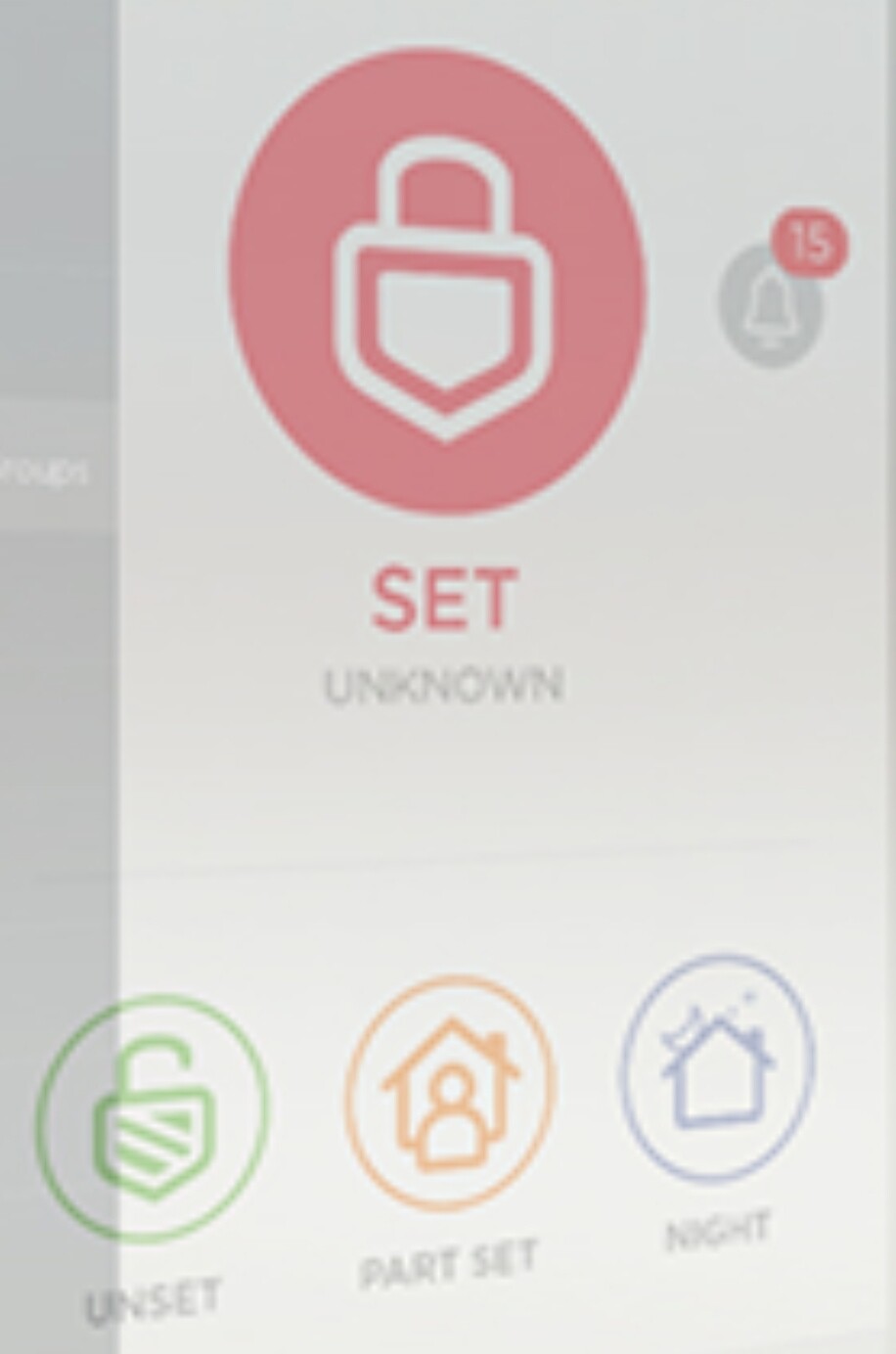
After all, tastes differ.
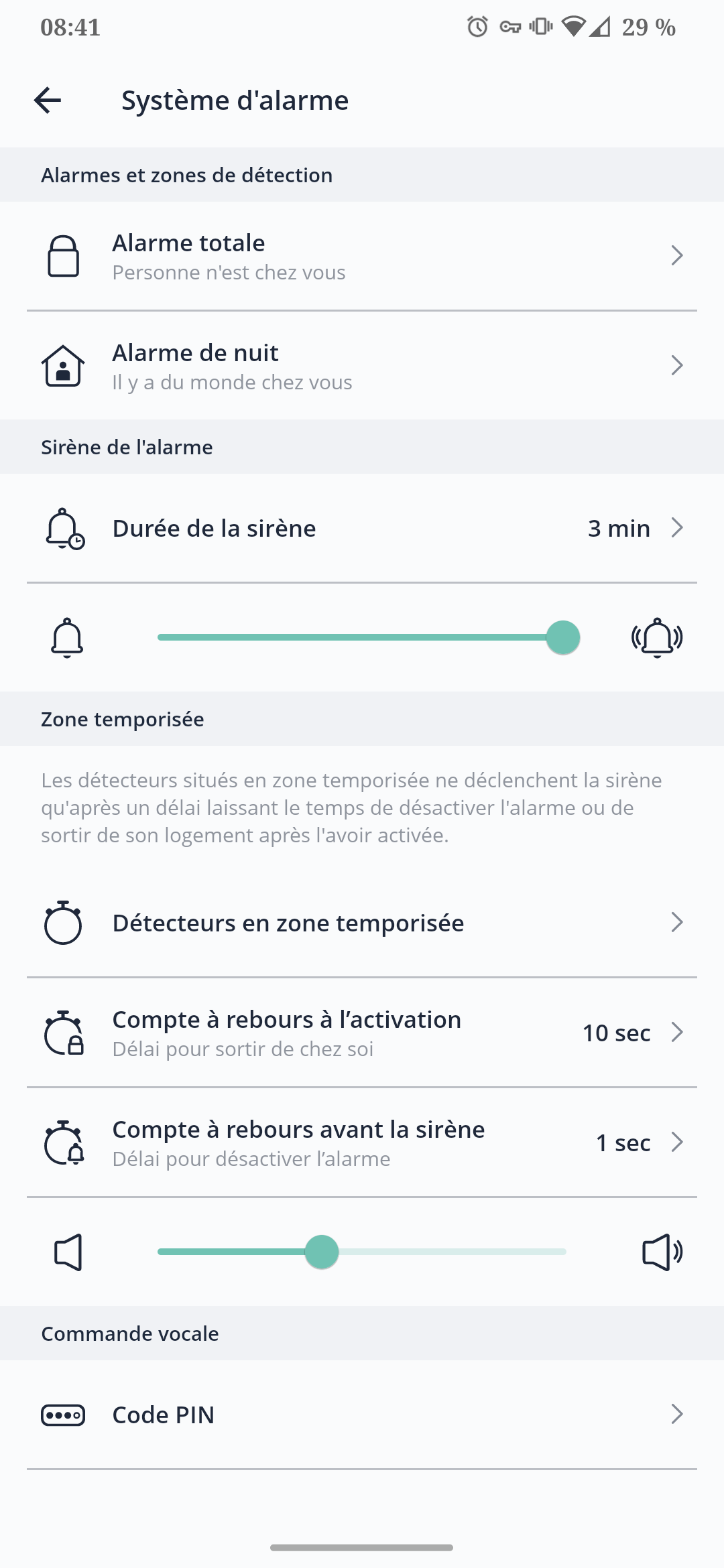
Also, I was wondering — when you partially arm the house, why is there no waiting time? Do you assume it should be instant because you’re supposed to stay at home? (I’m not questioning the functionality, I just want to understand 
Can’t wait for this feature.
Otherwise I was wondering why when you partially arm the house, there is no waiting time? Do you consider it should be instantaneous because you’re supposed to stay at home? (I’m not questioning how it works I just want to understand
Well generally, at least that’s how it is on my Myfox HC2 control panel
- the « full arming » mode takes into account detections related to/from the outside (external motion detectors, door/window sensors) and internal (internal motion detectors)
- the « partial arming » mode takes into account detections related to/from the outside (external motion detectors, door/window sensors) and/or internal (internal motion detectors) …we’ll have to see if a zone mode is planned within partial mode to activate predefined zones …and this can be useful if you have a pet in a room for example.
- the « night » mode takes into account detections related to/from the outside (external motion detectors, door/window sensors) and nothing internally (you wouldn’t want to wake mom because we went to pee and walked past the motion detector
 )
) - the « disarmed » mode, it’s daytime, the dog is in the garden and it’s party time!!!

@pierre-gilles On the other hand, it’s more the « Panic » mode that makes me wonder, is it to link with a sensor you carry on yourself to trigger the alarm in case of falls for example? (I have this function on my alarm with a bracelet)
But otherwise great job! 
I agree! I’ll try to rework that
That’s how the alarms I’ve used in my life work 
Basically yes, the idea behind partial arming is either at night when you go to bed and arm the outside, or during the day if you’re at home but watching a movie — so immediate triggering, no need for a timer
You can do whatever you want with that button
When you arm it, would it be possible to display a countdown?
I think that’s a good idea 
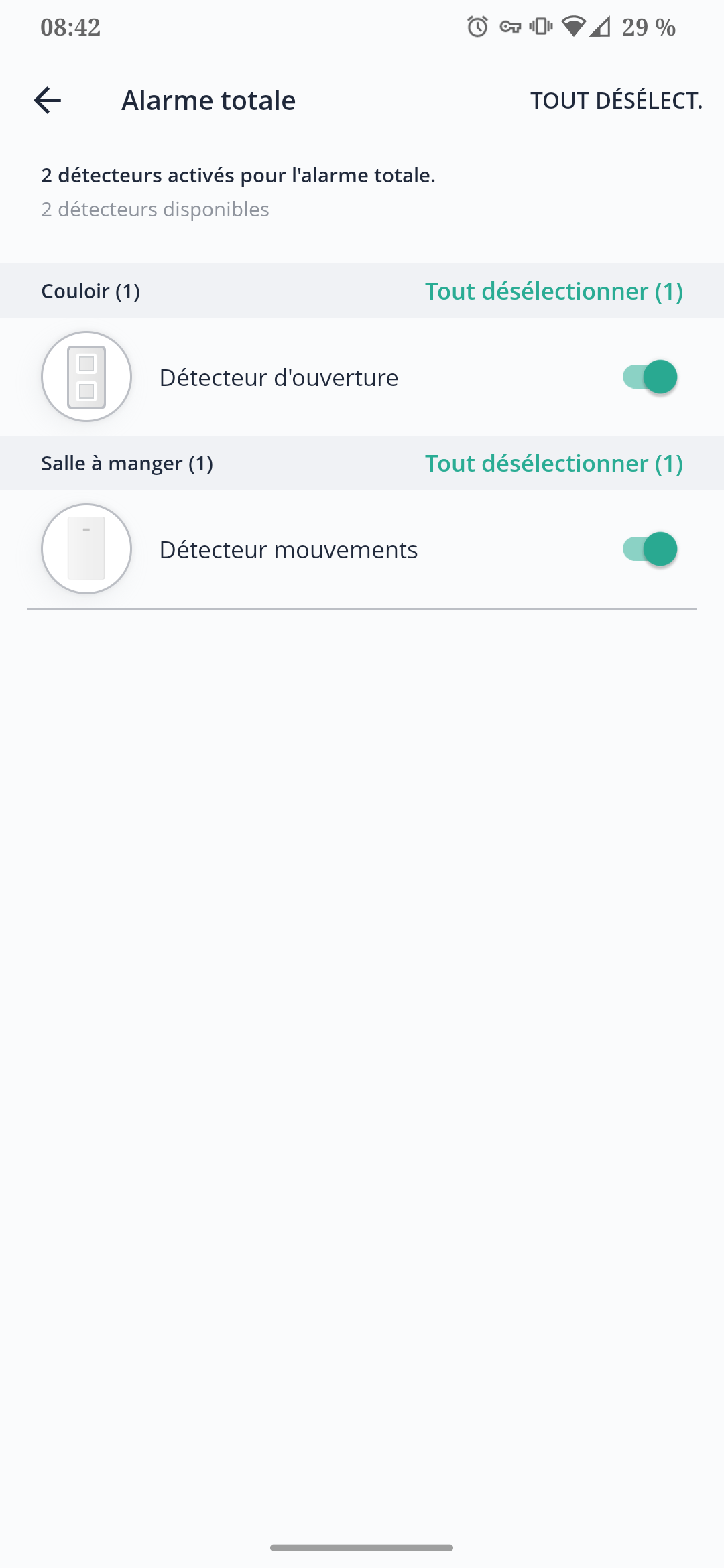
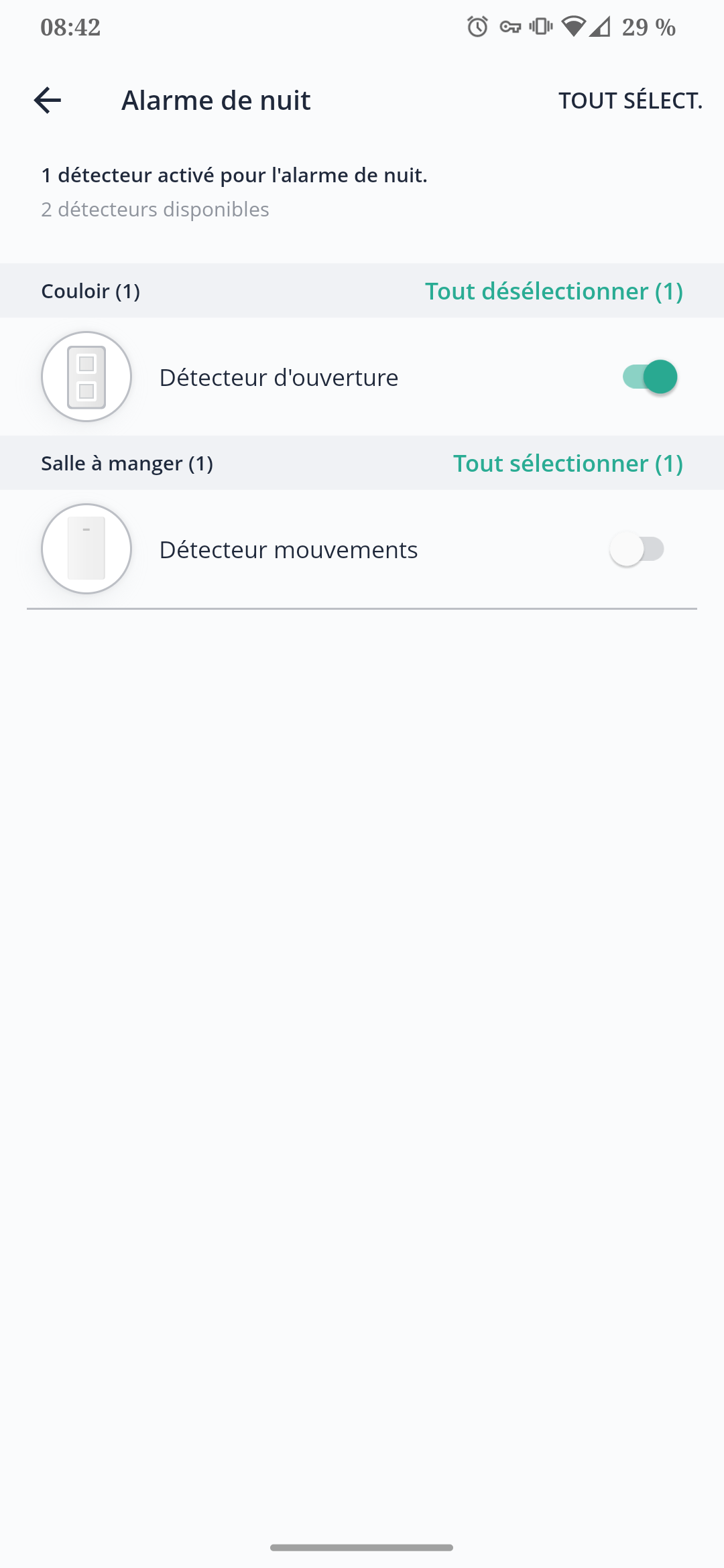
Hello via ttsfree (Text to speech generator free online ( TTS Free ) - TTSFree.com) I generated in FR and EN :
The link expires on 29/10
Why not
Nice!
Did you use the « windows » voices of the TTS server 2? I tested the server 2 (Google) voices in standards A, C and E, and I find them smoother
Voice « A » sounds more « young », I think; voice « B » sounds more « reassuring », I think; and voice « C » even more reassuring.
I could go with A or B — what do you think?
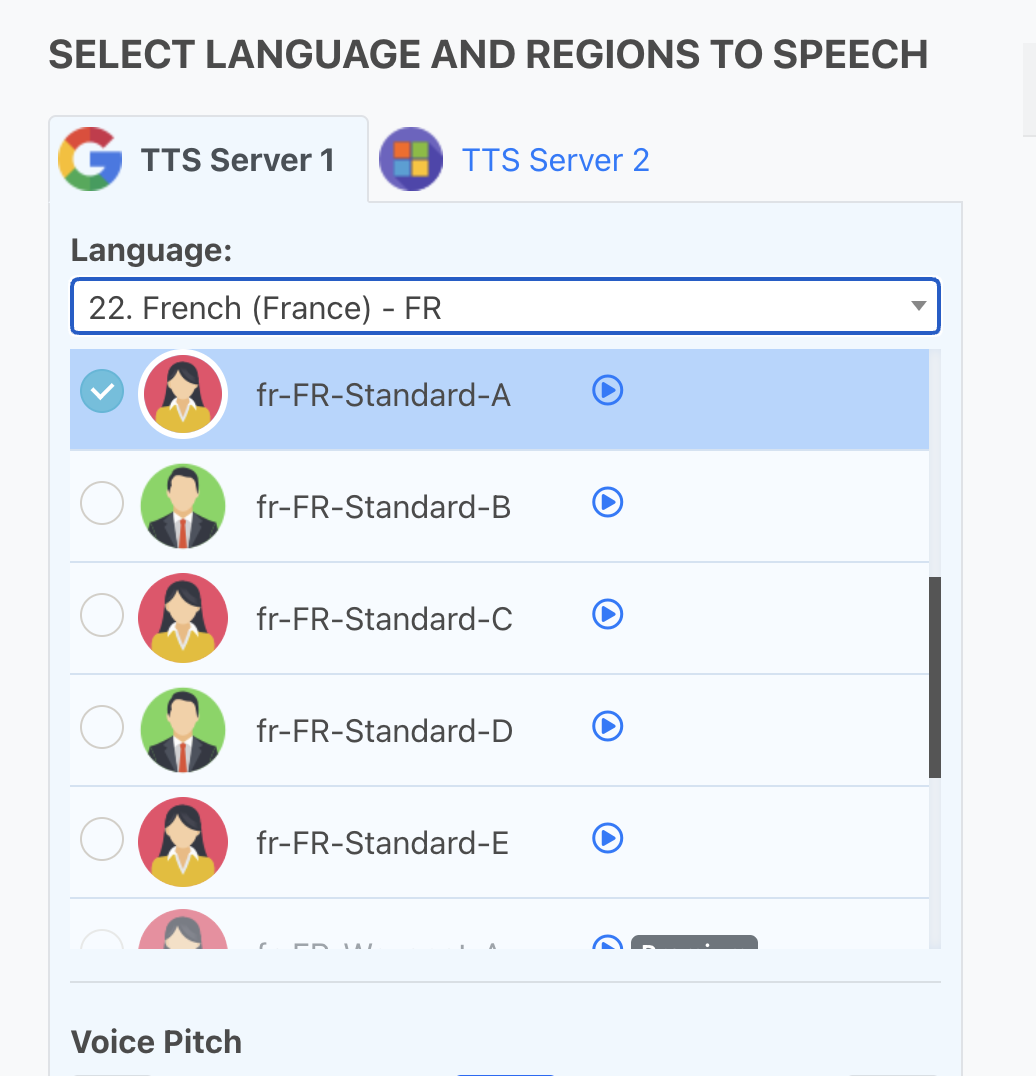
I made a small compilation of the different voices:
Edit: Small mistake in the export, the 3rd voice is indeed voice C despite what is written.
Another advantage I see to using Google voices is that these voices are accessible via API, so if in the future we want to continue using this voice for more complex (even dynamic) texts, we can. As for Windows voices, I don’t know if they’re accessible via API (maybe via Azure)
Personally, I prefer B.
Well, I’ve made a lot of progress today — functionally we’re almost 90% there; now it’s mainly UX and finishing touches (it’s the hardest and most important part! )
J’ai implémenté un compte à rebours:
Tablet mode is now functional, small demo (left: classic mode, right: tablet mode on the wall):
What I have left:
- Have a scene trigger for the « arming » phase, in case the user wants to play a sound when the alarm is being armed, or send a Telegram message
- Rework the alarm widget interface to make it nicer to use
- As a bonus, support for voices played on the tablet if it’s easy to do. I can’t guarantee anything on that point.

This is really great, it’s taking shape, I like it a lot! And indeed the icons are so simple, but they change everything!
To be honest I generated voices to help even though I don’t think I’ll use them ^^
I can regenerate them with the one @guim31 prefers if you want
For the English version?
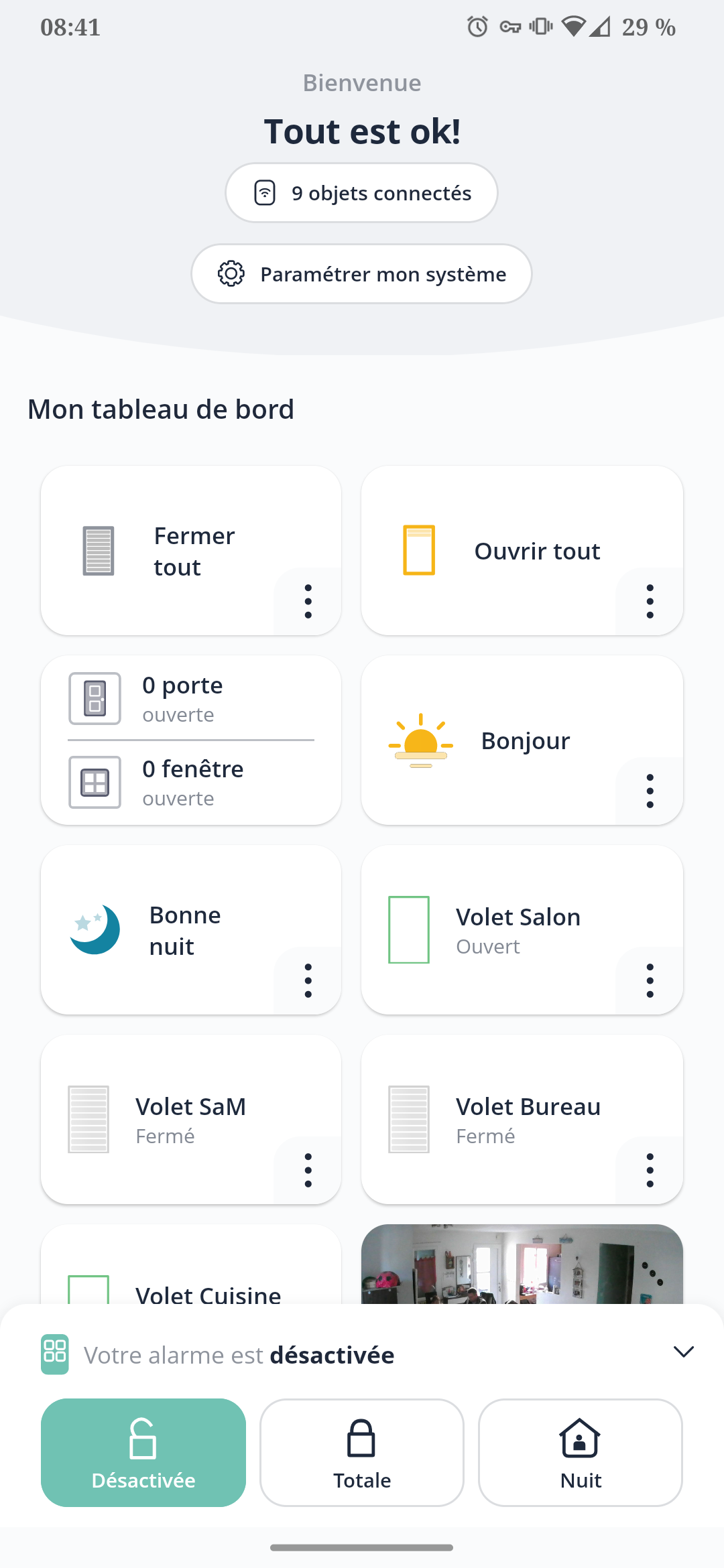
I would have put the active state at the top and the three other states below?
Visually it would be easier to see the state of the house, right?
That’s kind of you to have taken the lead to help
I wonder if it’s really something that’s being requested (apart from @guim31 who mentioned it)
I wonder if it’s rather something the user will do themselves in a scene on the trigger:

Because there it’s indeed quite easy to play a default sound on the tablet (I just did a local test), but I can already see problems arising in « real use »:
- Does the user want to disable these sounds?
- Does the user want these sounds to be played only at particular times? (so as not to make noise at night?) or only on certain tablets?
I don’t think it’s a good idea to change the layout according to the state of the house; muscle memory when you use a tool (even more on touch) is real, and if the positions of the buttons change, it quickly becomes annoying
Well, I think I’ve arrived at a rather satisfactory result
I don’t know how you want to proceed with the review!
There’s a PR here :
I can build a Docker image, however  be careful this image must not be run in place of production because it modifies the DB (database) and if there are review feedbacks that modify the DB in turn, it won’t work in production.
Given these conditions, would anyone like to test a Docker image (on an external server) and give me feedback?