Indeed, I hadn’t considered that possible feedback… this feature is a can of worms 
I can run tests by installing a Gladys on my NAS, though I don’t have a tablet available for that. Basically you’d need to tell me what to test ^^
Indeed, I hadn’t considered that possible feedback… this feature is a can of worms
I can run tests by installing a Gladys on my NAS, though I don’t have a tablet available for that. Basically you’d need to tell me what to test ^^
If you generate an image, I can test it on one of the spare Raspberry Pis. However, since I’m not at home, I won’t be able to test the tablet locking live…
Does it cause a problem if it’s installed on the latest version of Raspberry Pi OS Bookworm?
Alright I made a short video to demonstrate the alarm mode end-to-end, so that those who can’t test can still give feedback 
(Small bug at 3:11, please ignore)
(The video is unlisted, do not share it, I’ll delete it once we’ve finished the review)
For those who want to test
A Docker image is available!
 Warning, do not run on your production environment, this feature modifies the database
gladysassistant/gladys:alarm-mode
That looks pretty good to me. 
Maybe you’ve already considered it, but you should probably prevent the browser from saving the access code.
If I have time I’ll try your image.
I might have missed it, but did you also make it so there’s some feedback when someone enters the wrong code several times?
If someone tries to disable it repeatedly and gets it wrong X times, maybe add a timer before they can try entering the code again, and a scene that then allows them to send a message or something?
I don’t know if this has already been mentioned, but there could also be the notion of a decoy code? It’s a code that triggers a particular action (usually calling the emergency services). The -rather pessimistic- scenario is that someone escorts you home aggressively telling you to disarm the alarm or give them the code. At that moment you give/type the wrong code, the alarm disarms but, more importantly, a specific action is triggered.
I just tested the Docker image, I find the behavior very well suited to what we want. Several remarks:
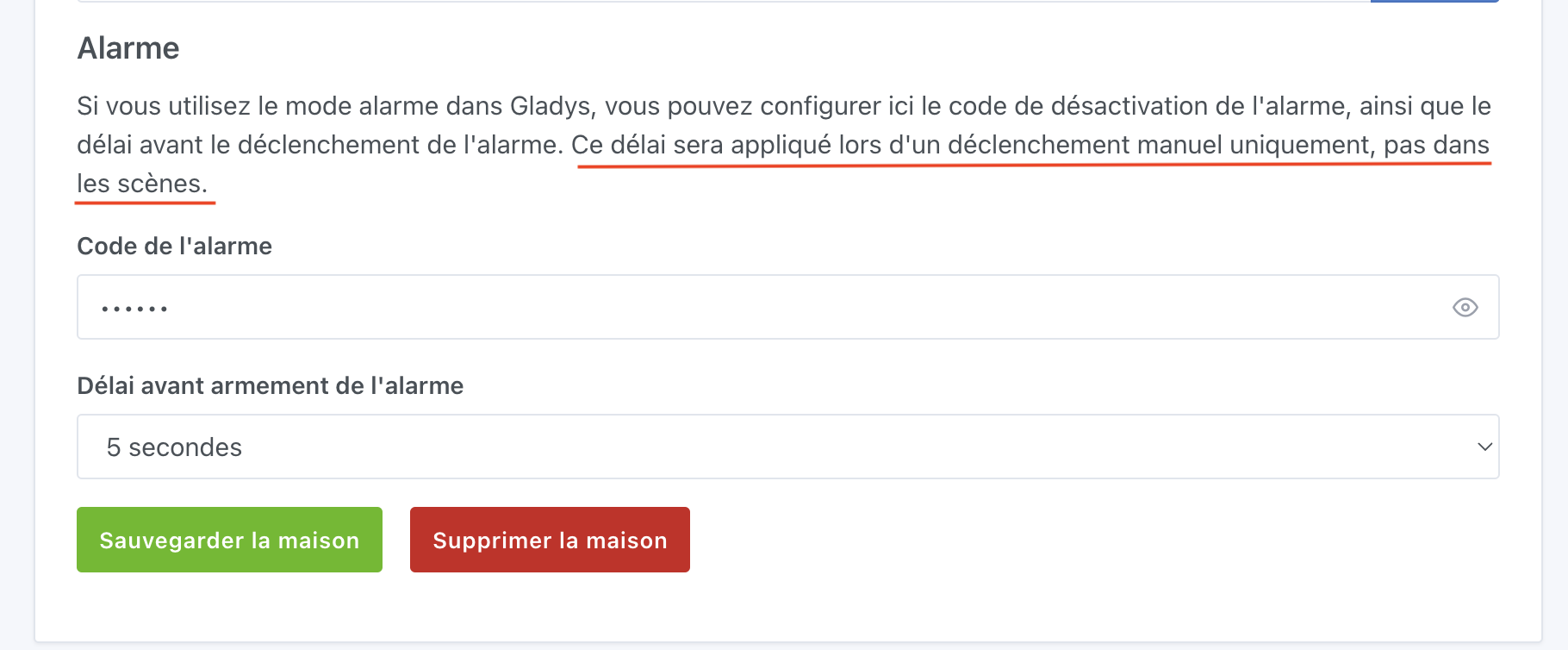
the alarm code placeholder indicates that 6 digits are required — to be changed if we can allow as many characters as we want.
there is no visual feedback when saving the home configuration. Maybe that’s the case in other settings tabs…, but I find it a bit lacking. Like a small toast / alert to confirm the save.
code window in tablet mode: I find the keyboard a bit small, and I would have preferred it with squarer keys. Makes it easier to enter the code quickly with my big fingers ^^
I’m not a fan of the alarm widget design, at least of the interactions we can have with it.
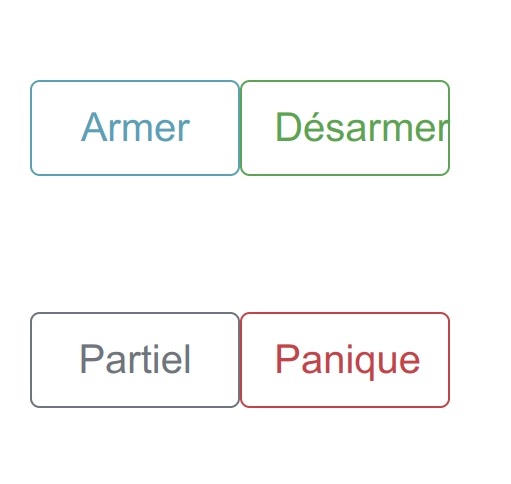
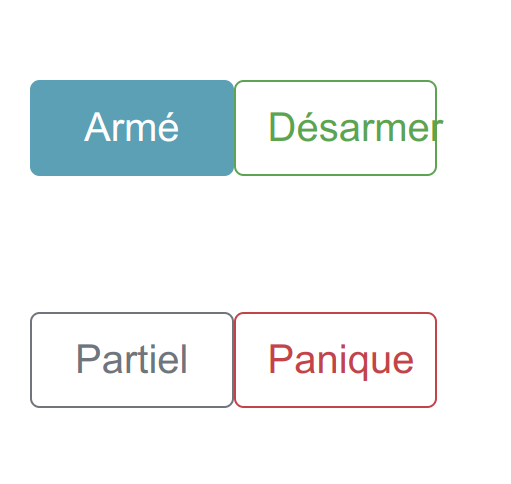
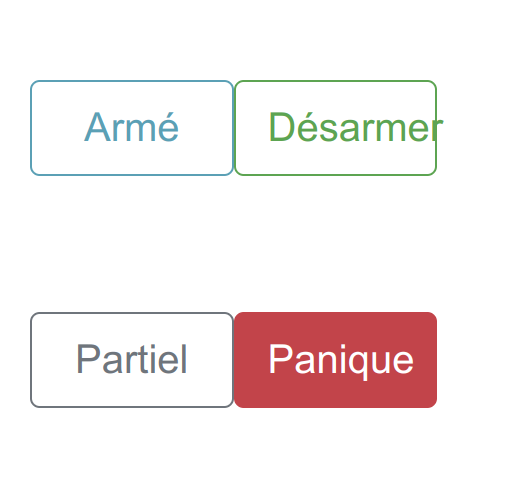
The fact that the ARM button is blue while the others are outline is a bit confusing, I think.
Similarly, the Partial Arm and Panic buttons, once clicked, switch to the disabled style, but that’s not very obvious. I would have liked to see the following behavior:
all buttons are in outline style
when pressing Arm / Panic / Partial, the button switches to active style, while Disarm remains in outline.
clicking the Disarm button returns all buttons to outline.
That’s my feedback
I wanted to try it but installing Gladys crashed my Raspberry Pi that was running Bookworm.
Not sure that’s related, but the installation on Bullseye, however, went fine…
[quote=« GBoulvin, post:69, topic:6326 »]
I wanted to try it but the installation of Gladys
[/
Great, it’s simple and at the same time covers many use cases
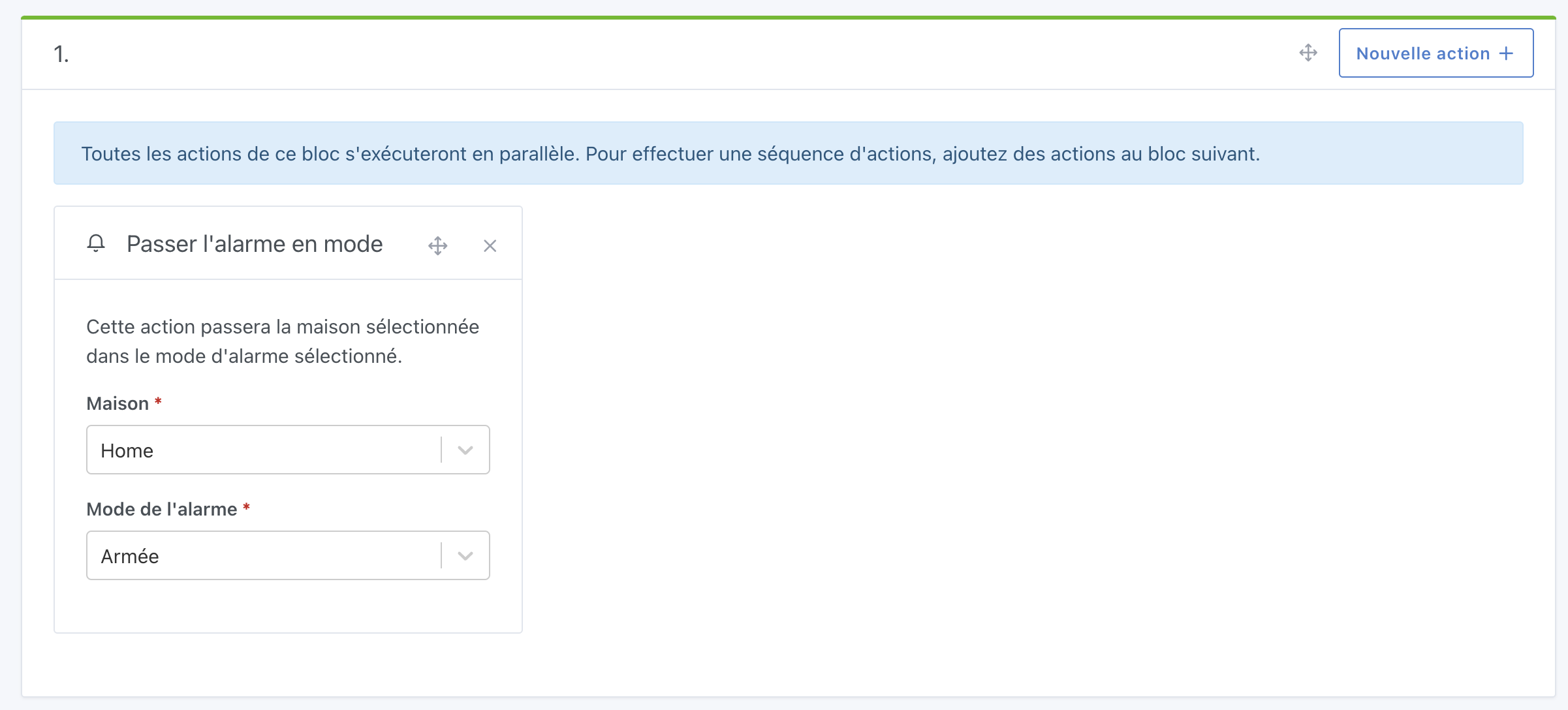
In the action Set the alarm mode => Armed, how should the delay be handled?
Should we add a wait time beforehand in the scene or could we Set the alarm mode => Arming (which would take into account the delay configured for the house)?
Docker installation OK
But once the Docker pull finished, the Pi crashed when starting the container… No more SSH access. Since I’m not at home, the manual reboot will have to wait 
So it’s strange, Docker, whether on Bullseye / Bookworm, shouldn’t be making your Pi crash  Hence my question, strange
Yes, good idea! I’ll fix it tomorrow.
Good point, I’ll add a rate limit and an associated message in case there are too many attempts!
That seems a bit much for this first release Let’s stick to the basic use case for now!
Good catch! I’ll fix it.
Ok, good point! I’ll fix it
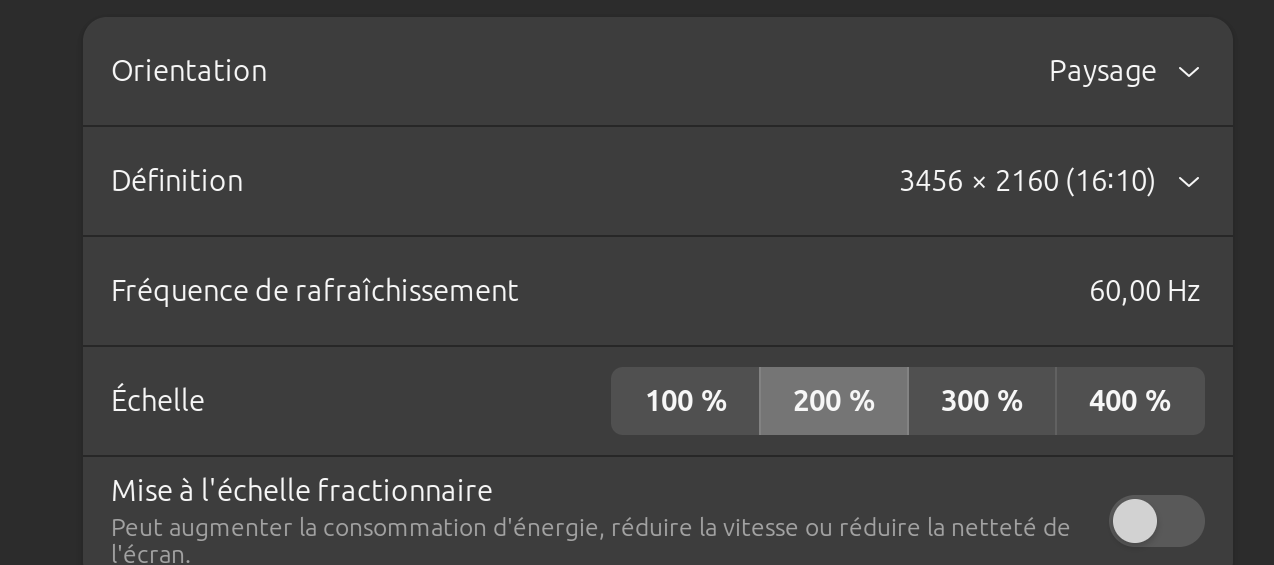
Ok, out of curiosity which screen size are you using? (resolution and physical size?)
So I can do real testing
Ok interesting, I had taken the opposite view — to me the idea is that the button is active when clickable, otherwise not active. But you might be right if it felt strange to you…
Maybe open a separate thread? I must admit I’ve never tested Gladys on Bookworm, I don’t think it’s related to the alarm feature 
There is no delay in the scene action
PS: If possible, I’d like to release this feature on Monday (unless a major bug is discovered), so the sooner I get feedback the better  Thanks to those who test!
[quote="
Thanks @pierre-gilles for your remarks
So I didn’t test on a tablet but from my computer by changing the window size to simulate different screen sizes. Maybe that’s why I found the code keypad a bit small?
Regarding the dummy code thing, I mainly wrote it to submit the idea somewhere, but it’s indeed not very useful for an initial release.
I’ll let everyone share their opinion on the style of the clickable buttons so we can reach a consensus on that
Since one of our acquaintances was a victim of home jacking and had to deactivate their alarm, it’s seriously a great idea  …not even implemented in my myfox alarm (somfy I don’t know)!
In the next release indeed it would be great to have 2 codes, a normal one and
Could we have a visual of the two styles? We could give our opinion more easily for the no-CSS lovers
However, I think the idea is really cool!
I think that by default the background for « disarmed » should be set — an alarm necessarily has a state
But otherwise yes, it’s more visual to see what’s active or not ^^.