Yeah, that’s not a bad idea, actually 
I tested the image — just a quick note about the settings
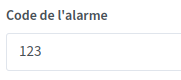
For handling the access code parameter, I think we should force entering a numeric value or change the error message during validation


Same if a code is too short — change the error message because we always get the same one.
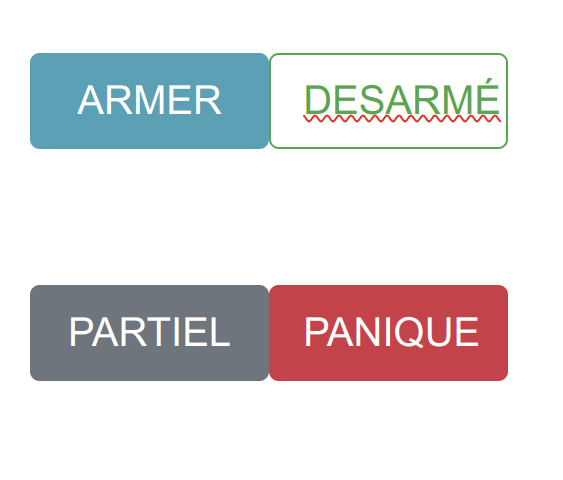
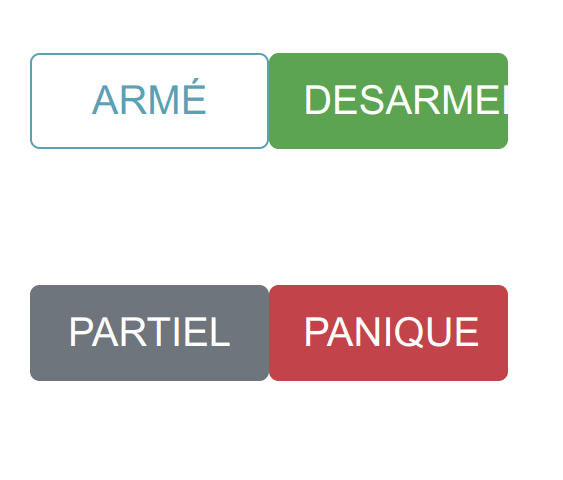
For the widget, I find it rather logical that the button is active when clickable.
Thanks for your feedback! I’m working on all the feedback today.
For the clickable buttons, I’ll run tests and see what to do since I can see there’s no consensus on the matter 
I still have a question about the disarm part.
At my parents’ house, to disarm the alarm you have to enter the code. And I think that’s good. It should be possible on all Gladys instances to disarm with the code in one way or another.
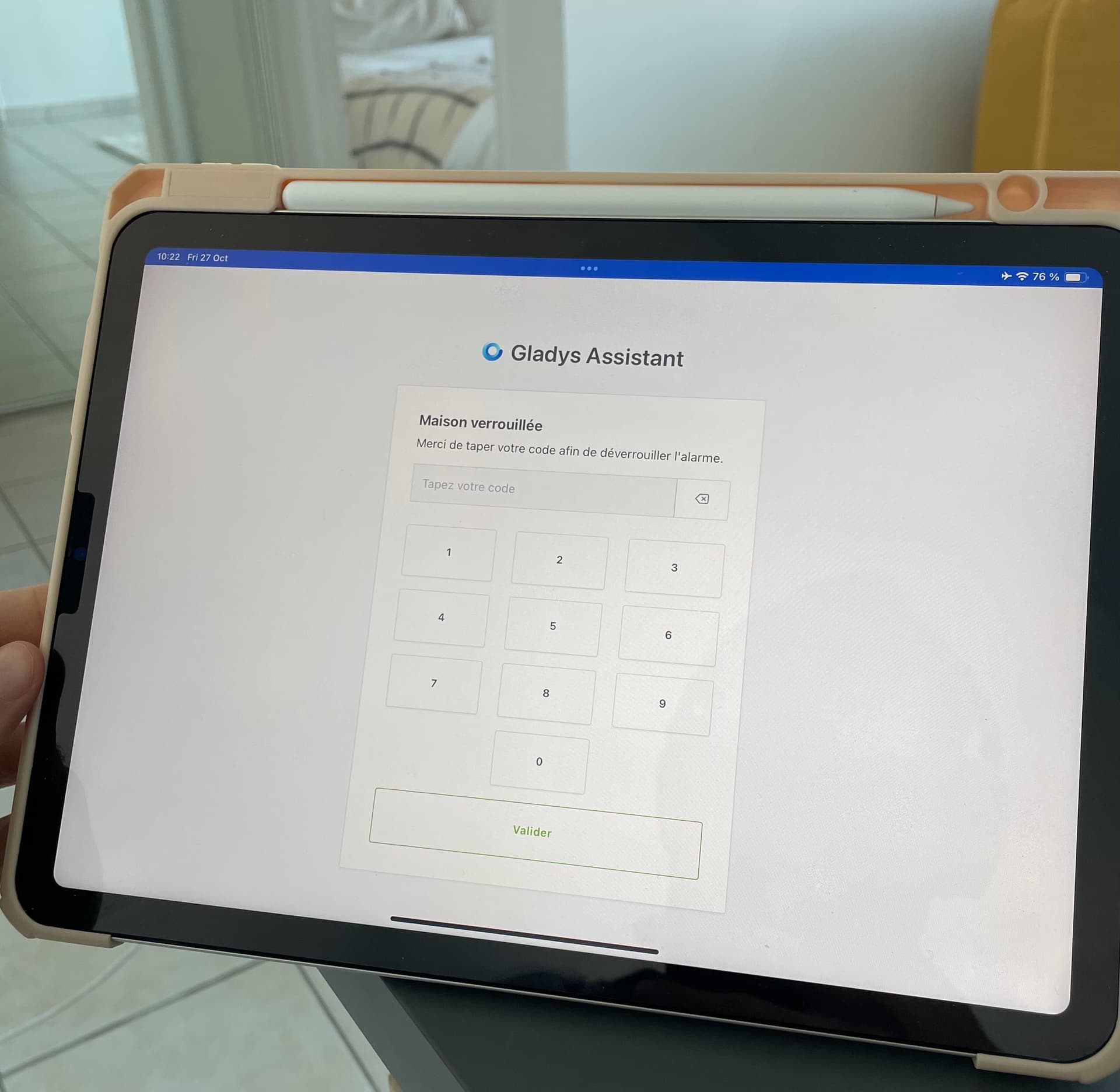
The tablet-mode view is fine, but for me the classic-mode view should, when clicked, show us a screen with the code to disarm.
No, I don’t think so. The classic non
Added more validations on code creation :
On that point, I realized Firefox is a nightmare to get to respect the autocomplete=\"off\" directive (it doesn’t respect it)
The only solution I found is to add a second password field, hidden, so that it autocompletes that hidden field 
Oh yeah, that’s really great, we can go without hesitation 
Regarding the active buttons, after testing I agree that it’s clearer to have the currently active state as « filled »:
New Docker image available for testing!
 Warning, do not run in your production environment, this feature modifies the database
gladysassistant/gladys:alarm-mode
I just tested the image.
I find that the part of the code to enter is better proportioned like this 
As for the widget, I find this version of active / inactive buttons more intuitive. However, I would have liked a label change once clicked:
- ARM –\u003e ARMED
- DISARM –\u003e DISARMED
- PARTIAL ARMING –\u003e PARTIALLY ARMED
- PANIC –\u003e no change
That way it’s more in line with the small status text we see above. My 2 cents
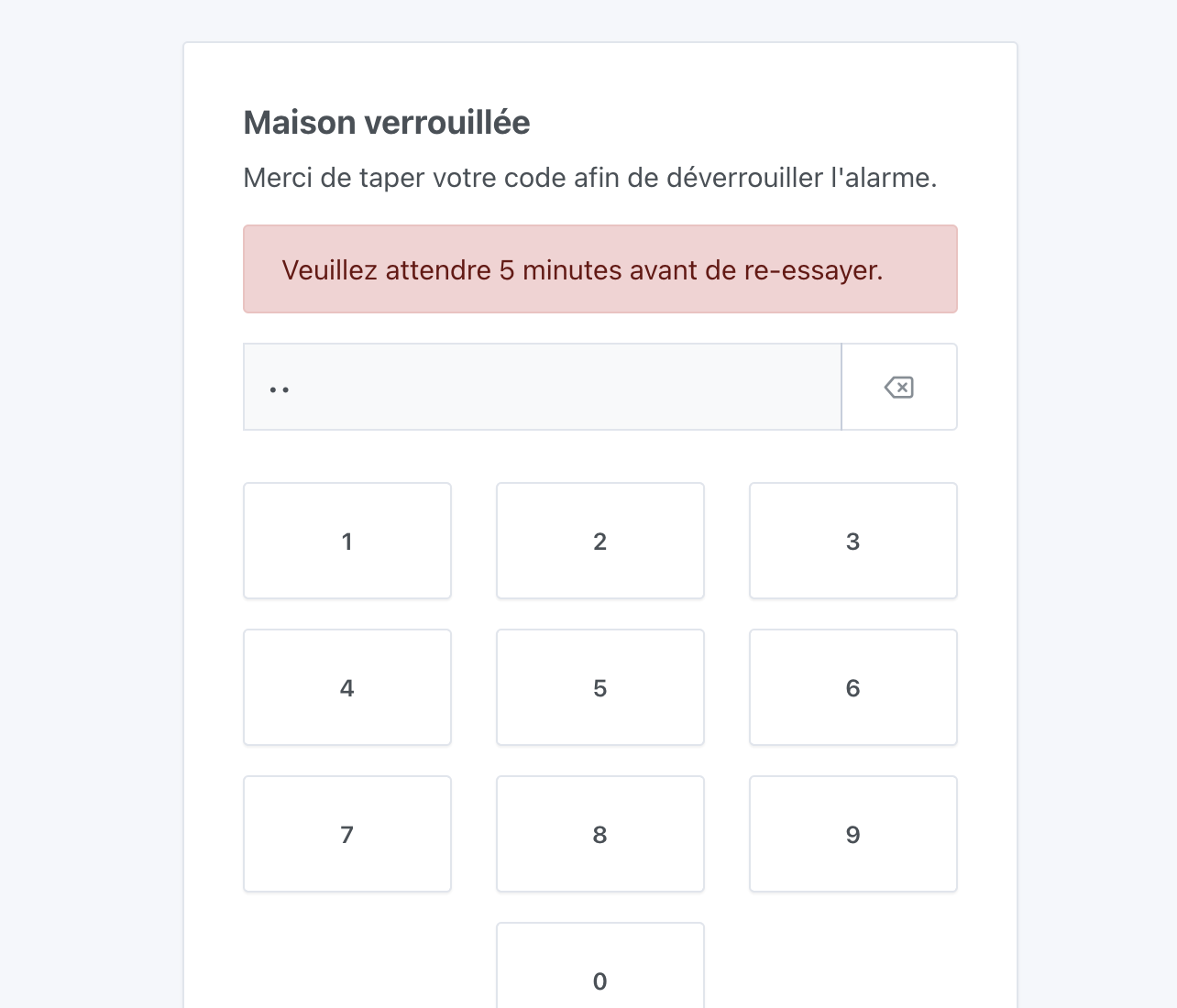
Final feedback regarding the little alert that indicates an incorrect code.
-
If I enter a wrong code, the message appears.
I then type the first digit of my code out of habit as if to start over, but the field is not reset, so if I’m not careful I’ll type my code many times without ever starting « from zero » in the input field. -
Same wrong-code scenario: when I enter the first digit after the message has appeared, it makes the message disappear… but that shifts the keyboard keys upward which makes typing a bit awkward. The message should appear in a place that does not change the positioning of the keyboard keys.
That’s it!!
Thanks for the feedback @guim31 
Mmm not sure that makes sense, to me they remain action buttons rather than « state » buttons.
Indeed, I’ll fix that  good catch!
If I keep the message while you type, would that do the job? Because displaying the message in a place that doesn’t change the vertical positioning is tricky — there’s only below the keys and it would really look bad
Proposal:
(The text field is clear + the message remains to avoid layout shifts)
Indeed, if the message remains, that solves the problem
It’s fixed I restarted a build
I’ve just tested and everything seems to be working normally on my side.
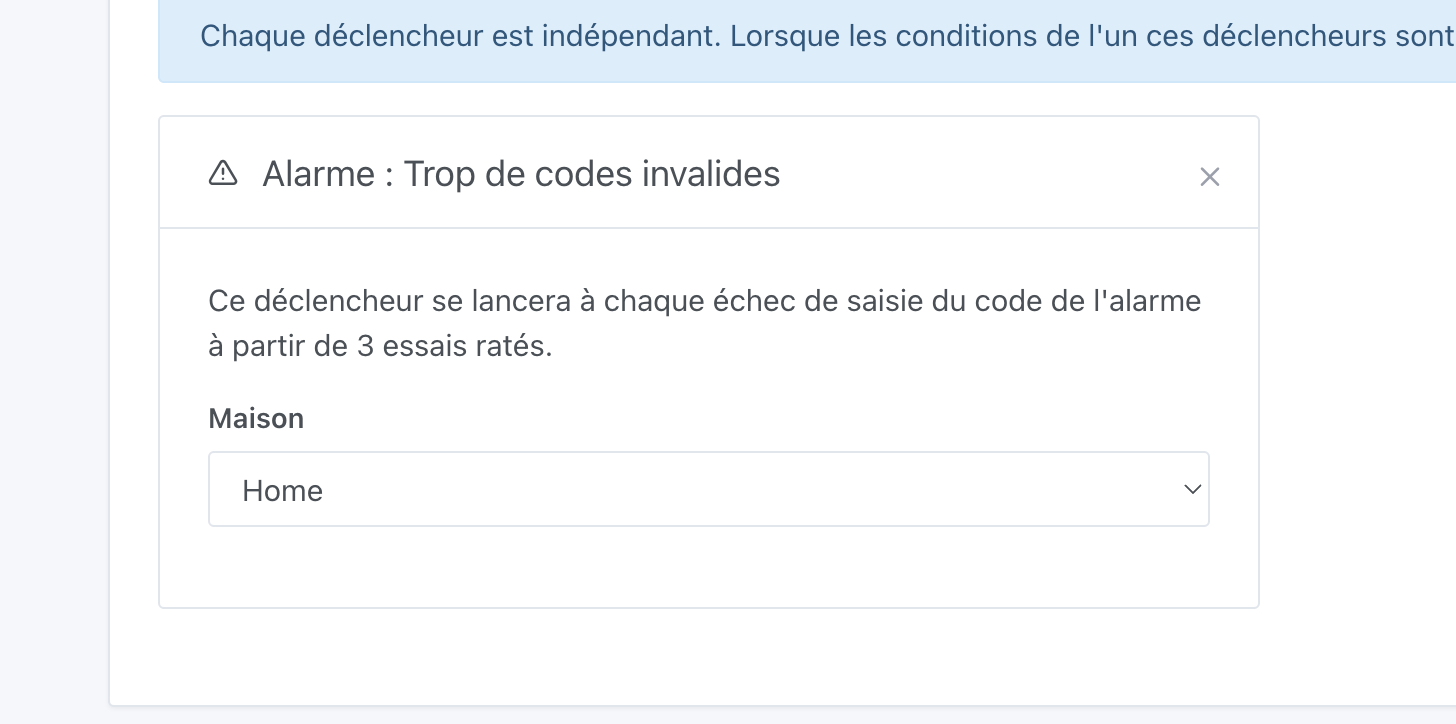
I haven’t tested the triggers « The alarm is being armed » and « Alarm: Too many invalid codes »
Well done
I just tested the latest image, it’s perfect for the keyboard that no longer shifts and for the text field that resets
I can’t wait to be able to put all this in place at home, it will be much better than my current hack!! 