Gladys Assistant 4.32: Sonos integration is available! 🎵

Hello everyone!

Very happy to launch Gladys Assistant 4.32 today, which notably includes Sonos integration :partying_face:

To learn more:

Thanks to all the contributors who took part in this release: @Lokkye @cicoub13 @_Will_71 @Brisou :raising_hands:

And a huge round of applause for @Brisou who made their first PR on Gladys :clap::clap::clap:

14 Likes

The continuation of the development already underway :innocent:

Edit: Video re-encoded because it wasn’t working!

Is 4.32 or 4.31.1 the latest version?

4.32 the latest!

So strange
I’m still on 4.31.1 with the Sonos integration


Yes, it’s normal: you’re on Gladys Plus which is already up to date (the frontend) and your local instance (the server) is still on an older version

WHAAAAATTTTTTTTTTTTTTTTT :scream: !!! She says « Bonjour Monsieur Â» and not « Bonjour Tony Â» ??? :roll_eyes:

Thanks for this awesome release!

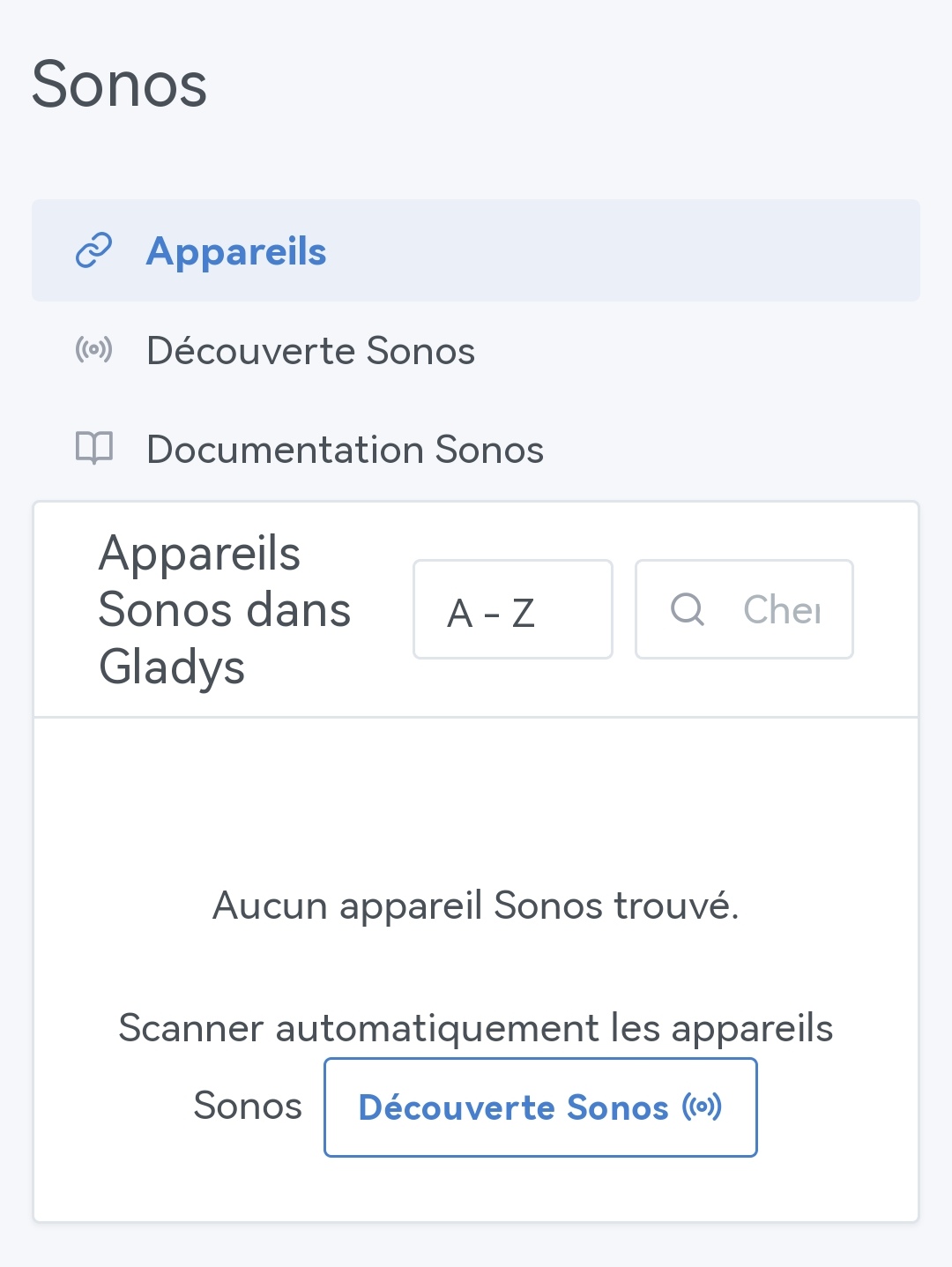
And since I don’t have a Sonos -yet-, the test produced this:

… @pierre-gilles, you who are a perfectionist… :innocent:
And an error in the error message:


In my case, the error should rather be ‹ No device found â€ş :wink:
Ah, that’s better :upside_down_face:
Thanks to everyone who contributed, near or far!

Well done everyone, once again great stuff in the update!!

Quick question, I couldn’t find how and by which channel the alert for the feature Scènes : récupérer un type d'état de tous les périphériques (ex: type batterie) - #51 par pierre-gilles is sent
By email? By a message in the Gladys discussion? By Telegram if an account is registered? Mobile notification? By all of the above?

The feature is great, but there is no information about usage / configuration / existence for someone who doesn’t follow the forum or the information on other channels. I couldn’t find it in the documentation either!

One additional question: would it be possible to set up a pop-up system during updates (like the pinned post on the forum) to inform users of what’s new and how to access it, which could be closed with one click (but nevertheless still accessible via the menu in the top right by adding a page « Update information Â» with all the useful info!!). For users who don’t go to the forum this would be great => I’m happy to take care of this one after Netatmo if you think it’s appropriate!!

Thanks again for everything. My brother-in-law works for Sonos, I think I’ll give it a try ^^ :sweat_smile:

1 Like

It’s a message sent in the Gladys chat + Telegram if configured + NextCloud-Talk if configured :slight_smile:

Why not! But stay focused on Netatmo as long as the PR is not in production for users :grin:

1 Like

Oki perfect !! Thanks!

Yes yes of course ^^ As mentioned, after Netatmo. After all this time I really want to finish it ^^ Normally if everything is fine tomorrow, there will be nothing left to do but modify my tests / finish and reopen the PR / update the doc.

2 Likes

Hello,

Thanks for this new version. The project is moving fast, that’s very cool :slight_smile:

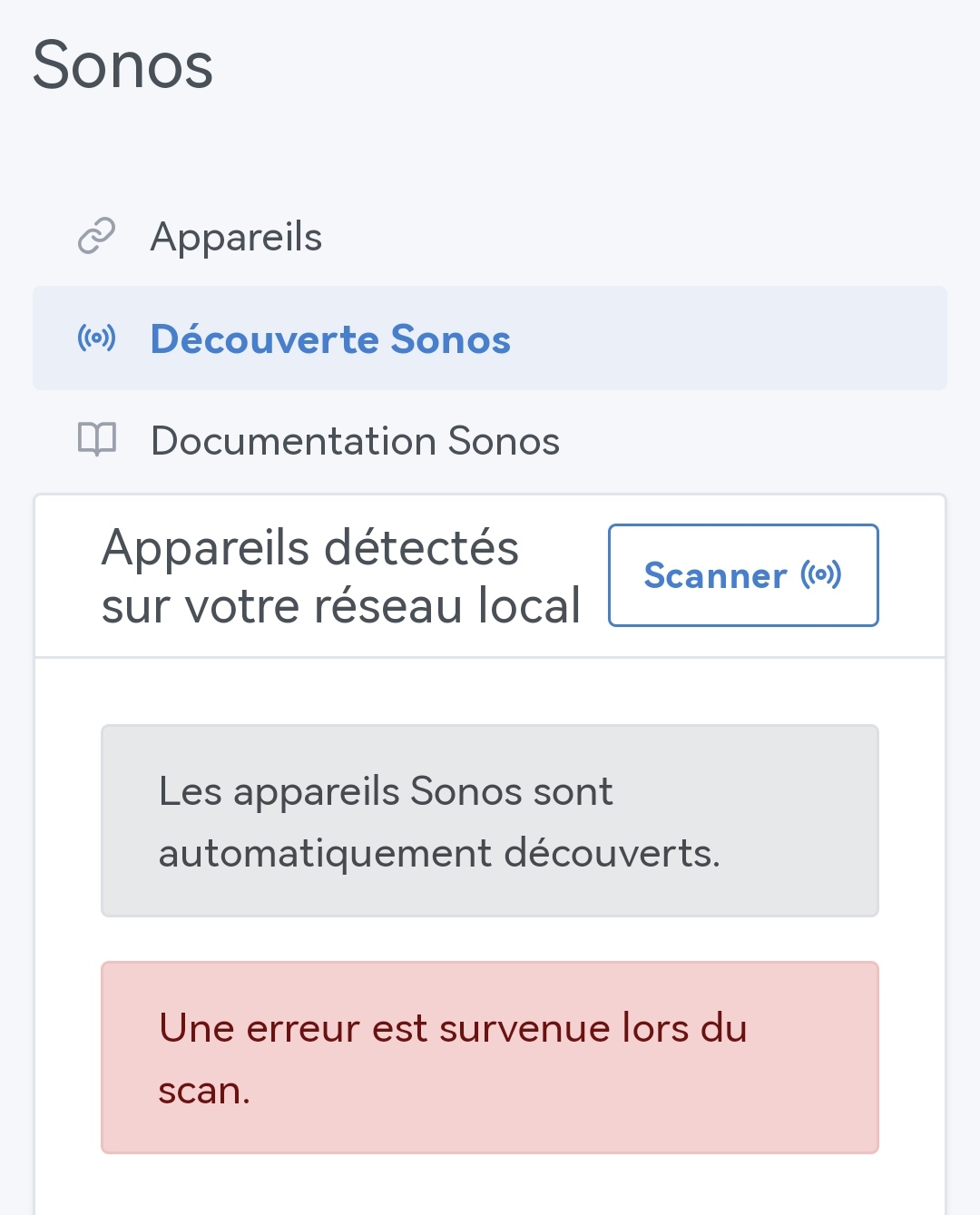
I have 2 Sonos speakers connected to the same network as Gladys, yet I can’t add them to Gladys. I get the message: Une erreur est survenue lors du scan.

Nothing in the logs. Is there anything special to do in the Sonos app?

Hi @PhilippeMA! Are you on Gladys 4.32?

Yes, I’m indeed on 4.32 (I tried from Galdys Plus and locally, same result).

I’m at your disposal for more details

Can you tell me more about your setup? Are you sure your Gladys instance is on the same network as your Sonos speakers?

Yes, I confirm that Gladys and the speakers are on the same network.

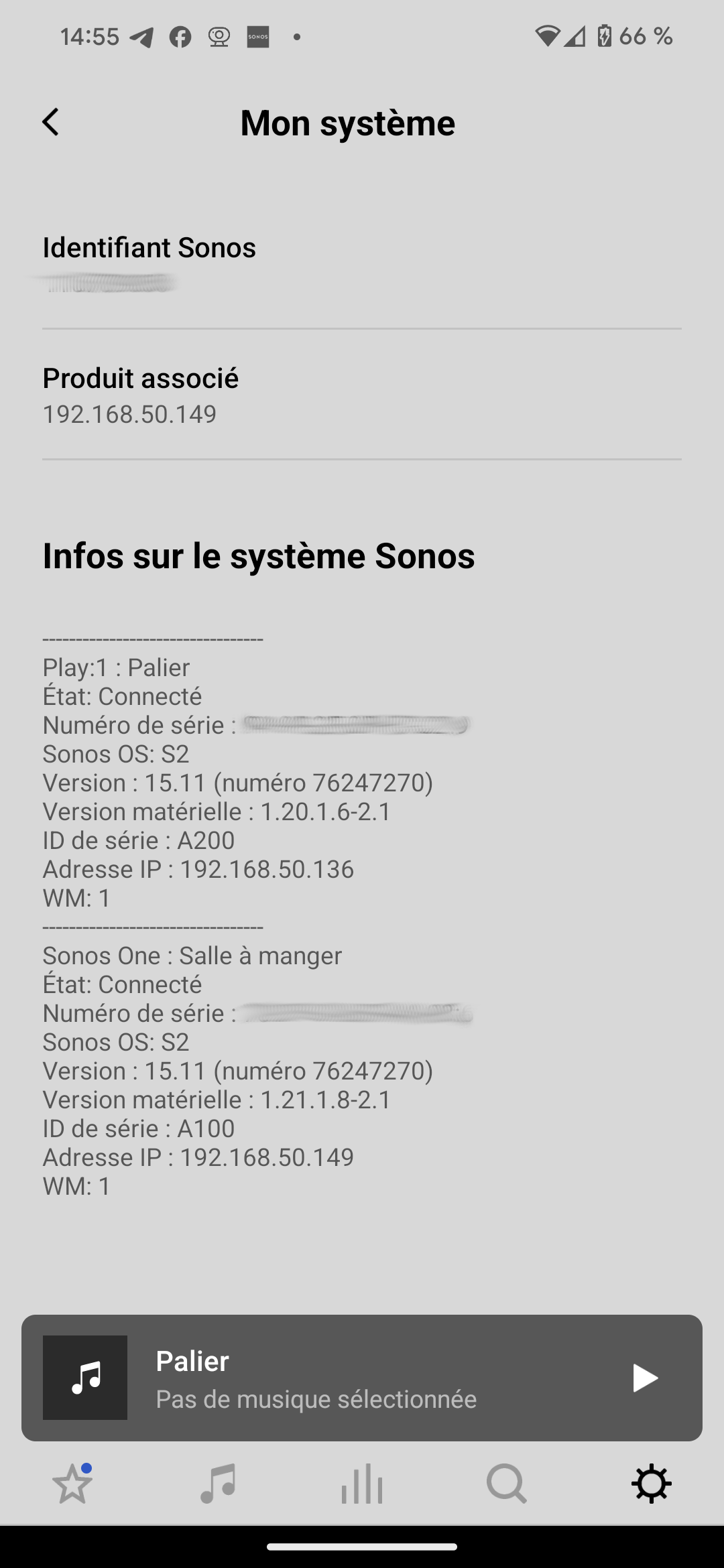
I have 2 different models of speakers: the Sonos One (the newest) and the Play:1.

Here’s what it looks like in the SONOS app:

Can you tell me more about your Gladys setup?

My setup is on a Belink Mini S12 Pro mini PC (Beelink Mini S12 Pro Mini PC, Mini Ordinateur de Bureau avec Alder Lake-N N100, 16 Go DDR4 + 500 Go M.2 2280 SSD, WIFI6, Double HDMI, Double écran, 1000 Mbps, BT 5.2 : Amazon.fr: Informatique) running Linux Fedora Server.

Gladys was installed via Docker according to the procedure described on the following page: Install Gladys Assistant with Docker | Gladys Assistant

The connection is made via Wi-Fi.

Maybe a firewall issue?

1 Like

It’s fine, indeed, it was the firewall that blocked everything… I need to set up a rule (I’ve disabled the firewall for now). Sorry for the inconvenience :wink:

2 Likes

Hello @PhilippeMA

If you can share how you solved the problem so that it can help others who might face the same issue, or even allow adding an informational message in Gladys :wink: