Intégration Node-RED pour lancer un container en un clic

@Lokkye
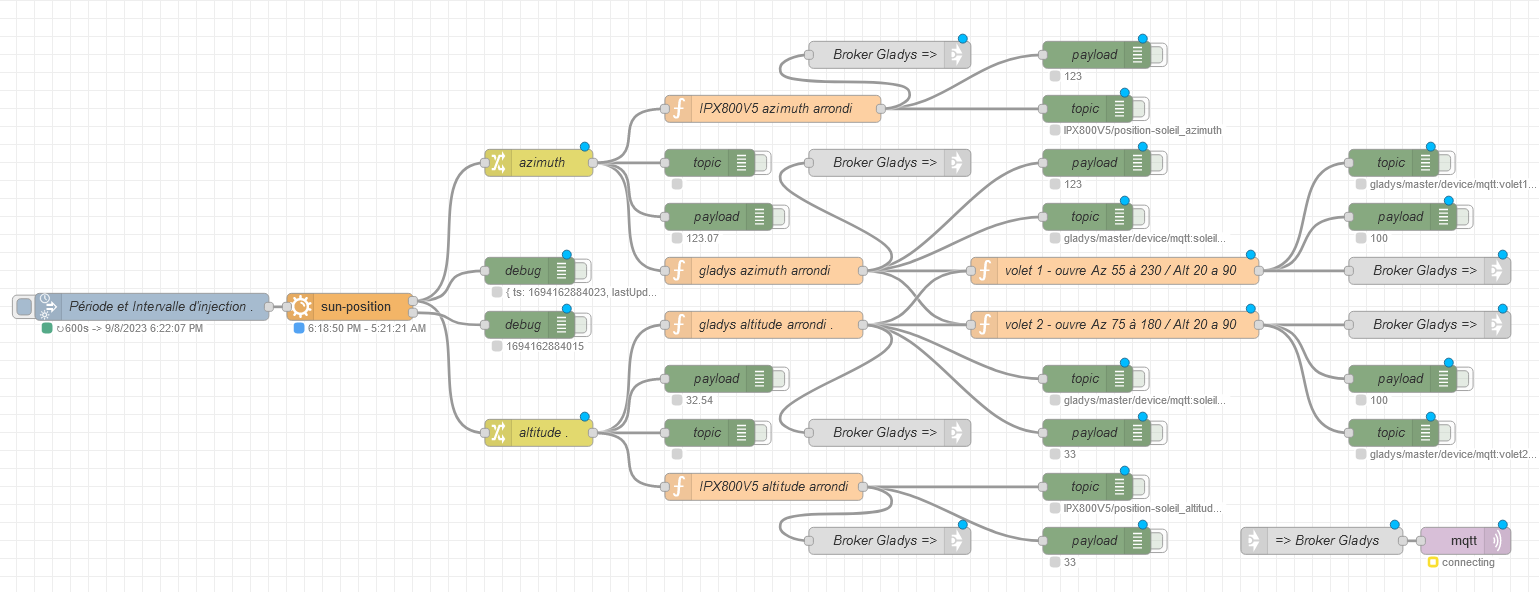
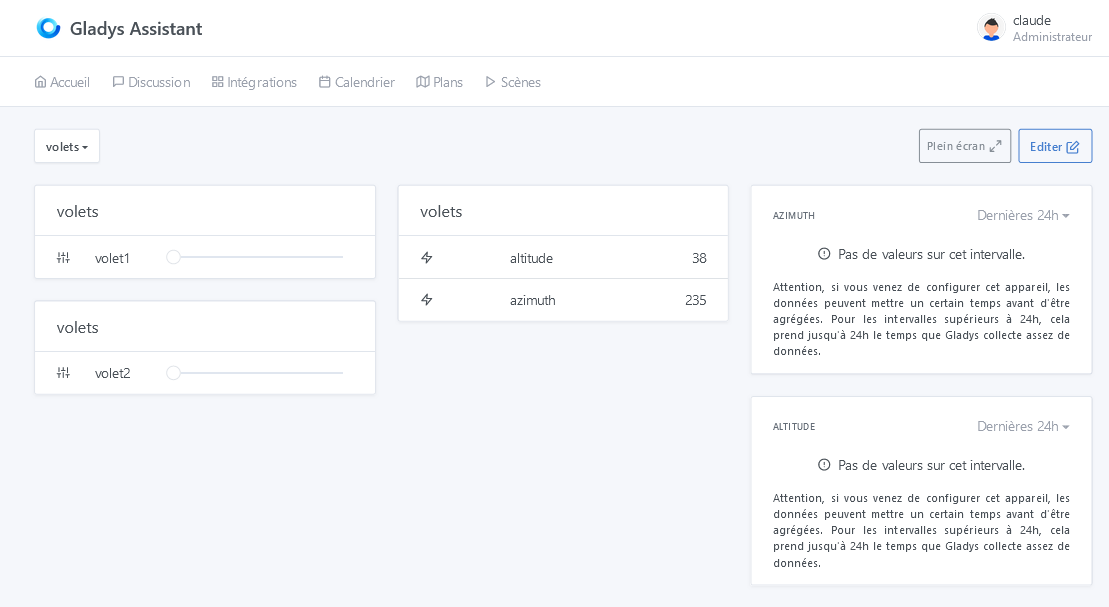
Hats off for this development! I really think it was a necessity for the average user because they will no longer need to perform command-line operations to get Node-RED with Gladys and it will allow anyone to integrate any hardware into Gladys via Node-RED like I did with my IPX800V5 or to cover any need! For example here, I send Gladys the altitude and azimuth of the sun at fixed intervals to control roller shutters!

Now integrating speech recognition (https://hub.docker.com/r/alphacep/kaldi-vosk-server) and Text To Speech (Docker images - TTS 0.22.0 documentation) into Gladys via containers? :crazy_face: :partying_face:
Thanks again for this development and I can’t wait for it to be in production! :wink:

2 Likes

Thanks @pierre-gilles for the thorough test :slight_smile:

Oh darn, I had forgotten. I just committed the change

I’ve just fixed everything in the latest commit.

You’re right. I also prefer fixing a version; at least we know what’s actually installed.
It’s fixed in the latest commit

The Docker image is being built with all the changes

1 Like

Thanks for the changes @Lokkye, I stopped then restarted Node-RED and now it works :partying_face:

Some feedback:

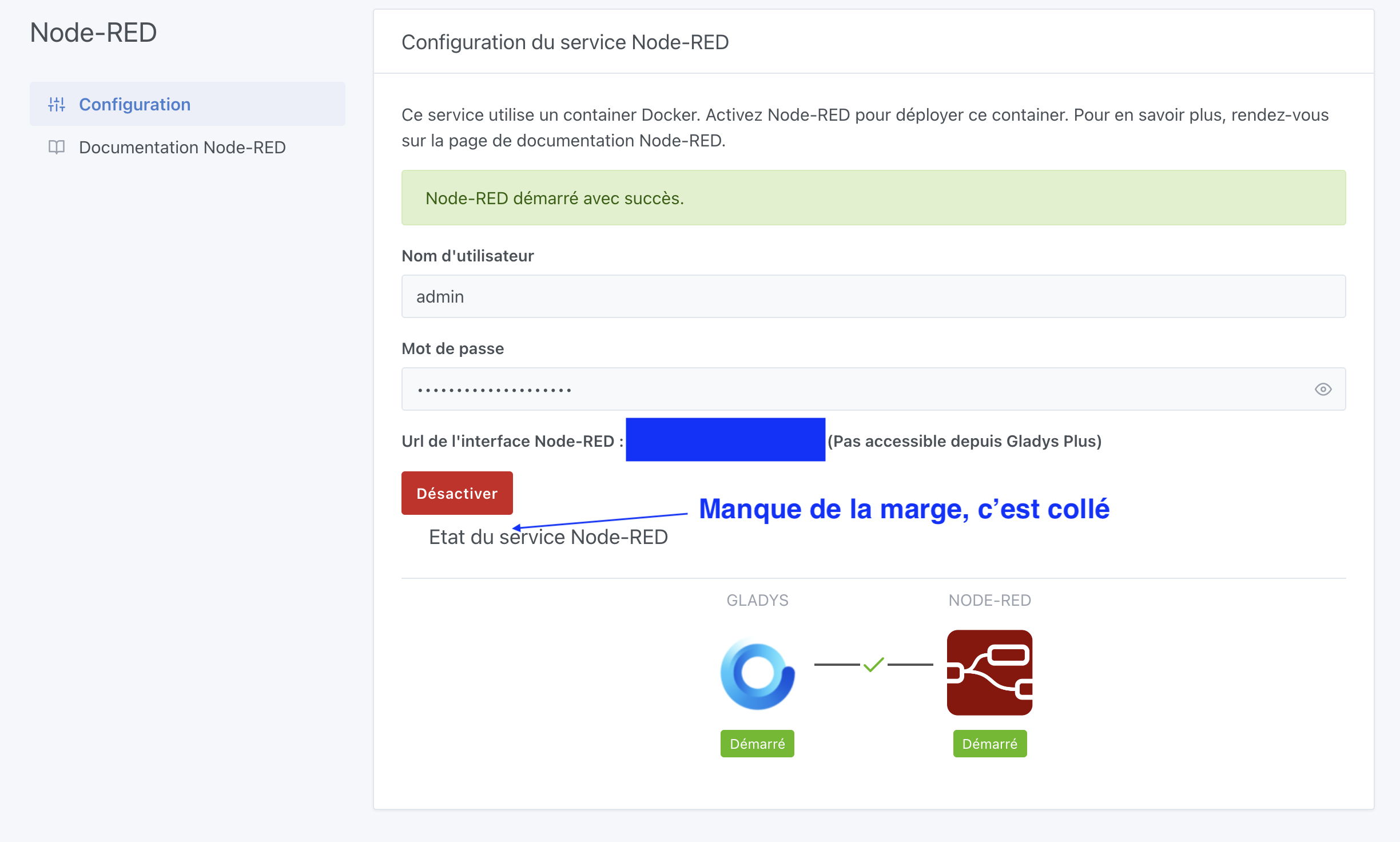
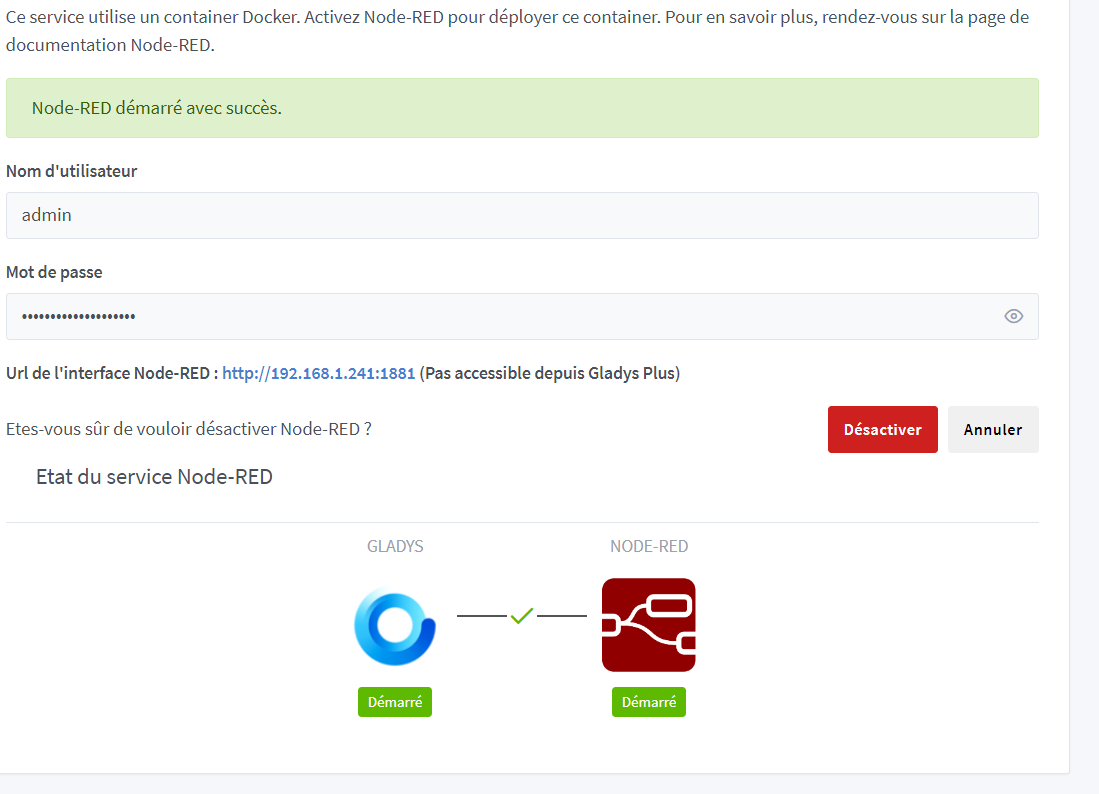
  1. There’s still the margin issue on the « Disable » button. Adding a small class « mt-4 » (margin-top 4) on the div « Node-RED service state » makes it look better, I think:

  1. The documentation link has a small typo « noder-red » instead of « node-red »

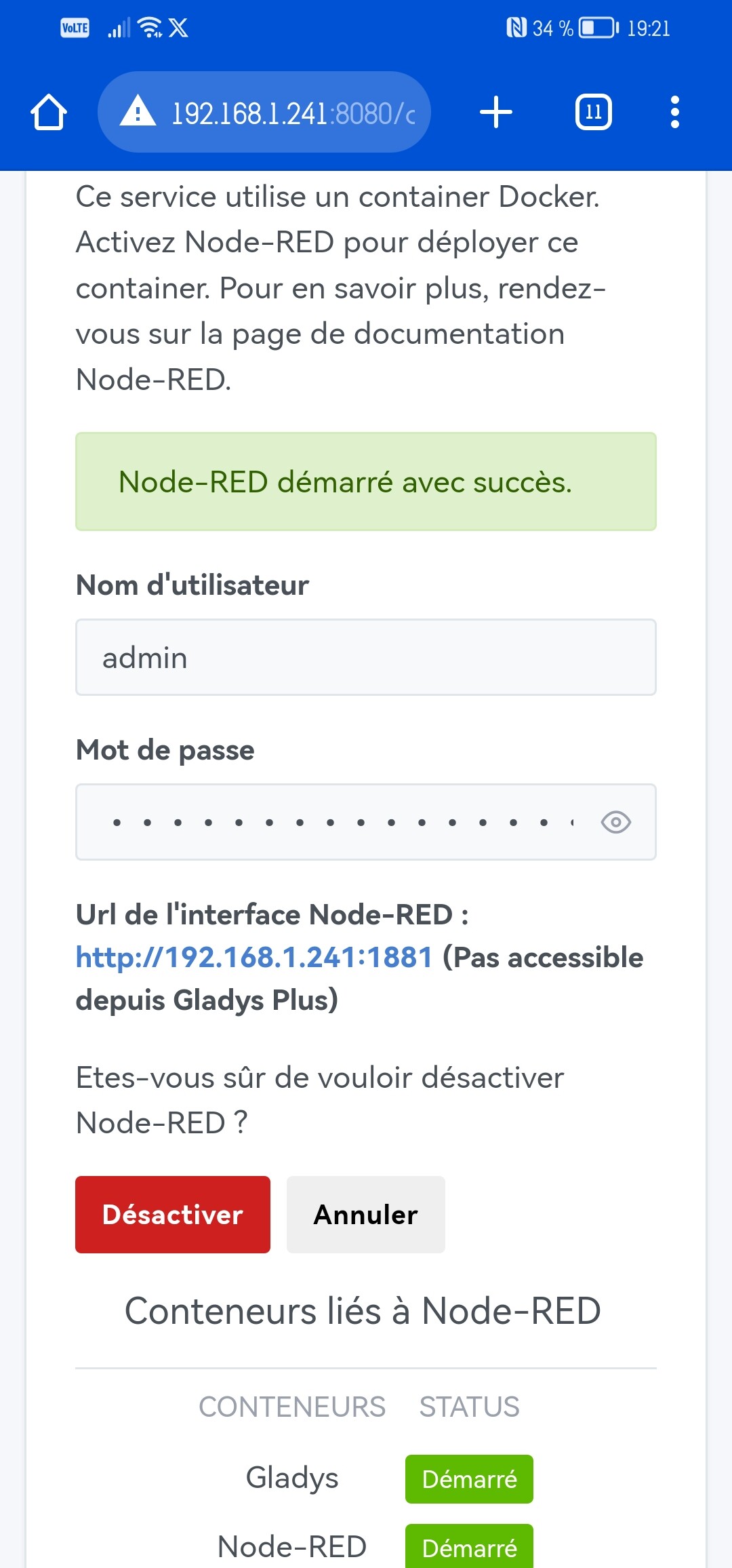
  2. Still the little « jump » when disabling the service (same video as in my previous message)

Otherwise everything else is good :slight_smile: Nice work!

Oops, I forgot, it’s fixed now

Fixed

What do you think of this version?

2 Likes

Thanks for all the changes!

It’s much better :slight_smile:

If everything’s good for you, could you re-run a build and I’ll do a final review?

@pierre-gilles: The Docker image build is finished :slight_smile:

1 Like

What happens when you pin a version on the Gladys side with Watchtower? Doesn’t Watchtower update the container to the latest version?

Great, I’ll test @Lokkye !

No! Watchtower updates a container if the referenced image is updated; to move from one version to another, you have to use a « floating » tag whose image is overwritten at

1 Like

@Lokkye are you sure the build is finished? I pulled, restarted the container, and despite that I still have the old version (no margin, and the button still jumps)

Maybe a stupid question but… Are you sure you refreshed your browser?
I’m asking because I had the same issue last time, despite a full rmi/pull…

Yes yes, I refreshed, I think the image isn’t up to date or was built on an older version?

That’s how it is on my end, is that okay?


Edit: For me, we should add that the container can take up to 5 minutes to be deployed depending on the machine, the connection, etc…

Hard to compare, it’s the desktop web behavior I was looking at :slight_smile:

1 Like

Oops, indeed, no change then…

Oops, sorry I forgot to push the code :frowning:
It’s done now, the Docker image has been pushed and I tested in my environment that the Docker image included the changes

2 Likes

Excellent, it’s been tested and approved on my end functionally! I’ll look at the PR for code quality and I’ll keep you posted.

Regarding my technical review, I have some feedback:

hello
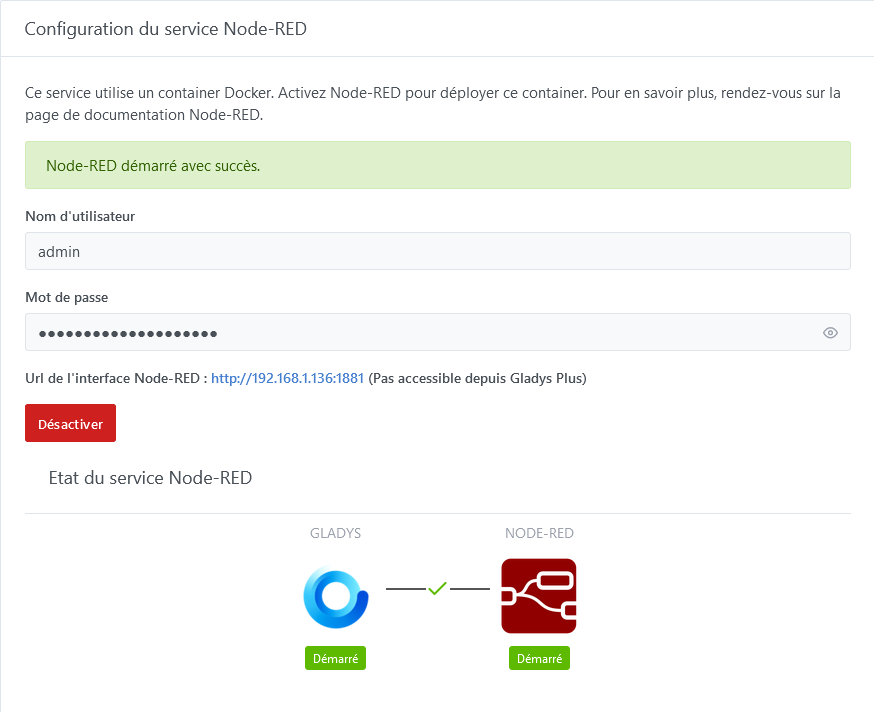
I just installed the Node-RED test image, everything is going well, I have the correct interface, but when I click on the URL, I cannot access Node-RED.
Do I need to change or recreate the password?
thank you for your help

@pierre-gilles: I’ve addressed the feedback on the PR.
@Psoy: Do you not see the Node-RED login page, or are you unable to log in with the provided username/password?

hello @Lokkye
I can see the page :


I do nothing other than click on the URL, without touching the password, and this is what happens

Connection failed

Firefox cannot establish a connection to the server at 192.168.1.136:1881.

    The site might be temporarily unavailable or overloaded. Try again later;
    If you are unable to browse any sites, check your computer's network connection;
    If your computer or network is protected by a firewall or proxy, make sure that Firefox is allowed to access the Web.