Hello,
So I have a small issue or at least a question about understanding presence management.
So for the moment, I manage presence through my smartphone.
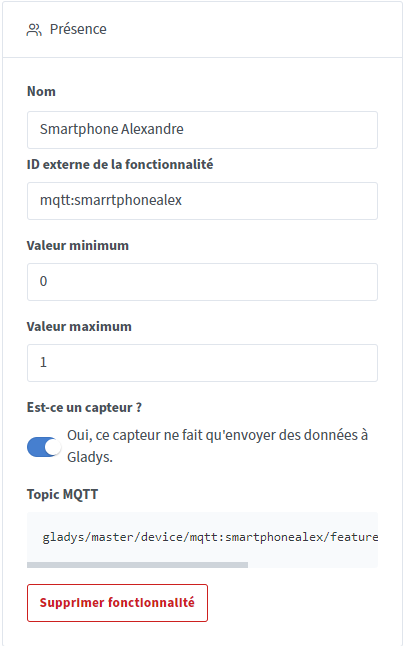
I have therefore created an MQTT with a value of 0 or 1 and which is of presence type.
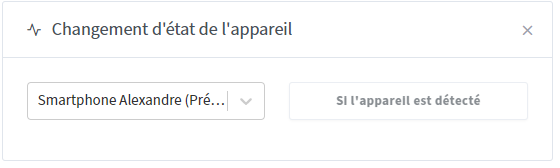
I had to create a scene for the user seen at home. As a trigger, I put a change of state of the device which has the mandatory value « if device detected ».
And then as a user action seen.
But if I have to manage the user’s departure, how do I do it? Because the trigger is necessarily a detected device, there is no « device not detected ».
@VonOx I had put « motion detector yes/no » in the tutorial myself.
The presence sensor you chose was designed for Bluetooth integration and has only one value: « present ». (absent does not exist in Bluetooth, by definition the absence in the case of Bluetooth being the absence of value: the device is not seen)