Response from Enedis!!
All good, the bug is fixed on their side.
However, you need to re-grant the consent on your side for the bug to be fully resolved
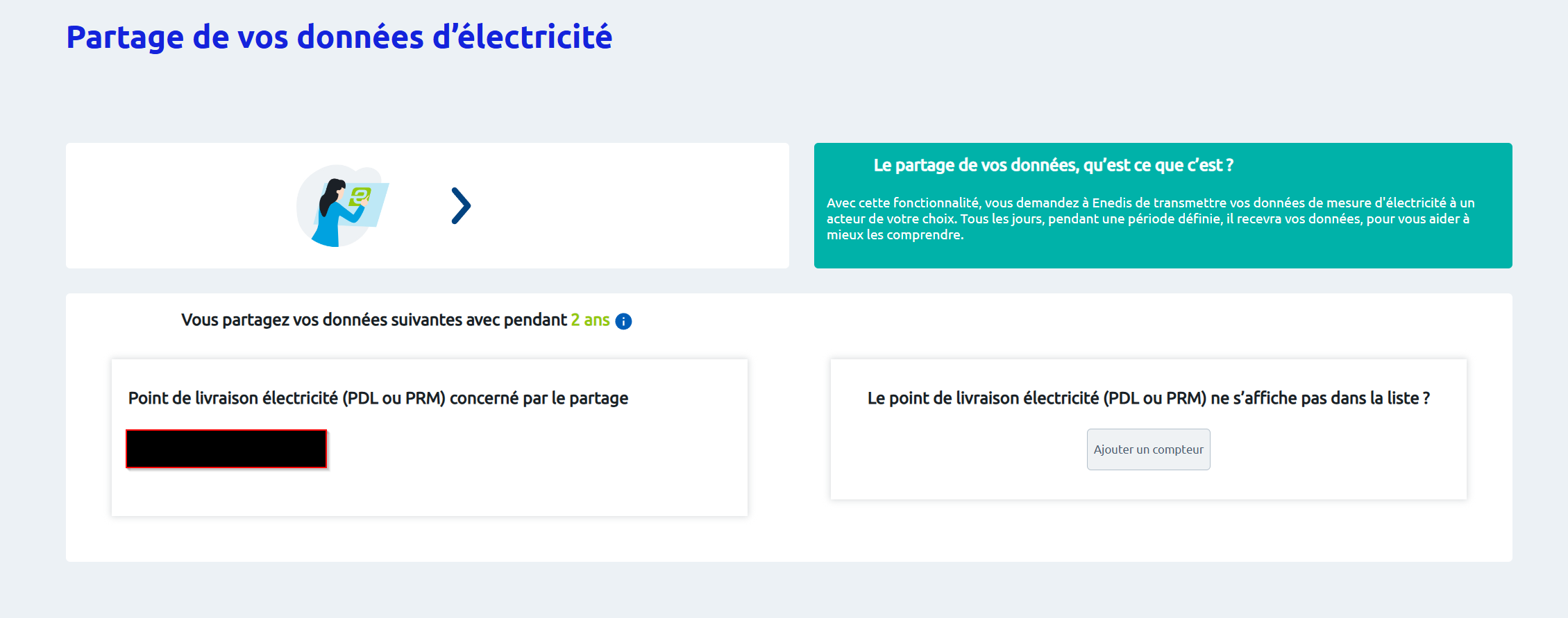
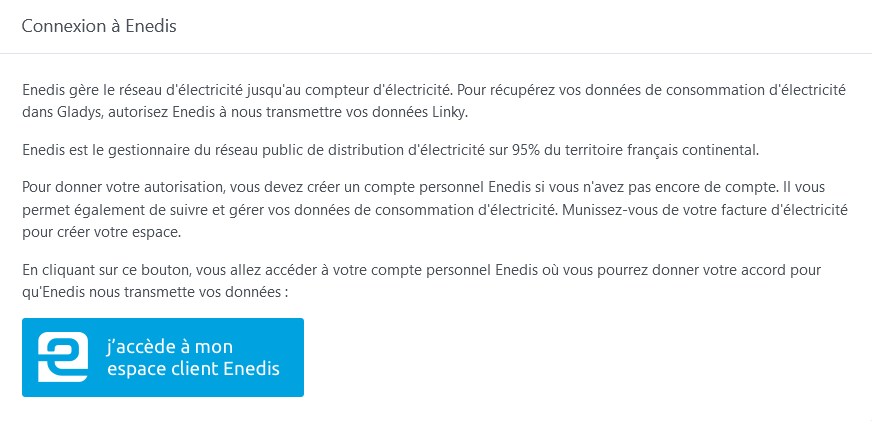
Go to Gladys Plus, click the blue button:
And accept Enedis’ terms again
It may take a few hours for everything to sync, but it will come back in your Gladys!
Sorry for the inconvenience, and thanks for your patience
I confirm it’s working again after consent.
Psoy
April 24, 2024, 8:48pm
23
It’s been good for me too for the past two days.
Psoy
November 6, 2024, 9:13pm
25
Good evening
It’s still working on my end! Maybe your consent got dropped? If it persists, tell me and I’ll check your account.
Psoy
November 7, 2024, 8:21am
27
\nHello @pierre-gilles \nyes I’ll look into it, I’ll keep you posted, but apparently I’m having problems with my account\nThanks
qleg
November 7, 2024, 8:14pm
28
Same here, KO for a few weeks even after re-consenting. Maybe it’s since I switched from historical mode to standard?
What are these modes?
Your Enedis account does need to have the historical option enabled, yes.
qleg
November 8, 2024, 8:03am
30
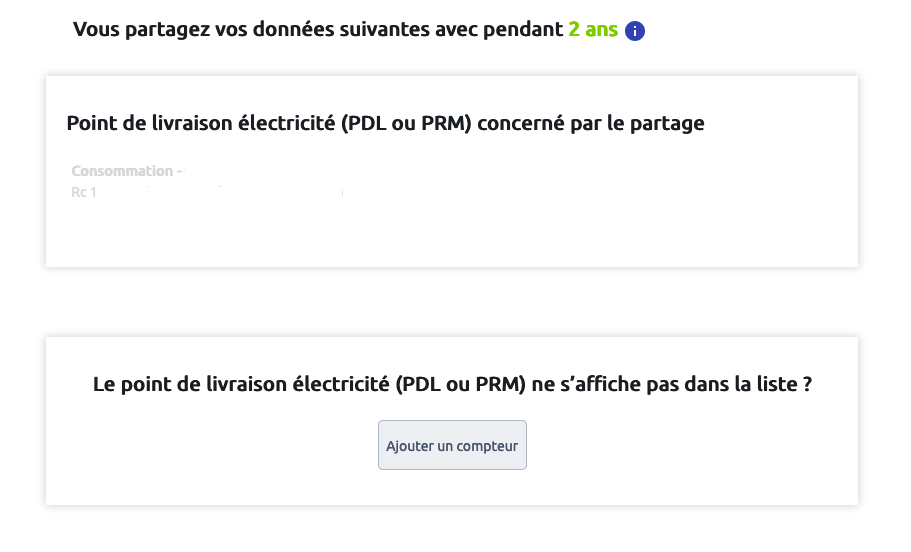
Can you send me an anonymized screenshot of your consents? Just to check that everything is valid
I do see errors in your syncs, which seem to indicate that the consent is missing!
qleg
November 11, 2024, 8:19pm
32
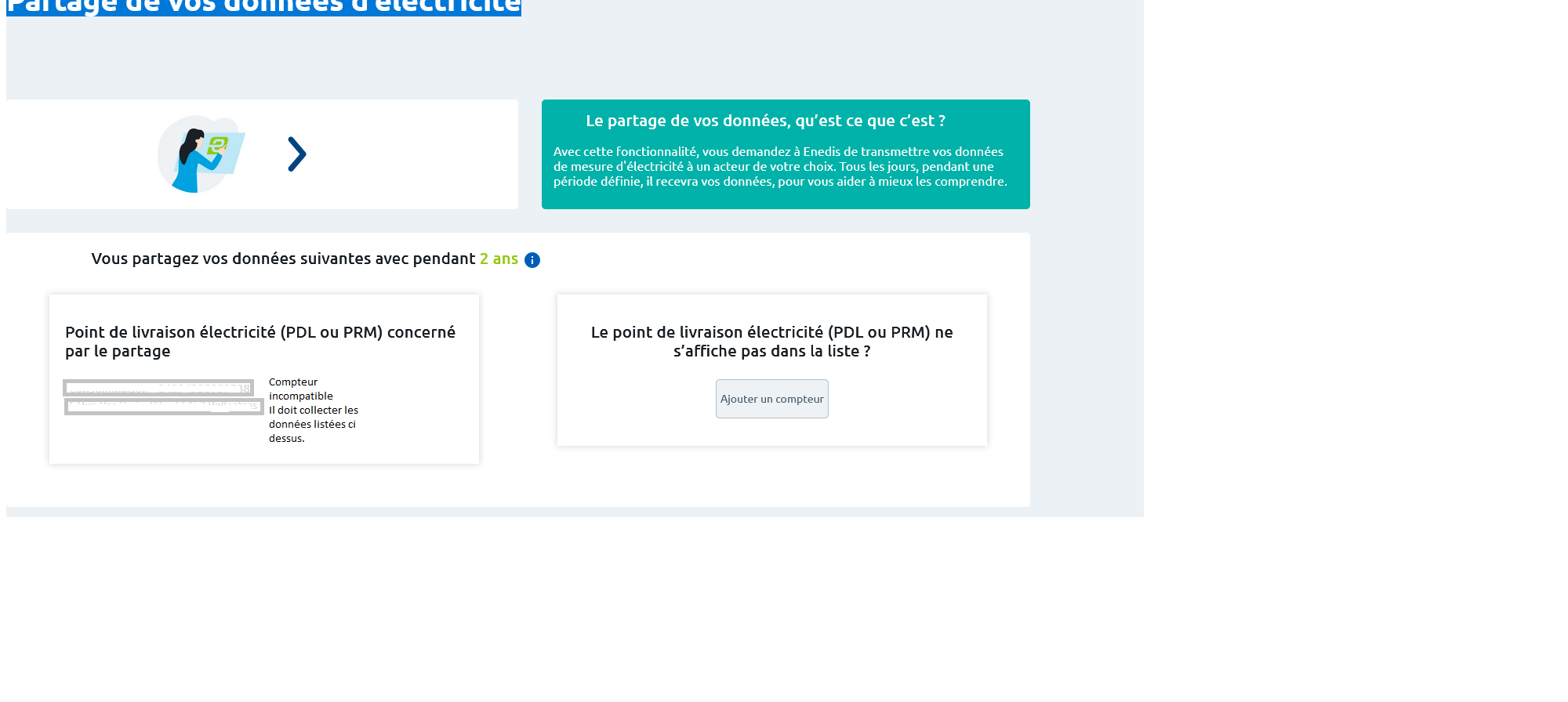
When I click the button to give consent, I get this page :
I’ve just tested and I have the same page as @qleg
Okay @BobLeNain , does it work for you or not? ^^
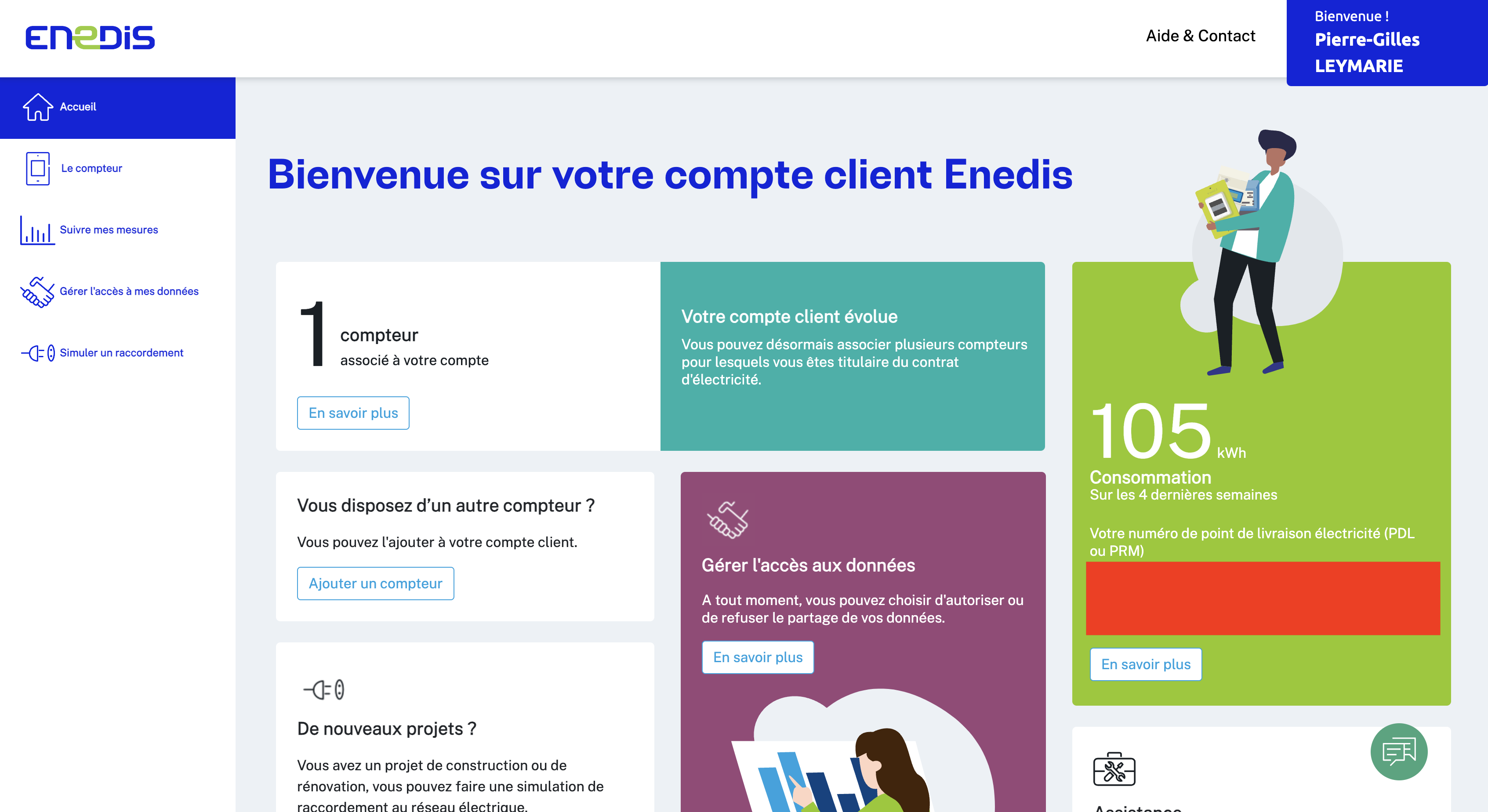
And if you go to your Enedis account: Espace Particulier
Can you see your meter and your consumption?
On my side I see this:
And my consumption:
Is this part working properly for you?
If not, you need to fix this part first, otherwise it can’t work in Gladys ^^
You can also check in the « Manage access to my data » tab that these two options are enabled: