The test was performed on a Raspberry Pi 400 with 4GB of RAM, so yes in this case it provides a real boost as a 32-bit system manages a maximum of approximately 3.5 GB of RAM, and switching to 64-bit allows a single process to use all the RAM if needed
On any other Pi, the gain will not be as significant, and it may even be negative on certain models.
However, I agree that having a 64-bit image will be useful, starting from the Pi 4 according to benchmarks there is a real interest
(And I thought I saw leaks of a Raspberry Pi 4+ that would have up to 16GB of RAM… In that case, it will clearly be necessary)
If you need to test, I have a RPi 4 4GB and an SSD. Gladys is on it, but it’s also my Media Center (Kodi), which is why I’m interested in improved performance
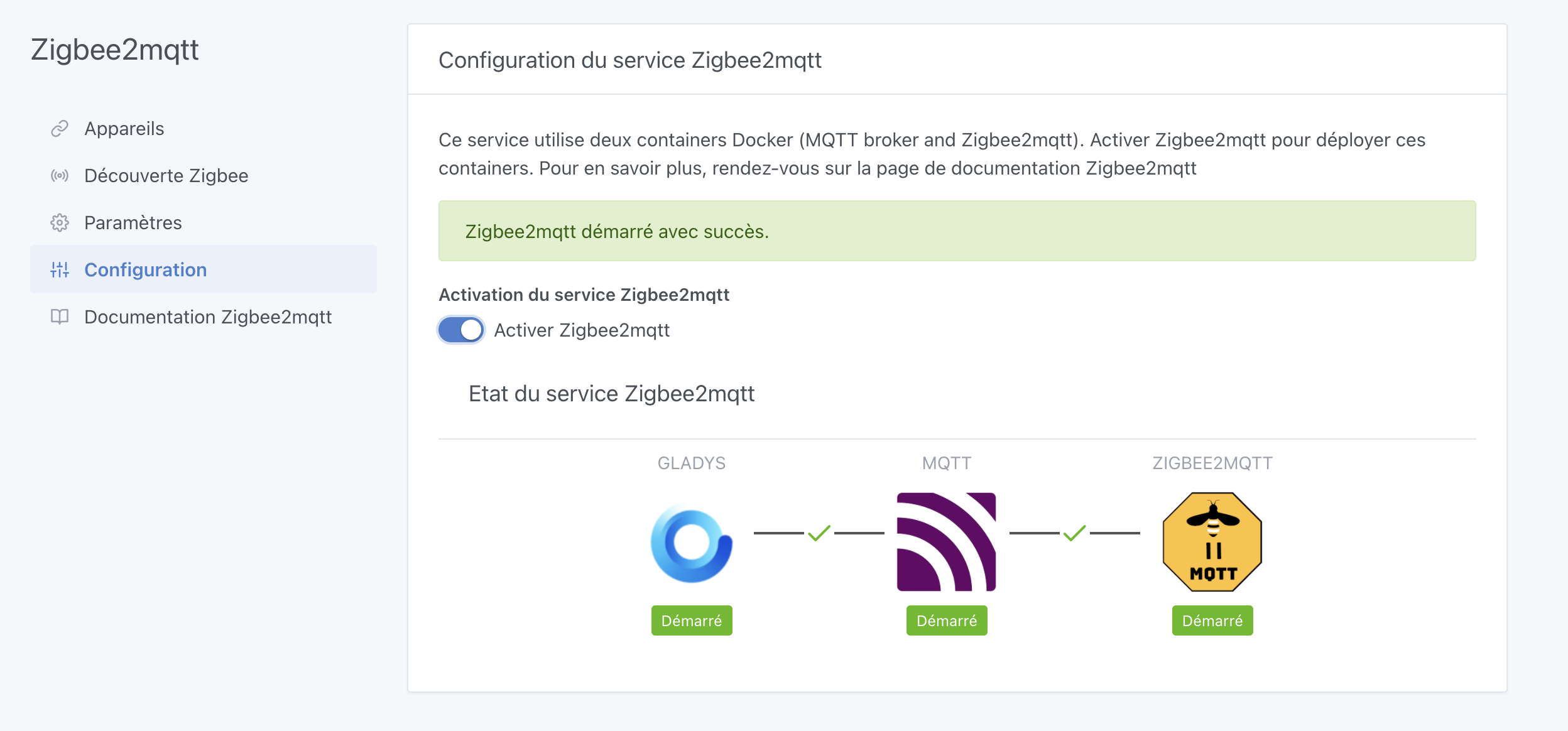
Smooth installation, everything works as before MQTT integration functional, the container is launched and running well Zigbee2mqtt integration functional
Feedback on the Raspberry Pi OS 64-bit Bullseye image on SSD/Pi 4 - 8 GB:
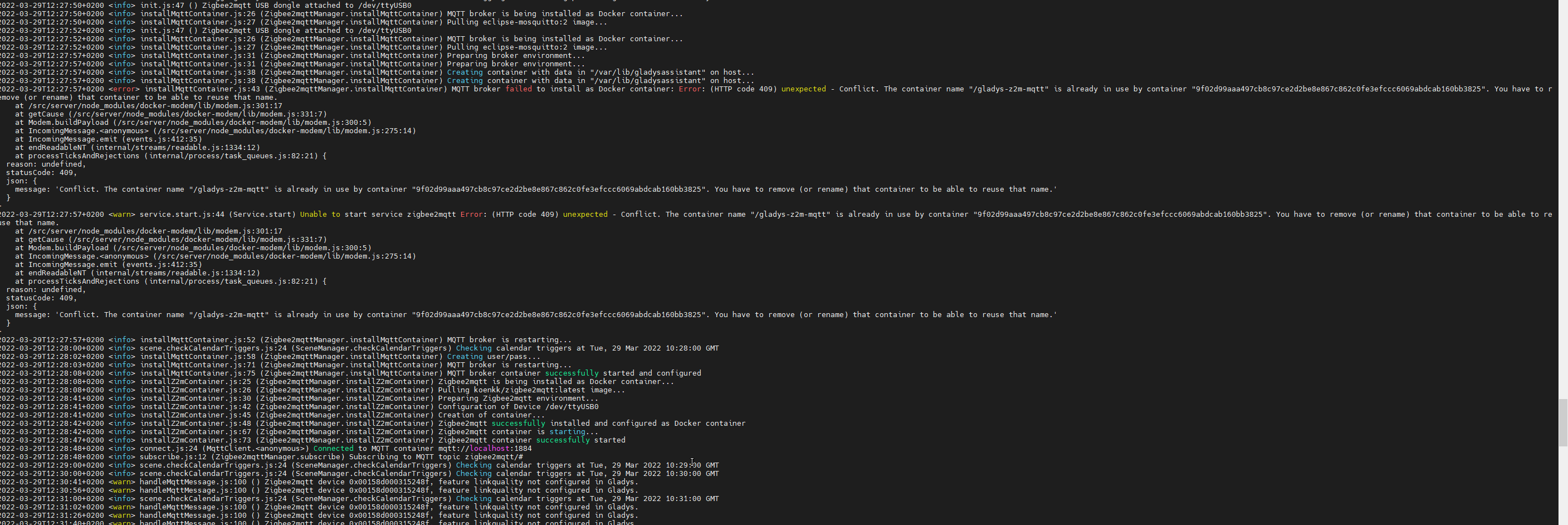
Launch ok, Update backend on startup, MQTT integration functional, Zigbee2mqtt integration functional, an error occurred during startup, but it sorted itself out ^^
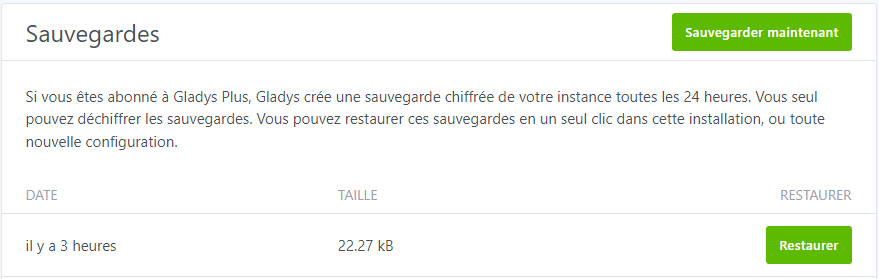
Bluetooth integration quickly tested with my phone, it detected it well and I was able to add it … no other Bluetooth devices ^^ but it seems functional, Camera integration functional, Tasmota integration functional, Gladys Plus backup seems functional, files have been created in the /var/lib/gladysassistant/backups/ folder but for now no refresh of the send to the backend
I take this opportunity to suggest feedback on the current execution and the steps performed during a manual backup (we can see in the backup folder that there is a first step of copying the database, then a second of compression and finally I suppose the sending to Gladys Plus. If a step is blocked, the message could perhaps specify at which step to better debug),
Everything seems good for now, just have to see over time if ok for backups!!
For info, the interface seems much faster to me, especially the pages with many graphs … Is this related to 64 bits??
Thanks for the feedback @Terdious it’s great to read that!
@lmilcent gave me the same feedback in December, I created a GitHub issue:
Yes, it’s related to 64 bits, and in my opinion it’s more related to the Docker image built in ARMv8 64 bits than the OS itself!
In short, until now, to have a single image that works on all Raspberry Pis, we built the Docker image in ARMv6 (because the Pi 1, 2 and Zero are ARMv6)
What was a shame is that your Pi 4 has an ARMv8 CPU, which has many more instructions. By backward compatibility, the ARMv6 images still worked, but without taking advantage of all the possibilities of the CPU.
By switching to 64 bits, you now download the Docker image linux/arm64/v8, which is compiled for this architecture.
Everything that is compiled code, or that calls compiled system functions should see its performance greatly improved:
Access to the DB (Because the SQLite3 binary is now compiled in ARMv8 64 bits)
End-to-end encryption for Gladys Plus, compression and encryption of backups
Everything related to compression, encryption, calculations
It would be great to quantify these improvements to make a small blog post (with a small clickbait title)
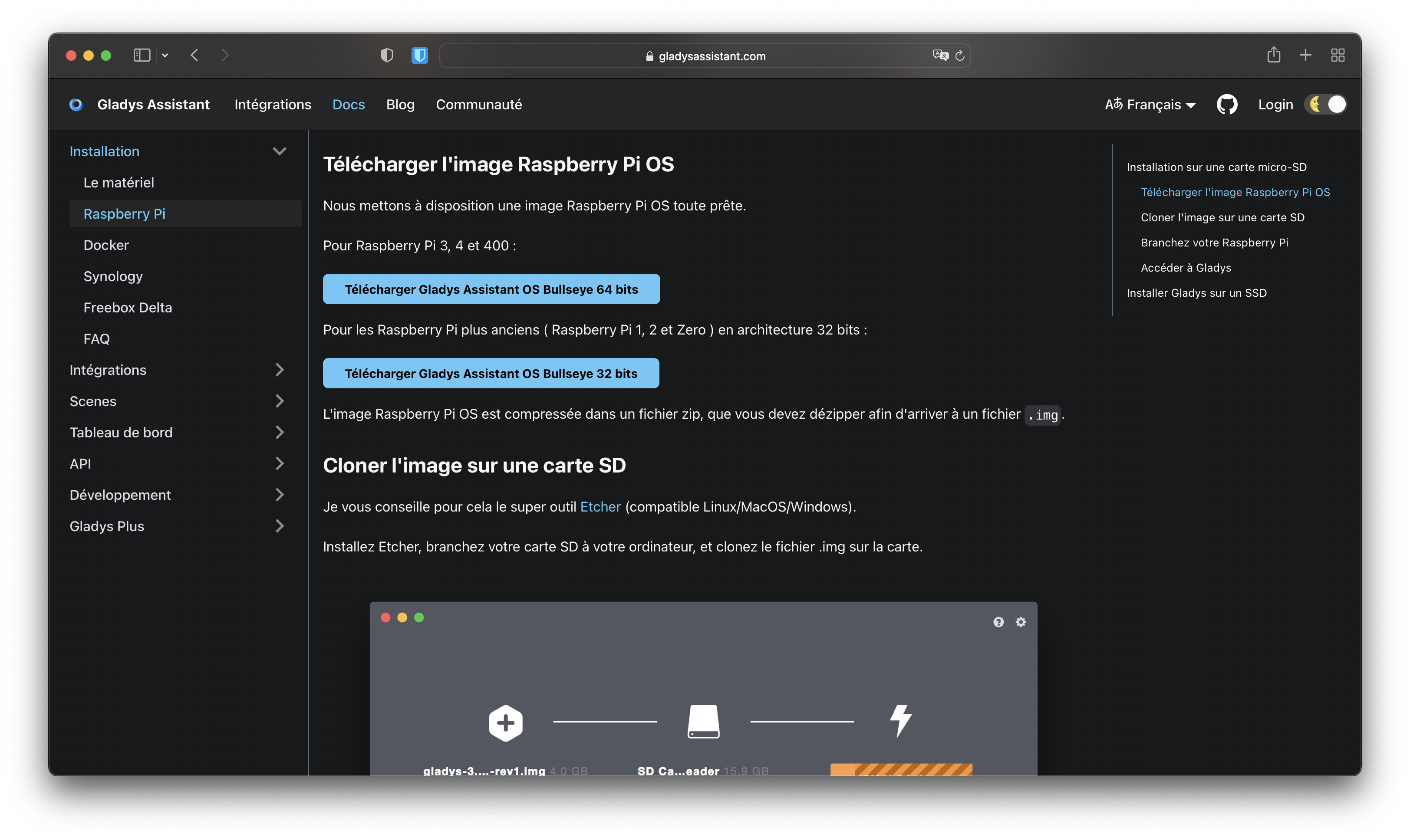
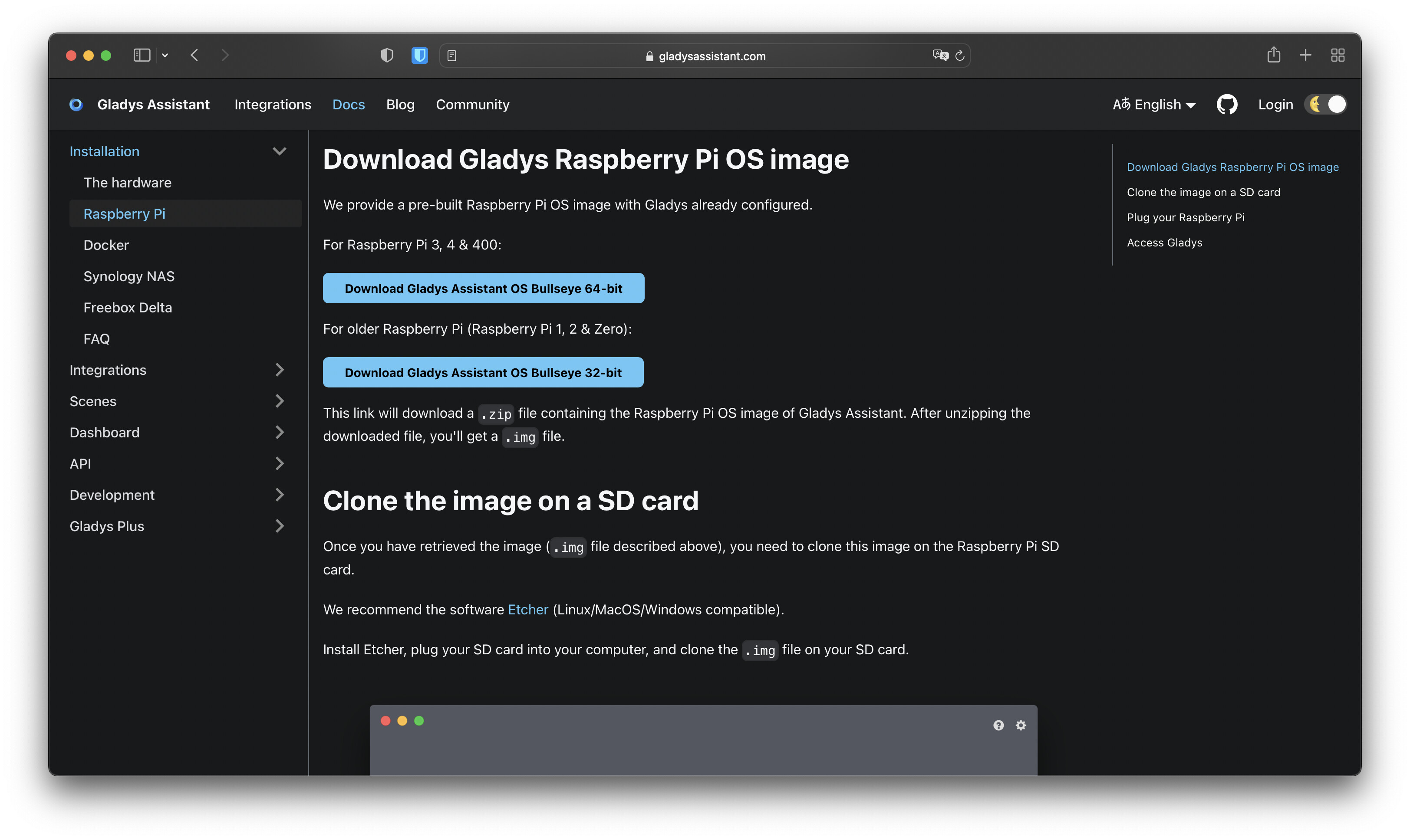
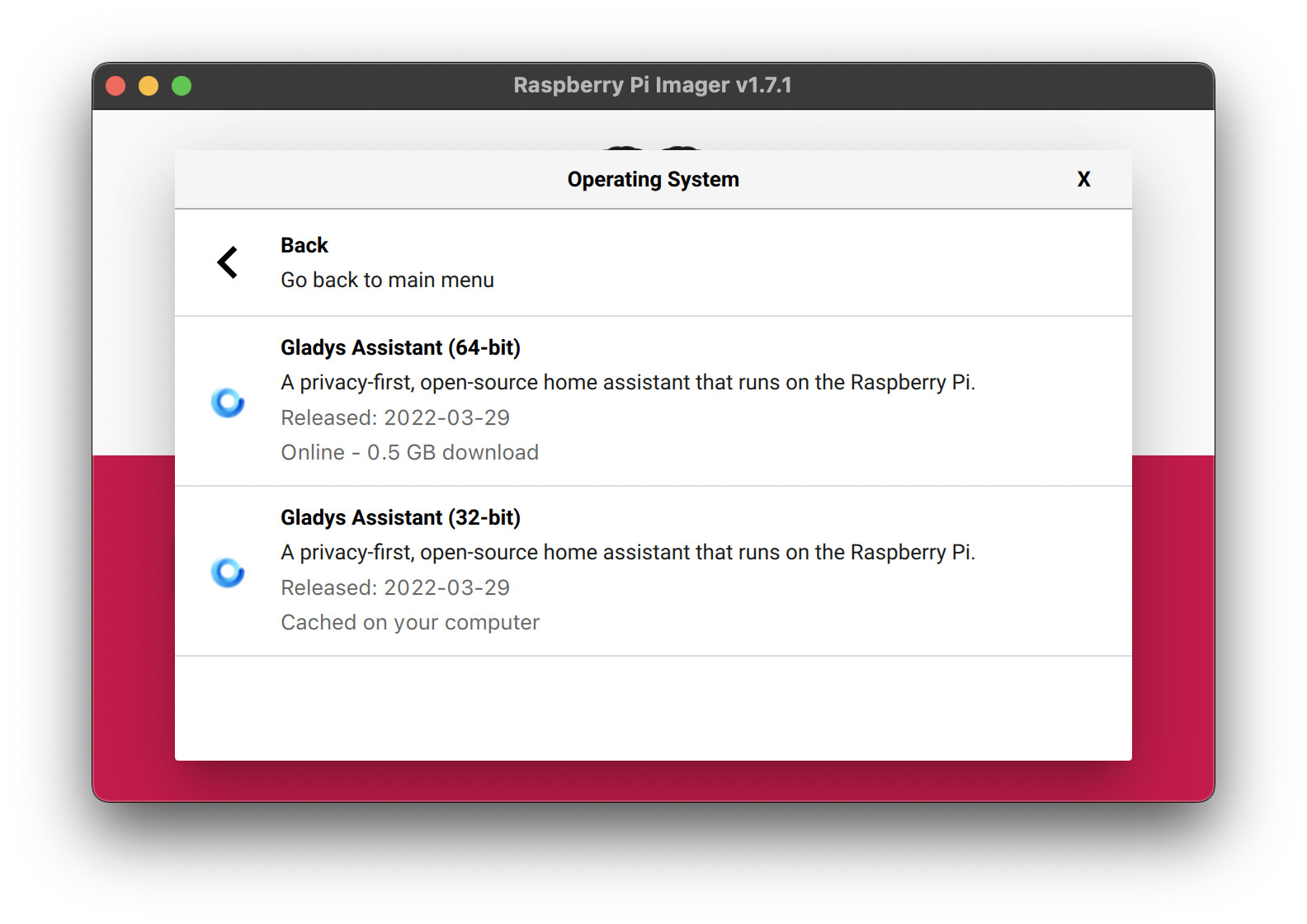
Following your return, as the feedback is really positive and matches what I was expecting, I have published the image on the website and on Rpi-Imager!
I won’t do any communication for now, however, we will let the image be gradually downloaded and see what happens I think I will do some communication next week.
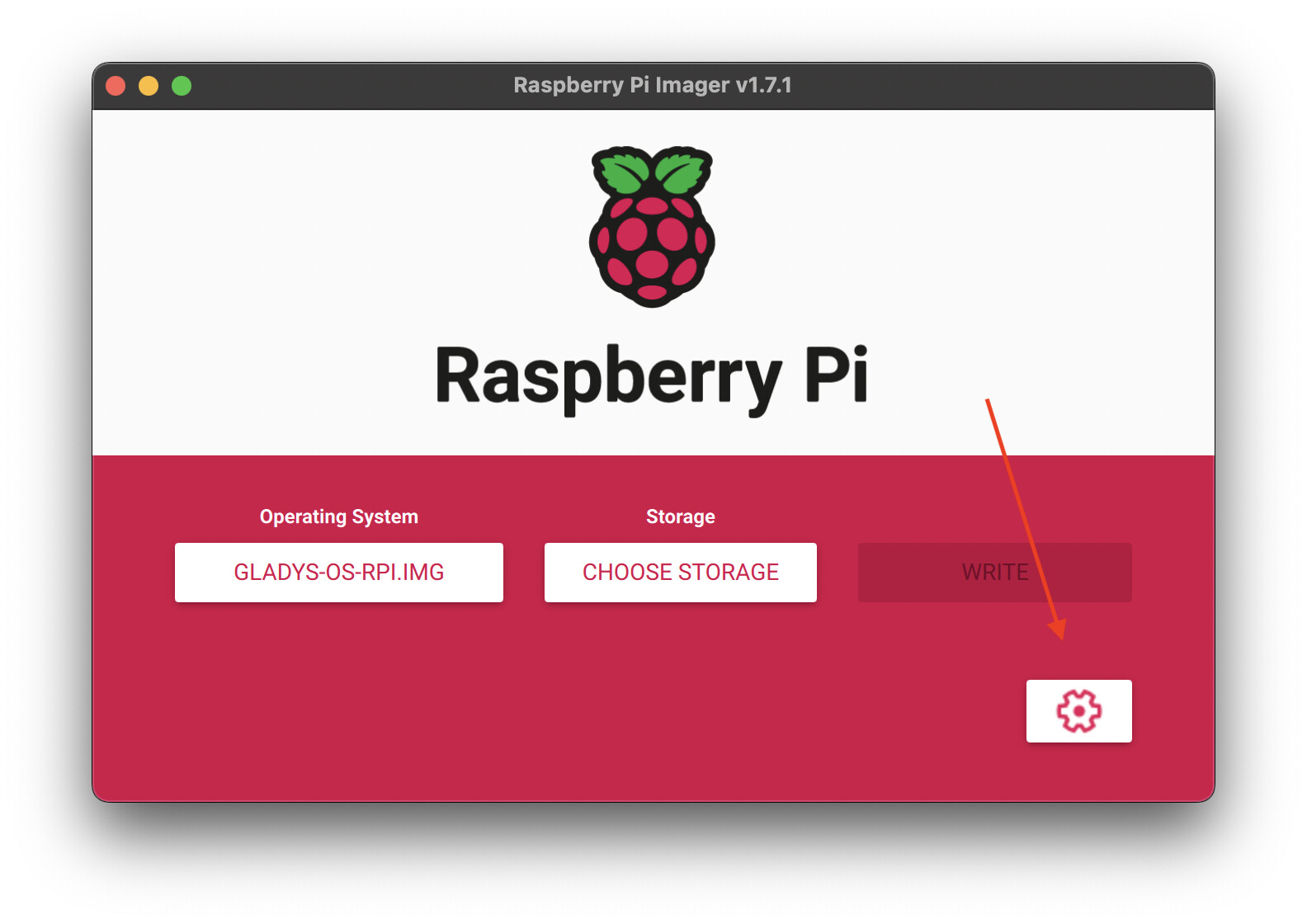
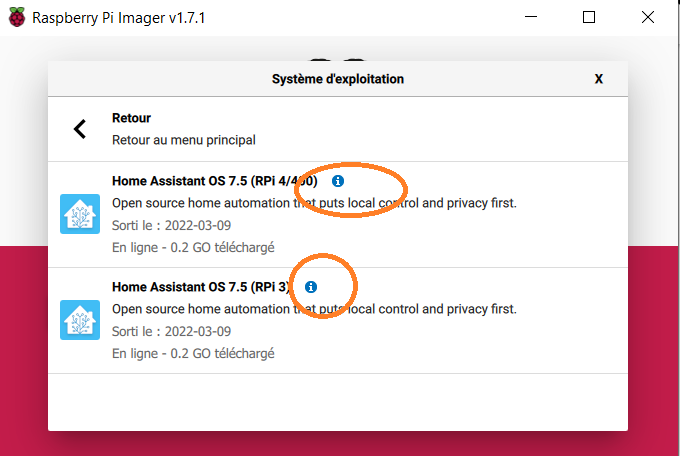
However, for those of you who know Gladys, I do not recommend using the image displayed in Rpi-Imager (but rather a manual download + Rpi Imager), as I noticed that the « advanced » menu, which allows entering Wi-Fi connection information, does not appear on non-custom images, but it does appear when you download the image locally:
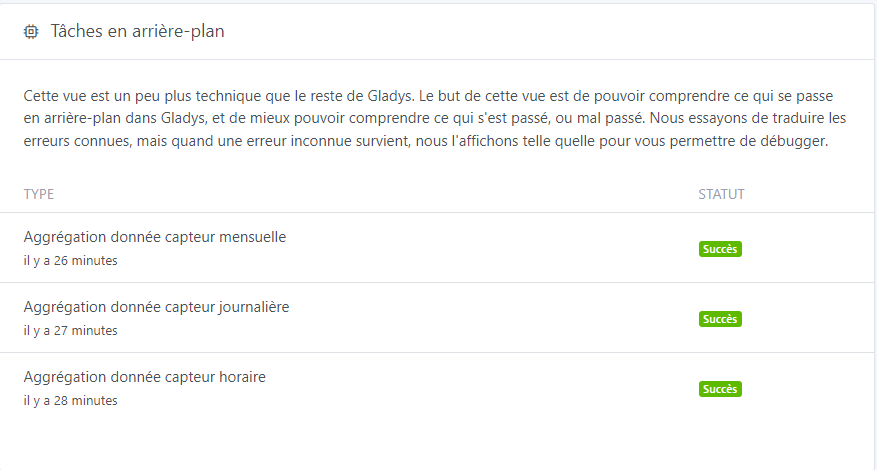
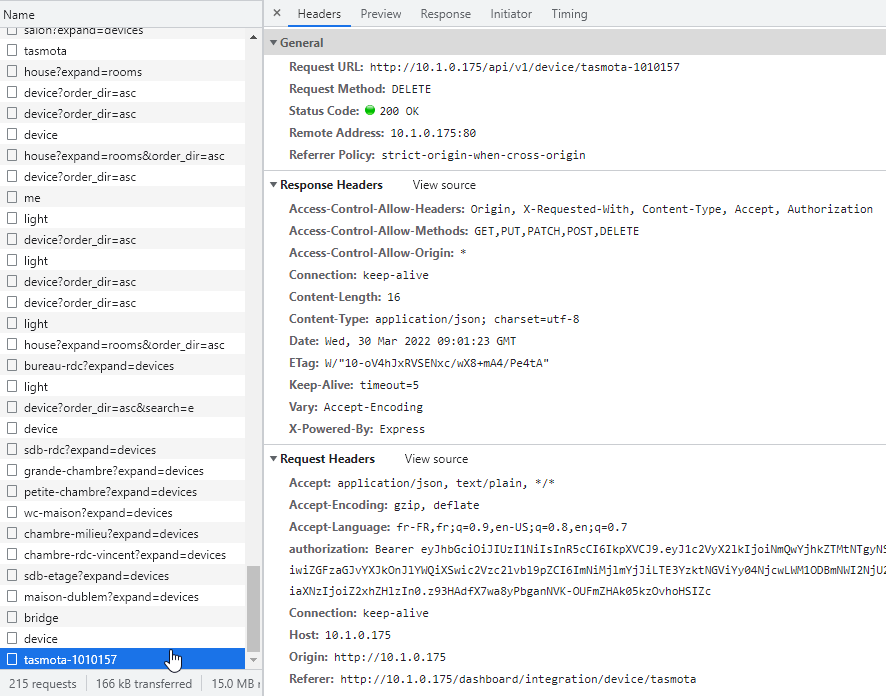
After almost 2 days of feedback, however, a remark: I have « freezes » again, less recurrent (I have the impression that this only happens on device creation/deletion requests) and no Gladys crash, the page remains displayed but stays searching for about 2 minutes, I have no idea where this can come from, unlike before, no Docker logs. Everything is frozen. In the inspector, same, no request is going through, the only thing I can see is this:
I know what’s happening, you actually deleted a device.
Except that currently in Gladys, when you delete a device, it will delete in cascade all the device_features as well as the states of these features
You understood, if behind this device there are thousands of states, it can take 2 minutes and during this time, the DB is blocked because it’s a huge transaction that takes all the disk bandwidth.
We thought of a solution if this problem becomes too recurrent, it would be to delete the states in a softer way, spreading their deletion over time (200 by 200 for example), to let the Gladys instance breathe between these deletions.
After that, it’s a development in its own right You can create a github issue so we can keep track of it? I can’t guarantee that I will work on it in the coming days, but you’re right it’s an important point
No problem, I’ll create that for you. Of course, there’s no urgency here, we don’t delete devices every day. And as long as we know it’s normal, we can be patient ^^


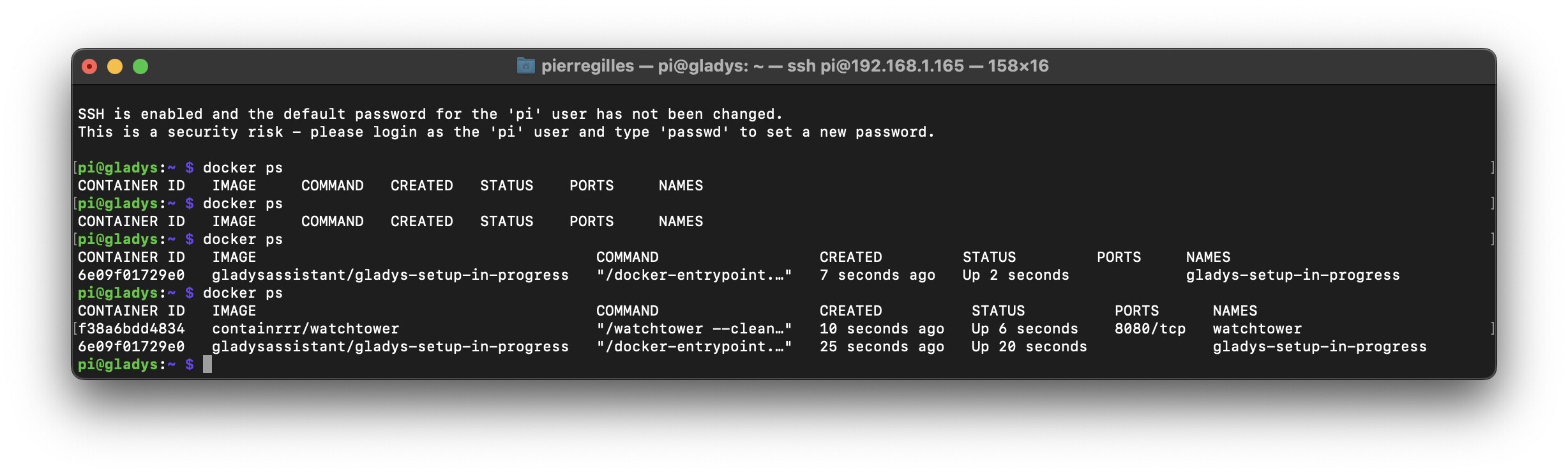
 Smooth installation, everything works as before