Basic relays and other wired "elements"

Hello,

Gladys is designed to be able to connect to as many existing home automation systems or modules as possible, well at least those that members have… but what would be the easiest way to control something more basic, relays… in one word, wired?

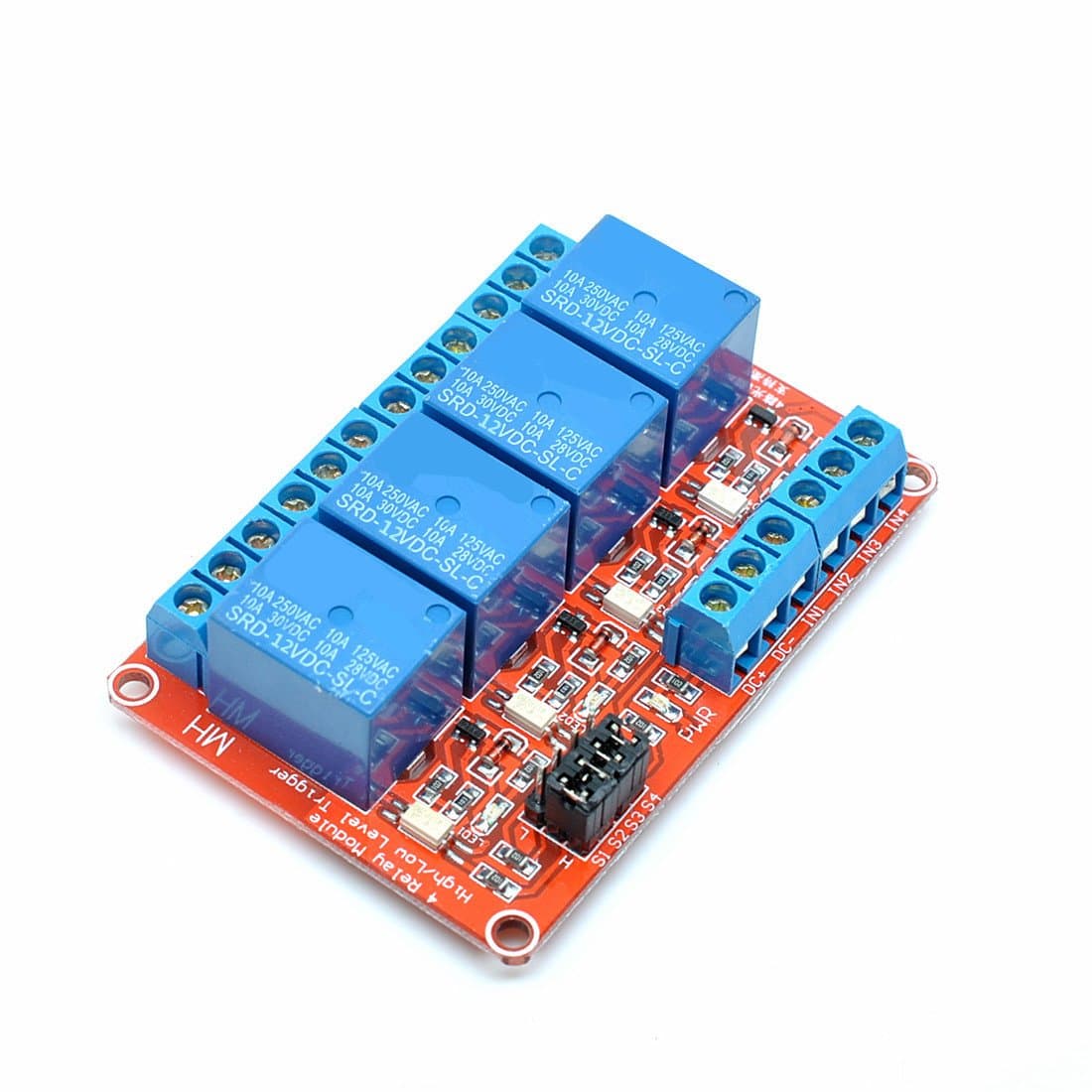
At one time I did a lot of Arduino and I controlled relay boards to switch power outlets or devices based on sensors. Like this:


Would it be possible to connect them (those in 5V or otherwise others in 12V, in 230V,…) to Gladys? In what way (which versatile module)? and is there a way to do it without a network?
Likely the answer will be the same, how to simply receive a dry contact on Gladys? an analog signal (mA and/or V)?

For those wondering « Why? », the idea would be to put some Gladys right from the electrical origin, near or in the distribution board and thus be able to switch/control circuits without visible modules… The goal is also to limit the use of wireless networks which can be disturbed…

Thanks in advance for your insight and ideas

1 Like

Hi @Gnome :slight_smile:

That’s totally possible via the MQTT module! (However, it will be over a wireless network then)

I’d recommend buying a small ESP8266 (Example: AZDelivery NodeMCU Lolin V3 Module ESP8266 (ESP-12F), Carte de développement Development Board Wi-FI avec CH340, NodeMCU V3 Wireless Compatible avec Arduino incluant Un Ebook! : Amazon.fr: Informatique)

It’s a small board equipped with Wi‑Fi that you can program in C using the Arduino software and that can connect to an MQTT broker.

It’s a setup I’ve already done in the past and it works perfectly:

I had written an article for the magazine « Programmez » and they put the code online here: Un capteur température/humidité DIY avec un ESP8266, du MQTT et Gladys Assistant

If you want to do this wired, you’d need to find an Arduino with an Ethernet port (they exist), and do the same :slight_smile:

Thanks for your reply,
so I’m going with an Arduino with an Ethernet port (I think the simplest is to use a shield on a « regular » Arduino) to stay fully wired…
On the Gladys or Arduino side, has anyone already taken this on?
1 Like

I looked at some code examples online, it doesn’t seem different from what I did with an Arduino Wi-Fi :slight_smile:

So take inspiration from the code I wrote!

Example code for an Arduino with Ethernet: arduino-mqtt/examples/ArduinoEthernetShield/ArduinoEthernetShield.ino at master · 256dpi/arduino-mqtt · GitHub

1 Like