Hi @Doudy
In my case the extension cable is used between the ultrasonic sensor and my D1 mini because the distance wasn’t sufficient.
For my part the D1 mini is connected to a phone USB charger
Hi @Doudy
In my case the extension cable is used between the ultrasonic sensor and my D1 mini because the distance wasn’t sufficient.
For my part the D1 mini is connected to a phone USB charger
Thanks for the reply
You don’t specifically have to use this cable?
The cable’s connectors don’t have to match!
Would a « phone » cable with 4 wires also work?

Generally I take an old USB cable. ( those from our old printers are quite long)
Good idea
Hello jerome,
I’ve just started the
But I’m stuck here :
Quote
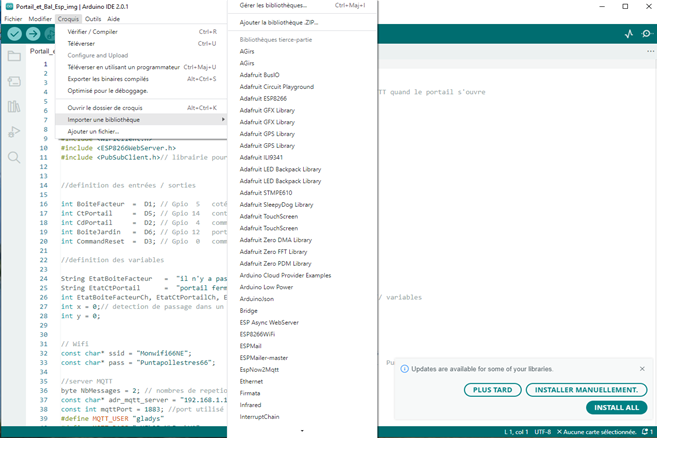
Now, you must download the libraries necessary for the code to work.
We will need:
- ESP8266Wifi
- PubSubClient
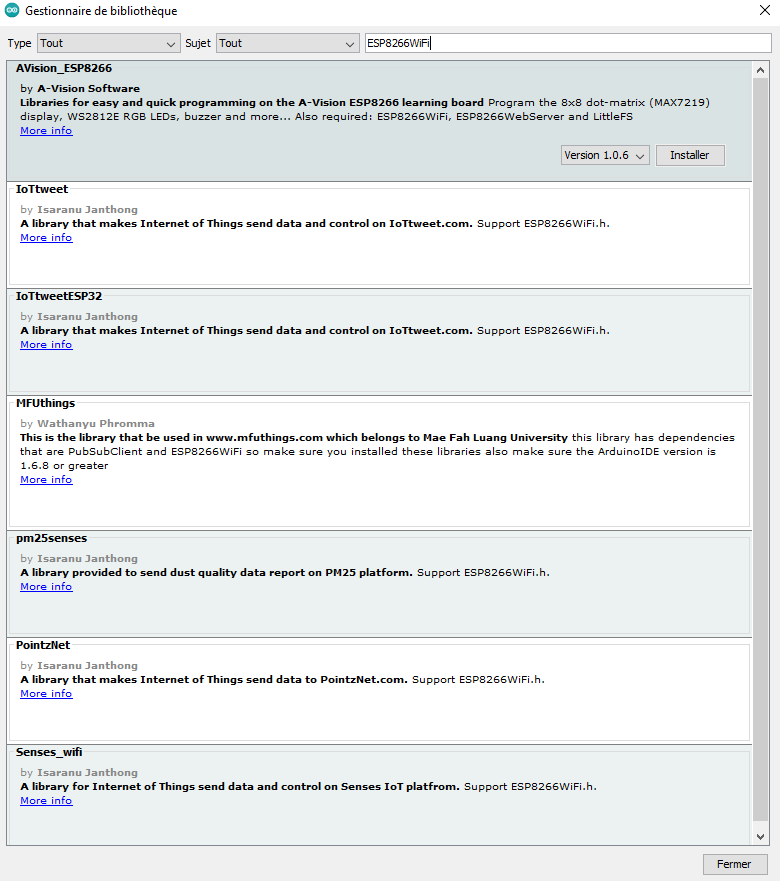
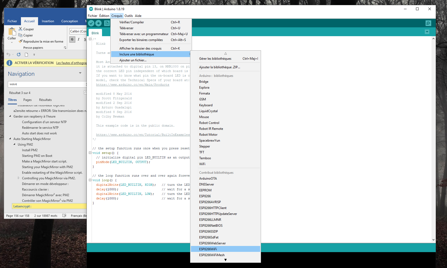
I can’t find ESP8266Wifi in the « Library Manager »
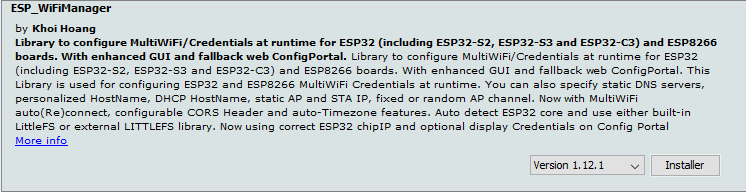
There is « ESP_WifiManager » or « ESP_WifiManager_Lite »!
This is an ESP32 / ESP8266 WiFi Connection Manager with fallback web configuration portal. Use this library for configuring ESP32 (including ESP32-S2 and ESP32-C3), ESP8266 modules’ WiFi, etc. Credentials at runtime. You can also specify static DNS servers, personalized HostName, fixed or random AP WiFi channel. With examples supporting ArduinoJson
Which one should I choose?
Hello @Doudy
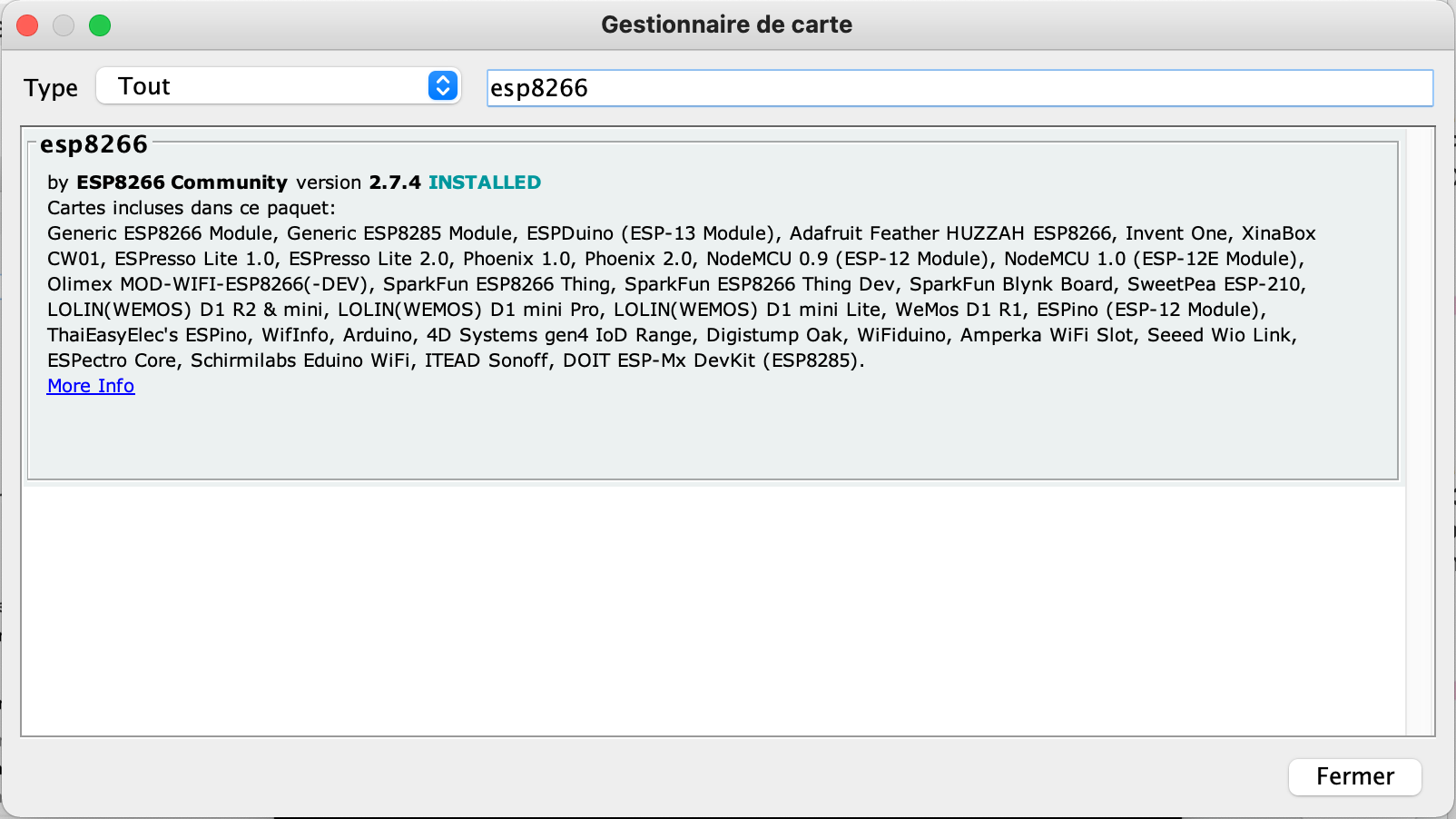
You open your Arduino IDE, then go to File, Preferences and at the bottom in « Additional Boards Manager URLs: » you paste the line below
http://arduino.esp8266.com/stable/package_esp8266com_index.json,https://raw.githubusercontent.com/espressif/arduino-esp32/gh-pages/package_esp32_index.json
afterwards you install the boards and you’ll find them.
Thanks 

No matter how hard I search the libraries, I can’t find ESP8266Wifi
or am I 
See if you can find this one ESP8266WiFi, with a capital F
yes it was done

IRAM : 27369 / 32768 - code in IRAM (IRAM_ATTR, ISRs…)
DATA : 1496 ) - initialized variables (global, static) in RAM/HEAP
RODATA : 1312 ) / 81920 - constants (global, static) in RAM/HEAP
BSS : 25856 ) - zeroed variables (global, static) in RAM/HEAP
Sketch uses 279445 bytes (26%) of program storage space. Maximum is 1044464 bytes.
Global variables use 28664 bytes (34%) of dynamic memory, leaving 53256 bytes for local variables. Maximum is 81920 bytes.
esptool.py v3.0
Serial port COM6
Connecting…
Chip is ESP8266EX
Features: WiFi
Crystal is 26MHz
MAC: dc:4f:22:43:5b:f3
Uploading stub…
Running stub…
Stub running…
Changing baud rate to 460800
Changed.
Configuring flash size…
Auto-detected Flash size: 4MB
Compressed 283600 bytes to 207832…
Writing at 0x00000000… (7 %)
Writing at 0x00004000… (15 %)
Writing at 0x00008000… (23 %)
Writing at 0x0000c000… (30 %)
Writing at 0x00010000… (38 %)
Writing at 0x00014000… (46 %)
Writing at 0x00018000… (53 %)
Writing at 0x0001c000… (61 %)
Writing at 0x00020000… (69 %)
Writing at 0x00024000… (76 %)
Writing at 0x00028000… (84 %)
Writing at 0x0002c000… (92 %)
Writing at 0x00030000… (100 %)
Wrote 283600 bytes (207832 compressed) at 0x00000000 in 4.9 seconds (effective 462.8 kbit/s)…
Hash of data verified.Leaving…
Hard resetting via RTS pin…
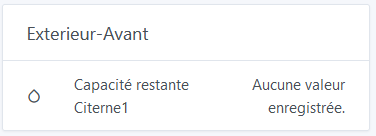
But no update in Gladys!

Your code seems to have uploaded successfully.
If you connect it to your PC and open the serial monitor with the Arduino IDE, do you see any output to test?
Sorry but I don’t understand!