Hello,
I have the same problem as Camille, the MQTT link to ZIGBEE2MQTT is not active. I just created a GLADYS account. I have tried several connections / disconnections, waiting after reactivation but the situation does not change.
If you have any advice to unlock the system, I am interested.
Thank you
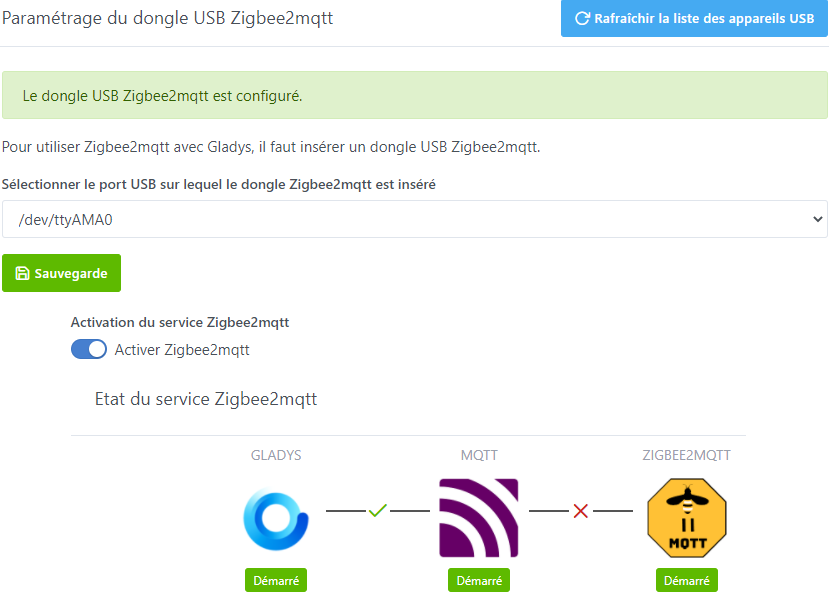
The issue is known but does not come from Gladys, it is the zigbee2mqtt library that has a problem.
Thanks for your explanation.3
Who can solve this library problem actually?
I just installed Gladys and as I only have Zigbee elements, I can’t integrate anything.
@camille had a specific problem that may have nothing to do with yours, the best thing being to create a dedicated topic and provide us with the logs.
Hello everyone,
I’ve separated these messages into a new topic as it’s a different issue.
@Jluc You will need to check on the Zigbee2mqtt side what is not working, either in their UI (http://YOUR_MACHINE_IP:8080), or in the logs:
docker logs gladys-z2m-zigbee2mqtt
I know this is a bit against Gladys’s philosophy to do all these manipulations, but well, here it’s an external software (Zigbee2mqtt), and we don’t control what they do.
Good evening,
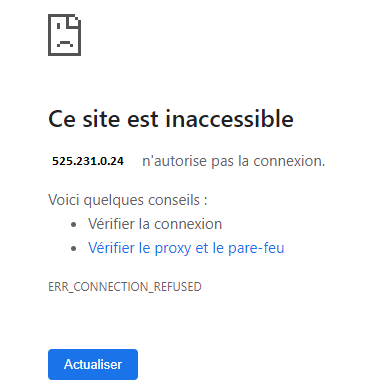
I would like to thank the participants who are interested in the issue I am facing; it is very comforting to feel supported. The raspberry works with an SD card and an SSD disk as proposed by the tutorials. When I launch the IP address:8080, I get the following message 
I feel like things are getting complicated! My level is really not at the top but I will persevere. I would like to no longer use « smart life » and manage everything with Gladys.
As Pierre-Gilles mentioned, you should provide the zigbee2mqtt logs to understand why it’s not working.
You need to connect via SSH to your instance, then run the command he provided:
docker logs gladys-z2m-zigbee2mqtt
This is where you should look for an error (usually indicated by a red line).
Oops! I didn’t set up an SSH key, just a password
If you are on a Raspberry Pi and you have only installed Gladys on it, you don’t need to manage a key.
You do an ssh pi@your.ip.address:22, you enter raspberry as the password and that should do it 
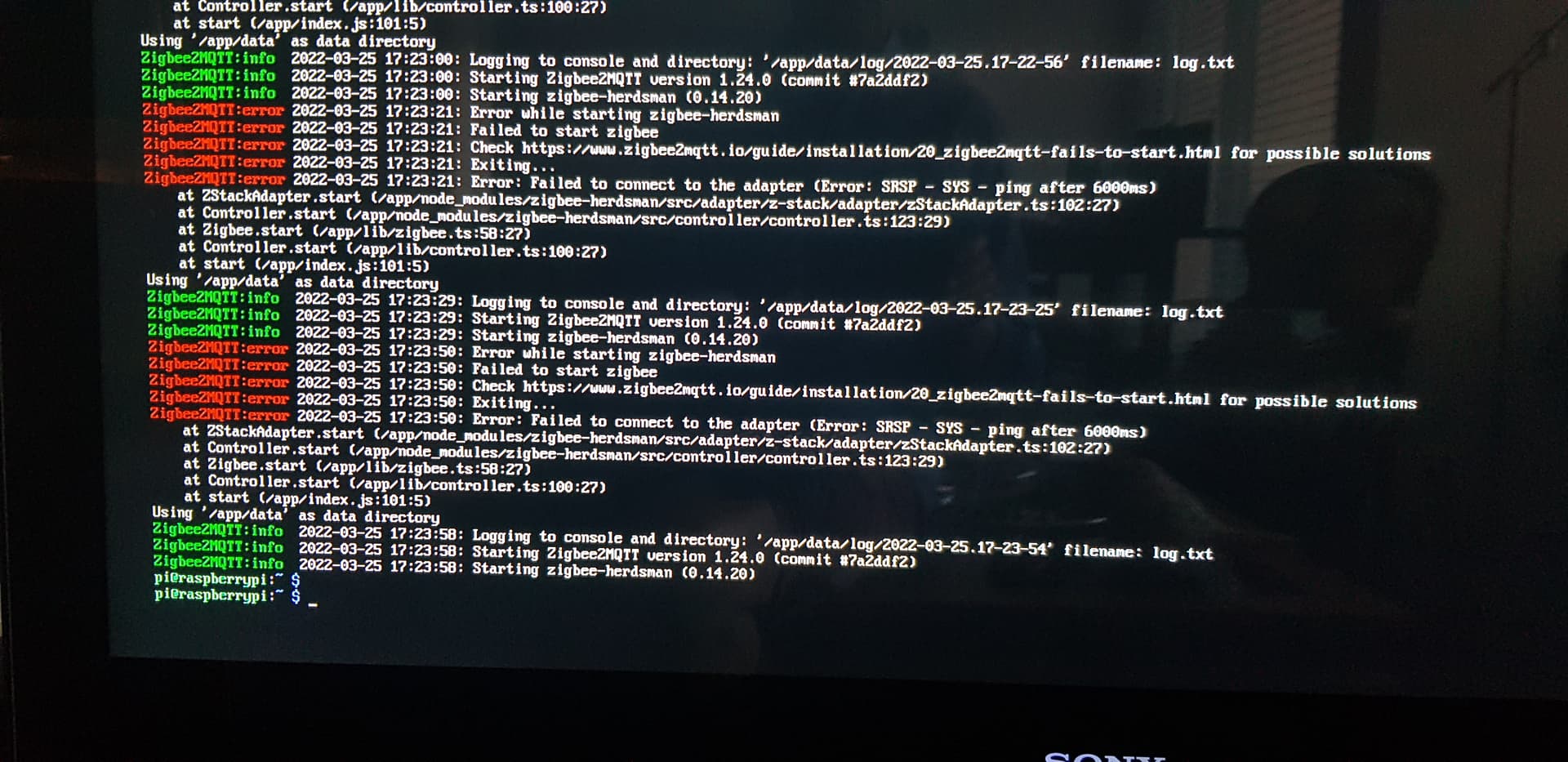
Again this error 
We are having more and more members with this error, and so far we have no idea where it could be coming from.
It’s on the Zigbee2mqtt side, so in this case it’s not Gladys code in question.
On my side I wouldn’t know how to help you.
A few leads to find solutions:
- Check the GitHub issues of the Zigbee2mqtt project: GitHub - Koenkk/zigbee2mqtt: Zigbee 🐝 to MQTT bridge 🌉, get rid of your proprietary Zigbee bridges 🔨 · GitHub
- Get in touch with @Tlse-vins, he was the first to have the error. Maybe together you will find a solution

The original topic: Zigbee2mqtt : Error SYS - Ping after 6000ms au démarrage
It would be great to summarize on a single topic by indicating which Zigbee dongle you have (all Sonoff?).
I was going to say the same thing
We’re going to centralize on this topic
If you can provide information to see if there’s a similarity.
Equipment used: Pi 3b+
Zigbee key: zigzag zzh
SSD or SD: Unpowered SSD
Bug: after new installation