I didn’t have this problem before; I changed the batteries in my sensors about two months ago and the problem has occurred for at most the past two weeks.
Peut-être regarder de ce coté là aussi pour écarter le doute sur ce point
If using a 2.4 GHz WiFi router in the same house / space, note that the Hubitat’s ZigBee channels and 2.4 GHz WiFi occupy the same frequency range, with the potential of issues due to interference. It is recommended that the Hubitat’s ZigBee channel be set to a channel with the least overlap / interference with the 2.4 GHz WiFi router’s channel(s), or vice-versa. Please see this post for more information.
If I’m not mistaken, the issue was only that we could no longer check or uncheck it, but I hope the problem was deeper and that this will resolve my issue ^^’
If you’re with Free you can check whether there are any channel disturbances on the box’s interface; otherwise I don’t remember where I saw it but I saw that it’s better to avoid mixing the 2.4 GHz and 5 GHz connections on the box and that it’s better to create two different networks with two different SSIDs on the box to avoid frequency switching if your 5 GHz is saturated (streaming on a smartphone etc.) between 5 GHz and 2.4 GHz. And note the times when it triggers — sometimes that helps find the source of the problem, the simplest solution often tends to be overlooked! Or someone nearby is doing a scan…
I’ve had them on the same network for more than 6 years ^^ I doubt that they come from the Zigbee channel
At the same time, fiber has been deployed to boxes which increases the risk of external disturbances, the location of your box also matters; if it’s too close to a device that eats up the bandwidth there isn’t much left for distant devices — that can play a role… the best is to swap the sensor and then see if the triggers persist… has anything changed in your setup (hardware or software) in the last 2 weeks?
I had this happen too, and on my end I think it’s the sensor (motion, Ikea) that’s to blame more than Gladys. Because zigbee2mqtt showed me that the value had indeed changed.
Also check on Zigbee2Mqtt. If the value changed there, then in my view Gladys isn’t at fault.
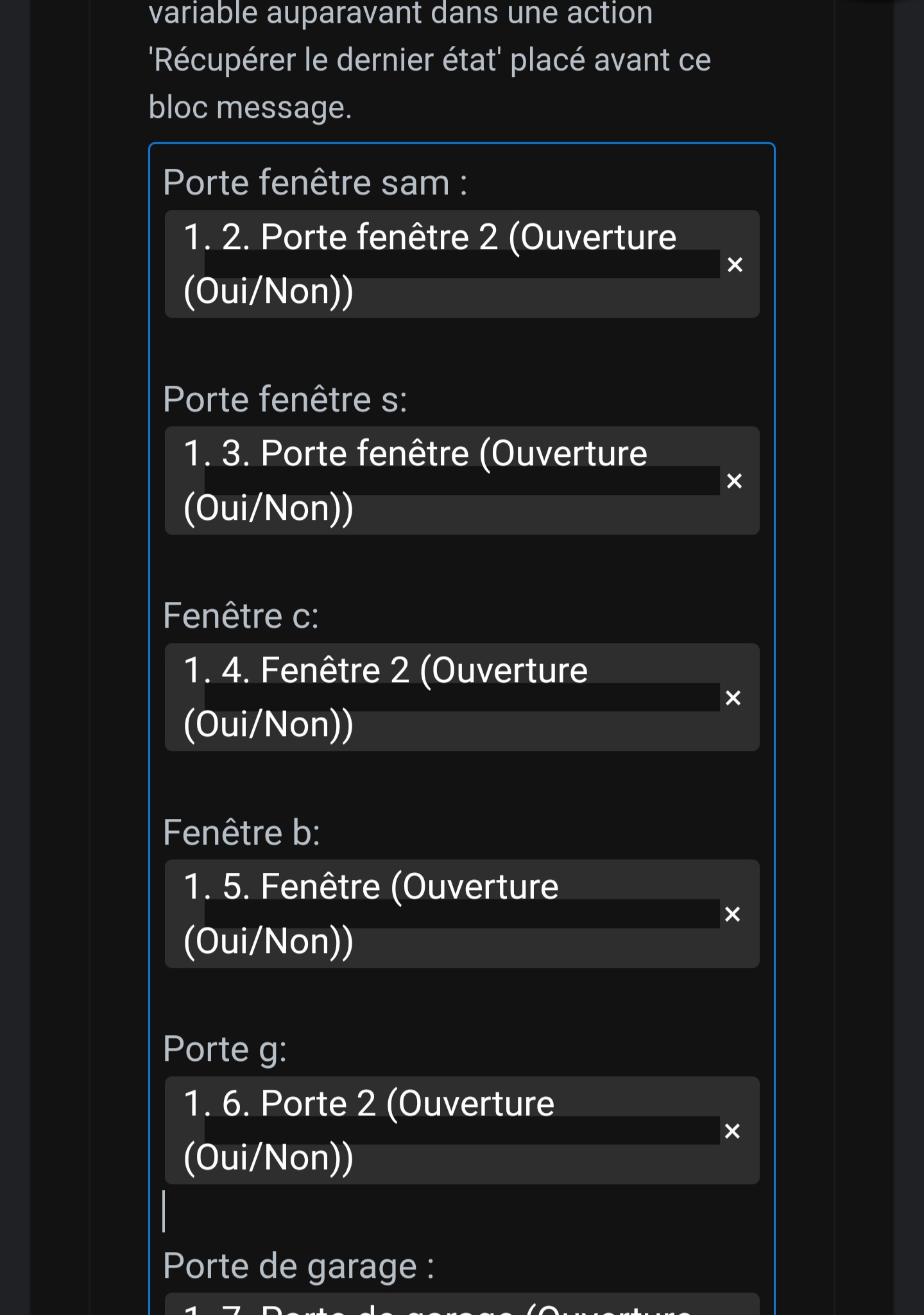
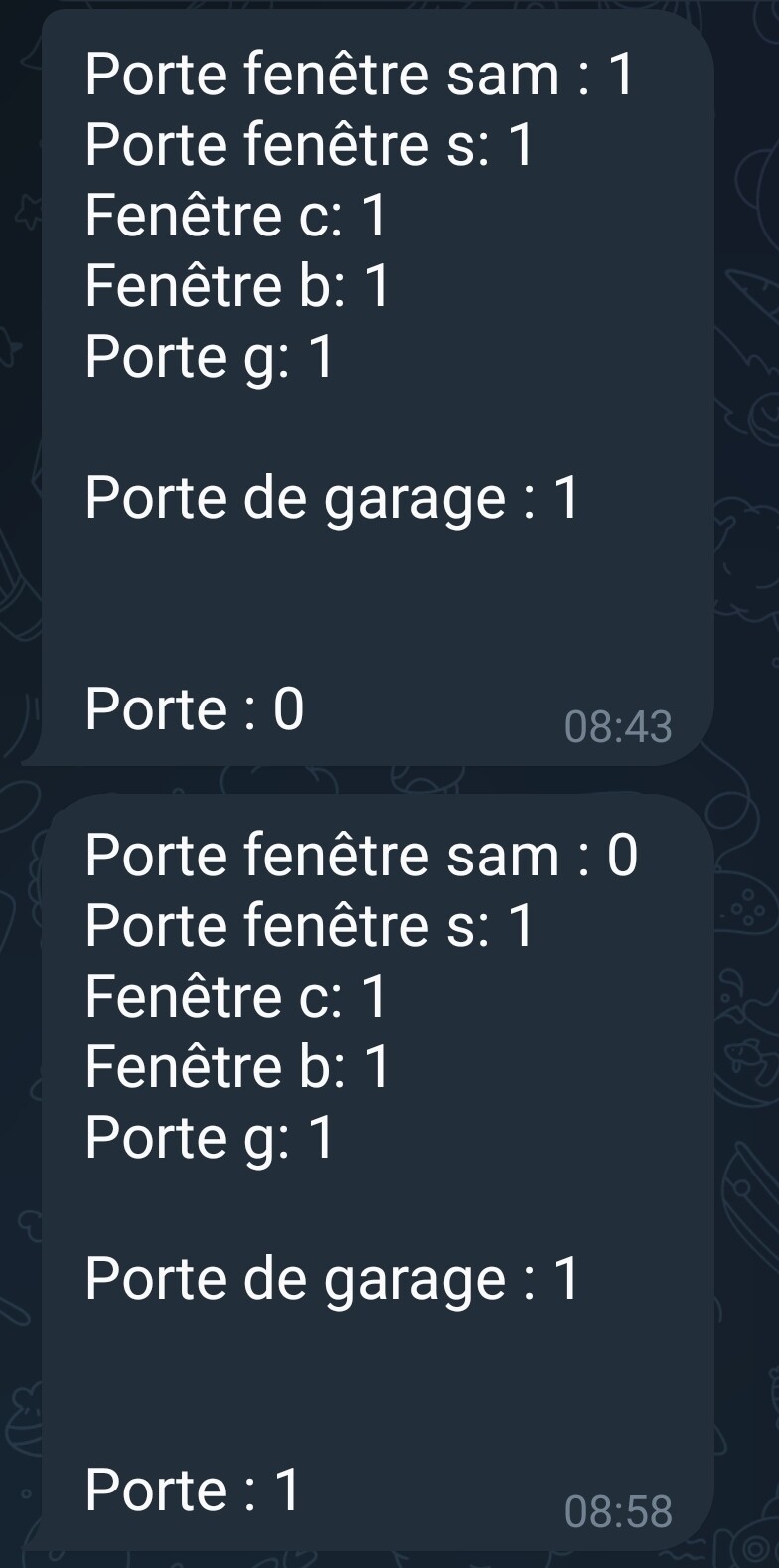
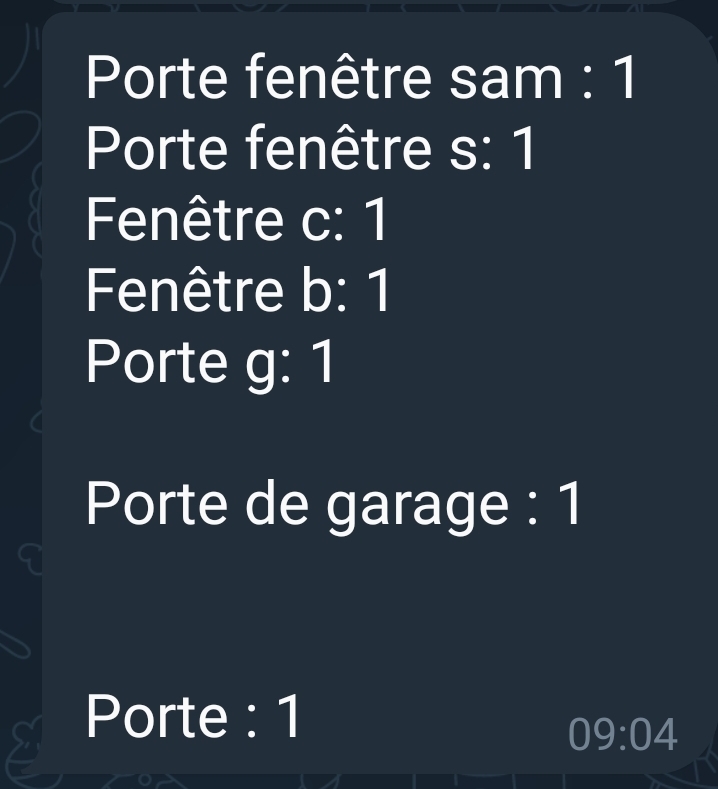
It’s entirely possible, but in that case why does Gladys return 1 to me in the message ?
It’s not logical — or did we have a change 1->0 0->1 so quickly that it triggered Gladys and by the time Gladys picked up the info we received it as 1?
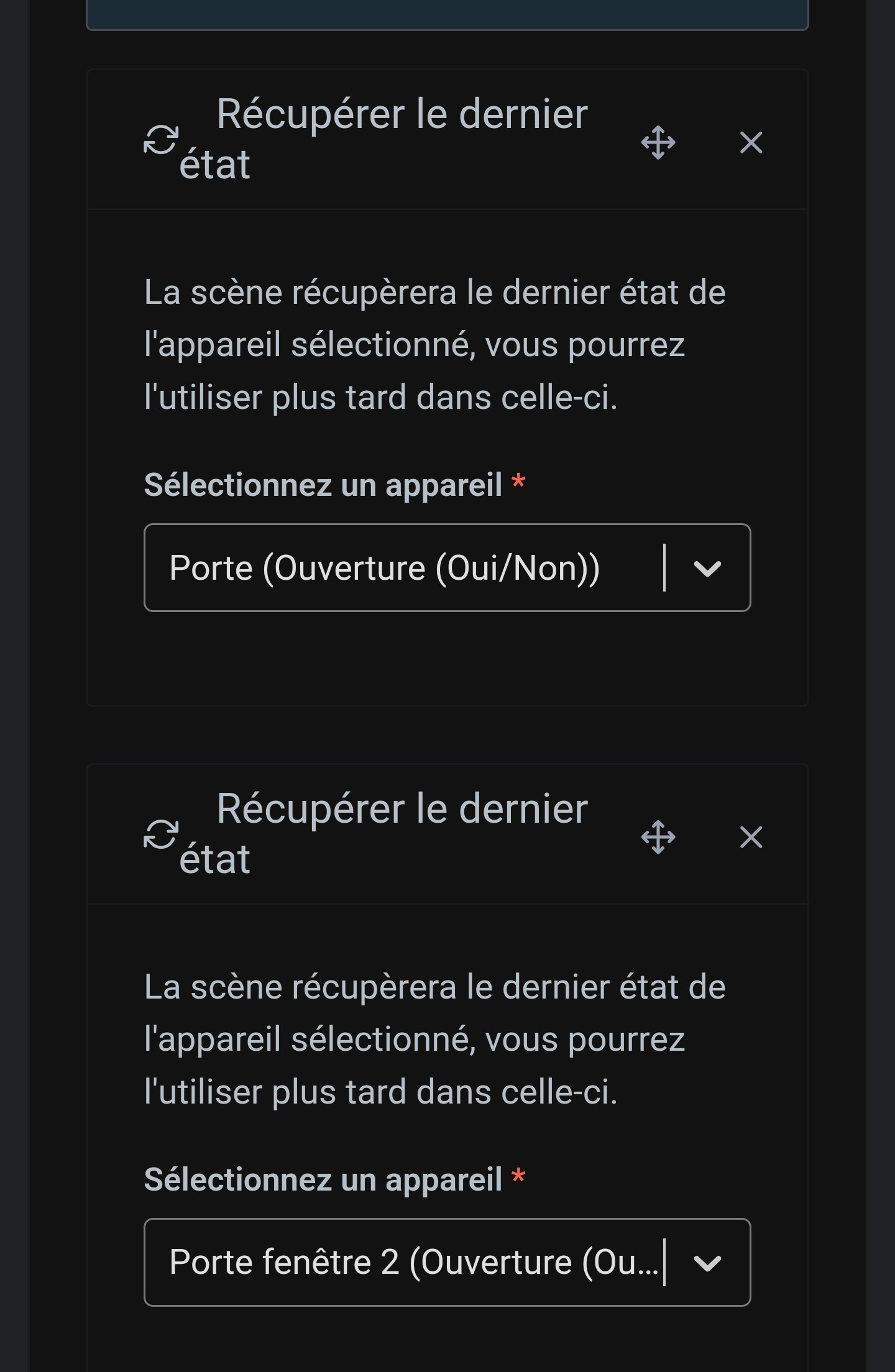
Would that call into question the functioning of the action « retrieve the last value », right?
Yes, and so that calls into question the action « retrieve the last value »
You would need to retrieve the value at the moment of the trigger in this case, and that could be done at the same time as the request we’re also discussing:
If you want to make sure, you can always create an inverse scene (if the door-open sensor is closed) to receive an opposite message, but I’d be very surprised…
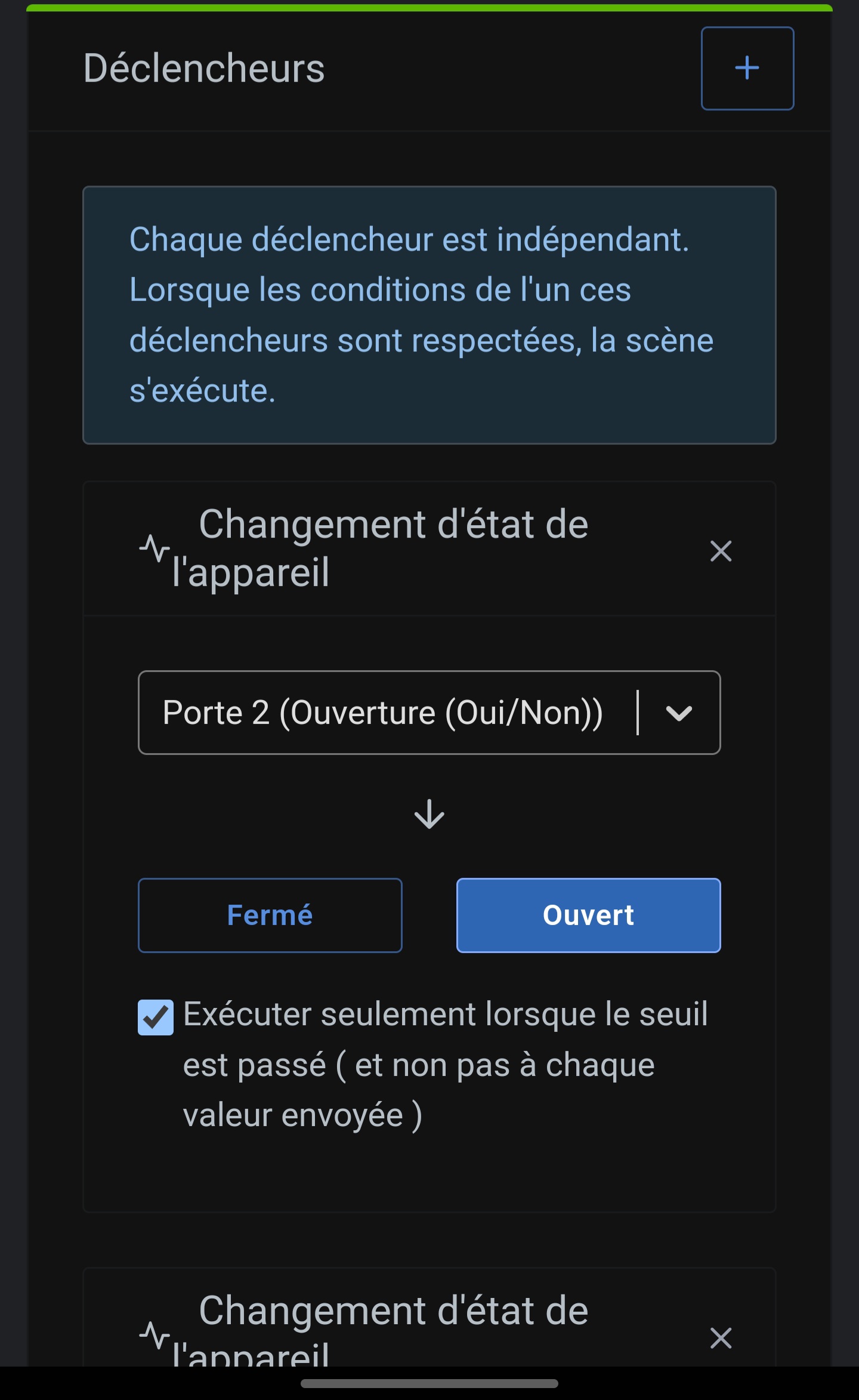
It may seem tedious, but you could, alongside your main scene, recreate a separate scene for each opening with a specific message at the moment the state changes, to see which sensor your « false » alerts coincide with (or if they coincide with none). That might help guide your investigation.
 Or someone nearby is doing a scan…
 ?
?